@Platsch You need to read our rules about double posting ... this goes way beyond double posting, and into the blog territory! Only post one post, and if you've got something else to add, edit your previous post. Don't post underneath yourself here.
Does anyone know of a good tutorial of how to the make the file, itself?
I'd love to use this script but I don't know how to make the fog image, yet.
The fog image is just a image that repeat itself continously if placed side by side, you can look for example at the parallax 'DarkSpace' that has this behavior.
Creating fogs from scratch would require you to know advanced image editing, so i belive it's not something you can learn just from tutorials.
So i belive you would have better luck asking for fog graphics at the resource request.
it works now with the new Fog and Overlay update 1.07 . No wiggle or shake on the map with overlay by diagonally movement. and the battles works fine with fogs.
thank you
my only problem is the plugin SkipBattleLog 1.04. when i activate SkipBattleLog and start a sideview battle, all my actors and all enemies attacks twice.
when i deactivate SkipBattleLog, then everything OK .
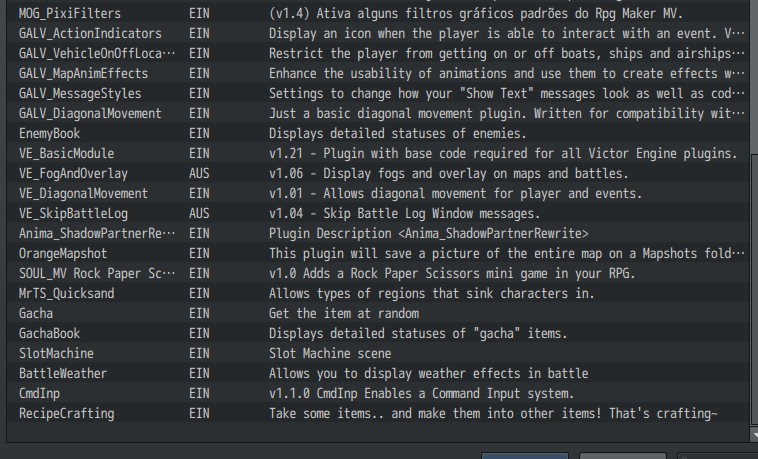
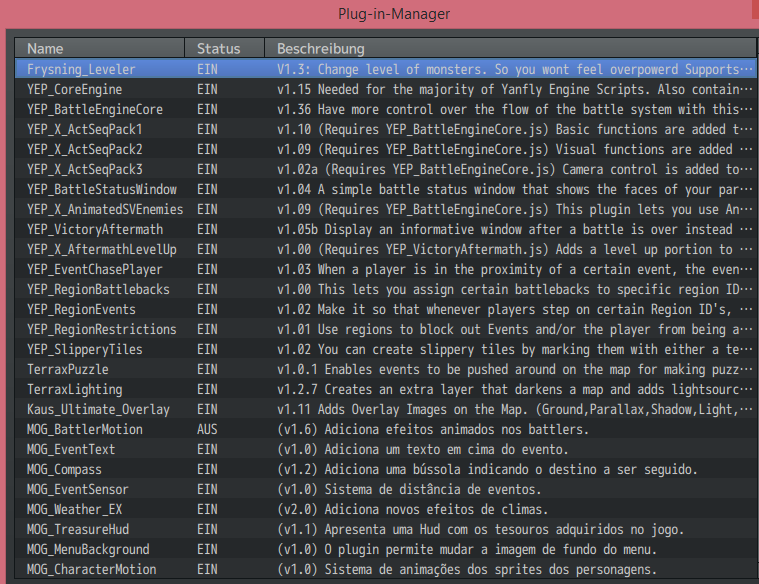
Don't use the skip battlelog with Yanfly engine. The Yanfly engine already includes the same functions as the Skip Battle Log, so use the Yanfly engine options for that.
i can not blend out the "attack symbol" on the screen when attack.
nevertheless thanks for your help
I belive that Yanfly Engine has options for anything that the Skip Battle Log can do, they may not be enabled by default, but they are somewhere there.
I was having some problems with this script where leaving a map that had parallaxes and returning back to it would sometimes cause the parallax layers to 'shuffle' - they would appear stacked in the wrong order. Updating from 1.05 to 1.07 seems to have fixed it though. Just wanted to tell you thanks for the amazing work you do for the community, it is very much appreciated!
Buut I think Im doing something wrong:
I did a layer of effects and called it “churcheffects.png” (screenshotted the map and created it with gimp) so the plugin that I wrote is
FogEffect 2 churcheffects 220 0 0 1
But its not the same size as the map and doesnt stick to it, it kinda follows the character, also even if I change the hue and opacity options it stills shows very fade and green, is there a way to fix this?
Thanks in advance ^^
So I am having trouble getting this to work like your video shows in battles. I can get my fog in battle no problem, but when I set the depth to affect battleback 2, it still affects the whole screen. Heres what I got.
I downloaded and added to my plugins the VE_Basic Module and VE_FogAndOverlay. Playtesting worked fine but when I deploy for Mac and try opening the game, as soon as I enter an area with fog i get the following message, . How do I resolve this?
I downloaded and added to my plugins the VE_Basic Module and VE_FogAndOverlay. Playtesting worked fine but when I deploy for Mac and try opening the game, as soon as I enter an area with fog i get the following message, . How do I resolve this?
When deploying, did you mark the option to clear unused files? The fog files aren't recognized by the maker, then it removes them during the deployment process.
When deploying, did you mark the option to clear unused files? The fog files aren't recognized by the maker, then it removes them during the deployment process.
Is there a way to keep them and unclear the rest? Without picking through each file?
Would fix a picture on the map, but will not ... the image is doubled.
otherwise the script is good.
could you make a simple script that fixes an image? It is also in the right place and the correct size keeps. :cutesmile: