Just want to say thank you for making such an amazing plugin. I didn't expect to make my dream game without leaving RPG Maker.
Ultra Mode 7 [RMMV & RMMZ]
● ARCHIVED · READ-ONLY
-
-
I'm having the same problem, seems to be an incompatibility issue with the Visustella Core Engine. But I don't understand how someone else was saying the Ultra Mode 7 plugin needs to be placed above the EventsMoveCore plugin... Because for me, the order doesn't matter -- if I'm using the Core Engine, even with absolutely zero other plugins, the Mode 7 simply won't work without tearing the screen apart. I've been waiting for a solution for years now but still haven't seen one, so I simply can't use this plugin.View attachment 339308
The MZ version is doing this bug. Why
I only decided to look into this again after seeing a new plugin based on FFVI's Mode 7 airship Overworld, but it looks like this thread is pretty dead. -
The MZ version is doing this bug. Why?You both need to read previous posts. I don't remember where but I and a few others talked with bblizzard and he provided a solution. Might be on page 49 or something. So you need to look back a fair ways.I'm having the same problem, seems to be an incompatibility issue with the Visustella Core Engine. But I don't understand how someone else was saying the Ultra Mode 7 plugin needs to be placed above the EventsMoveCore plugin... Because for me, the order doesn't matter -- if I'm using the Core Engine, even with absolutely zero other plugins, the Mode 7 simply won't work without tearing the screen apart. I've been waiting for a solution for years now but still haven't seen one, so I simply can't use this plugin.
I only decided to look into this again after seeing a new plugin based on FFVI's Mode 7 airship Overworld, but it looks like this thread is pretty dead. -
You both need to read previous posts. I don't remember where but I and a few others talked with bblizzard and he provided a solution. Might be on page 49 or something. So you need to look back a fair ways.
Thanks a bunch! I was about to say that they actually claimed they can't do anything about it because it's a "bug" in the Visustella code, but then I found the supposed solution on page 56:
Took me a few tries to figure out how to format that correctly to use as a .js plugin, but now it's FINALLY working! :D Now to just keep praying that it doesn't cause an unexpected conflict with some other plugin down the line...Put this code as a plugin right below VisuMZ Core (but above UM7):
Code:
Tilemap.Renderer.prototype._createInternalTextures = function() {
this._destroyInternalTextures();
for (let i = 0; i < Tilemap.Layer.MAX_GL_TEXTURES; i++) {
const baseTexture = new PIXI.BaseRenderTexture();
baseTexture.resize(2048, 2048);
baseTexture.scaleMode = PIXI.SCALE_MODES.NEAREST;
this._internalTextures.push(baseTexture);
}
};
Full credit goes to the MZ team! This is DEFAULT MZ CODE! By using this code as a plugin, you are simply undoing the damage / bug that VisuMZ Core did.
-
Hi @Synchromystic ,I'm having the same problem, seems to be an incompatibility issue with the Visustella Core Engine. But I don't understand how someone else was saying the Ultra Mode 7 plugin needs to be placed above the EventsMoveCore plugin... Because for me, the order doesn't matter -- if I'm using the Core Engine, even with absolutely zero other plugins, the Mode 7 simply won't work without tearing the screen apart. I've been waiting for a solution for years now but still haven't seen one, so I simply can't use this plugin.
I only decided to look into this again after seeing a new plugin based on FFVI's Mode 7 airship Overworld, but it looks like this thread is pretty dead.
you have a link to this plugin, I'm looking to do a similar effect but with Ultra Mode 7.
For the rotation, no worries (I've posted a short video on this thread), but it's in the management of the airship's advance that it's not possible without another plugin to add because I'm limited to moving by tiles, so in 8 directions and not 360° freely.
For the time being, I've simplified my system: instead of making a free 360° rotation to the nearest degree, the rotation is notched at 45° to turn in all 8 directions. -
Hi @Synchromystic ,
you have a link to this plugin, I'm looking to do a similar effect but with Ultra Mode 7.
Here's the link -- it's on Itch.io from Maui Game Studio, and totally free. I haven't tested it out yet, but apparently it actually requires the Ultra Mode 7 plugin:
FF6 Style Airship for RPG Maker MZ
-
I'm trying to do something more like FF4 with the air ship.
I just wanna adjust the Camera and pitch but keep the same movement.
I thought i could do it with events, but so far i've been unsuccessful. -
Do you use the vizustella MZ plugin, which is a bit like Yanfly_UtilityCommonEvent on MV?I'm trying to do something more like FF4 with the air ship.
I just wanna adjust the Camera and pitch but keep the same movement.
I thought i could do it with events, but so far i've been unsuccessful.
It's a plugin that automatically triggers a common event when you enter and exit the airship, but I can't remember the name.
It's not mandatory, but whether you have it or not will change how we proceed.
If you are not using it:
1) In your WorldMap properties, in note, paste:
Code:<UltraMode7_Pitch:0>
2) On the WorldMap,
create an event that runs in parallel and configure it as follows:
Code:◆Wait: 2 frames ◆If: Airship is used ◆If: airship_on is OFF ◆Script: UltraMode7.animatePitch(UltraMode7.getPitch() + 50, 60) ◆Script: UltraMode7.animateCameraY(UltraMode7.getCameraY() + 300, 60) ◆Script: UltraMode7.animateCameraDistance(UltraMode7.getCameraDistance() + 50, 60) ◆Wait: 60 frames ◆Switch control: #0161 airship_on = ON ◆ : End ◆ : Else ◆If: airship_on is ON ◆Script: UltraMode7.animatePitch(UltraMode7.getPitch() - 50, 60) ◆Script: UltraMode7.animateCameraY(UltraMode7.getCameraY() - 300, 60) ◆Script: UltraMode7.animateCameraDistance(UltraMode7.getCameraDistance() - 50, 60) ◆Wait: 60 frames ◆Switch control: #0161 airship_on = OFF ◆ : End ◆ : End
The camera should tilt during takeoff and return to its initial state after landing. -
Worked like a charm.
I'm not sure what i was doing wrong.. i think it was the wait.. and it kept going lol -
Hi there. Been fiddling with the plugin parameters to try to address this but haven't hit upon a solution yet.
Is there a way to prevent sprites from floating above the horizon? (See example below with a shark sprite.) Trying to make it so sprites disappear when they hit the horizon. Changing the FADE_Z and CLIP_Z settings don't seem to impact it.
Thanks in advance for any suggestions (or patience if I'm missing something painfully obvious).
-
The asset was made for top-down perspective, so the shark's tail will always be on the head.
The fact is that the graphic has a larger footer, but you can adjust it with the native option since version 2.0.5, look forCHARACTERS_SHIFT_Y -
Thank you for the reply! I think you're right that it must have to do with the extra space in the shark sprite sheet, since it doesn't appear to be an issue with other sprites rooted to the bottom of their cell on the sprite sheet, and since messing with the CHARACTERS_SHIFT_Y parameter only seemed to move the player character's position on the map and didn't impact when sprites disappeared on the horizon.The asset was made for top-down perspective, so the shark's tail will always be on the head.
The fact is that the graphic has a larger footer, but you can adjust it with the native option since version 2.0.5, look forCHARACTERS_SHIFT_Y -
I believe that the character size is too big compared to the standard tile size, which is normally 48x48. In fact, the shark on the side of the ship will look more like a prehistoric monster or a creature from Greek mythology.
Edited:
@WikiAdam
I did some testing and realized that the only way to make this work smoothly would be to have the option to draw the character on the map, directly overlay WebGL/Canvas data via the native putImageData function.
But I don't understand the Ultra Mode 7 API well enough to create a change for this, but it works like this:
Rereference:
CanvasRenderingContext2D: putImageData() method - Web APIs | MDN -
I believe that the character size is too big compared to the standard tile size, which is normally 48x48. In fact, the shark on the side of the ship will look more like a prehistoric monster or a creature from Greek mythology.
Edited:
@WikiAdam
I did some testing and realized that the only way to make this work smoothly would be to have the option to draw the character on the map, directly overlay WebGL/Canvas data via the native putImageData function.
But I don't understand the Ultra Mode 7 API well enough to create a change for this, but it works like this:
View attachment 348292
Rereference:
CanvasRenderingContext2D: putImageData() method - Web APIs | MDN
I decided to ditch the full-shark silhouette and just use the fin exposed above water, since that fits within a 32x32 pixel frame and can be rooted to the bottom of the sprite frame at all angles, but if you find a solution that prevents larger, irragular sprites from floating above the horizon, I'm all ears!
This isn't the first issue I've run up against with UltraMode7. I really like the sense of a larger world this plugin creates, but I need to weigh that against usability. -
The method exists, I tested it, the problem is to do the calculation and change the Plugin so that the game developer can define with notetag which CHARACTERS will be drawn on the ground since these must be drawn in another verification routine
-
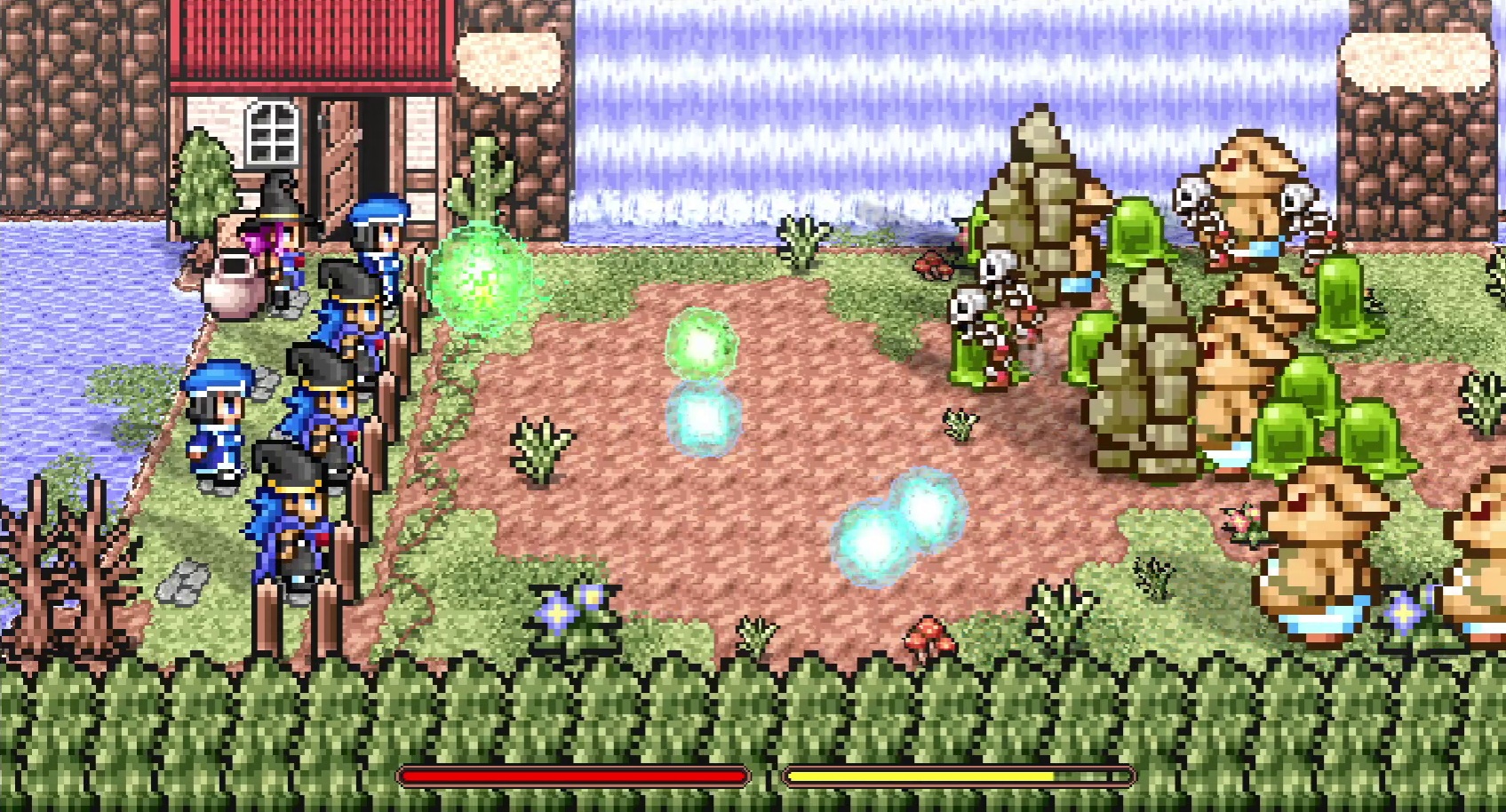
Wanted to come here and say a HUGE thanks to you Blizzard, your plugin helped me create my brain baby.
I was looking to share a steam code for it with you as thanks- if you would like one please email me! [ferfworks@gmail.com]
Here's a link to the game's trailer if you're curious.
Thanks again, the plugin was wonderful.
-
some very impressive results there
-
Does yanfly's MZ doodad plugin not work with the MZ Version of this plugin? I saw everywhere that people were using doodads to keep the event amount down, so I went ahead and bought it and it's not working. The items move at a different rate and don't conform to the perspective. Am I doing something wrong?
-
Not with yanfly in mz I think, but with visustellaDoes yanfly's MZ doodad plugin not work with the MZ Version of this plugin? I saw everywhere that people were using doodads to keep the event amount down, so I went ahead and bought it and it's not working. The items move at a different rate and don't conform to the perspective. Am I doing something wrong?
-
Sorry, that is what I meant. But also aren't they the same for MZ? I'm using this one.Not with yanfly in mz I think, but with visustella