@AdamSakuru Yeah, "white" is just a variable name. It could have been anything. xD
@agoaj It just use the same world matrix I use in the shader to project the origin point / pivot of the sprite on the screen. The scale is faked / manually adjusted and doesn't really reflect the scaling of the 3D world. I did that actually on purpose to keep that fake 3D Mode 7 look.
Ultra Mode 7 [RMMV & RMMZ]
● ARCHIVED · READ-ONLY
-
-
Hey, i have a question about performance,i've run into a bit of an issue that i can't figure out no matter what i try;
Here's my issue, it's kinda in depth and i'm providing screenshotsso my problem is with lag on certain maps, but the order of lag makes no sense to me.
example map 1:
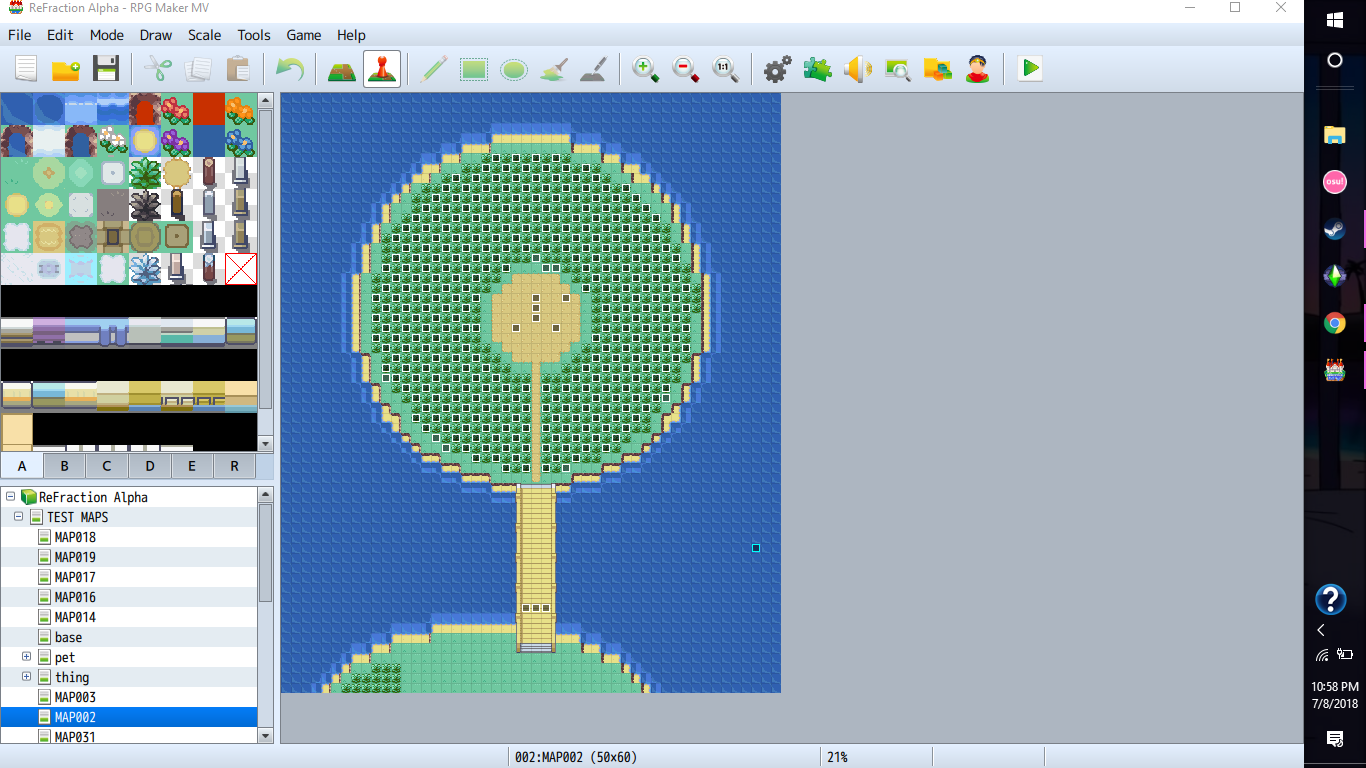
This map has about 380-410 events a on it, below is how it runs.
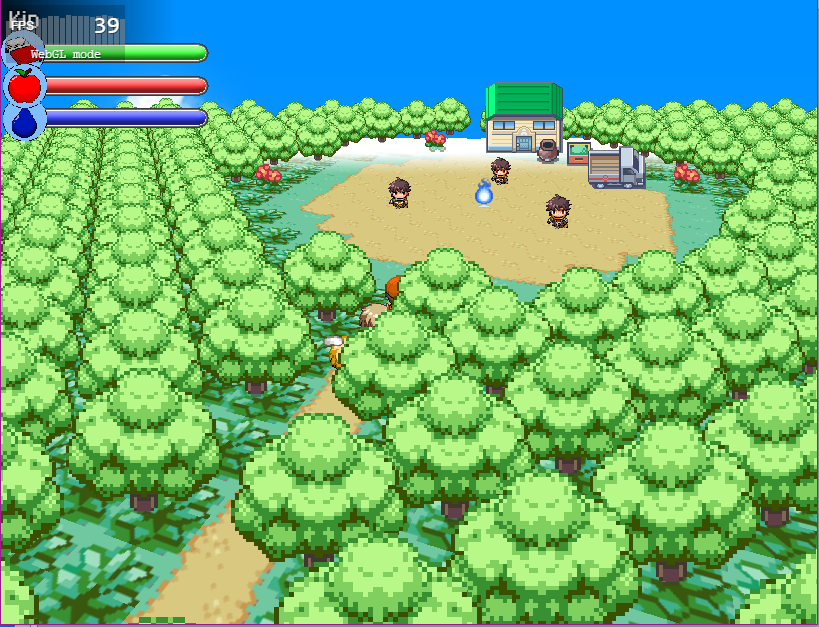
it averaged around 40-50fps and ran at 39fps at worst.
Example map 2:
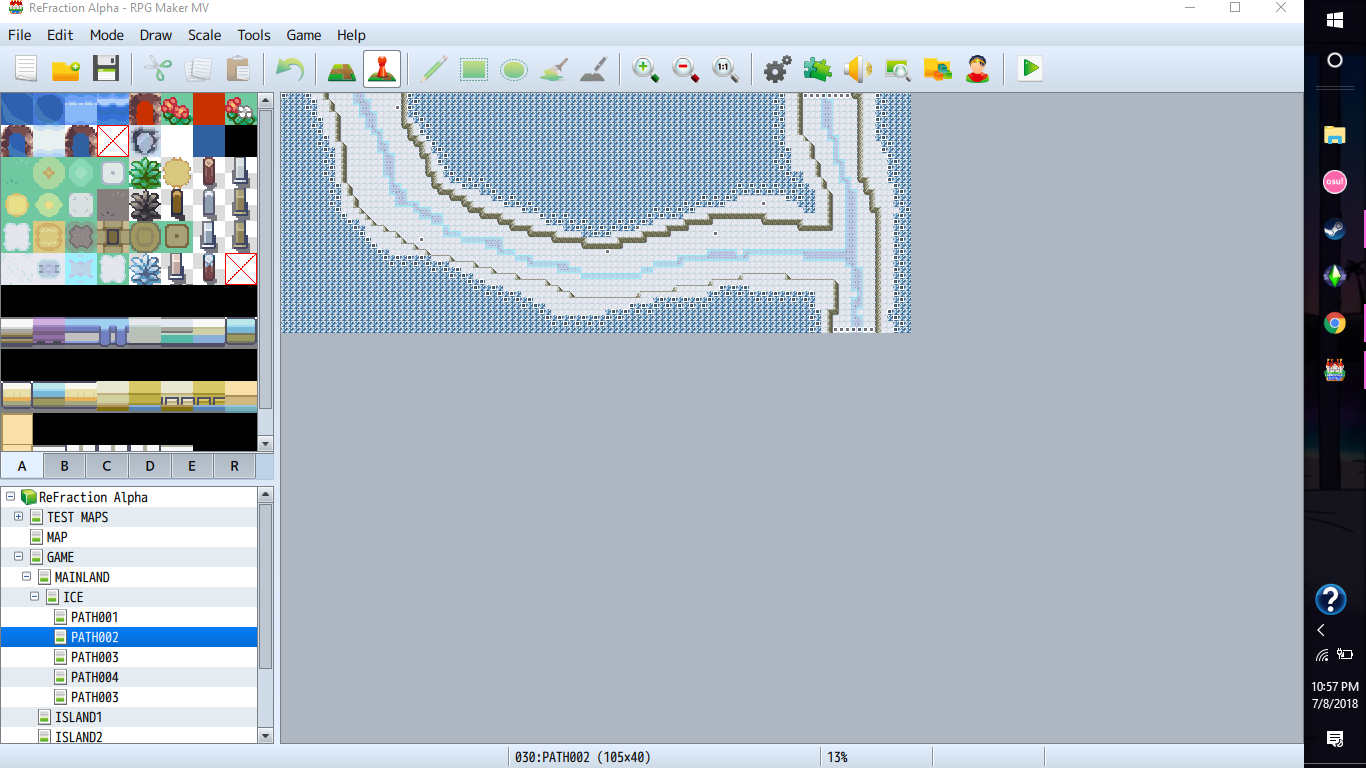
This map had around 250 events, and as shown below had a weather effect.
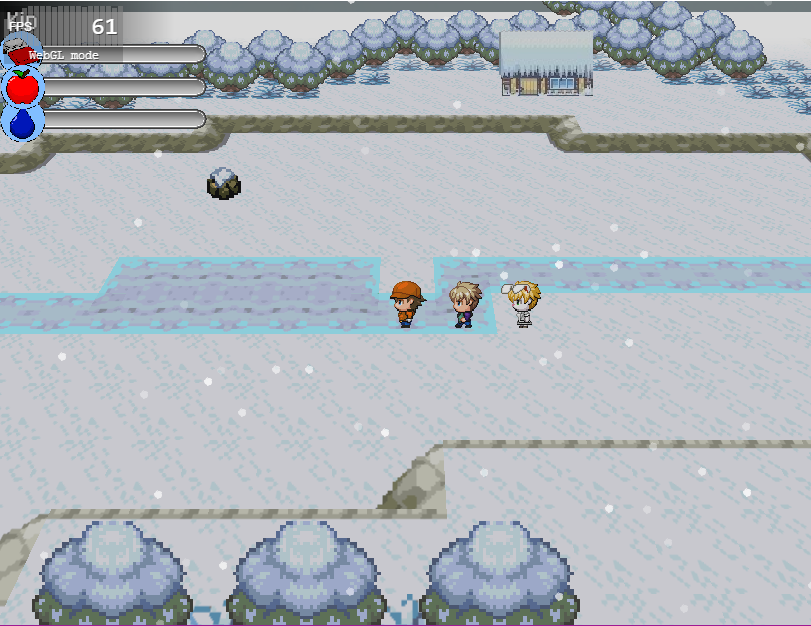
it ran at an average of 50-60fps, getting around 30-40 at the very worst.
Example map 3
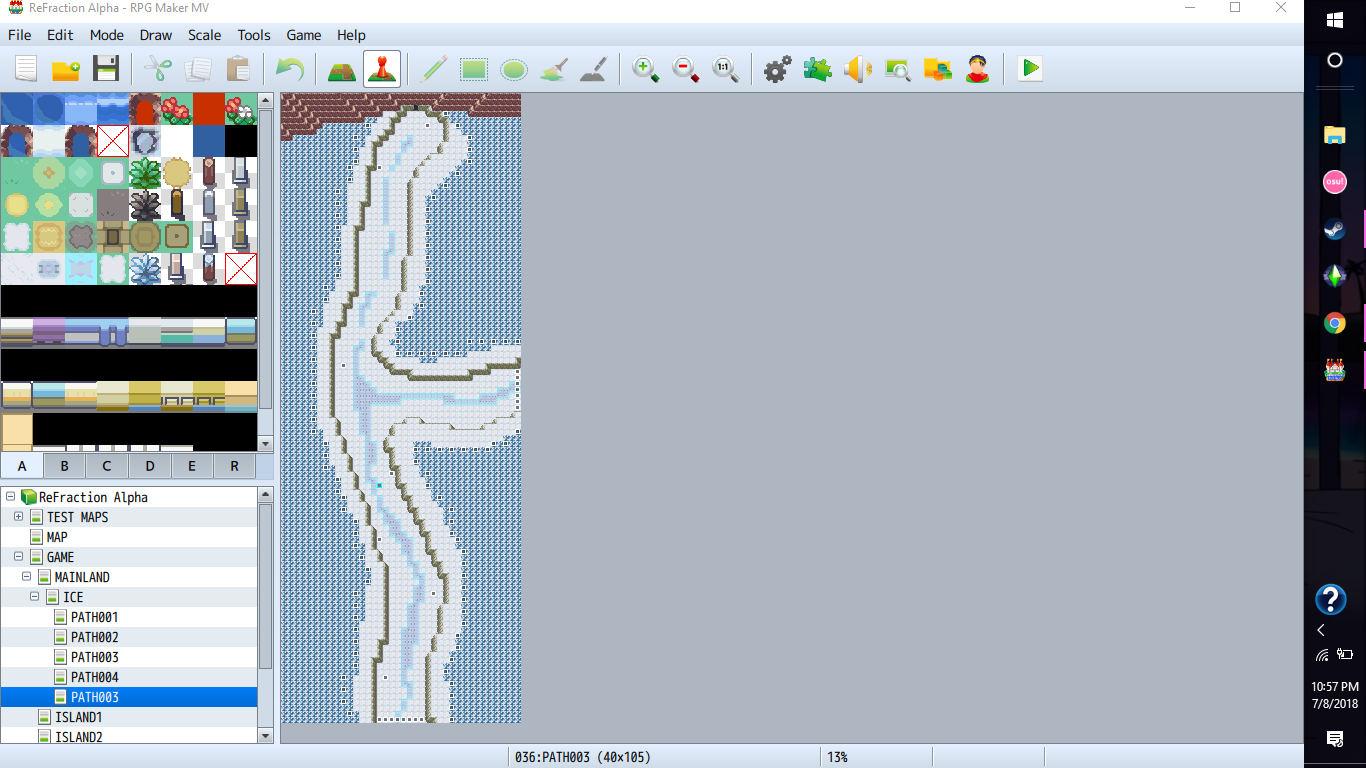
this map has around 270 events on it (as a general thing to mention the events are pretty much just all trees standing still.)
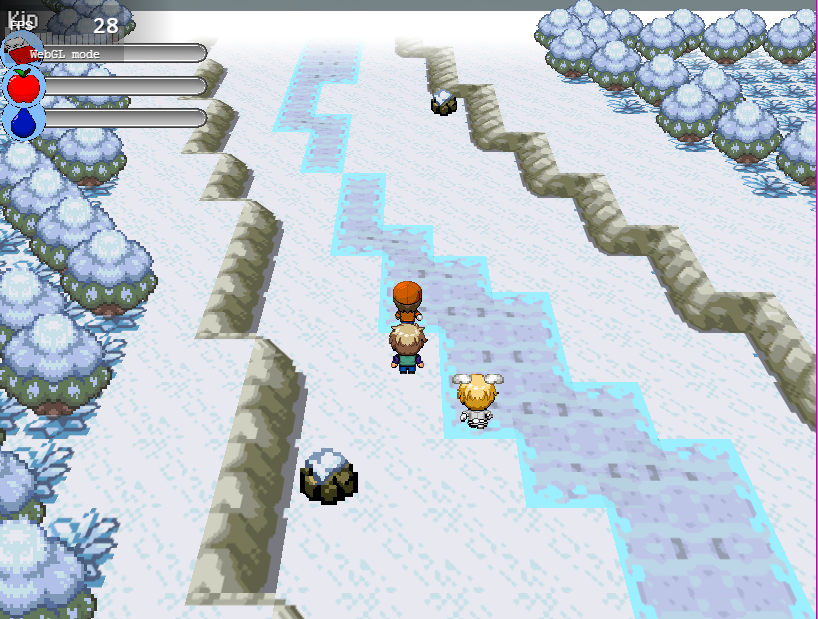
this one, it ran at anywhere from 15-40fps depending on where you were. it gets around 5fps at the worst.
im just wondering if you had any suggestions, and if you knew any ways to deal with the low frame-rate, and it doesn't seem that decreasing the amount of events is working at all, i've tried it. -
@Poppie360 This is extremely weird. o_O One would expect consistent lag in certain cases. Is there any other script that could impact this? Have you tried these maps without Mode 7?
-
the map is lag free once i ran it without the plugin, i have also tried turning off all other plugins, but that didn't do anything.@Poppie360 This is extremely weird. o_O One would expect consistent lag in certain cases. Is there any other script that could impact this? Have you tried these maps without Mode 7?
also, yeah, one would expect there to be a consistent amount of lag. the only thing i could think of: is it the dimensions of the map?
Here are some more in depth screenshots.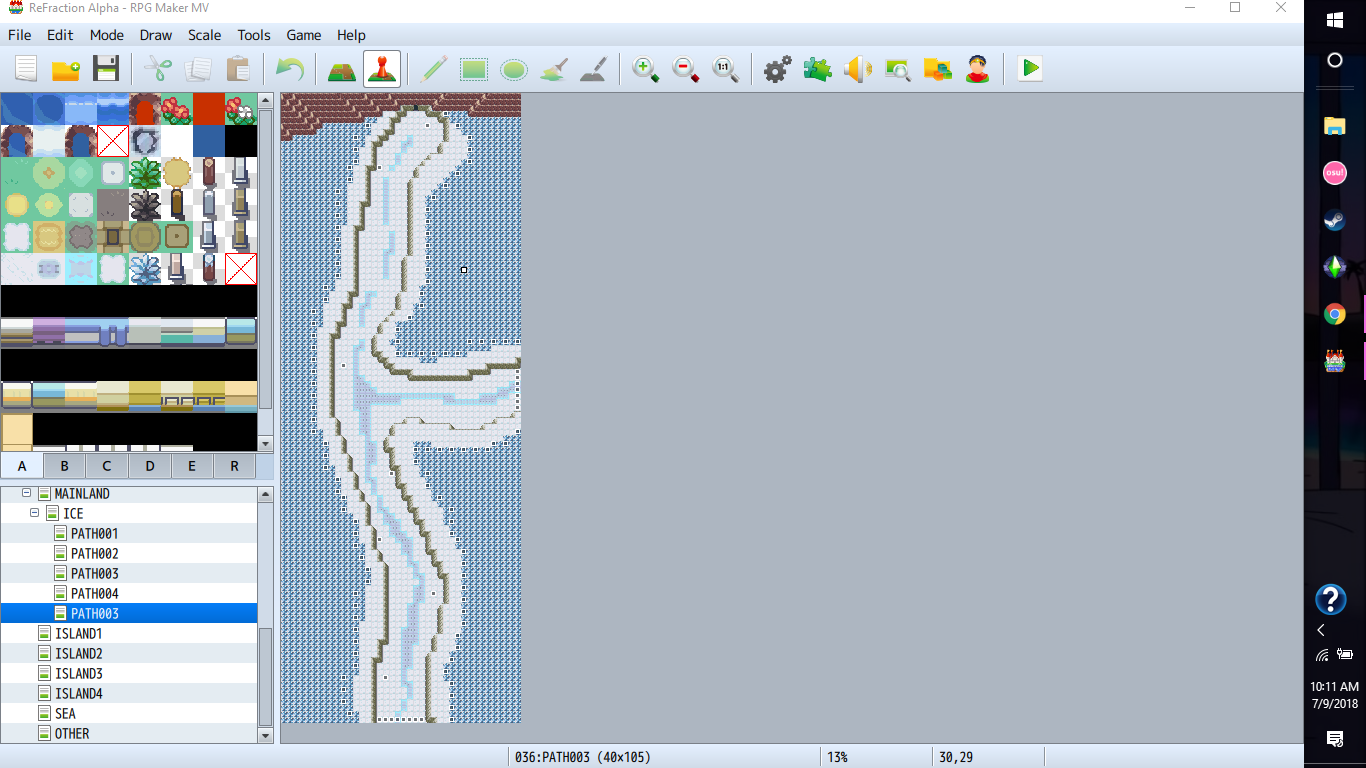
i took map number three and removed a good amount of the events, there are only 150 here.
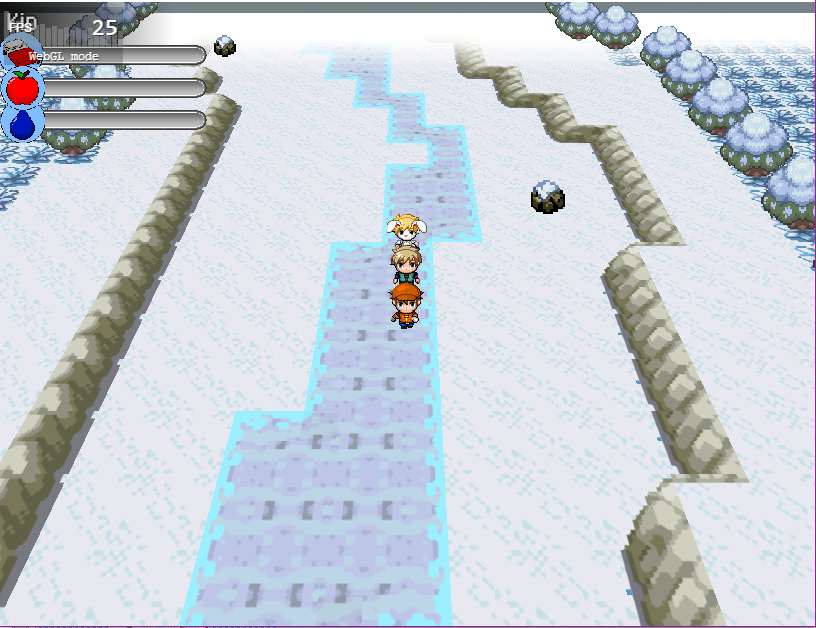
no boost in performance at all, it was still lagging a decent amount.
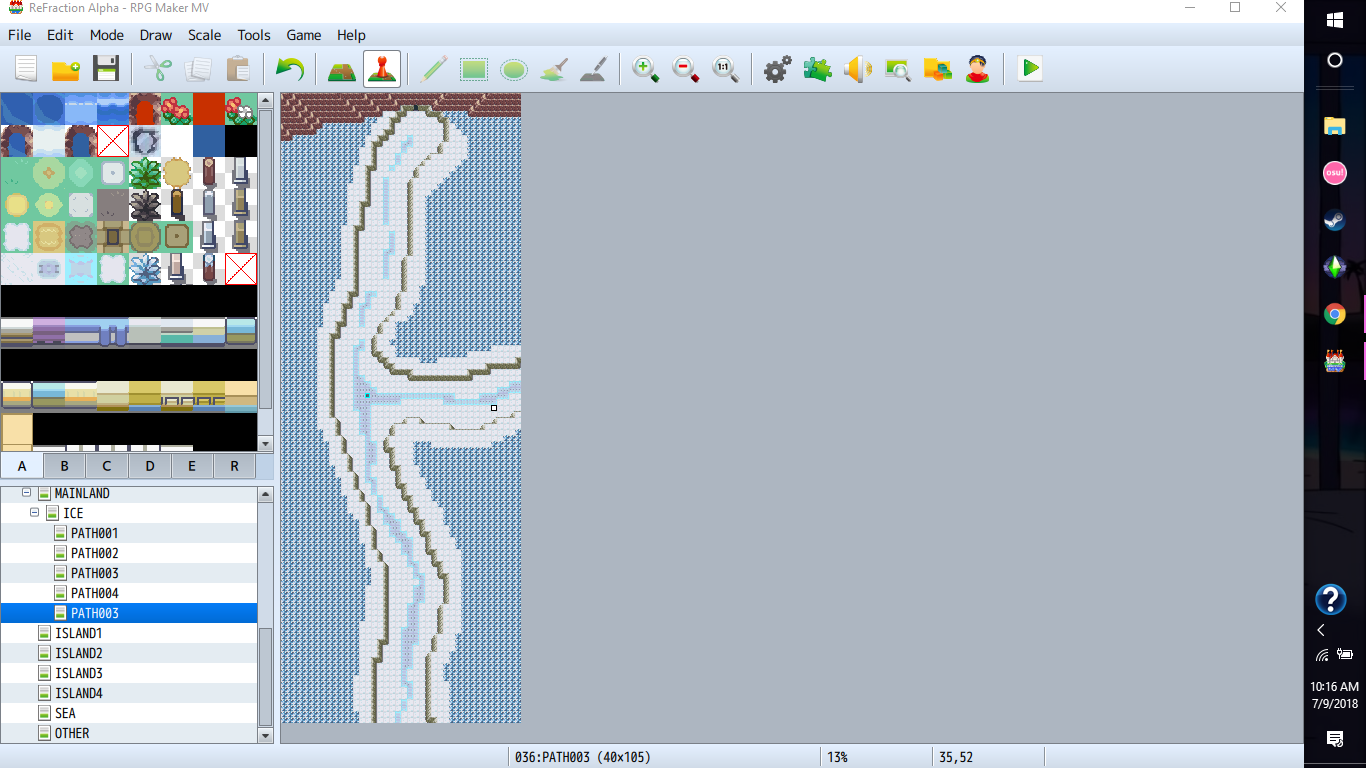
so then, i just removed all the events to see if it was actually the events causing the problem or not.
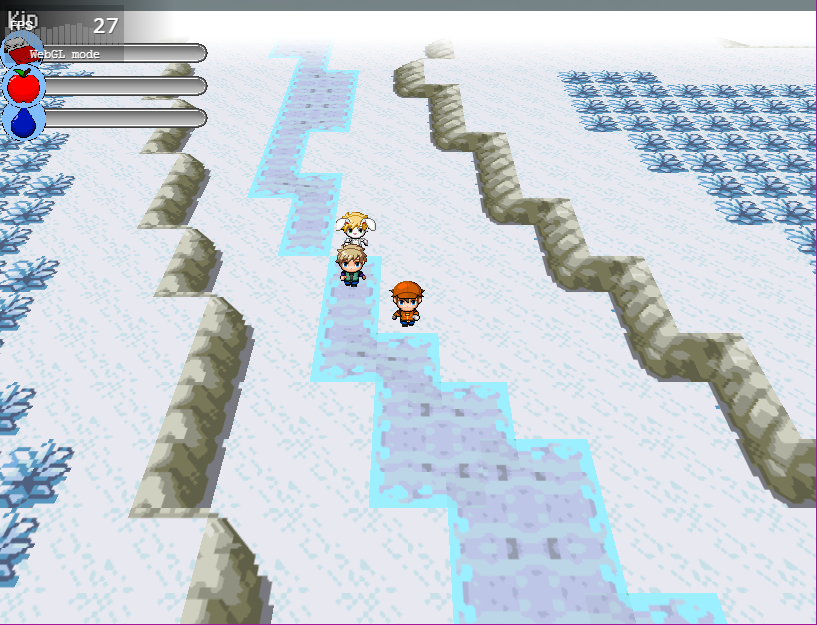
no improvement came from doing that.
i haven't taken any looks at the actual code (and im not any expert on coding so i wouldn't be able to fix the problem most likely or be able to identify it.) so i have no idea on what may be causing this. i can guess that if it isn't the events having any effect on the framerate at all it must be the actual map itself.
edit: i have also noticed that when messing around with various solutions, that when you change the resolution of the game the events stay were they are. i just remembered that and wanted to mention it becuase i found it strange. -
It's probably that, have a look on the previous pages where we talked about it. Bblizzard said he will improve the plugin later. :)the only thing i could think of: is it the dimensions of the map?
But if you want to make sure, why don't you try a 40x40 map for example? Don't worry about the amount of events, MV is super great with them, mode7 or not.
Out of curiosity, what are your computer specs?
Your screenshots look cool, this GBA Pokemon-style suits the Mode7 style pretty well. -
thanks on the screenshot compliments, im using them in the game i've been making for a year. umm, a 50x60 map works just fine, it seems that anything round 100 or so starts to make it lag from all of what i've tested. i'll try it to see how it works.It's probably that, have a look on the previous pages where we talked about it. Bblizzard said he will improve the plugin later. :)
But if you want to make sure, why don't you try a 40x40 map for example? Don't worry about the amount of events, MV is super great with them, mode7 or not.
Out of curiosity, what are your computer specs?
Your screenshots look cool, this GBA Pokemon-style suits the Mode7 style pretty well.
screen shots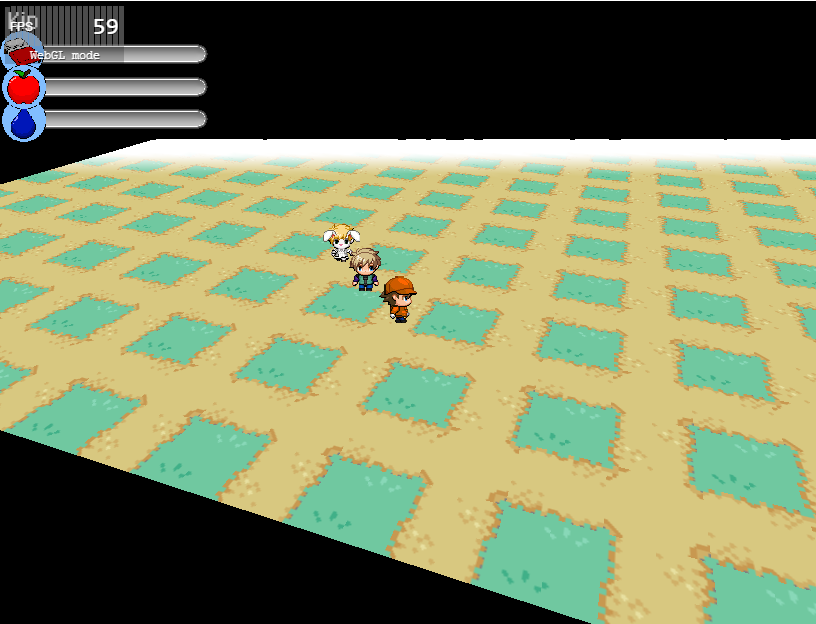
25x25 ran pretty much flawlessly
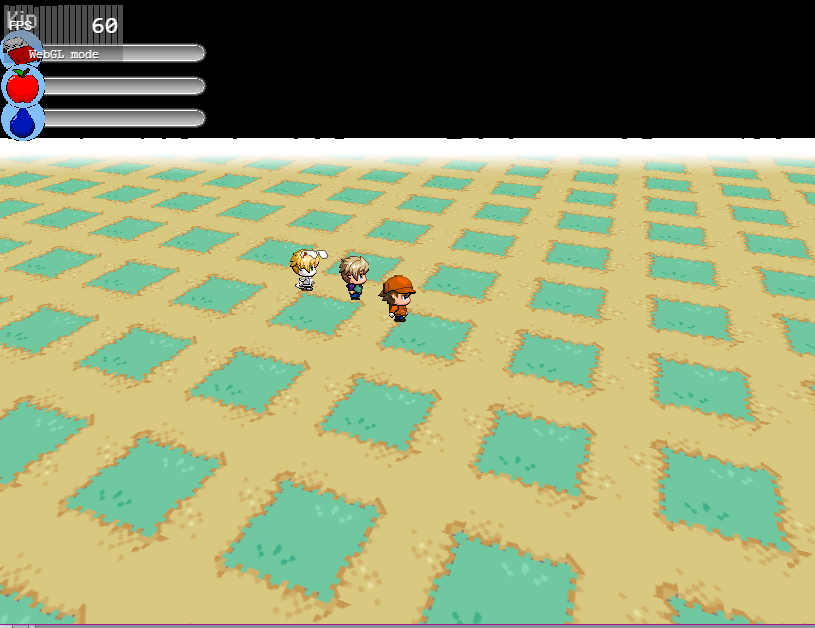
50x50 ran just the same as the previous one.
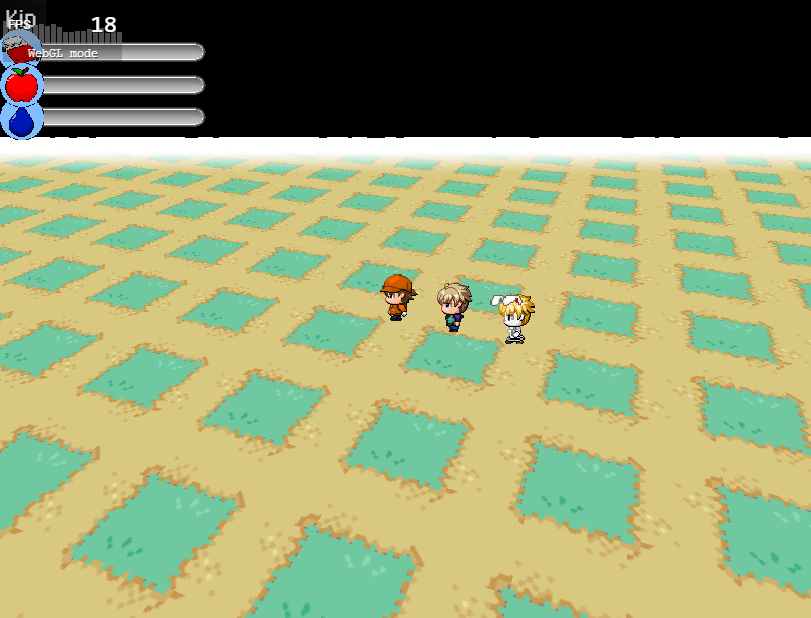
75x75 the map was horribly lagged.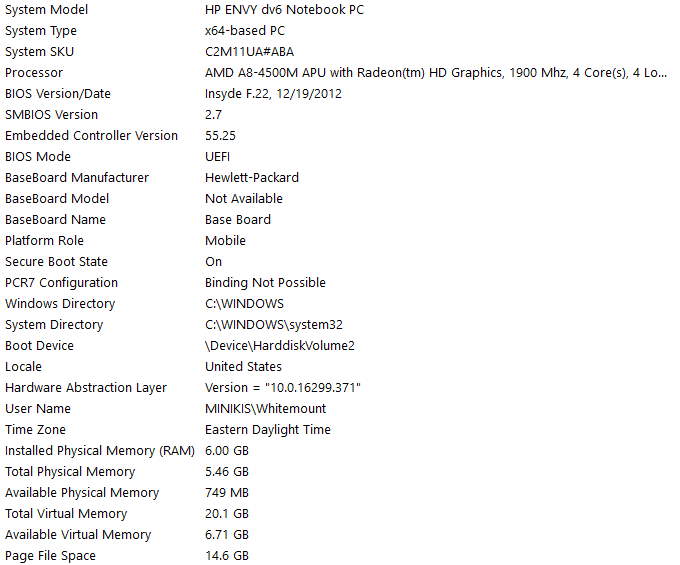
here are my system specs -
Changing the pitch in settings doesn't seem to work( at least not in the demo, even download the last version of the plugin and replacing it)
-
pitch settings? are you setting it up in the map notebox? it should be like this:Changing the pitch in settings doesn't seem to work( at least not in the demo, even download the last version of the plugin and replacing it)
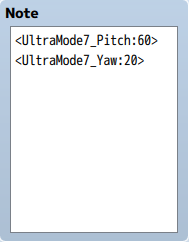
i had the yaw set up, but you need to put that into the notebox of your map. -
Uhm... Ok yea I forgot that.
But still, placed it in my game (which I thought wouldn't work, generate lots of bugs and not even run, because I've Khas lighting some custom particles), changed the map config as you said and well... no erros what so ever, but also didn't change anything.
https://i71.servimg.com/u/f71/15/27/47/75/sem_tz10.png
(I've something like... 50 plugins?)
EDIT: oh wow, it works on the background map I use to make the menu look better, but not on other maps -
khas lighting won't work with the mode 7, try the terrax lighting system but as fair notice you'll have to copy one of the maps with lighting effects into the project with mode 7, dunno why. but that's the only way i could get it to workUhm... Ok yea I forgot that.
But still, placed it in my game (which I thought wouldn't work, generate lots of bugs and not even run, because I've Khas lighting some custom particles), changed the map config as you said and well... no erros what so ever, but also didn't change anything.
https://i71.servimg.com/u/f71/15/27/47/75/sem_tz10.png
(I've something like... 50 plugins?)
EDIT: oh wow, it works on the background map I use to make the menu look better, but not on other maps -
@Poppie360 Yeah, you're using an AMD APU as your GPU. It's expected that they have a limit where performance starts dropping, but I didn't expect it to drop this rapidly. In any case, this should be fixed or at least improved once I do all the optimizations that I have planned.
-
alright, that makes sense. although my pc isn't wimpy by any means in the fact that i can play a decent amount of complex games with little issue (although it seems weird what things lag it or not)@Poppie360 Yeah, you're using an AMD APU as your GPU. It's expected that they have a limit where performance starts dropping, but I didn't expect it to drop this rapidly. In any case, this should be fixed or at least improved once I do all the optimizations that I have planned.
-
@Poppie360 Doesn't matter how powerful the GPU, if the code wasn't written well, any GPU can start stuttering. :) So it's not your GPU's fault, it's my script's fault and I will change that.
-
well i think that's with any coding or anything, i've recently started to learn lua and javascript and i've started to learn how to make mods for a few different games. i must say debugging your own code is a task on its own, i think that you have gotten this far with the plugin is a great achievement on its own, i can't wait to see the scrip after you fix it.@Poppie360 Doesn't matter how powerful the GPU, if the code wasn't written well, any GPU can start stuttering. :) So it's not your GPU's fault, it's my script's fault and I will change that.
-
Yeah, I have to go deep into the script and restructure some internal workings to optimize it. xD Some shallow fixes aren't enough for that. xD
-
well im waiting with baited breath for it to come out, can't wait to see how you improve itYeah, I have to go deep into the script and restructure some internal workings to optimize it. xD Some shallow fixes aren't enough for that. xD
-
@bblizzard I'm sure you've probably already thought of this for optimization of your Ultra Mode7 plugin when it comes to larger maps, but is it possible to have things outside the camera/frame or field of view not process visually? The N64 game Pokemon Snap did this with objects that were outside of the frame so that the game wouldn't slow down processing things the player couldn't even see.
Edit: I think you'll really dig how I'm using your plugin in my project. I plan to get creative with it and use it for 1-2 other things than traditional map screens too. -
your using it for other things then maps too? im using it in the map based battle system im making.@bblizzard I'm sure you've probably already thought of this for optimization of your Ultra Mode7 plugin when it comes to larger maps, but is it possible to have things outside the camera/frame or field of view not process visually? The N64 game Pokemon Snap did this with objects that were outside of the frame so that the game wouldn't slow down processing things the player couldn't even see.
Edit: I think you'll really dig how I'm using your plugin in my project. I plan to get creative with it and use it for 1-2 other things than traditional map screens too. -
@bblizzard I'm sure you've probably already thought of this for optimization of your Ultra Mode7 plugin when it comes to larger maps, but is it possible to have things outside the camera/frame or field of view not process visually? The N64 game Pokemon Snap did this with objects that were outside of the frame so that the game wouldn't slow down processing things the player couldn't even see.
Edit: I think you'll really dig how I'm using your plugin in my project. I plan to get creative with it and use it for 1-2 other things than traditional map screens too.
Hardware actually does this on its own already and usually it's faster than handling it manually (GPUs handle this faster than CPUs). But I was planning to look into this and try some things of course. -
I would just like to thank you for this plugin. You're the best!