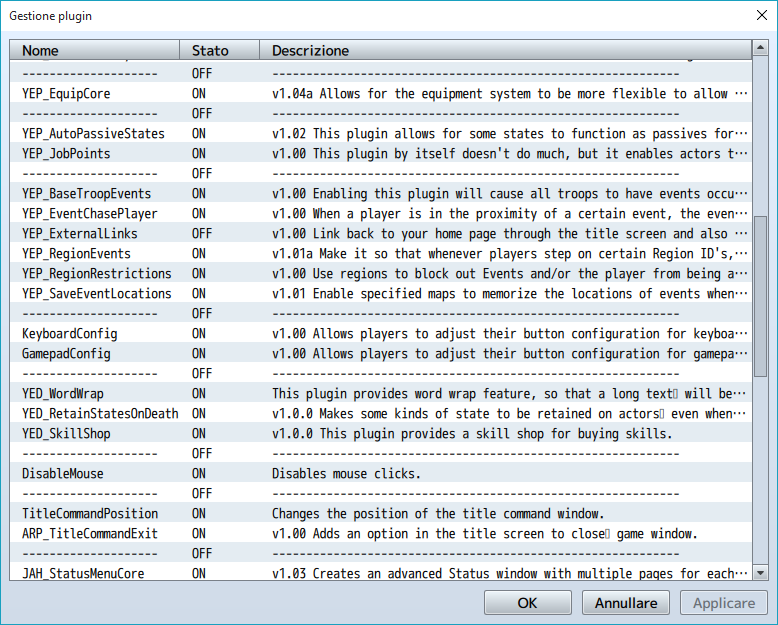
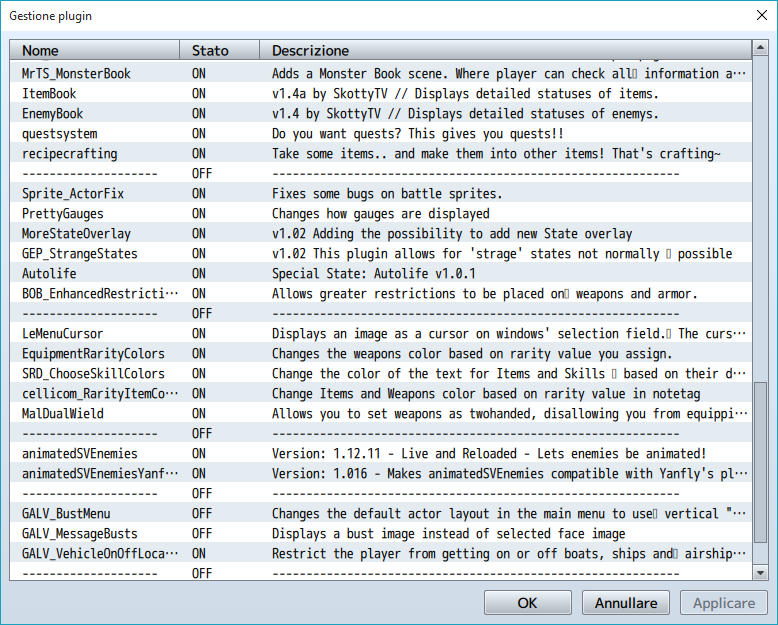
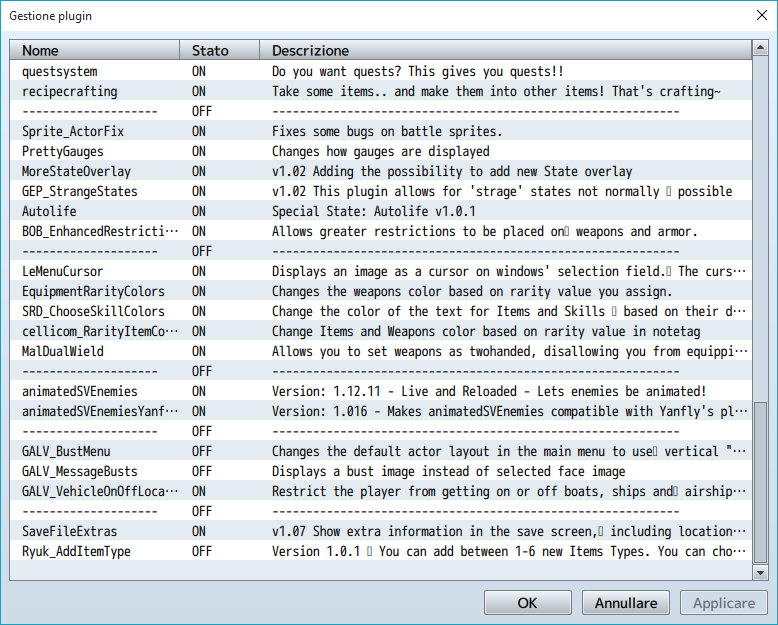
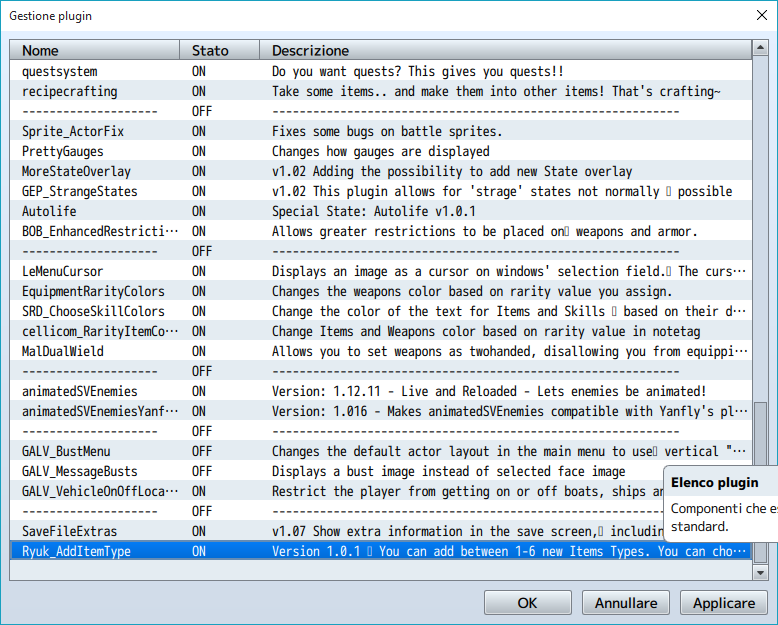
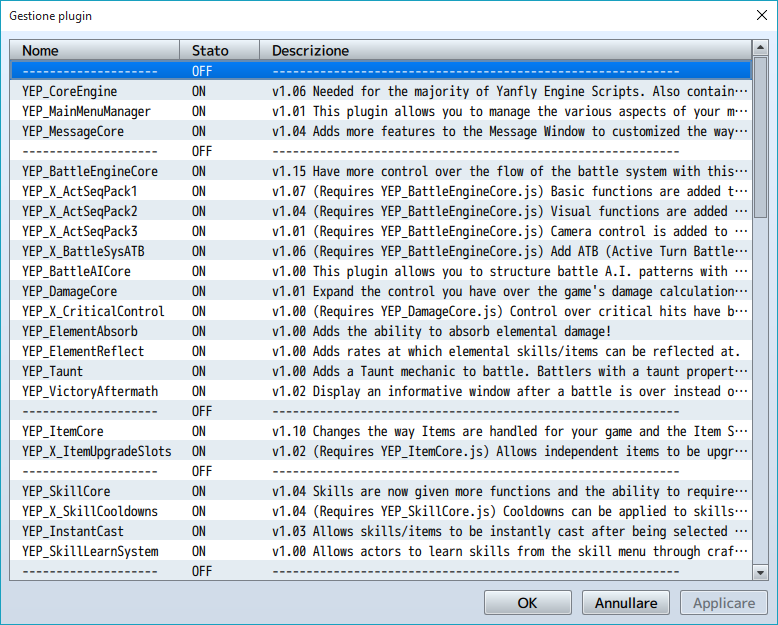
I show you a screen with all the plugins installed possibly will be helpful
New Type for Item
● ARCHIVED · READ-ONLY
-
-
@Snake if i understood you want have your item in Armor and Personnal Slot? If it this, dont put your item in Hidden Item and it will be in ARMOR and Personal Slot, if you want your item only in personal slot, put your item in Hidden Item :)
-
@Alexander, i will try to test plugin that you used to know the problem because i don't know why it does not work :/ Maybe plugin which used Item Code
-
Not quit. :)@Snake if i understood you want have your item in Armor and Personnal Slot? If it this, dont put your item in Hidden Item and it will be in ARMOR and Personal Slot, if you want your item only in personal slot, put your item in Hidden Item :)
I'll try to explain:
I have a magic system with equipable magic spells. I achieved this by creating a "spell" (let's say, Cure (Lv.1)) and said "Add Skill "Cure". But now this "spell" is shown in my Armors. I hoped that it would dissapear there
with your Plugin and would be ONLY shown in the personnal slot. The Main problem is: you cannot make armors to "Hidden Item".^^ -
Oh, i see hmmm i will try to do something to do it!
-
Thanks in advance for looking into it! =)
-
Thank you very much for this plugin!
-
Annoo, excuse me..
How to separate category for armor or weapon?
For item, it's work..
Sankyu.. -
Request: Could you also make a notetag <noslot> so that armors/weapons with this notetags are hidden from the item screen? Asking this because I want to hide certain pieces of armor but not all. And I can't set armors as hidden items. Thanks for considering!
-
Works like a charm! thanks!!
-
This plugin is exactly what I was looking for! Straight and to the point! Thank you!
-
baby this plugin is very useful, you are awsome!
-
Salut Ryuk! Je ne sais pas si tu supporte encore ce plugin, ou si t'es encore sur ces forums, mais j'ai un peu de misère ici. J'aimerais pouvoir me débarasser de certaines catégories et en ajouter une couple. J'aimerais avoir "Gear", "Consumables", "Materials" et "Craft". Les anciens, j'aimerais m'en debarasser... En tous cas, merci d'avoir fait ce plugin, je l'apprérie!
-
@RMVNex Please translate your post into english. This is an englis-speaking board and all posts are required to be either oin english or have an englich translation
-
@RMVNex my bad, his first language was english so I figured perhaps I could speak to him in french since it'd be much easier for him but okay
-
I've tried tying <slot5> in the notetag with normal item. It appears, but only in the Items category. I also tried putting the item in Hidden Item A, which made it not appear anywhere. I've tried following the instructions listed, but it doesn't work.
-
Can I Remove/Rename the Default Item Types somehow (maybe through this plugin)
And add my own Item Type List.
And Can you extend the Max Item Types to 10 -
Thank you so much for this plugin ^^ It was really what I needed!
-
This is a very valuable plugin. But is there any way to make it so that at least 1 additional item type can fit on the same item menu line? Right now I need to keep scrolling to the right to get the additional types, which may be a little confusing to players.
Or is there a way to simply make the item types window 2 lines long instead of 1? There's plenty of room for 5 item types, and it would be a better experience for players to either see all the item types on the same line, or for the window to simply be bigger.
If it's not possible, understood. Thank you for this cool plugin! -
@cuby if you want more visible lines, you need to change the
item category rows (which is 1 by default) nad set it to 2 for 2 lines,
or 3 for 3 lines.
but this should also adjust the colums you like, if its 4, you can let it stay.
but depends how it is written, or if the other plugin you use that change this
is overwritten, so you need to change it in that plugin :)