Masked: Thank you for your quick response to your thread hehe. Love your plugin so much :D Waiting for your newest Plugin hehe.
MBS - Map Zoom
● ARCHIVED · READ-ONLY
-
-
Masked: Thank you for your quick response to your thread hehe. Love your plugin so much :D Waiting for your newest Plugin hehe.
Oh, sorry about the delay, to be honest I had your issue fixed a week ago and was going to post here saying it, but for some reason I forgot to press the submit button :|
Thank you, I'll try making some more plugins (and maybe giving proper support to them, who knows? >_<), but it's really hard to find something worth doing that hasn't been done yet :c -
Hi there @Masked, I seem to have come across an issue with MBS_Zoom after updating my project from the core rpg_X.js files from 1.0 to 1.2 - now most sprites seem to have a little black bar on them when previously they didn't.
I can confirm that the black bar doesn't appear if the zoom plugin isn't enabled, and also doesn't appear when I revert the rpg_X.js files back to their 1.0 version.
Can you let me know how to avoid this? -
@keeno79 That's weird, my RPG Maker MV is updated and I created a project to test the plugin just now, but there aren't any black bars on the sprites.
Could you post a screenshot so I can see exactly what's happening?
I have no idea on what could be causing this, the only thing my plugin does is changing the scale for certain sprites, maybe it's some weird problem with pixi (like the weird black lines that were appearing and then suddenly stopped because pixi was updated). Try downloading the latest pixi v2 version and see if it helps. -
Thank you for responding ...
I have updated the Pixi version to the latest supported RPG maker version, and unfortunately it still seems to be happening ...
Screenshot attached ...
You can see that little black line to the left hand side of the sprite, this goes away if I either revert rpg_core.js to 1.0 or remove MBS_MapZoom.js
It also doesn't happen all of the time either, seems to be more prevalent when approach walls for some reason ... weird. -
Hey Masked I was curious. Do you know any other methods of handling the pixel scaling? I've learned that the only way to get pixel perfect scaling is by divided or multiplying by 4x. I wanted to know if you know other other ways to get around this, as I'd like to only scale via 2 - 3x, anymore ruins the scene by making some pixels too small
If you look at the hair antenna you'll see thats its pixel aren't lined up, I was interested if it is at all possible to somehow to change the scaling filter/alg type for the engine and or plugin.
Spoiler
-
@keeno79 I managed to get those weird lines to show here. Apparently that's a little fragment of the last/next/upper/lower frame. Maybe the zoom is somehow interfering on the way the frame is cropped.
This only happens when I use bitmap smoothing on the character sprites, though.
I'll take a further look at it.
@Anisoft Zooming in 2x looks all ok here, do you have any default zoom set? When you set a default zoom it acts as a multiplier to every zoom you apply.
If your default zoom is 0.8, for instance, zooming in by 2x would give you a 1.6x, which will not have a nice pixel scaling...
If that isn't the case, then I can't do much to help you. The only different scaling method I can think of is smooth scaling, you can activate it on rpg_managers.js line 807, by changing the last parameter from false to true. However, that just blurs your character a bit when it's scaled, which doesn't solve the problem and might cause the bug keeno79 is having (even though he doesn't seem to be using it...).
I'm afraid this can only be done by changing something on the way pixi scales stuff, and that doesn't sound like something I can do >_< -
Thanks for responding! I figured it be out of your control. It may have to do with me just needing to find a better resolution that has more options for perfect pixel scaling. And possibly finding a better scale to multiply by. Thanks for the awesome script!
-
Hi there @ Masked , so RPG Maker updated to 1.3 and with it came the new RPG_X.js files, Pixi upgrades and index.html replacement. However it looks like it's causing a conflict with the Map Zoom :( As Map Zoom no longer does anything when it's included in a 1.3 project.
Can you advise how to resolve this one? Many thanks!
This is the only error I can see in the console ... -
^I have yet to encounter this error. Did you update your index.html? I forgot that. :p
However, when zoomed out to 2/3, tiles are a lot more blurry than they were pre-1.3.
Only tiles though, sprites are still sharp.
Is this the case for anyone else?
I tested this on a brand new project without any plugins. (Except MBS_Zoom obviously) -
SpoilerHi there @ Masked , so RPG Maker updated to 1.3 and with it came the new RPG_X.js files, Pixi upgrades and index.html replacement. However it looks like it's causing a conflict with the Map Zoom :( As Map Zoom no longer does anything when it's included in a 1.3 project.
Can you advise how to resolve this one? Many thanks!
View attachment 44865
This is the only error I can see in the console ...
I've not experienced this problem yet, 0 problems so far with MBS Mapzoom, in fact it prevents the current black tile bug 1.3 has. (Due to the way it culls tiles I believe.) -
Here is a picture for comparison.
Left is 1.2 and right is 1.3. Both only with the Map Zoom plugin at
zoom level 0.66.
-
I've been having a similar issue as dak, My backgrounds become blurry as soon as I get my zoom to the level I need, though sprites stay perfectly crisp
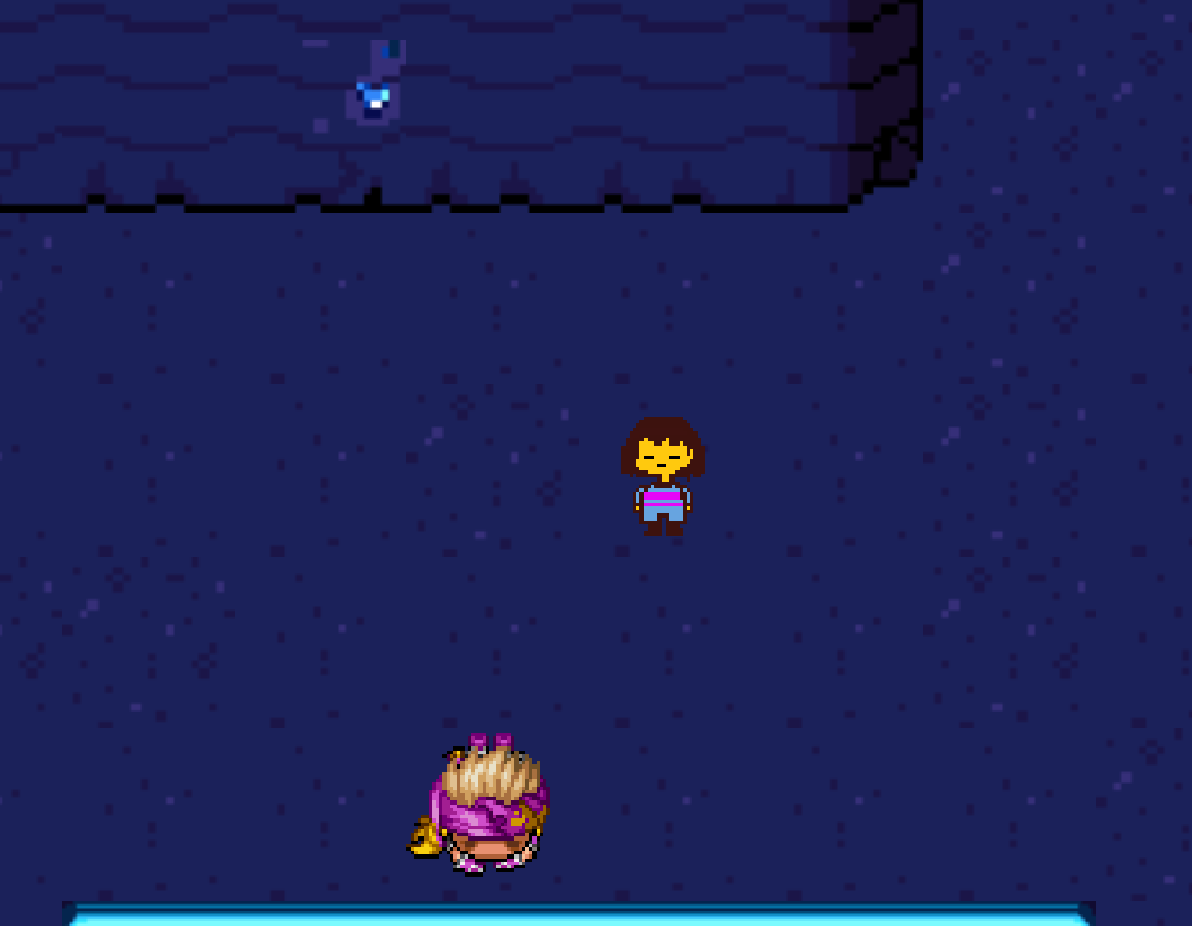
At first I believed it was an issue with antialiasing, but after several hours struggling with that I found it was the zoom causing the problem. I would have thought that it was being stretched if it wasn't for the fact that the sprites are perfectly crisp in comparison to the backdrop. And I really gotta say it's driving me up the wall. It looks awful and completely ruins the look of the game.
I apologize if I sound a bit salty but i've been struggling with this for a while now and I really would like to know if there's a way to fix it. -
I updated all files to version 1.3.1 and that seems to have fixed it!
-
Hi MBS! When I zoom in, my picture doesn't zoom in and the positioning gets way off because of it :(
-
Hi MBS! When I zoom in, my picture doesn't zoom in and the positioning gets way off because of it :(
did you rename your picture ?
SamplePicture1 [Zoom].png -
did you rename your picture ?
SamplePicture1 [Zoom].png
Oh I didn't see that in the instructions. Thanks :) -
Hello, My name is Gasi.
I found the error.
Plug-in commands when running MapZoom center x y,
The screen turns black.
my rpg maker version is 1.3.1
Help me.
-
Hi MBS! When I zoom in, my picture doesn't zoom in and the positioning gets way off because of it :(
Disable all plugin and test it, and try found the bad plugin.
You can also try open F8 console.
and check what line and what plugin make error when combined to this plugin.
Copy past the result here.
And try do Center 1er. and after do zoom -
Disable all plugin and test it, and try found the bad plugin.
You can also try open F8 console.
and check what line and what plugin make error when combined to this plugin.
Copy past the result here.
And try do Center 1er. and after do zoom
I think you quoted the wrong person?