Game & Map Screenshots 10

● ARCHIVED · READ-ONLY
Started by Celianna 1970 posts Page 96 of 99 View original ↗
  1. Amarok said:
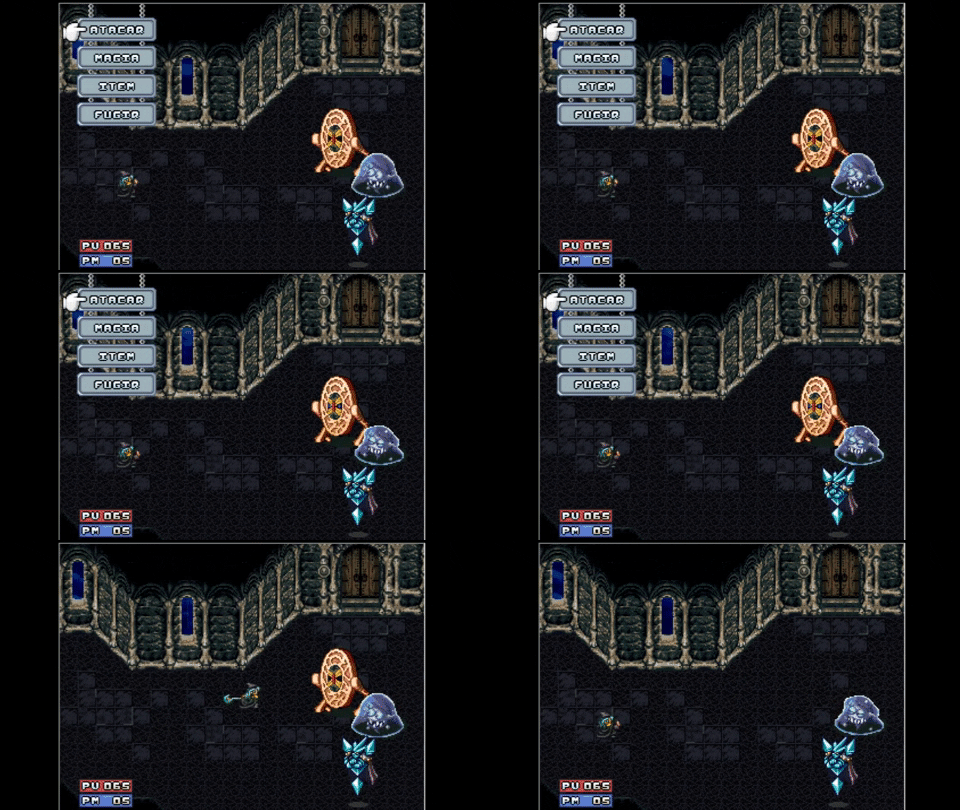
    Hey there people, long time without posting anything again, been really busy learning how to code and recently started experimenting with javascript, so im making an old school dungeon crawler/pen and paper rpg system and its a lot of fun!
    Think of dwarf fortress + wizardry.
    Dungeon Crawling/Pen and Paper RPG system
    i477iJL.jpg

    Are you making this in MV? This looks absolutely incredible. The customization is stunning.
  2. @Nimblefizz yeah on MV, the amount of stuff you can do is amazing, though i still lack a lot of knowledge about how rpg maker handles things so i still need to mix my coding with light eventing, but yeah you can do pretty much anything you want!
  3. After a long time not working on my own project. Today, I have the chance to work on it again. Sucessfully upgrading the resolution to 1080p but still remains a good FPS. (Using RGD)
    This is a gameplay video of my game.
  4. @dsiver144 Looks so nice man! :kaojoy:
  5. @dsiver144 This thread is not for giving feedback on aspects of game play. It is concerned solely with the visuals. If you don't already have a game thread, I suggest you open one in Game Ideas and Prototypes or Games in Development, depending on how far along your game is.
  6. @Drifter92 Oh thank you! :D
    @Kes I'm so sorry for this mistake. I will consider about your advice.
  7. @dsiver144 Quick note: In your game when ever you talk with an NPC, there is this beep. I think it will grow annoying fast. Hope this helps.

    @Nimblefizz Your map looks nice. But I'm not sure what the dark ish area in the middle is?
  8. @somenick Thanks for pointing it out! I'll fix it :D
  9. Had to get the snow on the building..
    (edits, using Ancient Dungeon Winter Tileset + Fantastic Buildings Medieval)

    Spoiler
    cgguQ5U.png

    For compairism, the original building is in the lower left corner of the third picture on its steam website.

    I feel like I'd need to add something on the right side of the house.. I tried with more trees but it looked weird.. might play around abit with ambient lights.

    EDIT
    Put some accents on the floor next to the house, maybe that will do it..

    Spoiler
    DUaewya.png
  10. @miani: eh! Liking that.
    @Amarok: heh, gotta love old-school dungeon crawler. I don't know, but I'm very fond of those old, 'clunky' types of gameplay. If you permit me an opinion, I'd say character's art kind of clash with overall style. If you see the font, the GUI and even the background, it looks like a serious, even 'shady' game. Yet character art is bright, even anime-y. Even so, I like them both separately.
    @Zyphli: you know what the second pic reminded me of? The Sims 2: Castaway lmao.

    MV's RTP heavily bombarded with shaders and bloom to make 'em a bit more interesting. Map made for a "for funsies" game.
    Maybe light too bright :p
    Spoiler
    Sin-t-tulo.png
  11. @somenick Thank you! It's tough to tell in the screenshot but it's meant to be dirt/mud, and there's six farming plots that are the lighter brown patches throughout. I actually finished the game for it and it's on itch.io now!
  12. Made an account just to ask for feedback~

    Anyway, first time trying to use parallax mapping here...

    This is one small part of a map called Valstein Forest in my game 'Memoria Fantasia'. I'm trying to create an area that the player could use as a camping ground for their party. It also contains a hint on the location of a collectible that will let you access a side quest + optional boss. Pretty sure that it is still missing something. Would also appreciate it if someone can point me to some tree tileset with similar style and size~

    Let me know if you had any feedback...
    Just... try to be gentle...

    Credit goes to:
    • Avery (Tileset)
    • Cyanide (Tileset)
    • Pandamaru (Tileset)
    • Whtdragon (Tileset)
    • FSM - Woods and Cave (Tileset)
    Map
    Valstein Forest - Map 6 (Dawn Light).png
  13. @Constance Your image is not working. It doesn't show up here and when I click the 'view image' option, it takes me to an error page.
  14. Hi everyone.

    I'm trying to figure out how to make a forest map I'm working on feel more "enclosed". This, at least for me, is trickier than it sounds.

    My inspiration was the Evil Forest from FF9, however it didn't really turn out that way. I admit I dropped the ball with geographic design, and perhaps my tree placement was not selective and carefully thought through enough. The same may be true for the diversity of the types of trees I've used also. Although the map is very large, you can get a general idea of what it looks like here:

    Spoiler
    96146-dd2ea8c70aae56c27ad14e7bbf5c9e02.jpg

    Ground textures and tree colors have been fleshed out, however nothing else is done yet (no shadows, other visual assets like bushes and flowers, etc).

    I digress a bit - let me try and describe my problem.

    Often, when playing RPGMaker games that feature forest maps, they use the "tree wall" tiles that align the edges of the forest with a barricade of trees, the foreground leaves of which are visible but quickly fade into black. This creates a very nice forested feel, like you're looking between the trees. Unfortunately - I've tried it with my maps but it just doesn't work with the "rules" of my particular style. Objects and walls have to be real, not pseudo-walls, or it sticks out like a sore thumb.

    The alternative is to shroud the corners of the map with clusters of close together trees (which I still may try) but with the amount of space I want the player to utilize on this particular map, the becomes very impractical. Also, I didn't want the trees that are currently on the map to be too close together, lest the player can't figure out where they are or where they're going.

    Ideally, I'm looking for some kind of overlay / parallax option that isn't just a picture stuck on top of the gameplay that frames the player within much bigger / closer trees and remains stationary.

    I played Octopath Traveler recently, and although from a completely different perspective, I really liked the effect of the almost transparent foreground trees in the forests that makes the player feel like they're really surrounded by the forest. I'm striving to find an alternative here, and I'm just not really happy with what I've got. It still feels like we can see the top of the forest and it's not particularly dense or large.

    Sorry for waffling. Any suggestions appreciated.

    Thanks!
  15. @thepsyche For a more enclosed feel having at least some more tree parts on the edges is almost a must I think, especially in the bottom but have you considered playing around with the lighting yet? Making it all a bit darker and more shaded can also do a lot in giving that enclosed feel to a place, more so if you throw in the odd lighter area where the sun does hit.
  16. Thank you @Finnuval

    No lighting and shadows yet, I've deliberately held off but perhaps it's inevitable that I'll need to mess with that first before knowing what the whole thing will look like.

    The problem with adding tree parts to the edges, is that the map is huge, and I already have added trees edges to the sides. However, the player spends most of their time on the map somewhere in the middle - and most of the middle is utilized for the player to be able to walk on. If I'd had better foresight, perhaps I would have limited where the player could go a bit more.
  17. @thepsyche hmm yeah with that being the case I think Lighting is your only option left (short of redoing the whole thing).

    Thing is there is no real way of faking a dense forest without making it dense. A lot of walk room means a more open forest. Only thing you can do is fiddle with the atmosphere and thats done with the lighting.

    Sorry if that isn't real helpful :)
  18. @thepsyche
    The best way to make a forest feel enclosed imo is to use those tree autotiles where you only see the edges of the leaves and the rest is black, or something similar, and to make it actually enclosed. From the pic, your forest is pretty open.

    Otherwise I think the easiest thing to do is to have a black overlay image that's transparent in the middle, like some games do in caves.
  19. Not exactly a screenshot, but I pretty much finished character creation in my project. There still will be a few tweaks to it, and I have to modify few things, ie. you can see arrows with Q and W on them, which change the "pages" of description from stats to starting equipment. While the arrows work, I haven't decided on starting equipment for different attributes so they're currently blank. Also I'll have to change the texture on the buttons (Gender/Attribute/etc), because it doesn't look too well imo.
  20. Starting a new project on rm2k:
    giphy.gif