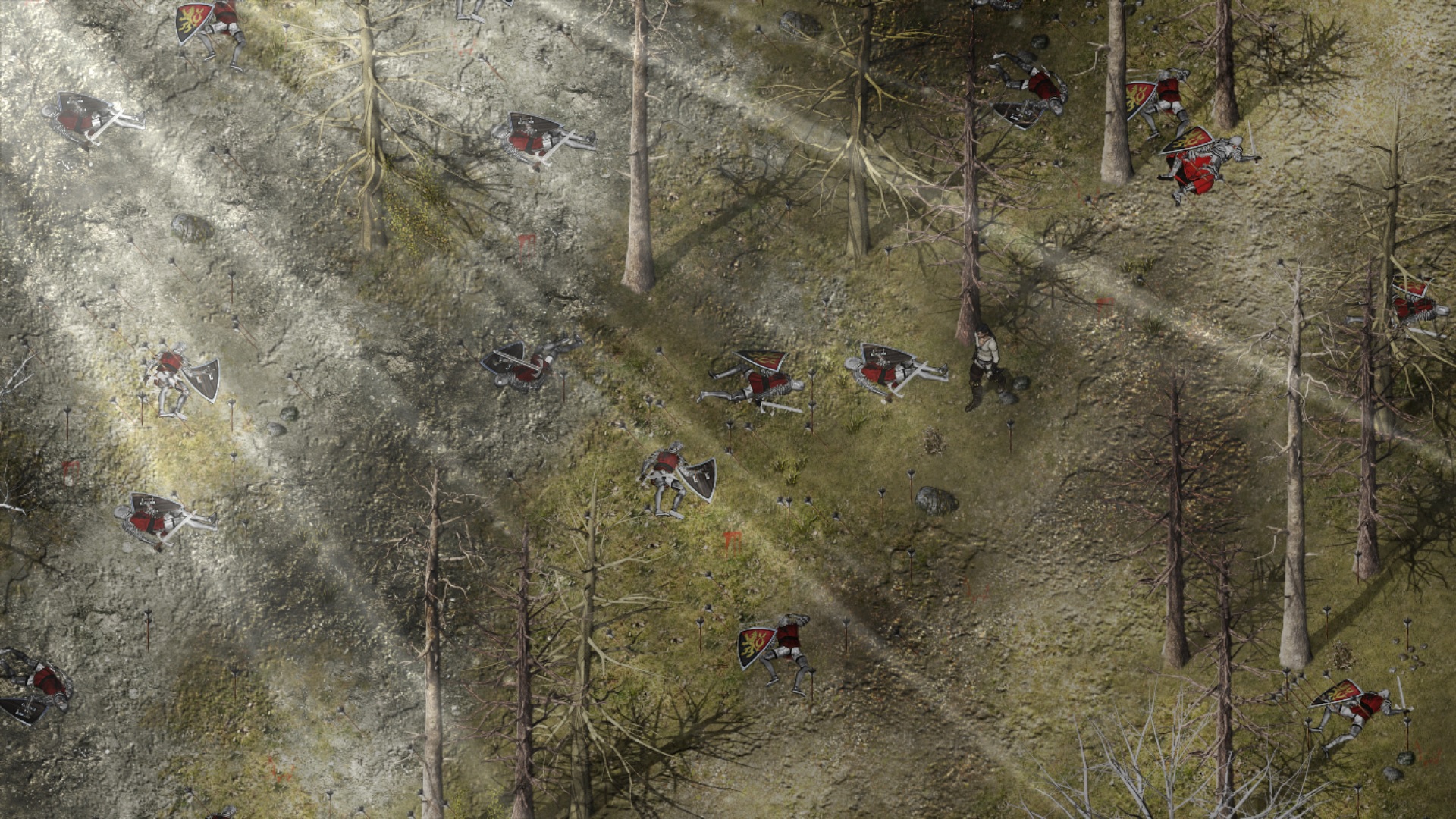
Got tonnes of work done on my game over the weekend. This is the first boss in the game, Rotten Ronnie. Pretty happy with how its all coming along now.
@Davekron
maybe stick a few of those arrows in the trees too? make it look more like people tried to take cover and failed or that the abundant amount of arrows hit everything wholesale.
Yes, I'm working on a game. Yes, forest. There's a small flashing arrow just to the right of the character to show where hidden paths are. I didn't want to do strange edges for hidden paths. The arrows appear if you get close enough and the game does point out to keep an eye out for them. You can also usually see the hidden areas on the screen anyway, (or at least parts of) so you know to look around a bit for the path.
@Santro Very well done! PV Assets have a different learning curve than the default assets. Here's one I'm working on... There's a lot of gore, bodies, and soldiers on horseback I took out for this screenshot.
My project is actually finally in a working prototype state. Figured I'd post some of the early alpha maps.
Making your own assets takes SO much time, so for now I'm running about 80% original stuff, and filling in the gaps with modified versions of the RTP/royalty-free stuff. Obviously, the goal is for all the maps to be made of completely handmade images eventually, but I'll cross that bridge when I get to it, lol.
@OmnislashXX I have merged your 2 posts together. If you want to add something, just use the Edit button on your earlier post.
If I could make just a couple of suggestions.
On your town map, use Click+Shift mapping so that the paths to your doors go right up to the door. People will wear away any grass in that area.
On your cave map, there seems to be something slightly odd about the steps on the 2 right hand sections. They seem to be exclusively lying on the upper level, and don't give the impression that they are leading down to the next level. This is particularly the case with the one on the far right, where the height of that final bit (going by the amount of cliff showing above the water) is significantly lower than the difference between the middle and left bits - yet you have the same number of steps.
A lil work in progress. What do y'all think? Any suggestions as I keep working on it?
Also, here's the original color I had for the ground tiles before I changed it to the above. I'm still torn on it - which do you prefer?