Does anyone know a way to turn off the UI on Menu? It kindas block the view of Window_NameInput.
VisuStella Sample Project & MZ Core Plugins
● ARCHIVED · READ-ONLY
-
-
It seems using an action sequence to move an target actor ID that isn't in the party causes the game to crash. Is there any way around this?
-
How do I make the gold window bigger? If I change gold name to something else like "BigBux" then it just gets rid of the avaivable numbers that it'll display, instead of making the window take into account my currency name? My currency name allows me to only display like 4 digits only before being cut off.
-
Updated to RPG MZ version 1.3.3
So excited for the new Battle Core plugin update (and all the other plugins that got updated), I went ahead and replaced it in my project.
But I encountered a problem and I'm not entirely sure if it's a bug or it's supposed to be like this and if I needed to attach the 'Attack' command with an action sequence?
Every time I use the Attack command, nothing happens, the enemies do nothing too even when they have several skills to use. None of these skills have action sequences.
Not entirely sure if I've missed something in the plugin parameters? Or everything is now done with Action Sequences?
I've also tested this with a new project and it does the same thing, executing Attack command does nothing. -
Same problem here -- except NONE of the battle commands work at all; The battle log says that a turn has passed, but it's like the game isn't actually acknowledging any commands or progressing anything, and instead asks for new commands endlessly. The game's entire battle system is totally broken... Works fine when I revert to the previous version of the BattleCore plugin tho.
-
Have you tried without using Moghunter Menu plugins?Hi, any can help?
I can't seem to make the window "DIM" in Status Menu and Options as it always uses window type. I already checked on all the options but can't seem to find it. The Core Engine has an option but when you used an updated layout for statuselement core, it returns to window mode. The options core doesn't have an option to dim the window as well.
PS: I'm not using any other plugin that affects these two.
I can dim the other windows, just these two I am having problems -
Updated to RPG MZ version 1.3.3
So excited for the new Battle Core plugin update (and all the other plugins that got updated), I went ahead and replaced it in my project.
But I encountered a problem and I'm not entirely sure if it's a bug or it's supposed to be like this and if I needed to attach the 'Attack' command with an action sequence?
Every time I use the Attack command, nothing happens, the enemies do nothing too even when they have several skills to use. None of these skills have action sequences.
Not entirely sure if I've missed something in the plugin parameters? Or everything is now done with Action Sequences?
I've also tested this with a new project and it does the same thing, executing Attack command does nothing.I have the same issue. I'll make a report about it.Same problem here -- except NONE of the battle commands work at all; The battle log says that a turn has passed, but it's like the game isn't actually acknowledging any commands or progressing anything, and instead asks for new commands endlessly. The game's entire battle system is totally broken. -
Yeah there an issue with the latest version of the Battle Engine. Couldn't find
what was causing it either.
So I just reverted to the last version since I still had it in one of my folders. -
Since there are several posts saying the same thing, I probably should save the VS team some trouble and remind everyone: this thread isn't meant for bug reports. Follow the troubleshooting steps on Yanfly's website, make sure no other plugins are causing compatibility issues. Report it using Yanfly's website. They'll get to it; they're pretty good with patching out bugs. If multiple people start reporting bugs here, other people's questions can get buried. Just want to make sure everyone's heard!
-
I'm having a CTD in the latest items and equip core, is this happening to anyone else? I only have Visustella stuff but I've been working on the project for a while and just recently updated to latest Visustella stuffs.
Code:TypeError: Cannot read property 'etypeId' of undefined at Game_Actor.<computed>.convertInitEquipsToItems (VisuMZ_1_ItemsEquipsCore.js:2917) at Game_Actor.initEquips (VisuMZ_1_ItemsEquipsCore.js:2917) at Game_Actor.setup (rmmz_objects.js:4068) at Game_Actor.<computed>.<computed> (VisuMZ_1_BattleCore.js:16294) at Game_Actor.setup (VisuMZ_1_ElementStatusCore.js:3336) at Game_Actor.<computed>.<computed> (VisuMZ_1_MainMenuCore.js:1229) at Game_Actor.<computed>.<computed> (VisuMZ_2_EnhancedTpSystem.js:1359) at Game_Actor.setup (VisuMZ_3_VictoryAftermath.js:1168) at Game_Actor.initialize (rmmz_objects.js:4033) at new Game_Actor (rmmz_objects.js:4018) -
I have a little problem when I change the font size to 20
The element names fall, making it impossible to see what's written in the last one, how can I solve this?
-
Hello, I just installing the plugin MZ CORE ENGINE but when I'm launch my game, I have an Javascript page that opens with, do you also have this problem? (I have only this plugin installed)
The name of the page is really weird and it opens at the same time as my project
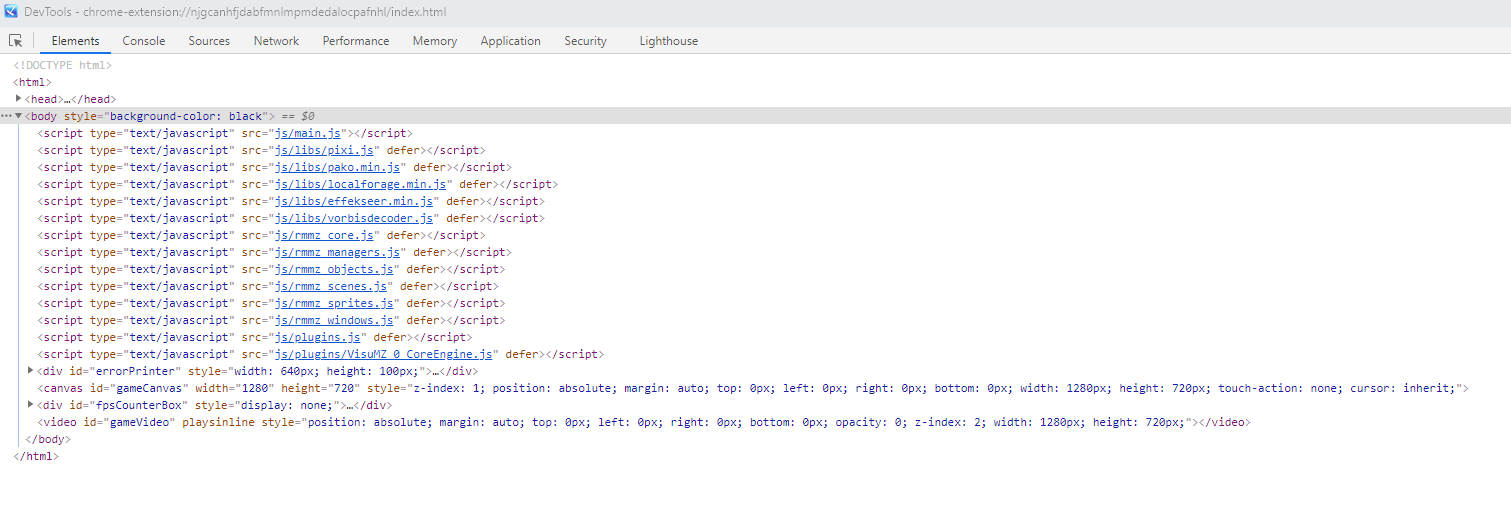

-
That's normal. Core Engine lets you see the console, which lets you see any errors that may come up for ease of troubleshooting. Errors will appear in red. You can disable this in the plugin parameters. It should say something like "Open Console on Boot", choose "false" or "off."Hello, I just installing the plugin MZ CORE ENGINE but when I'm launch my game, I have an Javascript page that opens with, do you also have this problem? (I have only this plugin installed)
The name of the page is really weird and it opens at the same time as my project
-
You could:I have a little problem when I change the font size to 20
View attachment 203051
The element names fall, making it impossible to see what's written in the last one, how can I solve this?
View attachment 203053
Change the Font Size
Just size it best to suit your data.Font Setting
Hope this helps! -
Yanfly's script can display more state icons like this.
Maybe I'm missing something. If anyone knows how to make the Visustella script display like this, please tell me. Thank you in advance.
-
I don't know much about this, but I feel compelled to point out that one script does not cost $100. You bought a bundle of over 70 plugins. The individual plugin that "copies" what you're looking for is likely only $5-10. I doubt you spent $100 on a bundle just because you wanted that one feature, so don't judge the whole experience based on that one feature. As for Discord, VS may have many questions and bugs they need to keep up with. They are humans, not bots. Moreover, these plugins are not simply "copy" plugins. They add and enhance features. I hope you get the answer you're looking for, but please keep these points in mind when you're posting.Yanfly's script can display more state icons like this, but a 100$ copy script can't. Don't even answer my simple question in discord. Very disappointed.
Maybe I'm missing something. If anyone knows how to make the Visustella script display like this, please tell me. Thank you in advance.
View attachment 203449 -
Thank I edited the post.
I get it, but my question is very simple, maybe the answer doesn't need to come with help. I just want a response It might just be a short answer. can or not. but I waited 2 days, I didn't wait 2 hours.
+ You are mistaken that I pay 100$ just for one feature, no one does that. If you have tried all of them, you will know that there are many missing features compared to Yanfly.
I understand this is not a copy. Copy here means to make the end-user understand that the script is similar to Yanfly's and probably better when you pay 100$.
When you buy any product usually, some help is expected.
Category:Visustella - Yanfly.moe Wiki -
FYI guys:
Visustella UPDATE #64 November 4, 2021
Anybody else use the updated sample project, or VisuMZ_1_BattleCore v1.50
during battle, using "Guard" results in this error:
Only Battle Core results in this error.BattleCore Guard Error
Any battle system type.
EDIT: Visustella UPDATE #65 November 11, 2021
No longer has this issue. -
Thank you for reporting this. I encountered the same, but I put it aside, thinking it was something on my end.
-
How do I remove the A, B and such letters from my battlers when I have multiple enemies? I have a monster made from several parts and don't want the other body parts to be labeled.