Ultra Mode 7 [RMMV & RMMZ]

● ARCHIVED · READ-ONLY
Started by bblizzard 1291 posts Page 8 of 65 View original ↗
  1. bblizzard said:
    If you mean things standing up, you can currently do that only with events. But if you mean actual 3D, that's not possible.

    Okay, that’s what I figured. Will there be any future updates to maybe
    Make tile elements pop up more?

    I’m not sure how much work that entails.

    Great plugin by the way, it works flawlessly for me even on my older rig! I’m really enjoying it so far.
  2. Yeah, I'm trying to think of a good way how to handle popup tiles, because unlike in RMXP, you don't directly control the render layers.
  3. bblizzard said:
    Yeah, I'm trying to think of a good way how to handle popup tiles, because unlike in RMXP, you don't directly control the render layers.

    Well, thank you for looking into it! I hope you can figure it out. If not, I think the events could be a work around for some objects.
  4. bblizzard said:
    Yeah, I'm trying to think of a good way how to handle popup tiles, because unlike in RMXP, you don't directly control the render layers.

    One way is to do it as the Mode7 implementation for RPG Maker 2003 does it (yes, RM2k3). You basically put events, but make them display a picture graphic instead of a section of it.

    Another idea would be making something like Yanfly's doodads, so you place things in the map with a tool or something.

    Anyway, I don't think that making tiles pop up is a good idea, I remember RMXP's being kind of messy. Especially if you had several objects of the same type (trees) close, you had to make some magic in order to fit them all even in RMXP's top percentage professional cutting-edge 3-layer mapping (TM).
  5. Yeah, this is the main reason why I'm actually still against it. It's just messy and I have to figure out if it can be done in a clean way.
  6. If its really messy, then just using events is probably the best way to go...

    I just need to figure out how to get walls to pop some more,m and then I’ll be in good shape.

    Honestly, even in its current state, the plugin is awesome. Going to try to experiment a bit more with Terrax lighting and fogs and overlays and see how that works.
  7. woah, i've been afk for awhile, i haven't been here much due to working on other things, but how is the issue with larger maps?
  8. Lonewulf123 said:
    If its really messy, then just using events is probably the best way to go...

    I just need to figure out how to get walls to pop some more,m and then I’ll be in good shape.

    Honestly, even in its current state, the plugin is awesome. Going to try to experiment a bit more with Terrax lighting and fogs and overlays and see how that works.
    the best thing i was able to figure out was to do this:
    Meathod
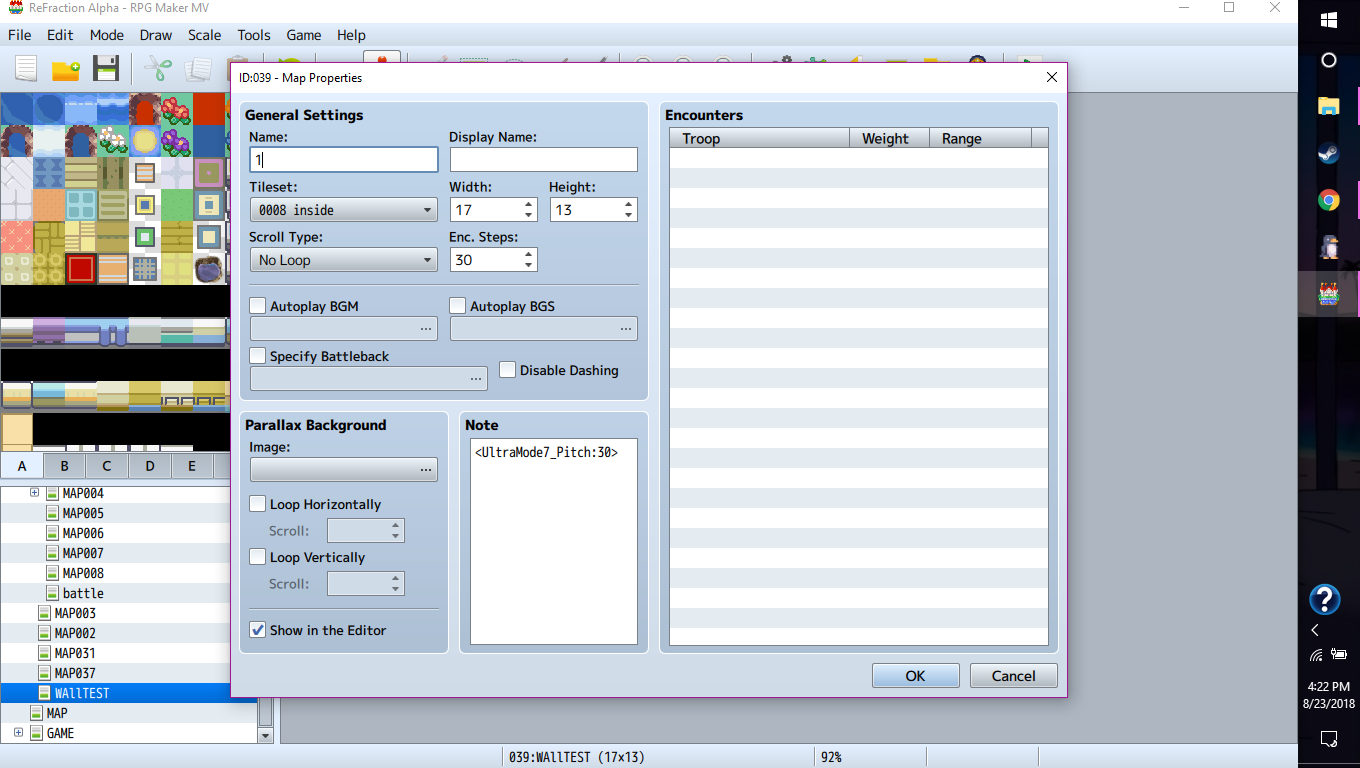
    So, first of all you need to make sure that the rotation is parallel to the wall, they won't look right if you don't. (the default setting should work)
    430a7107f589dbb5dc9db7e2e375d7db.png
    The next thing will be a wall, i'll include the ones i use so that it will give you a good idea of what to do

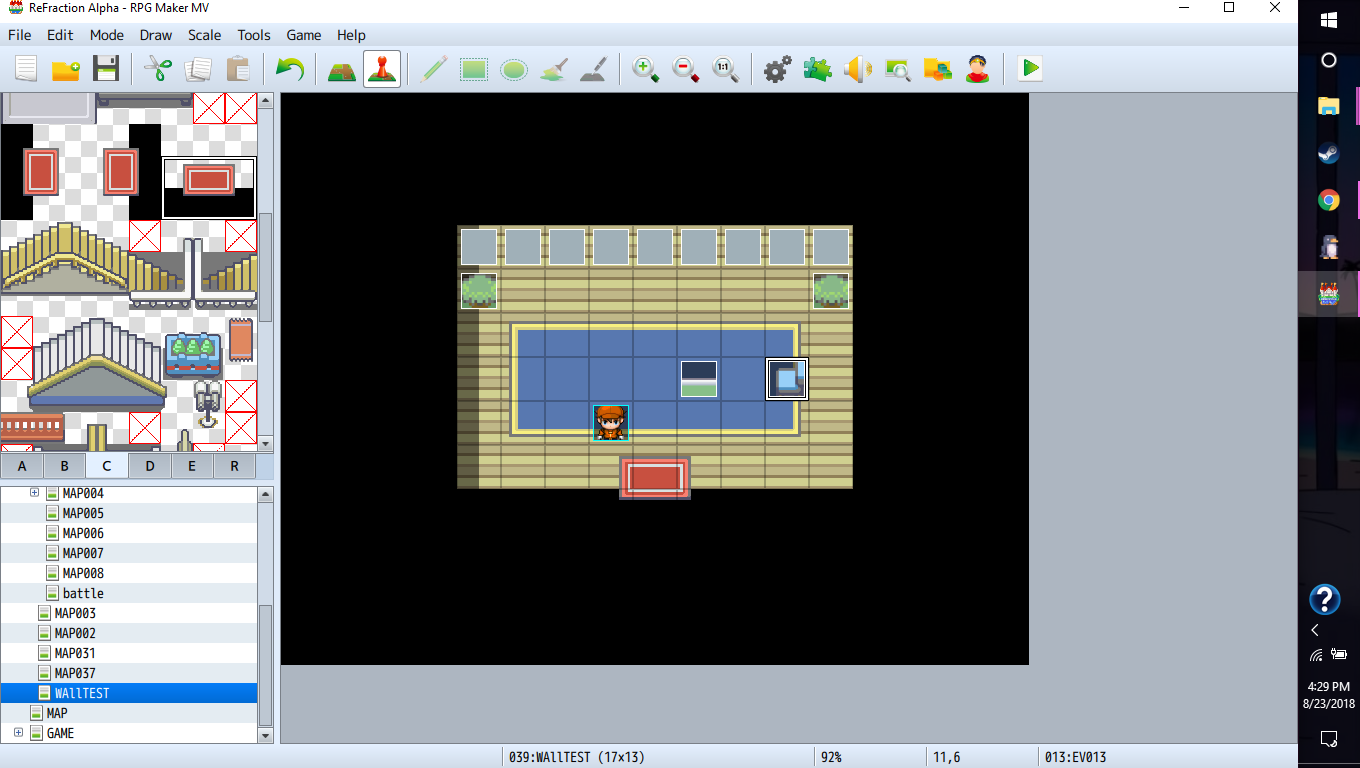
    this is how the map is set up:
    ae0059e1d560e8467e1931a8c59f31fb.png
    (the other stuff in the room doesn't really matter.)
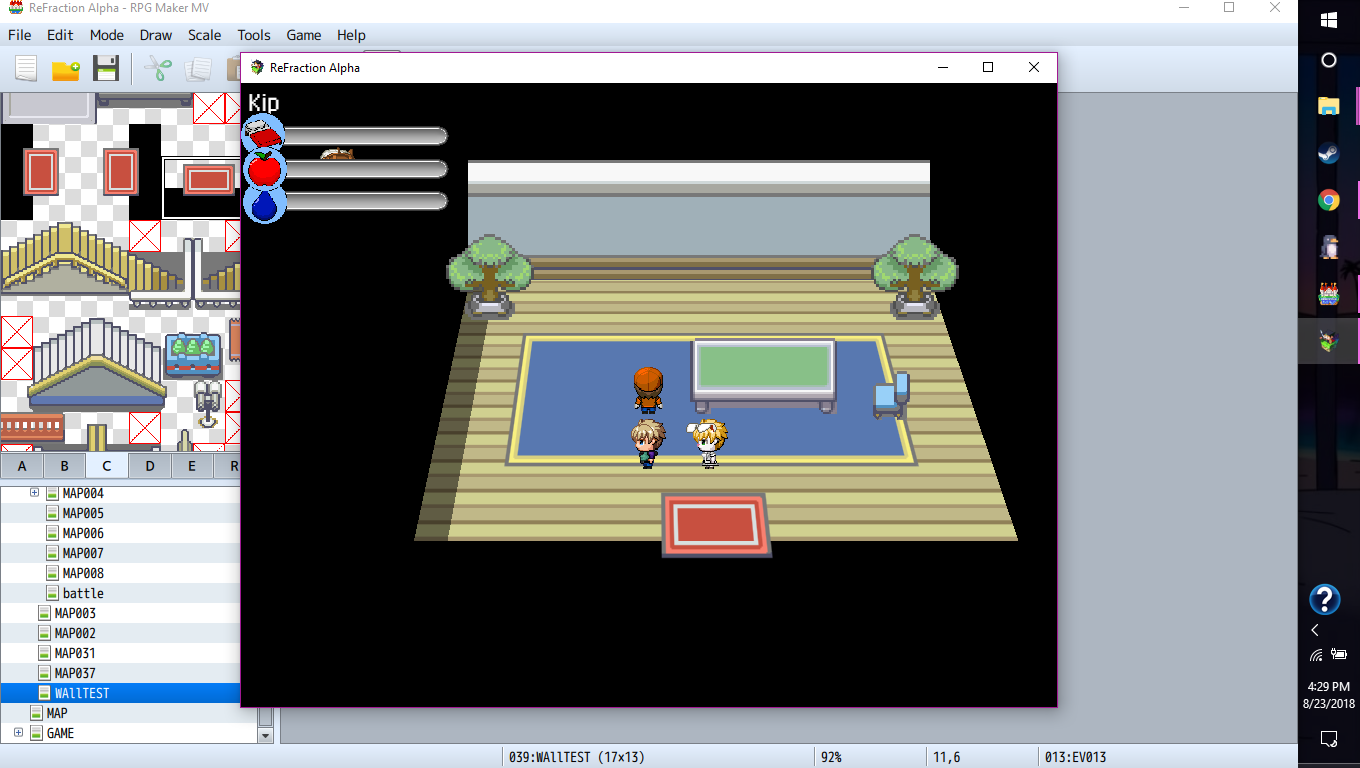
    here is what it looks like:
    30bcead17bff12fb84b13646292ec0d0.png
    pretty sure im not breaking double posting by waiting 24 hours right? eh, oh well.

    i also noticed your post about terrax lighting, im using quasisimpleshadows along with it and it makes a nice effect.
  9. @Poppie360 thanks for sharing! That doesn’t look bad!! Would you mind if I PM’d you for more details?
  10. question!
    is this plugin compatible with yanfly's doodads yet? if it is, do they appear as if map or events?
  11. @Waterguy Nope. At least not yet.

    EDIT: Update to 1.2.0. I fixed FPS drop that happened while moving.
  12. oh...
    shame, doodads would certainly fix this problem of "I want this to pop up". Someone made the test the other day, and it is more efficient than events themselves.
  13. bblizzard said:
    @Waterguy Nope. At least not yet.

    EDIT: Update to 1.2.0. I fixed FPS drop that happened while moving.
    ah, well that sounds good, i noticed it but it wasn't too much of an issue on the smaller maps that ran fine otherwise. also, i noticed that the mode7 gets weird if you try to change the game's resolution. (i tried that to see if it would help with the lag but nope, it made it pretty weird instead)
  14. @Poppie360 Can you quickly try changing all "Graphics.boxWidth" to "Graphics.width" and all "Graphics.boxHeight" to "Graphics.height" in the script and check the resolution thing again? Also, do you mean resolution as a global setup or when you change the resolution dynamically during runtime?
    Apart from that you should definitely try changing the MIN_FOV value and the configuration values like BASE_SCALE_Z and DEFAULT_CAMERA_DISTANCE. When a different resolution is used, the 3D camera settings needs to be readjusted since the default settings might not work well.
  15. bblizzard said:
    @Poppie360 Can you quickly try changing all "Graphics.boxWidth" to "Graphics.width" and all "Graphics.boxHeight" to "Graphics.height" in the script and check the resolution thing again? Also, do you mean resolution as a global setup or when you change the resolution dynamically during runtime?
    Apart from that you should definitely try changing the MIN_FOV value and the configuration values like BASE_SCALE_Z and DEFAULT_CAMERA_DISTANCE. When a different resolution is used, the 3D camera settings needs to be readjusted since the default settings might not work well.
    i cannot remember the plugin it was i used but i am sure i could go find it, this was a bit ago. the problem was that either the events or the ground wasn't changing resolution, the script was one where you chose the resolution in the plugin settings in the editor.
  16. Has anyone had any success using overlay plugins with this plugin? I’m looking at doing some test but wanted to see what worked best for others when adding fogs and stuff. I’m thinking about using Khas....
  17. Lonewulf123 said:
    Has anyone had any success using overlay plugins with this plugin? I’m looking at doing some test but wanted to see what worked best for others when adding fogs and stuff. I’m thinking about using Khas....
    i use sumrndmdude's hud maker, i'm just about certain that overlay plugins will work with it given what i have been able to make with the hud maker plugin:
    Spoiler
    game_update___bases_by_poppie360-dcceact.png game_update_by_poppie360-dcbt9io.png game_update___hud_by_poppie360-dcbui5k.png
  18. Yeah, any overlay plugins should work fine as long at things aren't drawn as objects on the map. Even though the map is rendered in 3D, there's no depth buffer being used and the order of rendering things is the same as without the plugin. Actually even objects on the map could work as long as they are Sprite_Character instances.
  19. bblizzard said:
    EDIT: Update to 1.2.0. I fixed FPS drop that happened while moving.
    I just tested and it seems to be staying stable at a near-solid 60FPS average.

    I did however notice 2 issues though.

    1) On large maps (256x256 or bigger) around every 30 seconds (give or take a few), the game would "freeze" for half a second before normalizing. When testing it in a new project and looking in the timeline debugger, when the freeze does happen, it seems to be sending a large number of calls from "Animation Frame Fired" (always a random value but well over a couple odd thousand average) and "Function Call" (it seems to always be, at least from my tests, around 1900 average) to the RPG_Managers.js. Smaller maps however tend to not be affected by this issue as much or at all.

    2) If you're using a Parallax/Layering based plugin (such as Galv's Layer Graphics plugin) then there's a chance that you may run in to a minor graphical glitch.

    If you have tiles set to display on the upper-layer (aka the "star" icon/symbol), they can "vanish" and "reappear" when you're moving around (only when you've moved on to "certain" tile spaces on the map so this is not simply just a "random" situation). This seems to happen more often on large maps (256x256 or larger). I've linked two screenshots below to give an example of the vanishing upper-layer tiles.

    The only way to get around this issue for now (other than waiting for a possible "fix" to happen) is to adjust any tile that's set to display on the upper-layer to the lower-layer (the "circle" icon/symbol) instead to prevent the minor glitch.

    ks0CyUK.png

    9eRYMrl.png
  20. Yeah, somebody else already reported that "star" tiles didn't work right. I'll definitely look into it.

    Hm, not sure why it would freeze for half a second like that. The only thing that comes to my mind is an update of the entire map, but this should be disabled now in 1.2.0. You say you could reproduce this in a completely new project? Also, were you moving around when this happened or were you standing still?