I have problem with QSprite
QPlugins - Latest: QABS
● ARCHIVED · READ-ONLY
-
-
i have a issue with Qmovement,when a event trigger is On Event Touch it should be activated also when the player touch the event but it doesn't,the event has a custom move route from the plugin Galv event detector with a little personal modifications.It should activate if it collide with the player,but also if the player collide with it from behind,when i use the default move ramdom or i deactivate the Qmovement plugin it works fine
-
Please Help me with QSprite! I cannot understand what I`m doing wrong
-
Hello!
This is probably a QMovement question.
Does anyone know the code to get a boolean value if the player is in contact with a specific event interaction?
I want to put together an event that will be automatically triggered when the player comes into contact with an interaction that a map event has. -
Cheers for thisIf someone still need it, you just need to make a couple of changes in QM+Followers.js:
add this(anywhere):
Game_CharacterBase.prototype.isDashing = function() {
return this._dashing;
};
and in Game_Follower.prototype.update add one string like this:
Game_Follower.prototype.update = function() {
Game_Character.prototype.update.call(this);
this.setOpacity($gamePlayer.opacity());
this.setBlendMode($gamePlayer.blendMode());
this._dashing = $gamePlayer.isDashing();
this.setWalkAnime($gamePlayer.hasWalkAnime());
this.setStepAnime($gamePlayer.hasStepAnime());
this.setDirectionFix($gamePlayer.isDirectionFixed());
this.setTransparent($gamePlayer.isTransparent());
}; -
I got QMapEditor installed, I have QPlus, QMap, QImport etc. in the plugins. On map 1 I have one event with <importing> in its notetags. In the QMapEditor window, I put a map object with <import:event,1,1> in its notetags there. From this comment I gathered that this would make the map object created in the editor the same event as map 1, event 1 in the same position. That would be really nice. But instead, it makes the game hardlock on the Now Loading... screen because it's probably searching for a file, or an event that doesn't exist. If I disable the QImport plugin then the game will load normally without any of the intended functionality. Am I doing something wrong?I'll be making a plugin called something like QImport. And with that plugin you would be able to "import" an event in a map obj. What would actually happen is that map object with the note tag ( lets say it was like: <importEvent:1,1> ) it will replace that map obj with event 1 from map 1, keeping the map obj's position
The plugins seem kind of poorly documented and sparse on tutorials. I'm not really sure how I would use notetags to import text or armor info, for instance, but it does sound really useful. But for now, I really want to get this map builder going. If the functionality doesn't exist, I wonder if you could somehow mod the map editor so that it uses an event spawner plugin like Yanfly or Galv's in order to do the trick?
Also, I'm having a trouble with Qmap. I have <onPlayer> on some map objects and interaction boxes but the objects won't turn translucent? -
To anyone able to answer my question, is there any methods of detecting a singular enemy's hp?
Script calls or whatnot? Basically I'm trying to permanently change an enemy's sprite when an enemy drops to low hp, My current method was using a force skill command to run a common event that reduces a variable, that variable is the same number as the enemy's hp (not tied to it directly, unfortunately), so when I use my skill and damage the enemy, it changes the variable as well, where the enemy event is set to change sprite at this variable threshold, however this method quickly breaks down hard the moment I have more than one enemy, as they both use this variable, and just simply making a new variable just wouldn't work, as damage still would change the variable no matter the target
tldr; (tho you should read for the context) is there a script call to check enemy event hp or a way to distinguish multiple enemies and interoperate it though events or skills or something??? -
@EDaelie
$gameMap._events[X]._battler._hp
Replace 'X' with the event ID if you know it.
From inside an event's page or move route you can replace X with 'this._eventId'. -
$gameMap._events[X]._battler._hp
Replace 'X' with the event ID if you know it.
From inside an event's page or move route you can replace X with 'this._eventId'.
This works perfectly! Thank you so much!
Might I ask, is there more quirks and scriptletts like this you know of like this that would be useful for someone using qabs? Pardon me for asking for more, but I'd love to expand my grasp on the plugin and it's capabilities.
Regardless, thanks again for the help ^ ^ -
No problem. I've been working with qabs for a couple of years now, but the code above is from the RMMV base scripts. Quasi just added to them.
I didn't know the above code off hand, but I can tell you how I found it out: Each event is an object that you can explore in the console.
- Open the console while on a map [f8] and type $gameMap._events - and you'll get a list of all the events.
- If you focus on one by typing - $gameMap._events[X] - (replacing X with the event you want) you'll get all sorts of code you can call, such as it's map position, or AI Mode.
- If you delve deeper into the battler by typing - $gameMap._events[X]._battler - you can get all its battler stats such as ._hp.
-
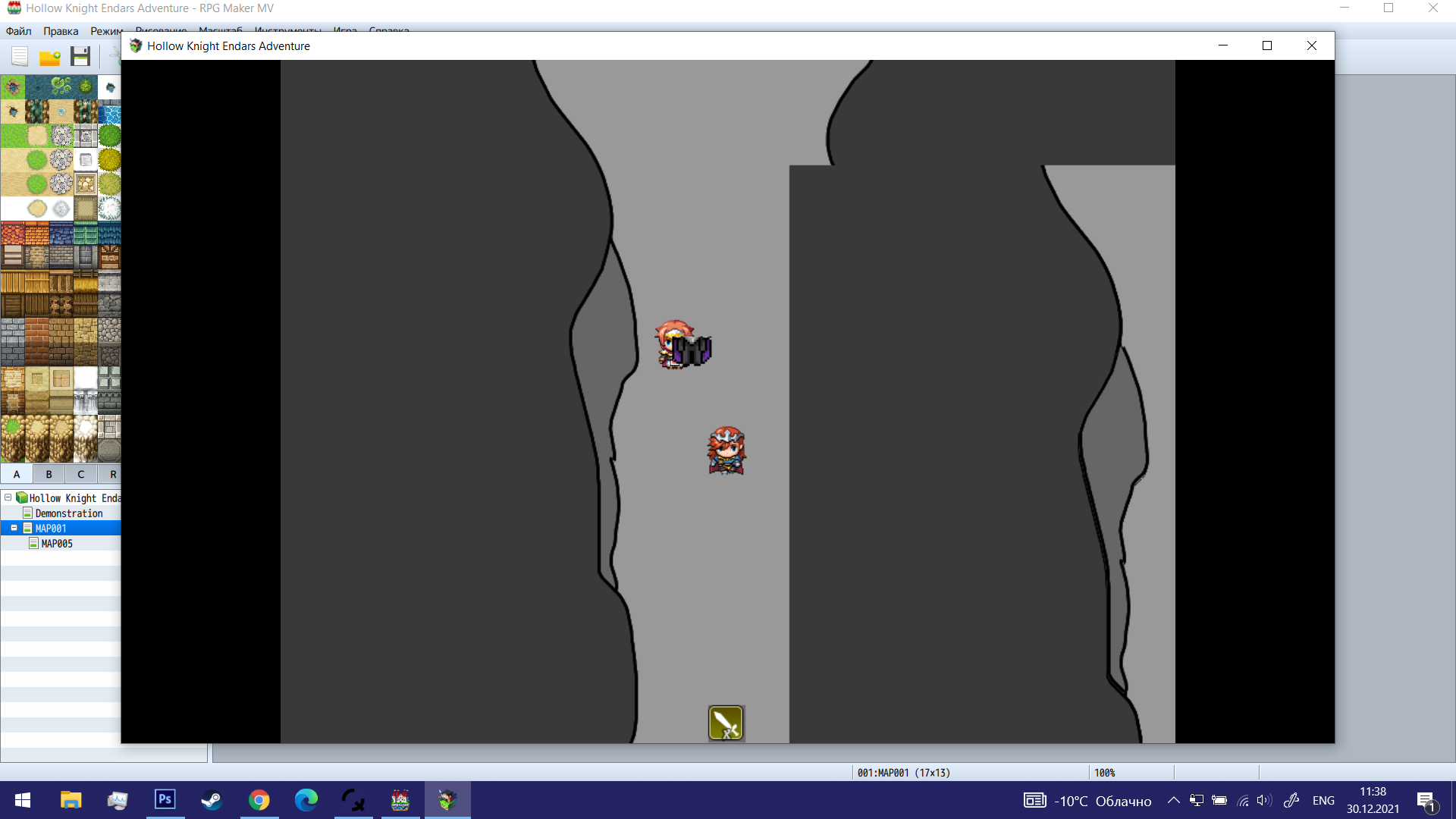
So I've been having this problem with the qsprite plugin, I've tested turning off all plugins, and it's only qsprite that's causing this. For some reason, sometimes my sprite completely blinks out of existence and pops back up. It happens in multiple different scenarios and instances, for example;
After playing a pose it vanishes and reappears after a few frames
If the sprite stands next to the player it vanishes and reappears after a few frames
After jumping vanishes and reappears after a few frames before even completing it's move route
I have made sure the qsprite is using the correct naming, I've even set up the default pose for if it somehow is getting an invalid pose and yet that doesn't help and blinks, I've set up all the listed preset poses from the help menu and still doesn't help, I've remove all use of pose commands from skills the sprite is using and, bet you didn't see this coming, It still blinks out of existence...
If anyone happens to have had an issue similar to what I'm describing and knows a way to fix of go around the issue, please help me out... -
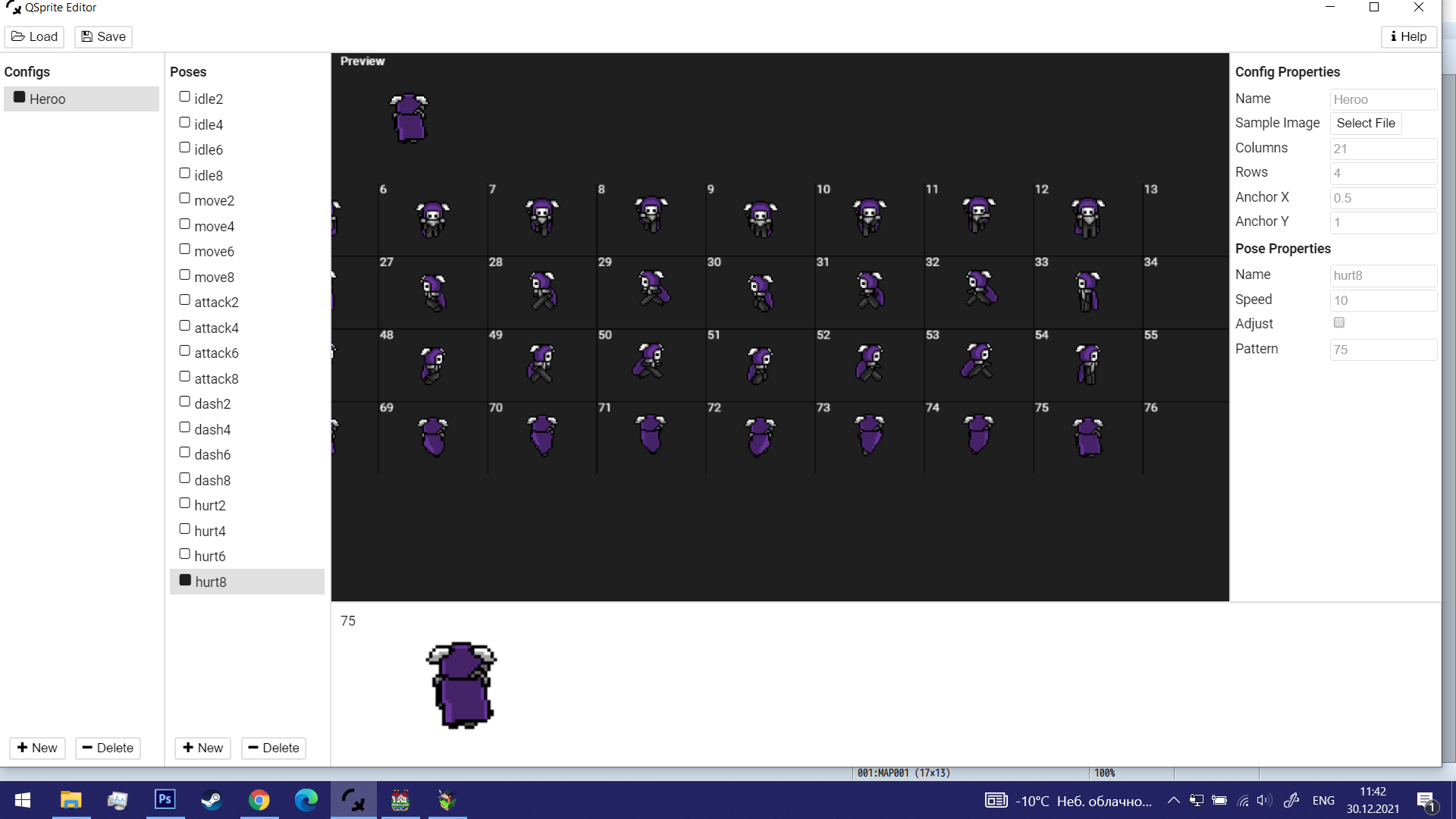
@EDaelie First: check in QSprite editor that you have no random commas in the animation frames. So for example; if it should be, 1,2,3,4 make sure you haven't got ,1,2,3,4 - the comma at the beginning will make the sprite blink. Same with 1,2,,3,4 and the double comma.
If it's not that, share a screen of your qSprite setup and I'll see if I can spot something. Here is a picture of mine if it helps...
-
I didn't know there was a thread so I made one for my question lol.. (QMovement/QMFollowers) Does anyone know how to change the collision box of the followers? I can only manage to change collision boxes with this command
qMovement changeCollider [CHARAID] [TYPE] [SHAPE] [WIDTH] [HEIGHT] [OX] [OY]
but it only says p for player and number for event. Those work but I'm not sure how to change the other actors/followers.
Putting stuff into the actor note box doesn't work for me for some reason. Will edit if I find a solution.
edit: Yeah I'm starting to think this just straight up isn't possible in the plug in on followers cause I managed to make the code work in the main player box but not the follower. -
guys is posible chage the sprite with the skill and not the poses? iwant use another animation sistem soo i dont want use qsprite
-
Did you ever find a fix for this? I'm having the same issueI'm not sure what I am doing wrong.
I have an event that is running on parallel process projecting audio for a moving event ID 1
Code:erase event (used to prevent it looping a thousand times over itself)qAudio start Train se radius25 max60 bindToEvent1 loop
page 2:Code:nothing happens.qAudio stop 1
[qAudiofadeout10:] nothing happens.
I might be reading the help file wrong. -
Unfortunately no, gave up because I hadn't received any feedback.Did you ever find a fix for this? I'm having the same issue
-
With QMovement, is there a way to have the collider rotate with the event? For a enemy I'm making its 48 by 144 hitbox dosnt rotate when it does.
-
I've been trying to set up attack sequences using YEP ActSeq for a little bit, and I wanted to incorporate QSprite's SV_Actor Functionality for smoother animation and custom poses for certain actions or skills. Is there a method for calling up QSprite poses in the ActSeq notetags similar to how they can be called in plugin commands for overworld sprites? I've looked through the main repo Documents, the Help Doc, the Plugin Library, and more than a handful threads related to or talking about QSprite, but haven't come up with anything.
-
There is a way to use QSprite as battlers already?
I thought it was only half-implemented and not ready for use? -
Yes and no.There is a way to use QSprite as battlers already?
I thought it was only half-implemented and not ready for use?
You can call them up as battlers in the game's database, and they function within the basic sprite movement parameters (from idle to death), which adds a fair amount of extra animation if you have the appropriate sheets for it. However, I haven't found a way to call Custom Movements for say more complex Action Sequence (YEP) or Timed Input (SRD) skills. I should say, YEP Action Sequences does call the Standard Movements with higher animation when I pull them up.
I figure it may be something that can be tinkered with in the plugin itself, but I'd need to compare between the standard movement calls in the RPG-JS files and QSprite. I mean if it can call the Standard Battler Movement animations, it's gotta be able to allow Customs Movements, even if it means having to edit the plugin itself to register them. At least that's what logic is telling me.