Orange Overlay v1.1.4 + Animated Parallax Add-On (Updated 7Jul17)

● ARCHIVED · READ-ONLY
Started by Tsukitsune 144 posts Page 7 of 8 View original ↗
  1. Reading all of this and feeling a little overwhelmed, is it possible to use this for a day and night system?

    So I have 5 layers, morning, day, dusk, night and midnight, reckon I can use this to fade from one to another using the common events?

    At the moment I'm using tint and really don't enjoy the look. screen.png
    in my head I feel it makes sense to just replace this line here controlling the tint with an image layer, having the ability to fade from one to the next, like the tints are doing as the day progresses would be ideal.

    I am just really not good at this side of things, any advice would be awesome!
  2. For some reason, only frame 1 is showing for me, it skips from 0 to 1, and when it goes to animate to 0 instead of showing the correct image it just erases the image for me.
    It also only seems to animate when the player moves, instead of automatically.
  3. Tsukitsune said:
    @beenbaba Overlay fadeout duration only removes the fogs through the map notetags or Overlay fog event commands, not the Overlay addfog commands.
    But it works.
    Try these as an example.
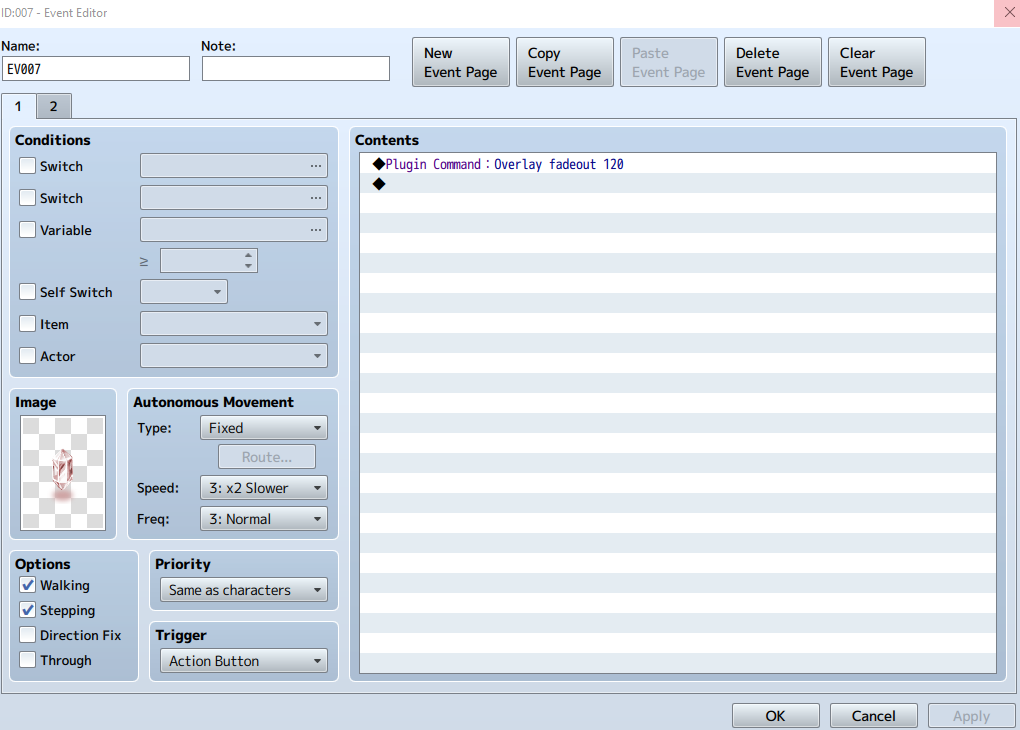
    Event Images
    9d7d4697fb44115a4b30840b871a6315.png
    99de62ea9272ca2d2b9c909e5e670865.png
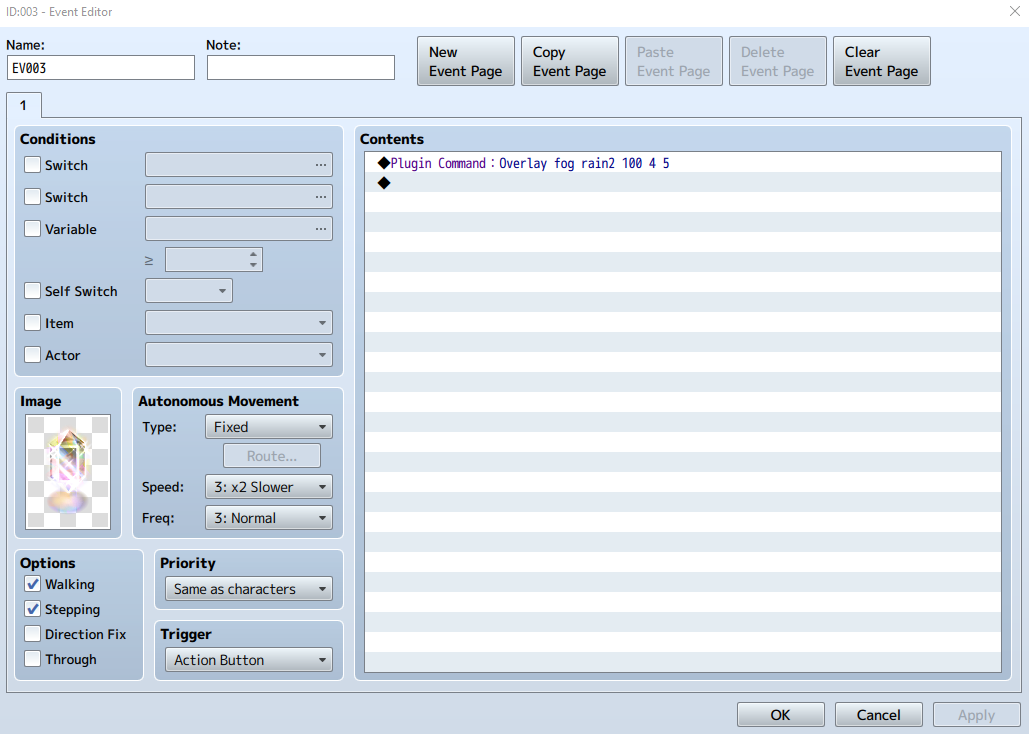
    How come after doing this fadeout command, no overlay will appear at all?
  4. GreenInvader said:
    Nvm I figured it out. It's tied to a switch. Directions aren't extremely clear in that regard
  5. Does anyone have the tutorial to this plugin? The only one i could find is in french and i don't understand anything. And neither do i understand introductions in the post, i read it several times but for me it's just a lot of randomized tech information, when i need something like step-by-step guide.

    Like, if my goal is to add rotating image to certain map (but not to entire map, just to specific area of it), how do i proceed? Can i even do it with this plugin?
  6. Hello I am having several issues with this plugin and in dire need of help. I have looked everywhere for a solution and found NOTHING.

    First this plugin breaks intro cutscenes a LOT, I have a character who will not show up in the intro at all if I have quick start turned on which results in the intro getting stuck and unable to finish. If I turn it off works fine, I have already done the dance of making sure no other plugins are using the same region ids nothing is overlapping, I've re arranged by plugins and still nothing to fix this.

    Due to having it off I now cannot get parallax layers to load on maps and only ground layers are working. So as it stands the only thing working is the ground layer and nothing else. Since the supposed fixed version of this is not working and I've seen others post about this same issue and it has not been addressed for years, this is frustrating. The ids match too so it's not a misnamed file either :(
  7. Alkmayix said:
    I've seen others post about this same issue and it has not been addressed for years.
    Well, the author hasn't been on the site for years. You can't get blood out of a stone :stickytongue:
  8. ATT_Turan said:
    Well, the author hasn't been on the site for years. You can't get blood out of a stone :stickytongue:
    Given how big this community is I'd expect another user to have found a solution to this but nope I get a snarky reply.
  9. Alkmayix said:
    Hello I am having several issues with this plugin and in dire need of help. I have looked everywhere for a solution and found NOTHING.

    First this plugin breaks intro cutscenes a LOT, I have a character who will not show up in the intro at all if I have quick start turned on which results in the intro getting stuck and unable to finish. If I turn it off works fine, I have already done the dance of making sure no other plugins are using the same region ids nothing is overlapping, I've re arranged by plugins and still nothing to fix this.

    Due to having it off I now cannot get parallax layers to load on maps and only ground layers are working. So as it stands the only thing working is the ground layer and nothing else. Since the supposed fixed version of this is not working and I've seen others post about this same issue and it has not been addressed for years, this is frustrating. The ids match too so it's not a misnamed file either :(
    I don't use this plugin but maybe the plugin broke in new versions? :0

    You could try testing this plugin by creating new projects on downgraded versions of MV!
  10. Angy1910 said:
    I don't use this plugin but maybe the plugin broke in new versions? :0

    You could try testing this plugin by creating new projects on downgraded versions of MV!

    I actually have the old version that this version fixed (1.1.2) but I was still having problems, I don't know what's wrong with this plugin but it's the only one we have that's not bind pictures, which has big memory issues and can only do 2 layers so you have to bake in your lighting which you can do but defeats the point of using parallax for lighting in the first place. If you can figure out anything though that would be amazing! Heck if it's a different plugin that works for MV that'd be nice to know even. I can only find MZ plugins which I'm not working in so cannot use.
  11. I use OrangeOverlay 1.1.4 with no issues, I don't use the animated add on though. The quick start option just turns on Switches 1-4 automatically (can be changed in plugin parameters) which control Fog, Light, Par, and Shadow.

    You wouldn't by chance be using these same switches in your intro cutscene?
  12. Slaughty said:
    I use OrangeOverlay 1.1.4 with no issues, I don't use the animated add on though. The quick start option just turns on Switches 1-4 automatically (can be changed in plugin parameters) which control Fog, Light, Par, and Shadow.

    You wouldn't by chance be using these same switches in your intro cutscene?
    I don't have anything assigned to the switches I was using. I tried them at really high numbers to be extra sure and same thing, even with the plugin using switch numbers I should never need it was still breaking the intro.
  13. What does breaking the intro entail exactly? Is the very first map a parallax map? Maybe try loading in a blank map first with an autorun that waits a few frames and then transports to the intro map just to see if there is any changes. How are you doing collision? With a "blank" tileset or region restrictions?
  14. Slaughty said:
    What does breaking the intro entail exactly? Is the very first map a parallax map? Maybe try loading in a blank map first with an autorun that waits a few frames and then transports to the intro map just to see if there is any changes. How are you doing collision? With a "blank" tileset or region restrictions?
    None of the maps in my intro are parallaxed, what's happening is events for the intro are not loading. I have several characters who appear via events and are interacted with during the intro, it's a proper cutscene where the player doesn't have movement control or such too. As they are not loading anything that involves them is thus no longer happening resulting in the intro hanging. As a side note, not sure what happened but now Orange is playing nicely and I have done absolutely nothing different.
  15. That might take some more investigation. I'm not sure it's orange overlay giving you trouble since it doesn't really mess with events. Glad you got it working though!
  16. Slaughty said:
    That might take some more investigation. I'm not sure it's orange overlay giving you trouble since it doesn't really mess with events. Glad you got it working though!
    My events relied on switches so it defo would mess with things XD
  17. Having an issue. I got my ground layer... and then there is par and shadow. Using either, and I have events that are 'above player' that are being hidden. I need a layer of parallax that hides the player when they walk under it, but I have events that appear on top of this. Is something broken or am I using something wrong?
  18. Hi! I'm using your plugin for the second time. The first time, everything worked, but now it suddenly doesn't. When I try to play the game, I get a loading screen and then an error which says "Failed to load: img/parallaxes/par5.png". The problem is: I have no image named "par5.png" anywhere in my files, nor have I had one previously. One time the error was the same, but said "ground5.png" instead (I haven't had a "ground5.png" either). I tried to change the files' names in the plugin commands to include the 5 (instead of the usual 1), but it didn't change anything.

    EDIT: What fixed the issue was changing the file names to "ground5" and "par5" but leaving "ground1" and "par1" in plugin commands. Sure, okay, whatever works, what the hell.
  19. ZankokuNoYami said:
    Having an issue. I got my ground layer... and then there is par and shadow. Using either, and I have events that are 'above player' that are being hidden. I need a layer of parallax that hides the player when they walk under it, but I have events that appear on top of this. Is something broken or am I using something wrong?
    Events, in so far as this plugin are concerned... also count as a psuedo- "player". And shadows always appear above players. It's just the way the Z axis is stacked.

    I had to commission a custom plug-in from somebody to allow me to change the z axis on events to make them appear above the shadows.
  20. Err, is the <ground> supposed to get rid of random tiles in 2-4 layers? Because it is deleting half of my prison bars, and some other random tiles too :kaoeh:


    What am I doing wrong?
    //Sorry realized this is not the MZ thread