need help with making Imgs for MapBattle usage

● ARCHIVED · READ-ONLY
Started by dopan 5 posts View original ↗
  1. For more Informations pls read this other Thread here
    (i made this extra thread because its about getting help making the required asset IMGs)

    The other Thread is about Using Weapons on Char Sprites for Mapbattle.
    (no SV battle usage in this case)


    Ok i think i figured out a way to solve this for the usage of Chars with default frames (3x4)
    Screenshot_2.png
    I can use the assets from the "Universal-LPC-Spritesheet-Character-Generator" which can be found here.(Github link )
    As far i understood the terms its free to use as long as edited assets get the same Terms to make sure it stays free to use
    (if I am wrong and missunderstood the terms pls correct me @everybody)
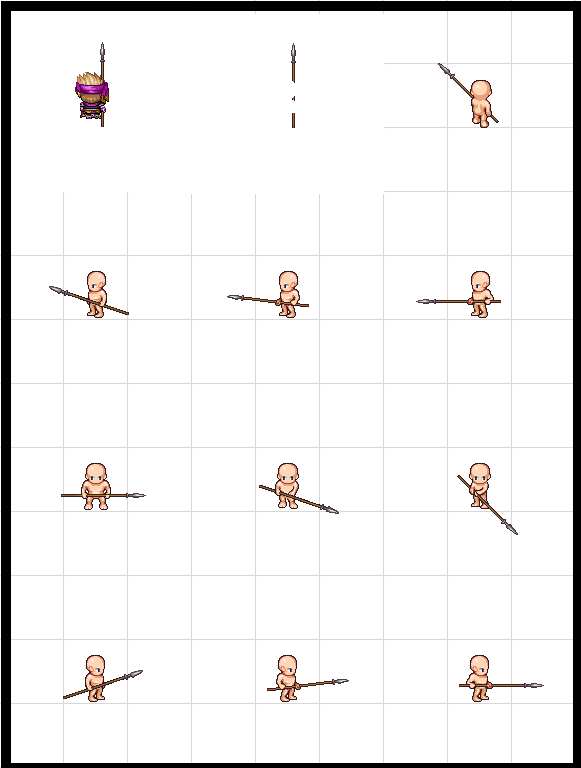
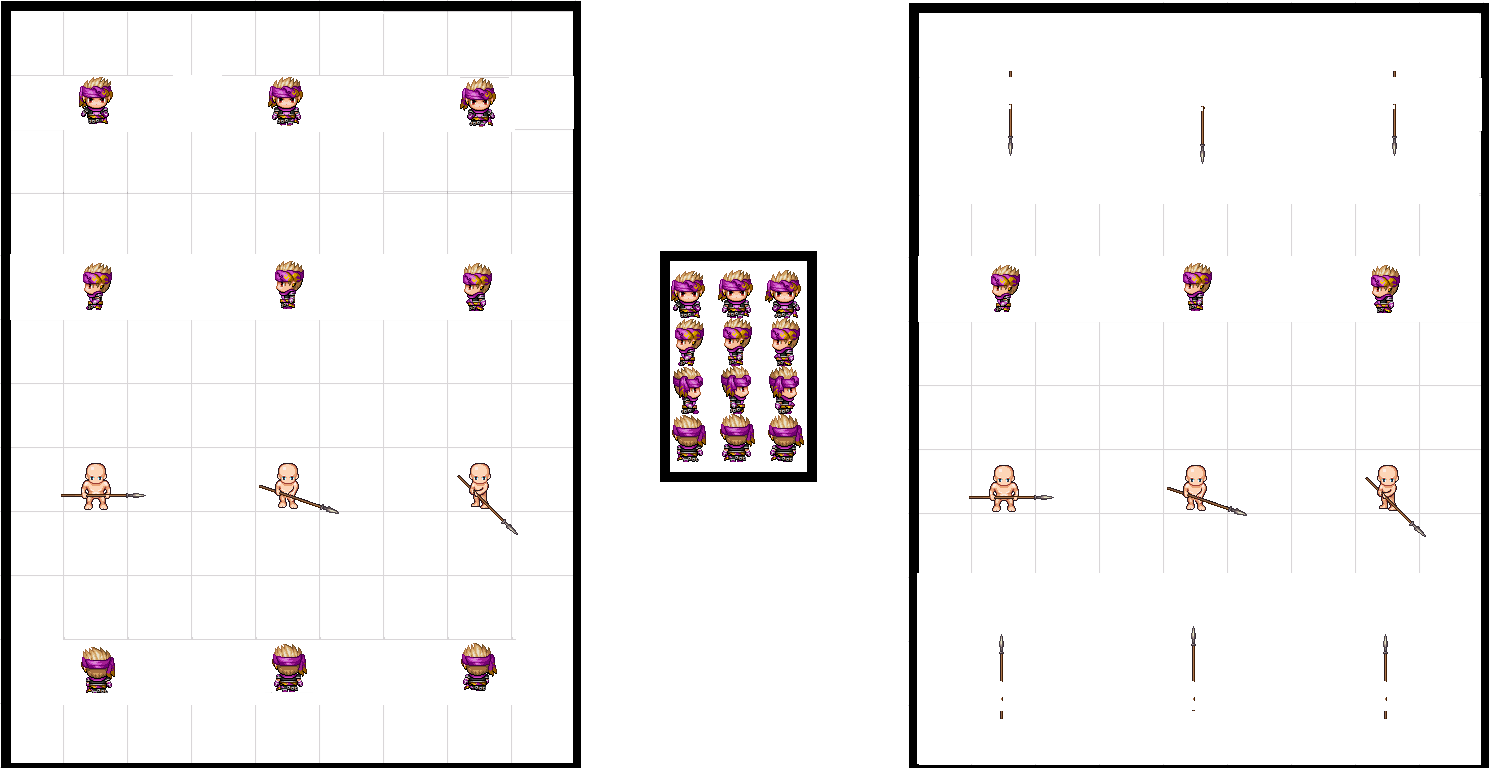
    My idea is to create weapon sprite Imgs that can be used for the Char Img shown above, in order to copy paste one Img over the other, because that is required to do with each weapon using Char which would be way more work adding every weapon one by one..
    In some Case its required to use Oversized Char Images and im also not sure how to use them in RPG maker MV..
    ..here some Imgs in Spoiler that show what i am tryin to do ..,
    info IMGs
    The 1st and 2nd Img and its Size comes from "Universal-LPC-Spritesheet-Character-Generator" which can be found here.
    spear.png
    thrust_spears0.png
    thrust_spears 1.png
    thrust_spears2.png
    Also if anyone has more Skills with Paint 3d & Gimp and wants to build such Imgs ,that would be really helpfull !
    That would need:
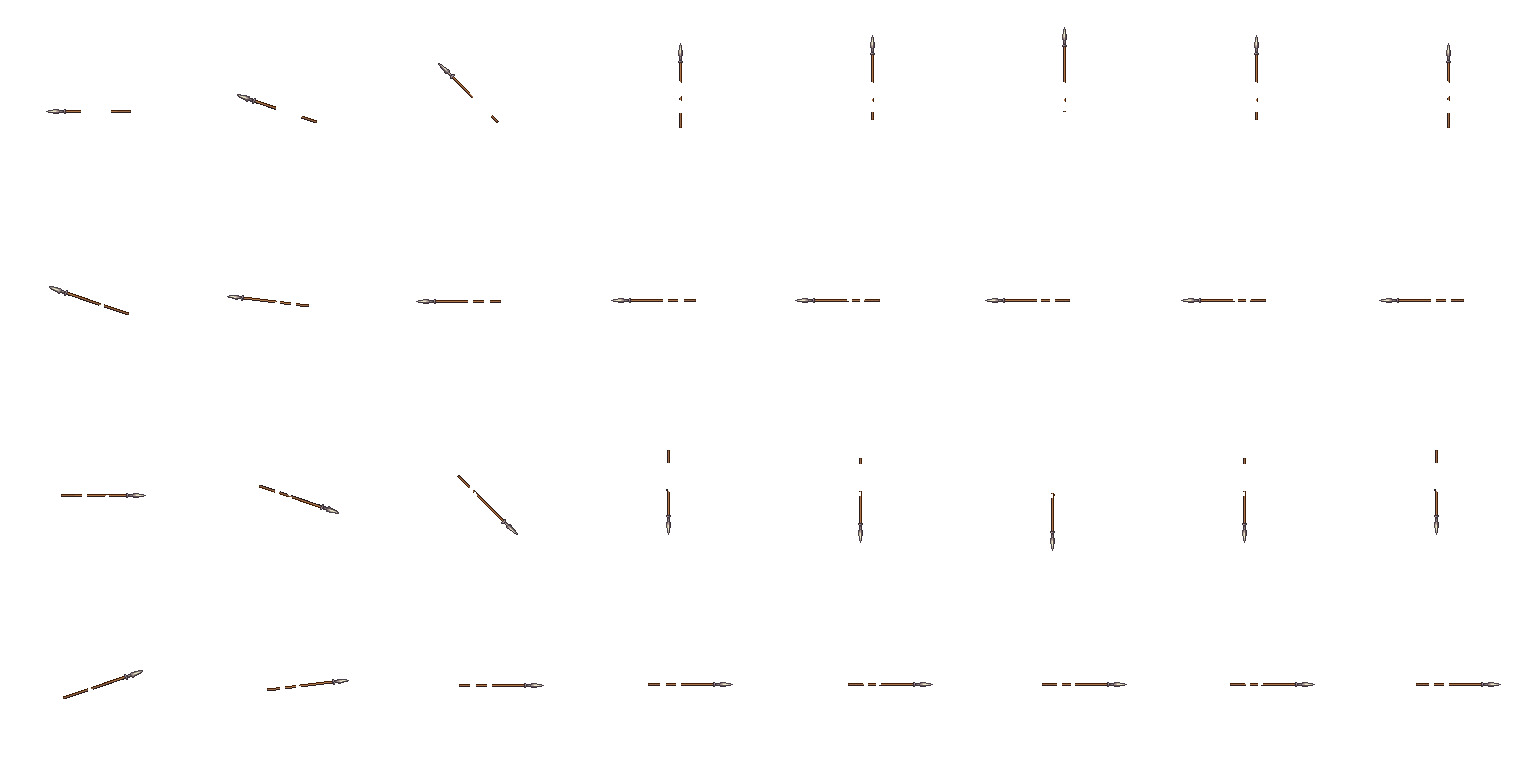
    - an Oversized Img thats uses a Default Char as Reference for editing other default Chars to that oversize.
    - Imgs for all Default weapons from "Universal-LPC-Spritesheet-Character-Generator" which can be found here.
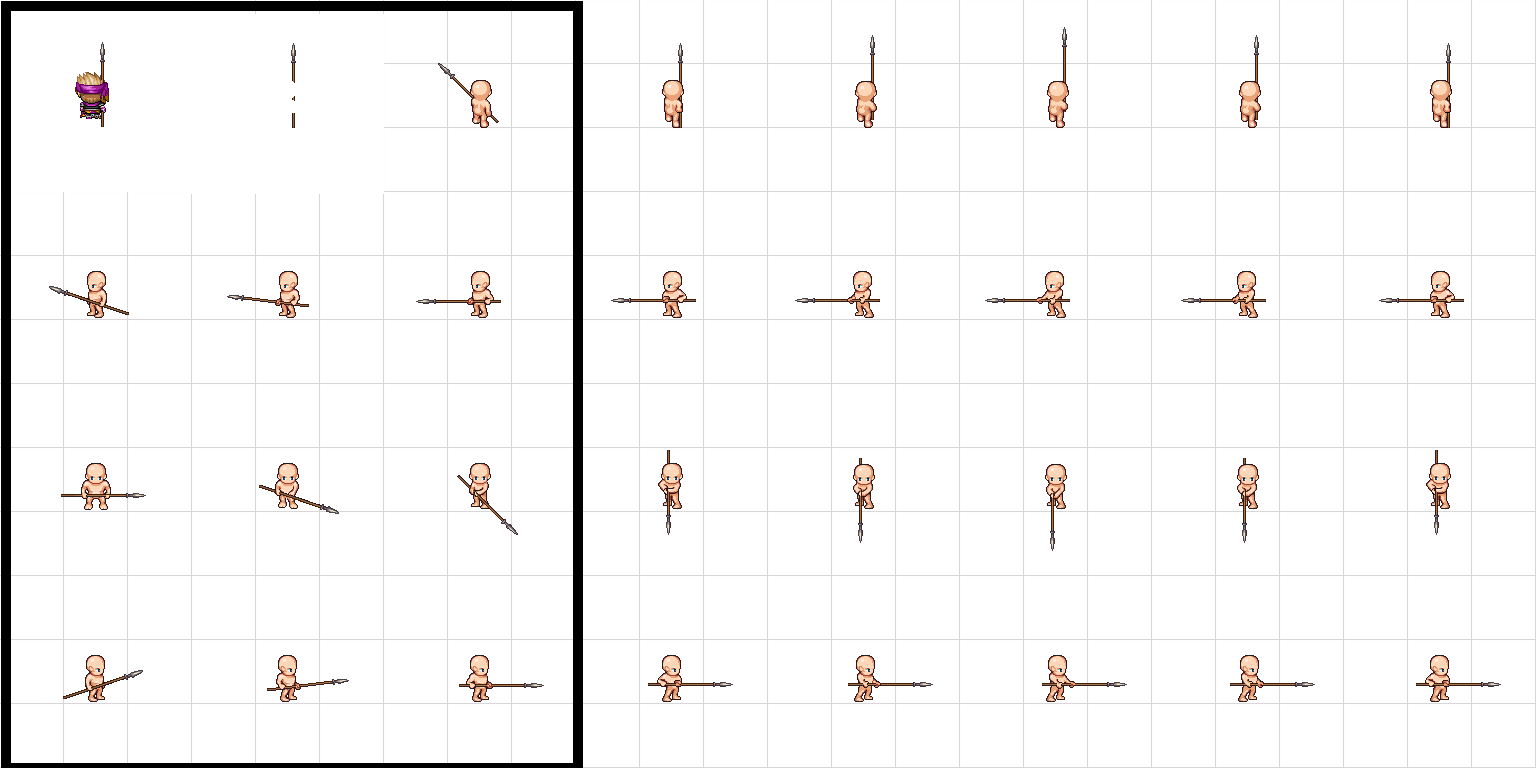
    But only for 3x4(frame) chars.
    (with every used size)
    -
    beeing very accurate and able to put everything on the right position
    ( thats the big problem in my case^^)

    - If anybody has a better idea how to solve this ,that would be helpfull as well.. thx
    sry for bothering ^^


    Edit
    the next Images show, how far i got it, with adding each weapon part one by one on 1 Char.. and also the size for a bigger char..

    ("overSize", i used an Img from "$BigMonster" to get that size so it should work)..
    But both are not very accurate and wouldnt fit yet, in order to get the wanted Overlay IMGs for "Default_char" and on each "weapon_overlay" ..
    Also i couldnt make a spear only Img(= "weapon_overlay" Example) that fits as overlay for every char..
    ( i nearly had to make small edits on every spear part..to get the charWithSpear Img)
    - my GIMP skills are very bad i mostly use Paint 3d

    progress imgs
    $Bigdefault.png
    --
    $Bigwith spear.png
  2. I have a bunch of similar art style weapon icons that may be adapted for LPC (w/ some editing). I'm just not sure if I'm allowed to post sprite sheets. Anyway, I totally support this thread/request! @Dopan I'm gonna send you something, though I'm not sure how helpful it will be though...

    Edit: Doh, that weapon sheet is on another computer...I'll look for it today.
  3. Well^^
    i was able to use the Default Spear from the Weapons1 Animation Img and build some Imgs with the Size of $BigMonster2 which everybody should have by default.
    (those Weapons wont look bad as long they are only mirrored and not resized or angle changed)

    the main thing is, in order to have the spear displayed well, it needs a bit of position change.. that can conflict(look a bit weard) with other events using default char positions.
    (the video shows that)

    So i would use that only on BattleMap and also i would have to do that with all Units on Battlemap even if they dont use weapons, in order to look well..

    I will attach some Imgs which i made : (free2use)
    - Spear default , used to copy the default char over it
    - default char , used to have enough room for the spear and also for other edits like State extra animations (if needed)
    - Center Points, help with orientation can be copied over other Images and use "undo" after checked..
    - big M2 Net , similar like Center Points , it helps with orientation

    The thing is the positions need to be very accurate.
    i dont know for how much Default Units i will do this, but i plan to atleast do this for more default weapons first..

    also the shown spear img is only for "wear the spear" i will have to do another one for "use the spear"
    (more spear movement)

    I started that with the Spear & i think that this was the best One to start with because of its size, other weapons should be easier to handle and should be able to use the same IMG size which i used for the spear

    pls Note:
    Char Images with that Oversize need allways $ at the start of the Image name to work with the rpg maker system.


    This is probably easier to make with Gimp, but i am better with using Paint 3d


    EDIT
    the problem with the changed char position can be Fixed by changing the Anchor of the Event which uses a weapon on Map.

    (that avoids a lot of work , that way its NOT needed to make oversize Images for other EventUnits that doesnt use weapons.)
    =>the Unit that use a weapon can be placed to the same position like the Default Chars
    => with changing the Weapon Users "Y Anchor" to 0.8 on the example of my Images

    (default Y Anchor is 1, more info in the rpg Sprites Plugin or at Shaz's Plugin Link)
    Shaz made a really nice Plugin that provides all needed Functions for that :
    Character Anchors

    Also that gives me the solution how to place everything even higher to have more room for the spear, so i will probably edit a few of the attached Images again and provide more Imgs later..
    Screenshot_4.png

    the shown limitations in my Setup was one of my main Issues, i tried to put the char as much south as possible but that isnt required if changing the anchor^^


    Example img Anchor Y change on the Setup which was used in the Video, now the positions are equal
    Anchor Example info
    Screenshot_2.png
    Screenshot_1.png
    The Spear will be hidden behind other char sprites but if you look close you can see it
    Screenshot_3.png
  4. I made another thread (again)

    In order to post a Clean Tutorial that Shows how to build all Needed Imgs.. and i also added info about changing the Anchor ..
    + better default Images

    This new Tutorial can be found Here.
    (as soon its approved by Mods)

    (this Thread will be reported as solved. thx!)
  5. Closed at OP's request.