@hiddenone awesome work!
Two questions, do the default clothes and stuff work with the tall sprites/templates?
Also, how to switch from using the default sprite/template to the tall sprite/template?
hiddenone's MV Resource Warehouse
● ARCHIVED · READ-ONLY
-
-
@Ravos9988 My taller templates aren't meant to be used with the default generator, since the generator doesn't let you change the sprite size. The taller templates are also not meant to be used with the default clothes (unless you want some very short shorts on your sprites :rswt). So if you want to use the taller templates, you'll need to draw the outfits yourself.
-
@hiddenone alrighty, thanks!!! :kaopride:
-
How this is gonna help me with creating a roleplaying game for a company?!
-
@Jacob2nd It isn't. This thread is simply providing resources that you can use for such a task.
-
I apologize in advance, but I cannot seem to find where to download your work. Could you please assist?
Also, I really enjoy having Side View of the Monsters. Would you be creating more ? -
@Neolance To download an image:
Hover your mouse over the image you want and right click.
Select 'Save image as' from the drop down menu.
Navigate to the folder on your hard drive where you want to store the image.
Click save and you're done.
I personally have a step before saving and that is to amend the file name to include cr [short for credit] then the name of the artist. That way I always know who to credit if I use an image I've downloaded. -
This is incredible!
How can i donwload it? -
@Adar To download:
Hover your mouse over the image you want.
Right click and select 'Save im age as' from the drop down menu
Navigate to the folder on your hard drive where you want to store it.
Click 'Save'.
Done. -
-
@Adar If you use the image as a single sprite instead of compiling them onto an 8 character sheet, you have to put $ at the beginning of the file name so that the engine knows it is only one sprite.
-
Thanks, Kes, for helping out anyone who's confused about how to download. :)
I've got a few things to share today, first is that the amazing @Avery made a faceset piece for my skull headdress! To use it, make sure you rename the images to match the pieces generator number (so if you didn't change the number for my sprite parts: the skull would be named FG_AccB_p625_c2_m016, the markings would be named FG_AccB_p625_c1_m017, and the leather band would be named FG_AccB_p625_c3_m018). Please make sure to follow Avery's terms if you use this part!
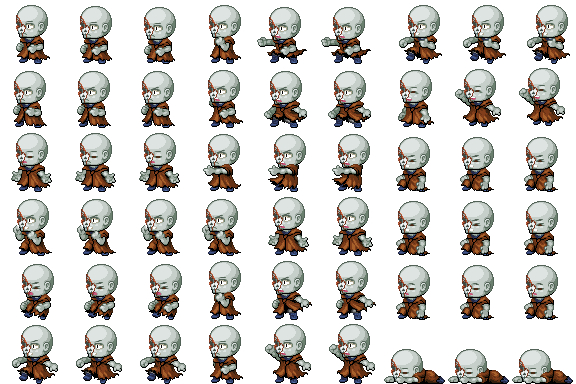
The second thing is that I was recently backing up my resource files and realized that I forgot to release something last year. :rswt I had made it for Halloween, but it got lost... Perhaps some spirit snuck in and hid them. So now y'all get an early Halloween present! Enjoy some sprites that are missing half of their face, perfect for any spooky spots!
Happy game making! :rwink: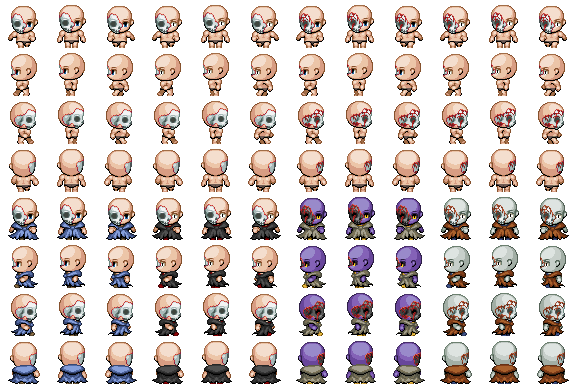
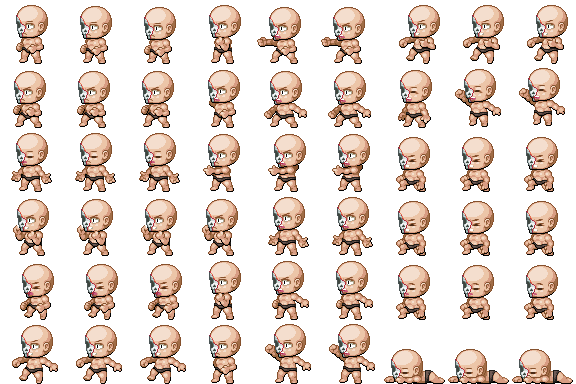
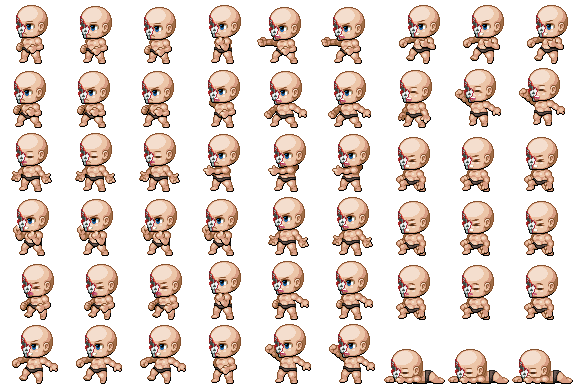
SV Battlers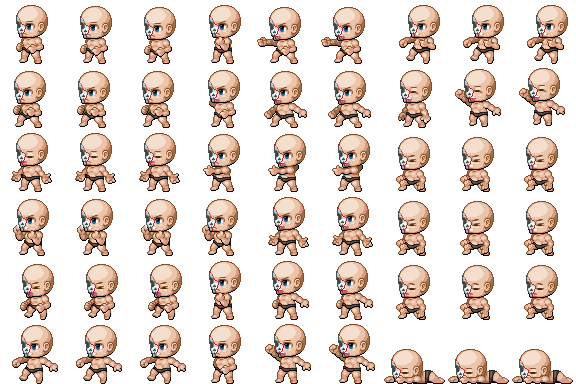
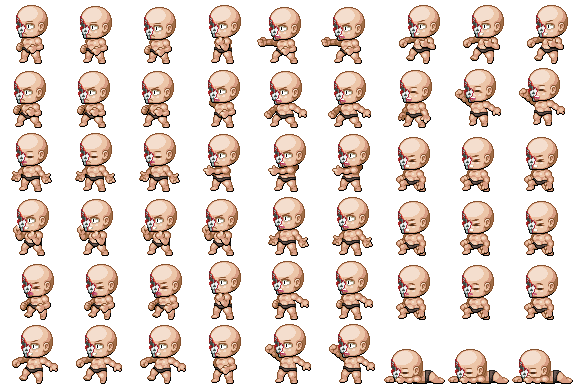
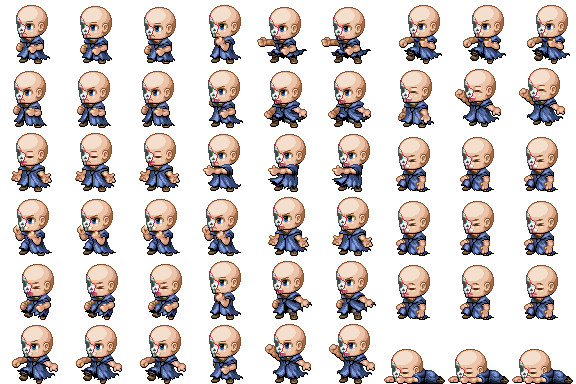
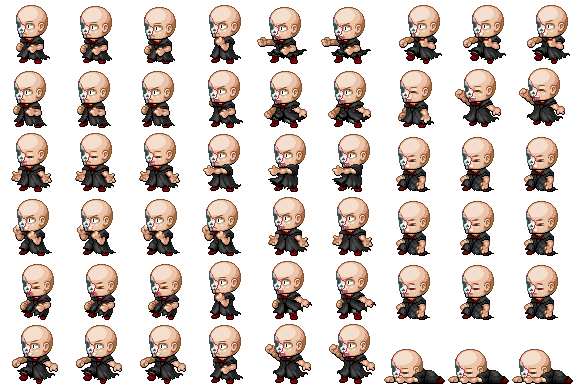
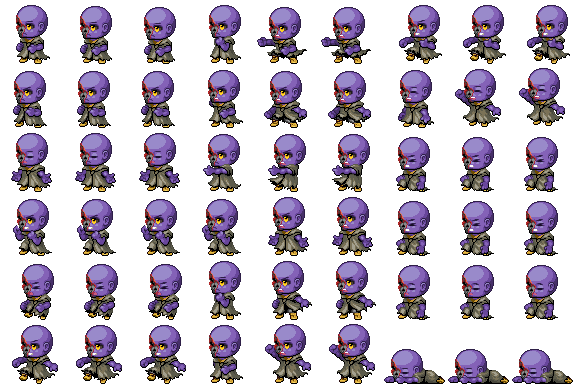
-
@Guardinthena At some point I'd like to make SV battlers for my Hine sprites, but since I don't have too much free time at the moment I don't have any plan on making them soon.
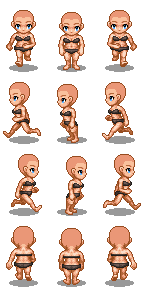
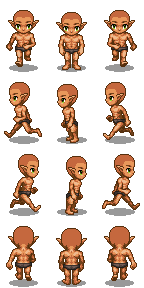
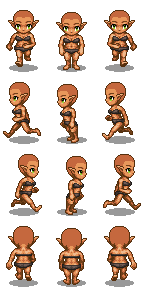
Today we've got another addition to the Hine series, thanks to @Silenity : running templates for adults!
Sometimes it's important for a sprite to get somewhere in a hurry, and how you can have them do more than just powerwalk to their destination!

Currently I've only finished the adult templates, but would y'all find it useful to have a running template for everybody?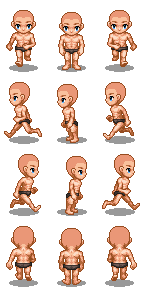
Happy game making! :rwink:
Sorry if I'm missing something but are there "generator" bits to get these sprites clothed? -
Giving credit to mostly everything. Keep up the good work!
-
@hiddenone
Mostly all the other generator parts are RAR files. And it has been difficult for me because it opens my Photoshop but then it says that the file is unreadable.
How to we fix this problem? -
@hiddenone
Mostly all the other generator parts are RAR files. And it has been difficult for me because it opens my Photoshop but then it says that the file is unreadable.
How to we fix this problem?
That's because it has multiple files, not one massive image. Try 7zip or WinRAR instead. -
-
A generator would be amazing, the base sprites look great but are very difficult to use for us non graphists. ;_;
-
@hiddenone do you know if changing body template to a bigger one affects the generator parts. As in, will they still fit the bigger template or do they need to also be adjusted??
-
@J-G As far as I know, you'd have to redo the built-in generator from scratch to get it to work with the bigger templates. I'd recommend using Schlangan's Extended Generator. Aside from the bases, though, you'll have to find or make your own parts to fit (the default hair might be easier to edit for the bigger templates, but I haven't worked with these particular ones).