DynamicActionMZ - Versatile Plugins for Creating Beautiful Action Sequence

● ARCHIVED · READ-ONLY
Started by RyanBram 13 posts View original ↗
  1. Introducing
    Dynamic Action.png
    credits: Takeshi Sunagawa

    Hi, fellow game creators.

    I am really excited to introduce a new plugin that can improve visuals in RPG combat. I call this collection of plugins as DynamicAction.​

    [embedded media]

    For MV version please visit this forum.​

    Download:

    Main Plugins
    Plugin to control how animations are performed​
    - DynamicAnimationMV2MZ (for using MV animations in MZ)​
    Plugin to control how battler motion are performed​
    Additional plugins
    Plugin to control how animations are performed on map​
    Plugin to control how battler motion are performed on map​
    Plugin to improve animation processing in RPG Maker​
    Plugin to read Dynamic Action Sequence from TXT files​
    User Manual (still need improvement)

    The features of the DynamicAction plugin are:
    • Control battler movements and animations using simple action scripts on notetag.
    • By using templates in the plugin parameters allows you to execute basic movements without writing notetag multiple times.
    • Supports both RPG Maker MV and RPG Maker MZ. You can make project in MV and port it to MZ without worrying about this plugin not supporting one of the RPG Maker series.
    • Modular, so you can remove features you don't use or avoid conflicting with other plugins.
    • Can be done both in the Battle Scene and on the Map using the same notetag script.
    • Using RPG Maker MV animation in RPG Maker MZ to improve game performance.
    • Can read notes from txt files and execute them dynamically in the running game.
    • Non obfuscated readable code, make it easy to learn, adapt, and modify to suit your needs.
    • Free license, allowing DynamicAction to be integrated into your custom system without worrying about legality issues.

    With the use of simple templates and notes, as well as features to execute action sequences on a map, this makes it one of the most versatile plugins that can fulfill your needs regarding a dynamic battle system with a beautiful visual appearance.​

    Some examples of use cases for this plugin include:
    • Used in traditional sideview battles
    Spoiler
    20200403_sippuu.gif
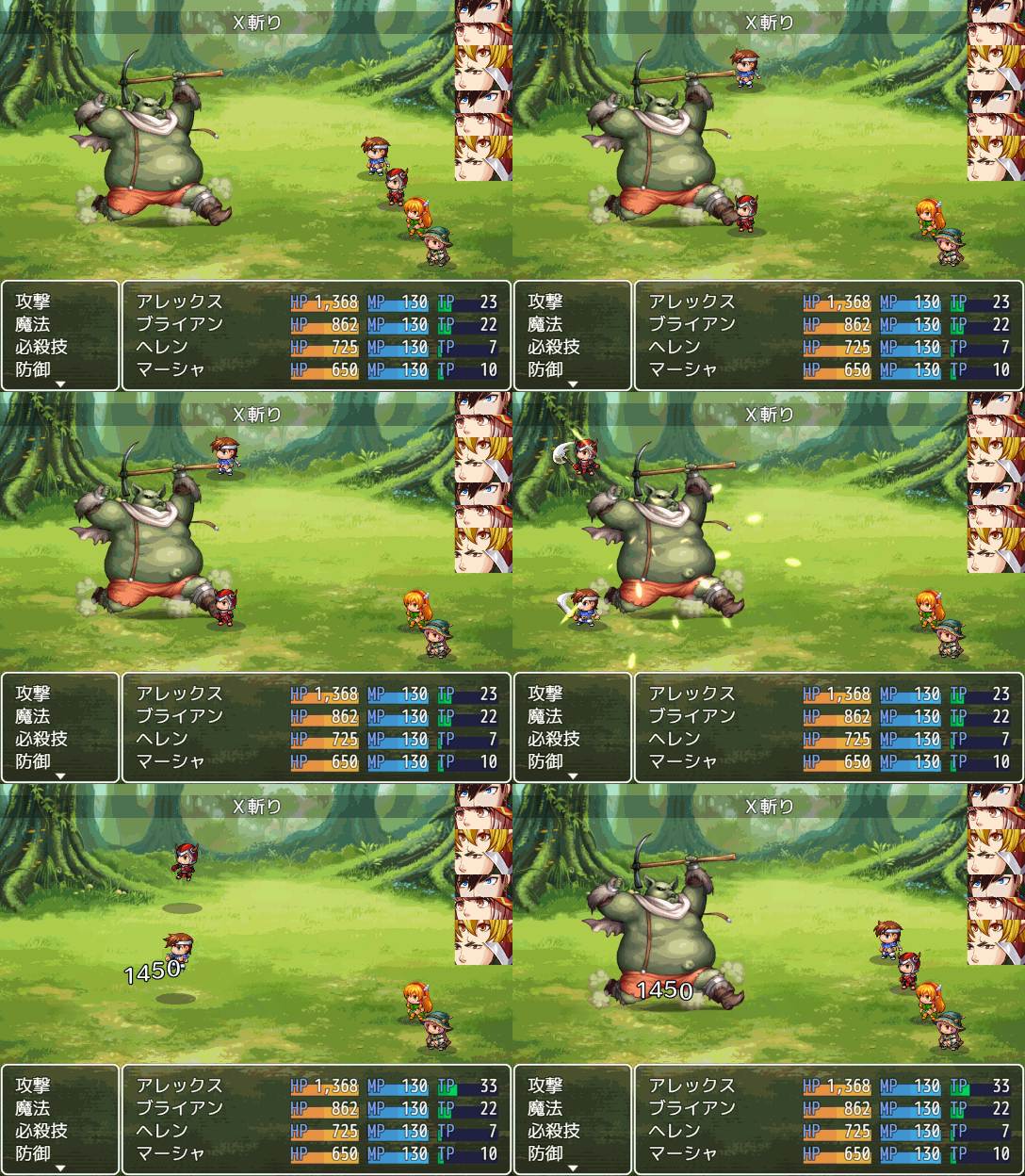
    20200411_XSlash.gif
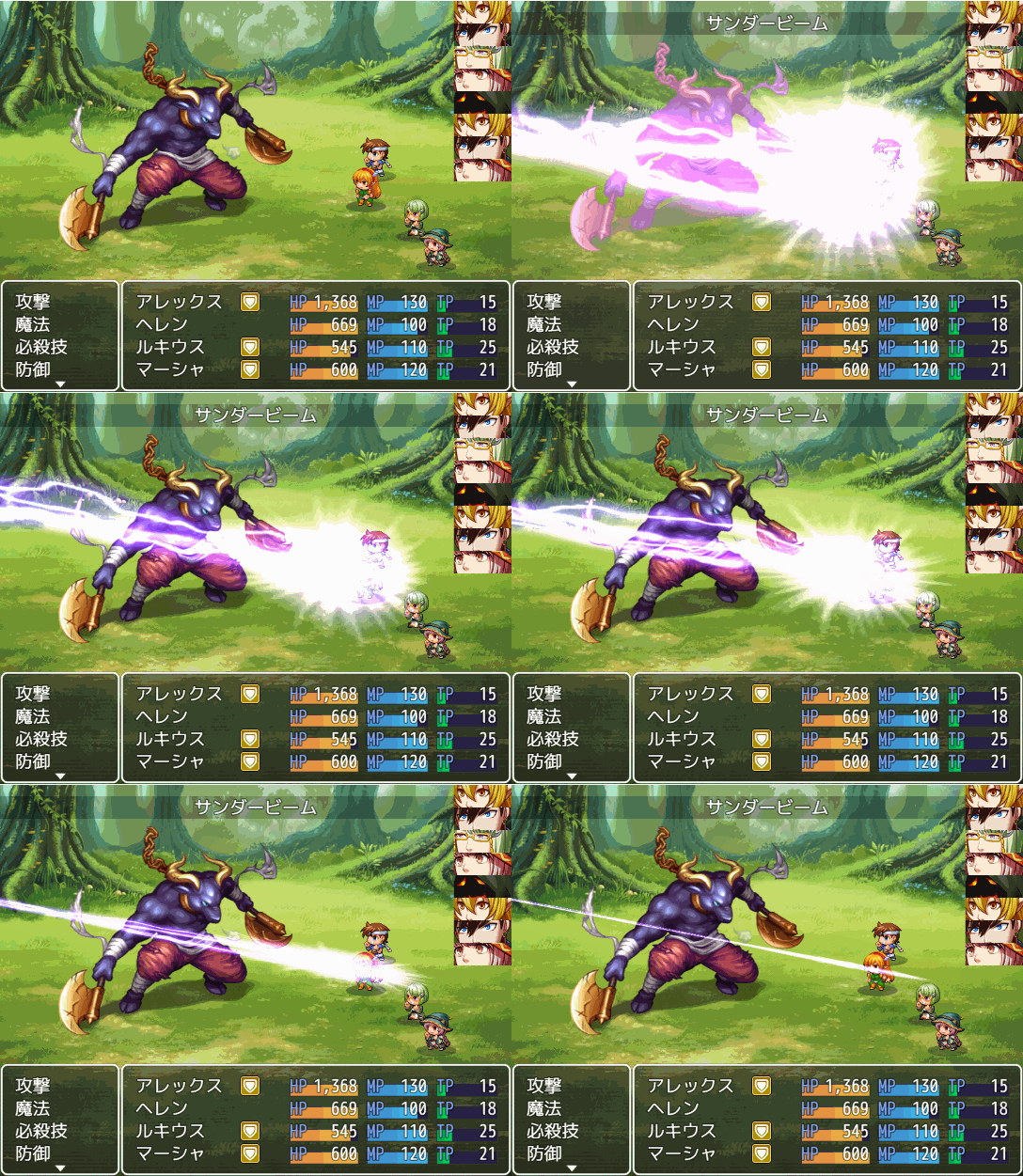
    20200220_beam.gif
    • Used to create a scene that displays the battle scene on the map
    Spoiler
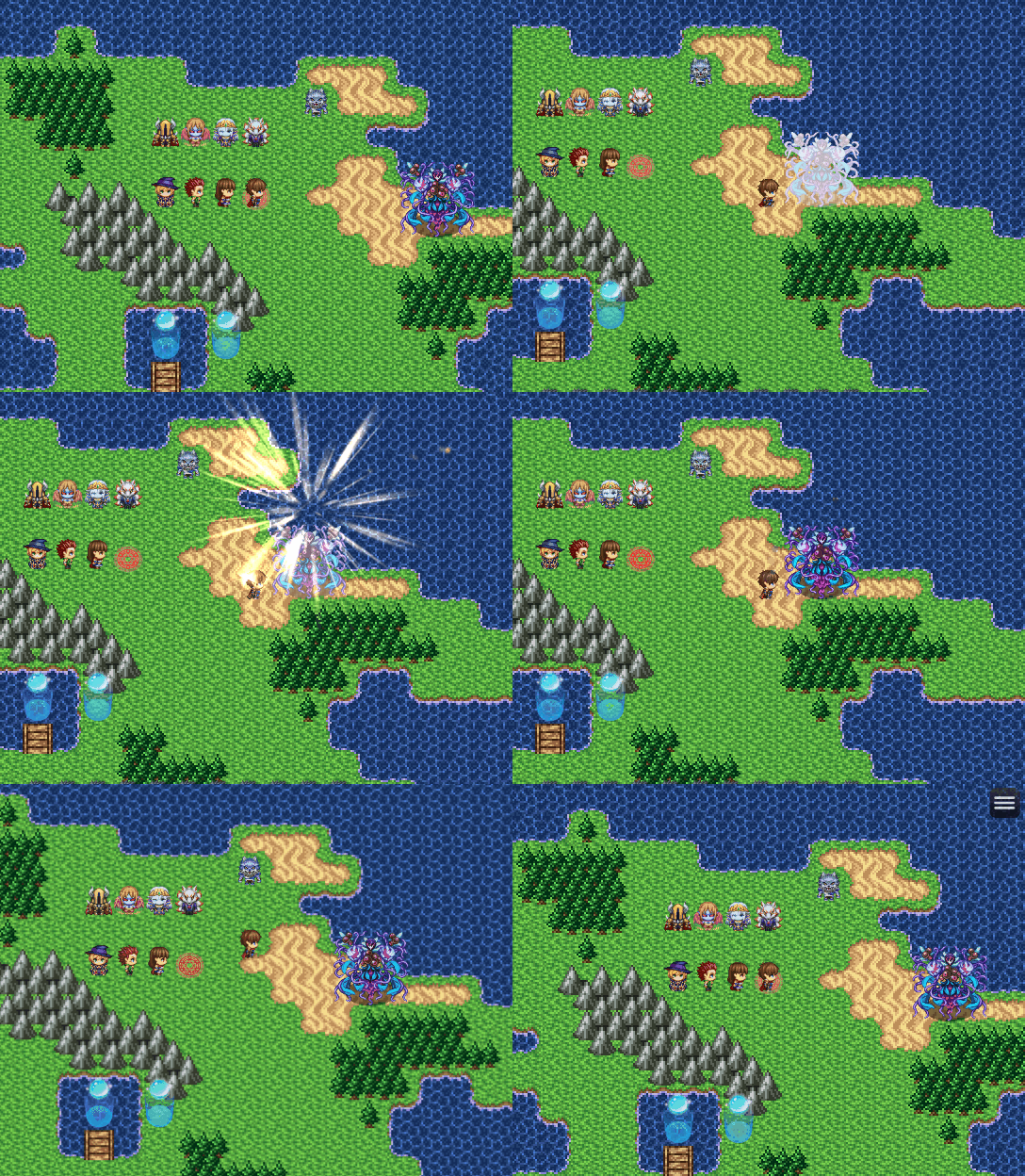
    20201021_DashAttack.gif
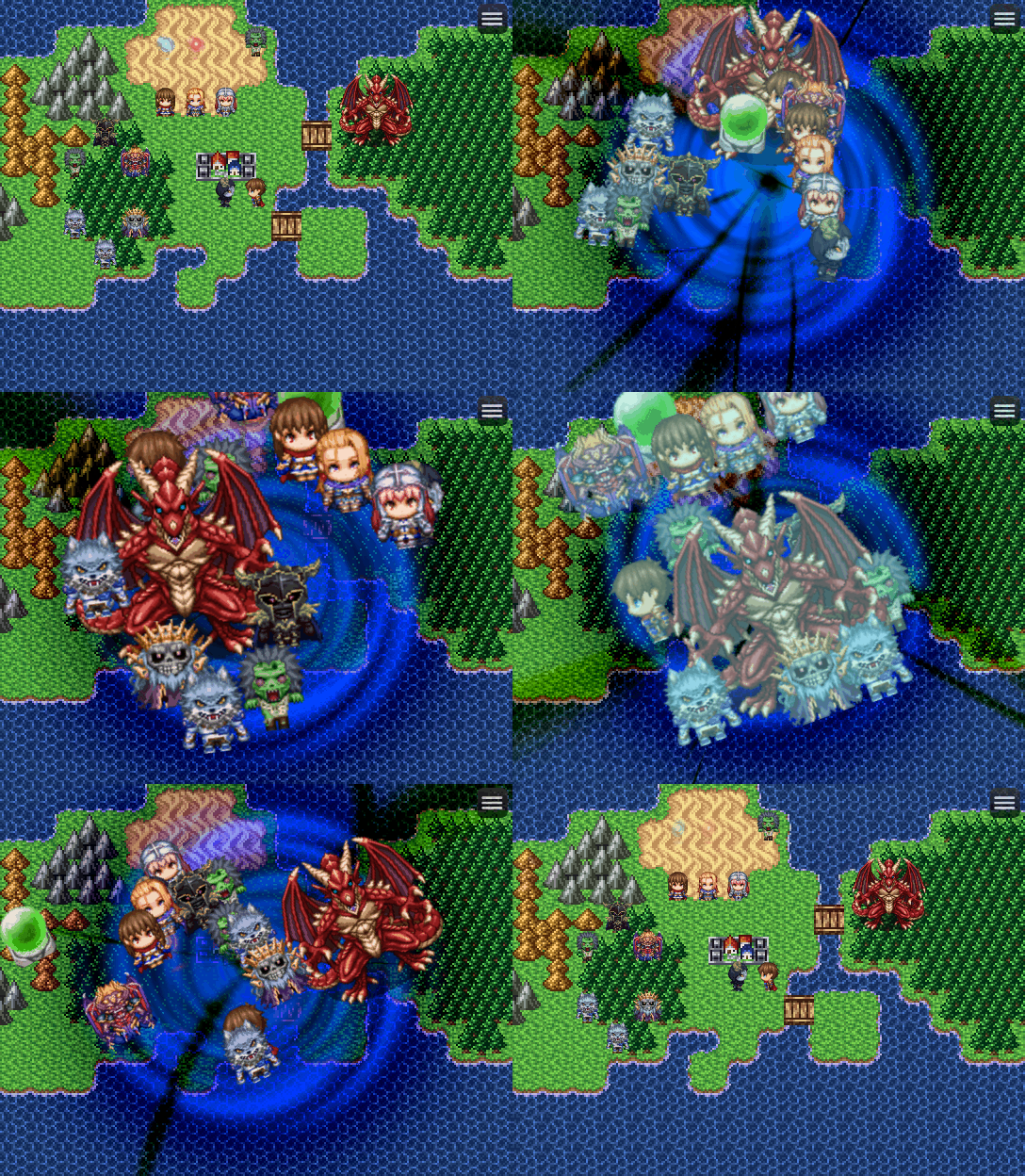
    20201015_Beat.gif
    20201014_DynamicMotionMap.gif
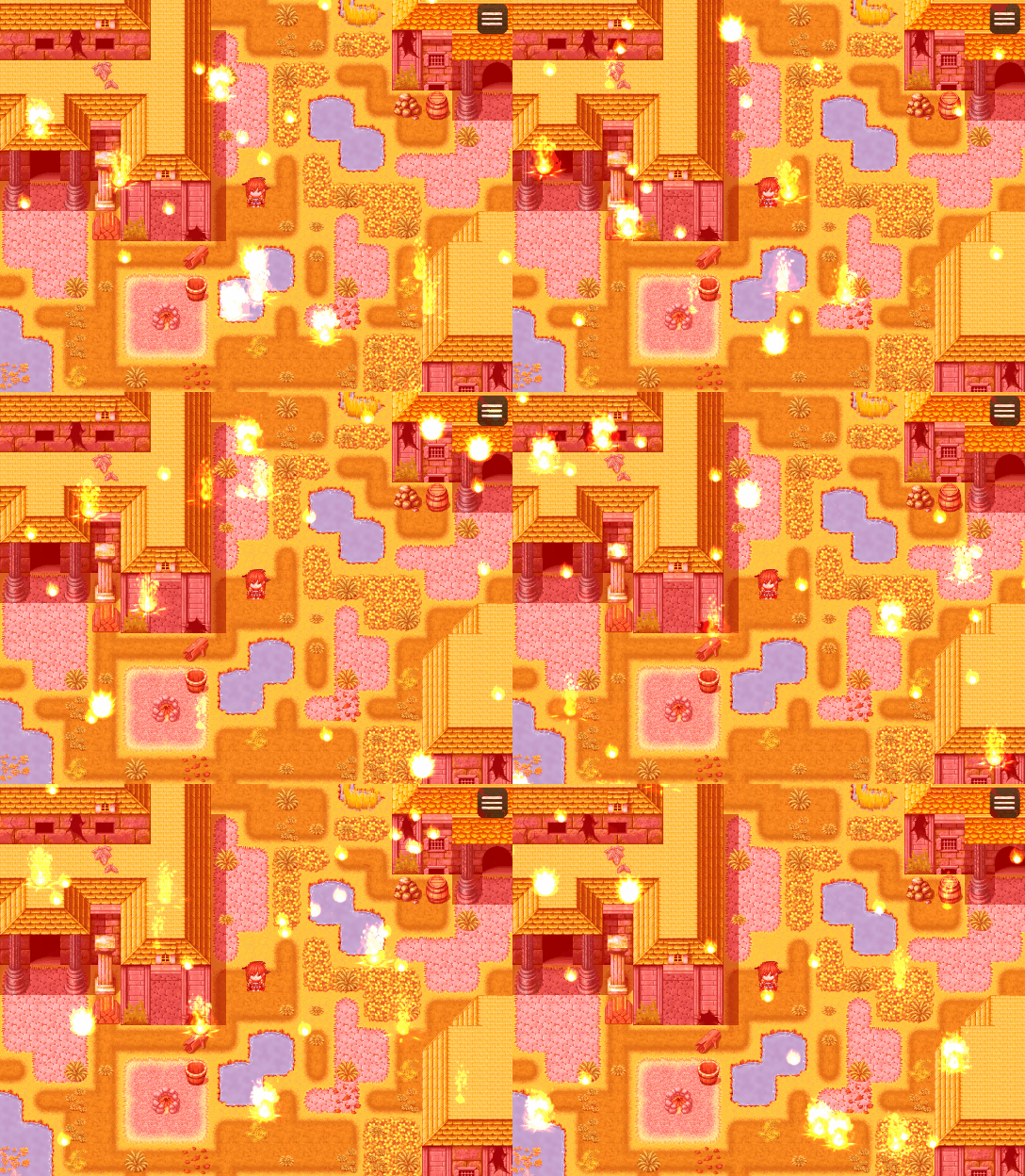
    • Used to add visual effects to the map by utilizing the RPG Maker animation
    Spoiler
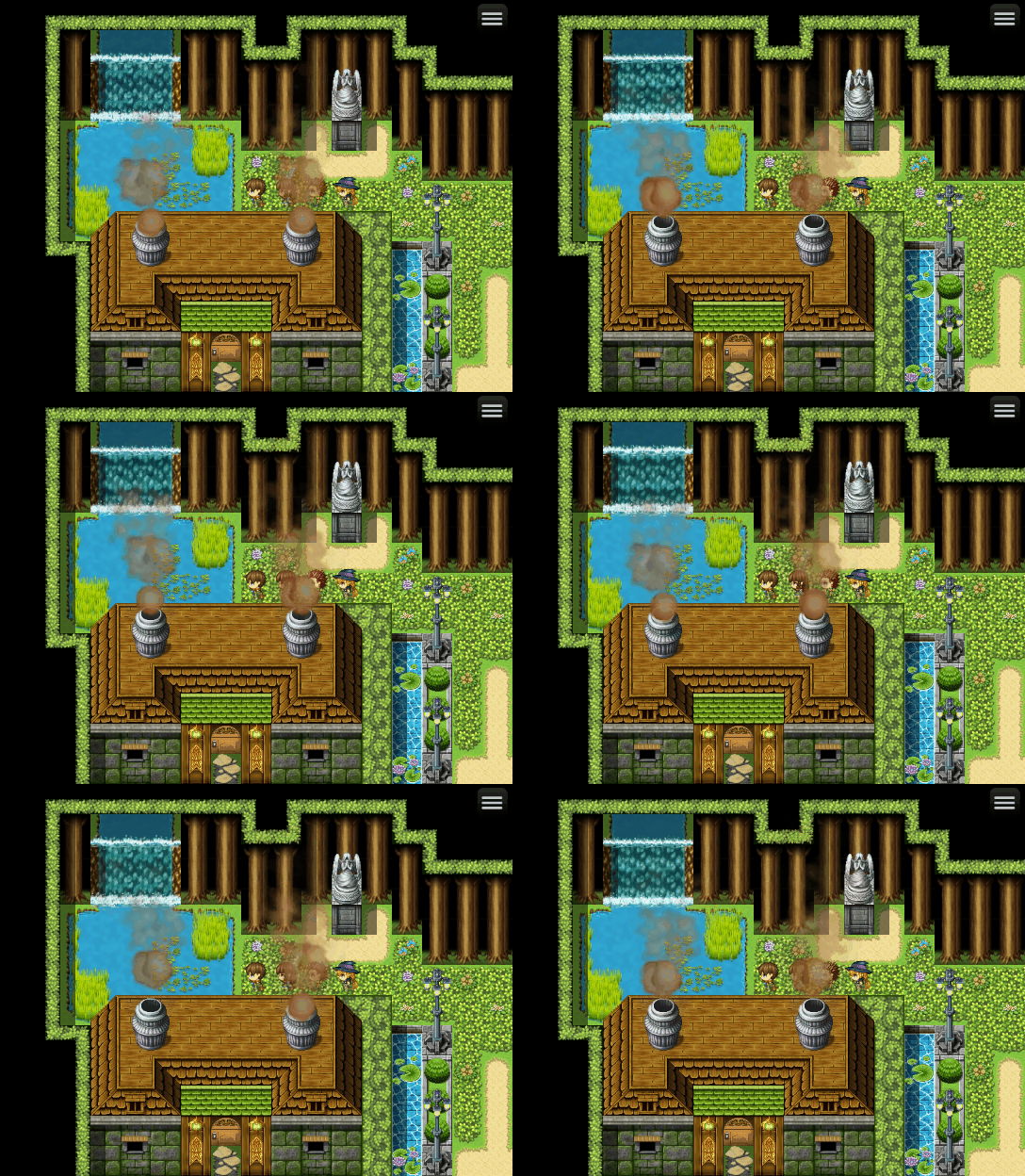
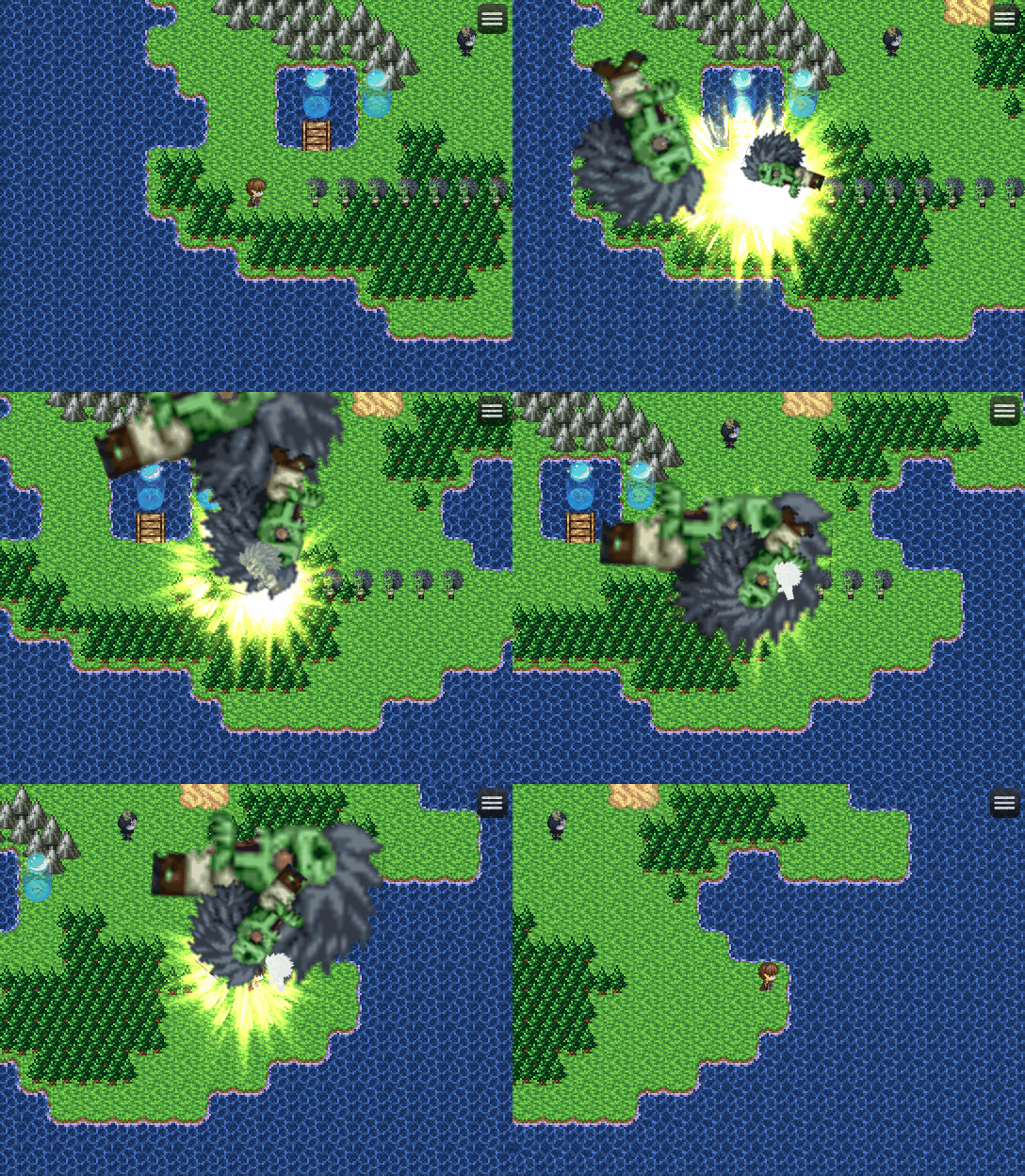
    20201003_smoke.gif
    20201012_backLight.gif
    20201002_FireRain.gif
    • Make projectile effect on the map that auto targeting object/enemy
    Spoiler
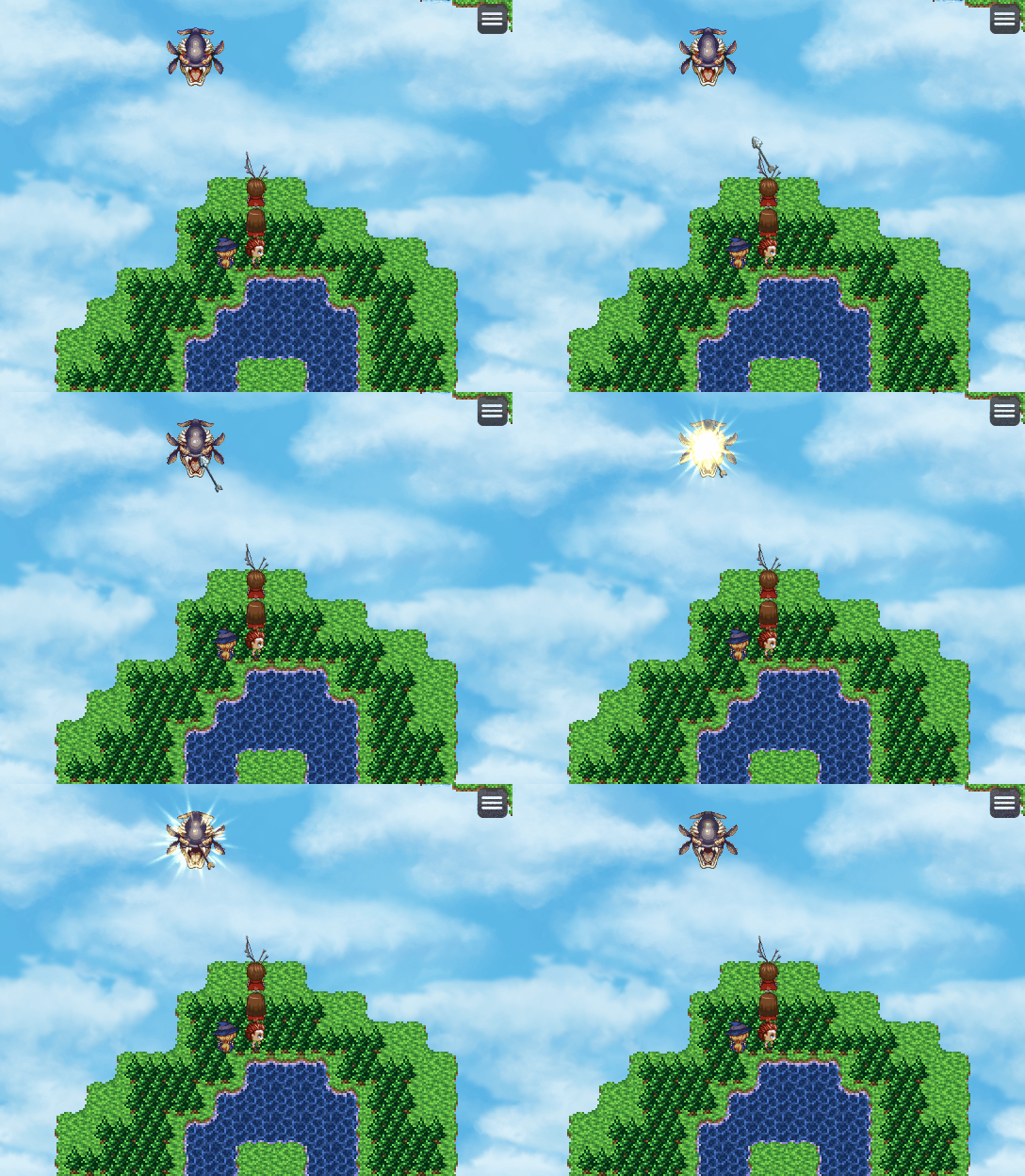
    20201002_arrow.gif
    • Integrated into custom battle systems, such as the Action Battle System, Chrono Trigger Style Battle System, Tactical Battle System, and other Battle Systems that require control over battler movements and animations
    DEMO
    In the meantime, you can use the latest demo that I provide for SRPG Engine MV. In the demo you can figure out yourself how the plugin can be integrated in any battle system (in this case is tactical battle system) due to its modular design (not bloated with unremovable feature) and how action sequence is done on the map other than being used in traditional sideview battles.​

    Source Code Repository
    GitHub - NewRPGProject/MZMV_Plugin: RPGツクールMZおよびMV用のプラグインです。
    • Author: Takeshi Sunagawa
    • Documentation Translation: Me (Ryan Bram)
    • Non-commercial use: free
    • Commercial use: free
    • Redistribution: OK
    • Editing: OK
    • Redistribution after editing: OK
    • Series: RPG Maker MZ
  2. Great Plugin...

    btw NRP animation / motion plugin or any motion plugin will always conflict with any sideview battle system... because sideview battle system usually included with the motion / animation... and using two plugin or more that control it will crash the system...

    so you might need to request specifically plugin for ONLY showing the enemy using sideview battler image format and let the motion / pose controled by NRP animation / plugin.

    please create one [Characters as Side-view battlers] please.
  3. Thank you for your interest.

    We'll find the solution about this.

    Stay tuned.
  4. RyanBram said:
    Thank you for your interest.

    We'll find the solution about this.

    Stay tuned.
    I love you~ ^___________^
  5. Ok, you can try this for creating SV Enemies in MZ. It should work in any battle system without relying to DynamicActionMZ.
  6. Thanks for the awesome work. Excited to try this one out.
    Is it just me or the images arent loading?
  7. Do you mean image inside spoiler tag?

    It show perfectly on my Desktop and Android chrome browser.

    Maybe you can try right click and show image in new tab.
  8. RyanBram said:
    Ok, you can try this for creating SV Enemies in MZ. It should work in any battle system without relying to DynamicActionMZ.
    Can you add this function ?

    <Sideview Battler: filename>

    <Sideview Battlers>
    filename: weight
    filename: weight
    filename: weight
    </Sideview Battlers>

    - Used for: Enemy Notetags
    - Replaces the enemy's battler graphic with an animated Sideview Actor
    graphic found in the img/sv_actors/ folder.
    - Replace 'filename' with the filename of the graphic to use. Do not insert
    any extensions. This means the file 'Actor1_1.png' will be only inserted
    as 'Actor1_1' without the '.png' at the end.
    - If the multiple notetag vaiant is used, then a random filename is selected
    from the list upon the enemy's creation.
    - Replace 'weight' with a number value representing how often the 'filename'
    would come up. The higher the weight, the more often. You may omit this
    and the colon:)) and just type in the 'filename' instead.
    - Add/remove lines as you see fit.

    Example:

    <Sideview Battlers>
    Actor1_1: 25
    Actor1_3: 10
    Actor1_5
    Actor1_7
    </Sideview Battlers>


    1111111.png

    111111112.png
  9. Oh okay. Im in my work network right now so that could be it.

    Im gonna try to experiment this on MZ. Probably use the action sequences you made as an example.

    Are you plannimg to make a demo in mz? If not do you mind us uploading a working demo in mz and posting it here or somewhere else in the forum

    Edit:Nevermind missed the part where it says
    • Redistribution: OK
  10. RyanBram said:
    Plugin to read Dynamic Action Sequence from TXT files- DynamicReadTxt
    Do you know how useful is this plugin? Thanks to this plugin we can change the parameters in the txt file and make the skill loop in a test battle so any change we make in the txt (just ctrl+s after every change) is reflected on the same test battle, this saves a lot of time!
  11. Where can download a demo to learn how to do ?
  12. I have seen all the examples, most of them are instructions to cause one damage

    May I ask how to issue the command to produce 4 damage at one attack time?

    ex:

    <D-Animation>
    damage = true
    damage = 2
    </D-Animation>
  13. This is amazing, can't wait to try this out.