DynamicAction - Versatile Plugins for Creating Beautiful Action Sequence

● ARCHIVED · READ-ONLY
Started by RyanBram 11 posts View original ↗
  1. Introducing
    Dynamic Action.png
    credits: Takeshi Sunagawa
    Hi, fellow game creators.

    I am really excited to introduce a new plugin that can improve visuals in RPG combat. I call this collection of plugins as DynamicAction.​

    [embedded media]

    For MZ version please visit this forum.​

    Download:

    Main Plugins

    Plugin to control how animations are performed​
    Plugin to control how battler motion are performed​
    Additional plugins
    Plugin to control how animations are performed on map​
    Plugin to control how battler motion are performed on map​
    Plugin to improve animation processing in RPG Maker​
    Plugin to read Dynamic Action Sequence from TXT files​
    User Manual (still need improvement)

    The features of the DynamicAction plugin are:
    • Control battler movements and animations using simple action scripts on notes
    • By using templates in the plugin parameters allows you to execute basic movements without writing notetag multiple times
    • Supports both RPG Maker MV and RPG Maker MZ
    • Modular, so you can remove features you don't use
    • Can be done both in the Battle Scene and on the Map using the same notetag script
    • Can read notes from txt files and execute them dynamically in the running game
    • Non obfuscated readable code, make it easy to learn, adapt, and modify to suit your needs.
    • Free license, allowing DynamicAction to be integrated into your custom system without worrying about legality issues.

    With the use of simple templates and notes, as well as features to execute action sequences on a map, this makes it one of the most versatile plugins that can fulfill your needs regarding a dynamic battle system with a beautiful visual appearance.​

    Some examples of use cases for this plugin include:
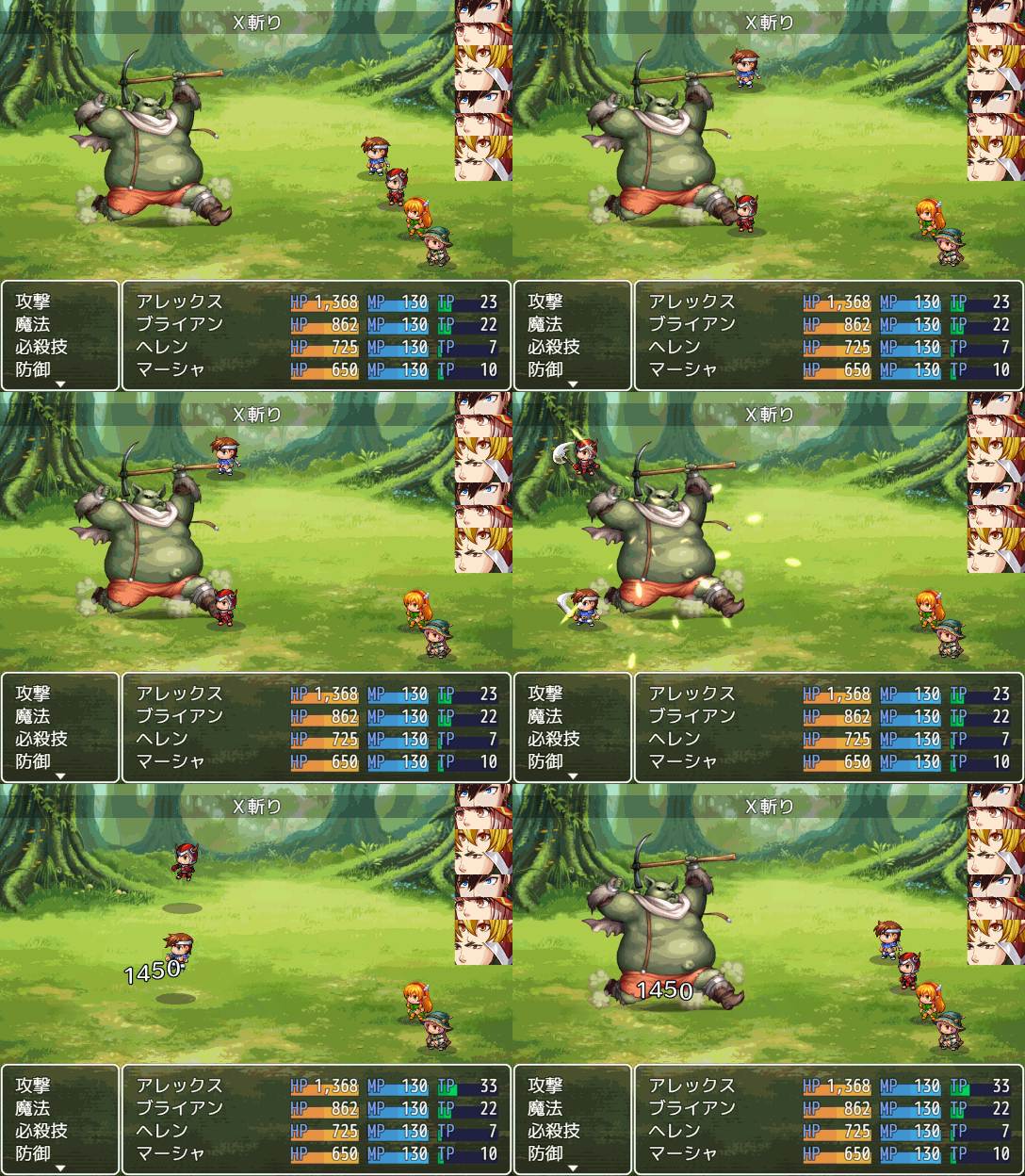
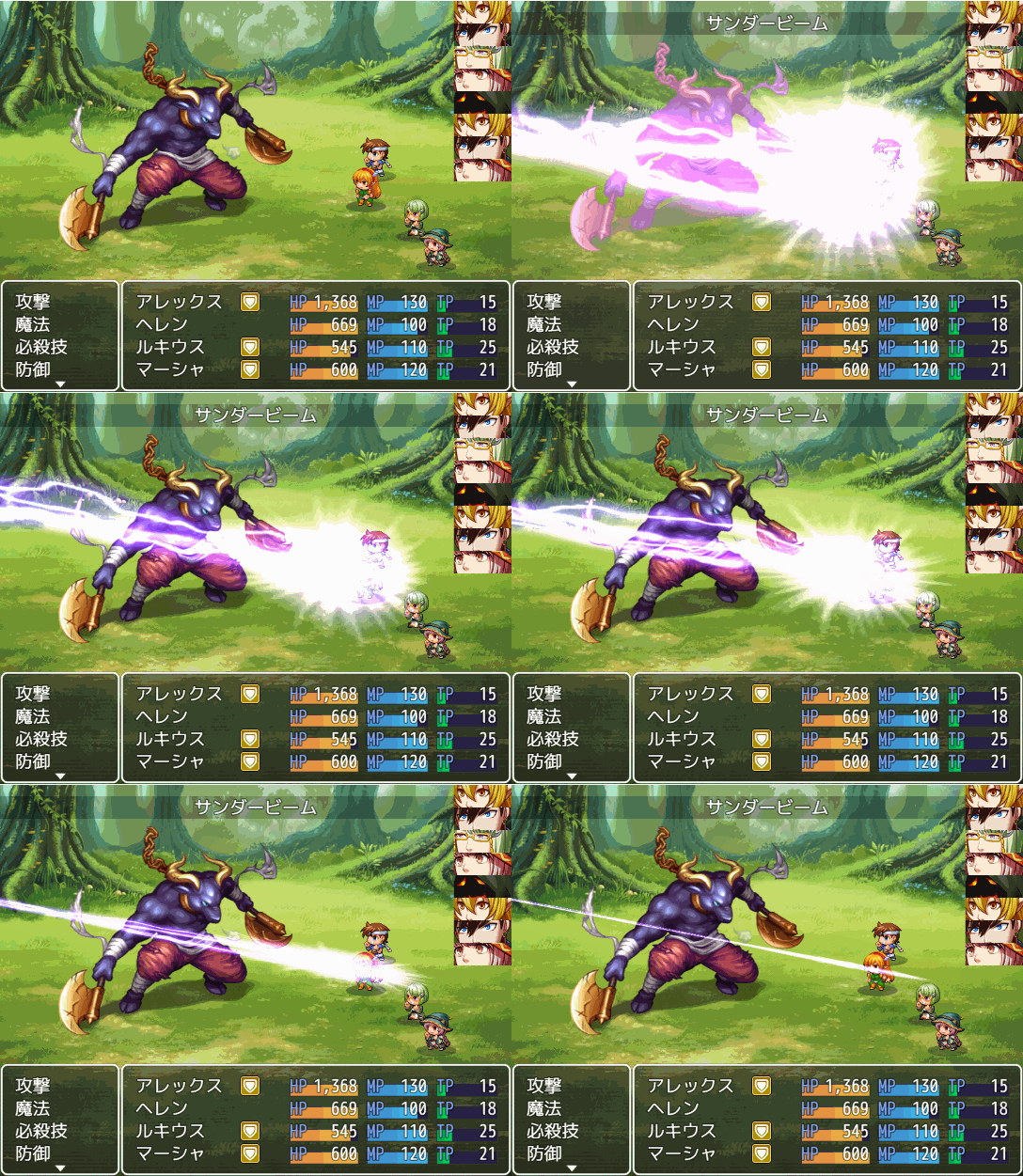
    • Used in traditional sideview battles
    Spoiler
    20200403_sippuu.gif
    20200411_XSlash.gif
    20200220_beam.gif
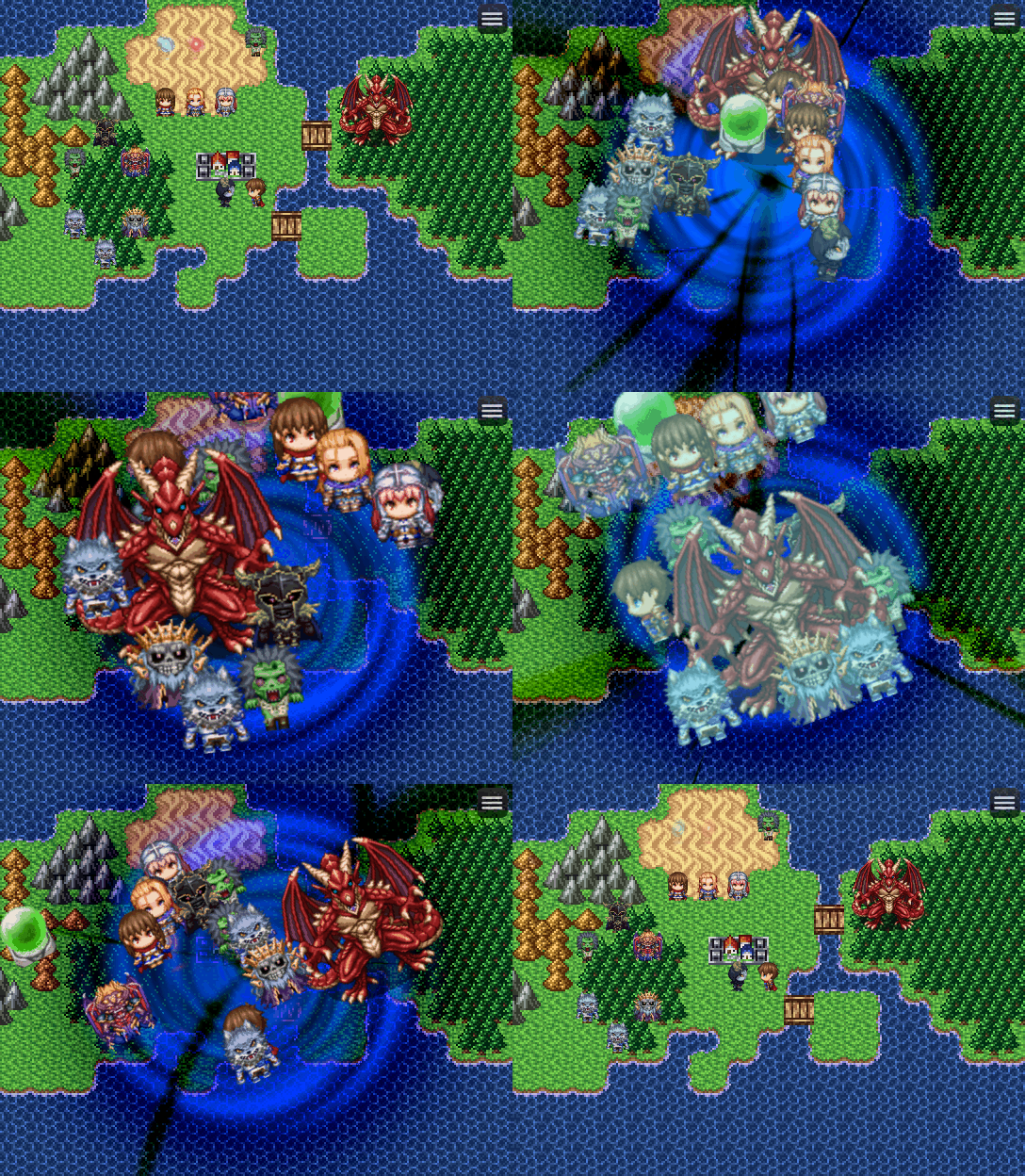
    • Used to create a scene that displays the battle scene on the map
    Spoiler
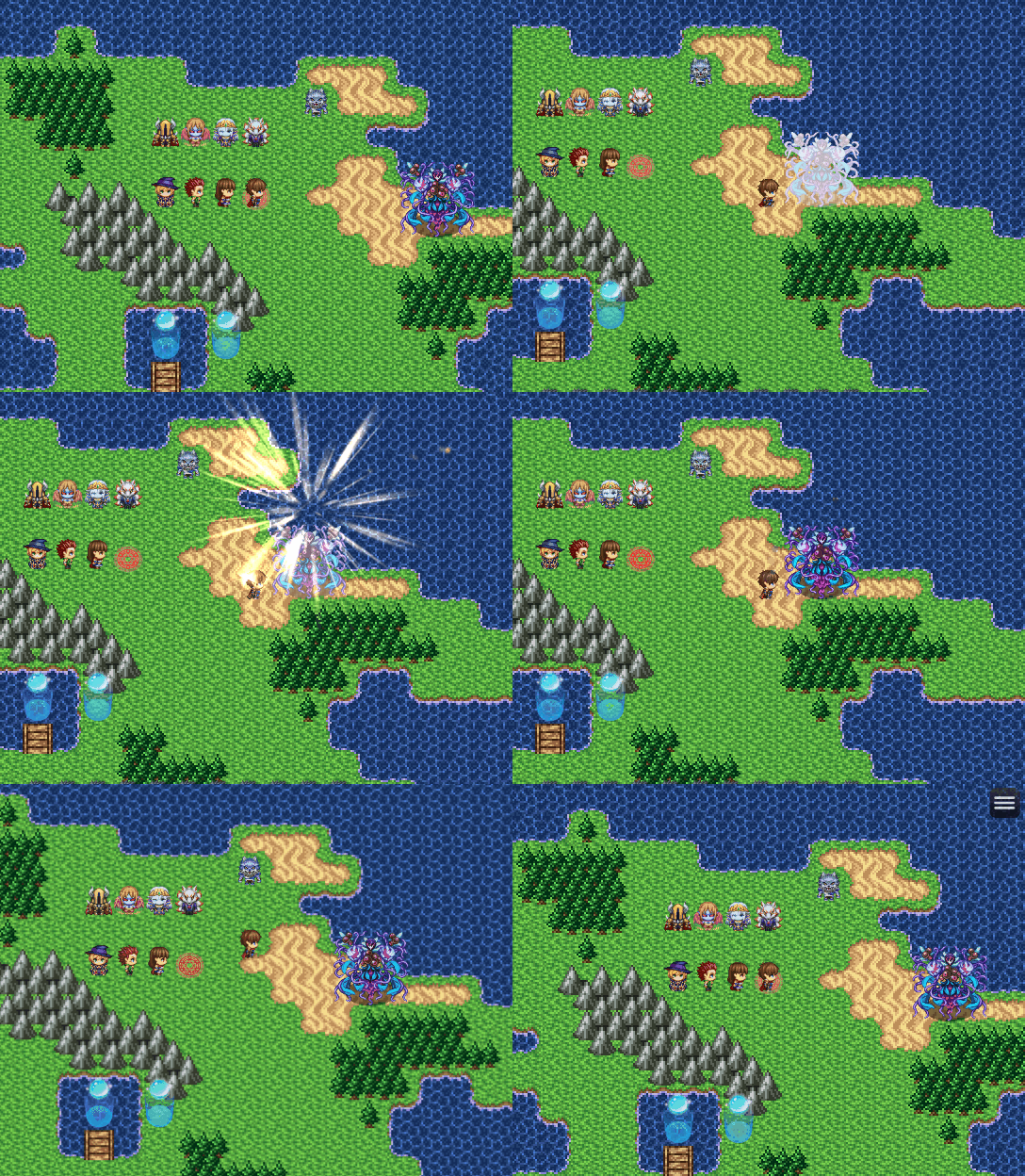
    20201021_DashAttack.gif
    20201015_Beat.gif
    20201014_DynamicMotionMap.gif
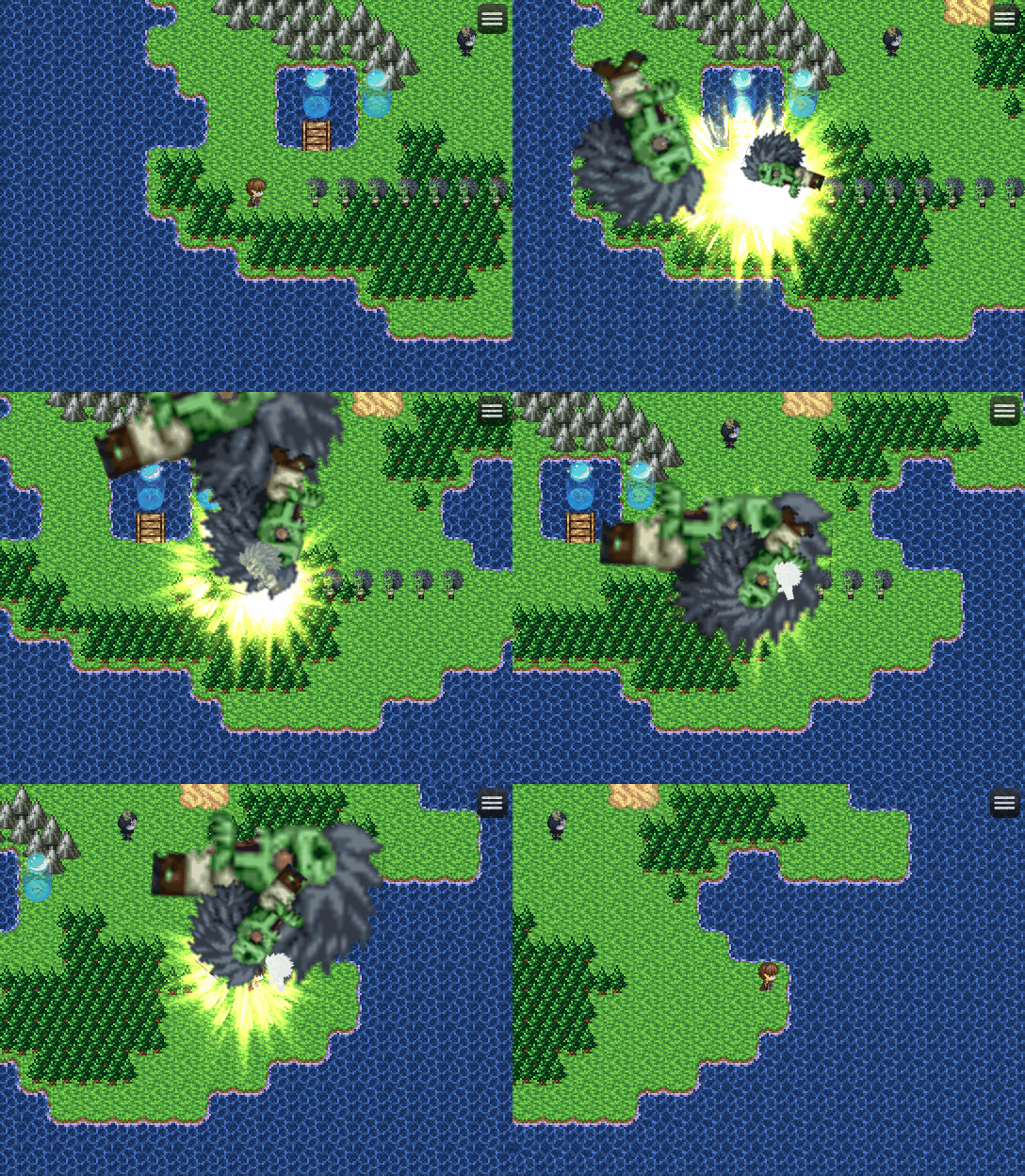
    • Used to add visual effects to the map by utilizing the RPG Maker animation
    Spoiler
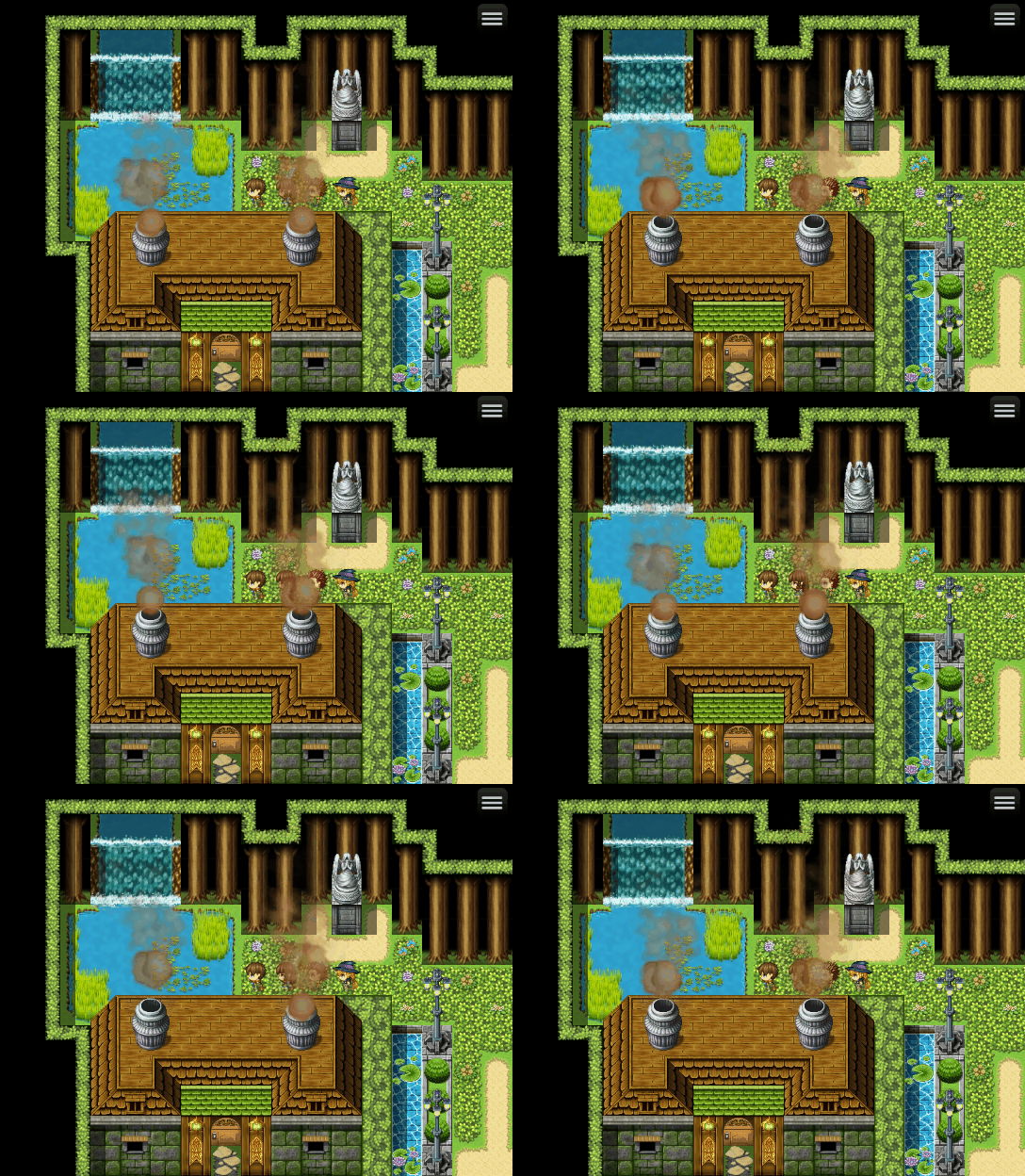
    20201003_smoke.gif
    20201012_backLight.gif
    20201002_FireRain.gif
    • Make projectile effect on the map that auto targeting object/enemy
    Spoiler
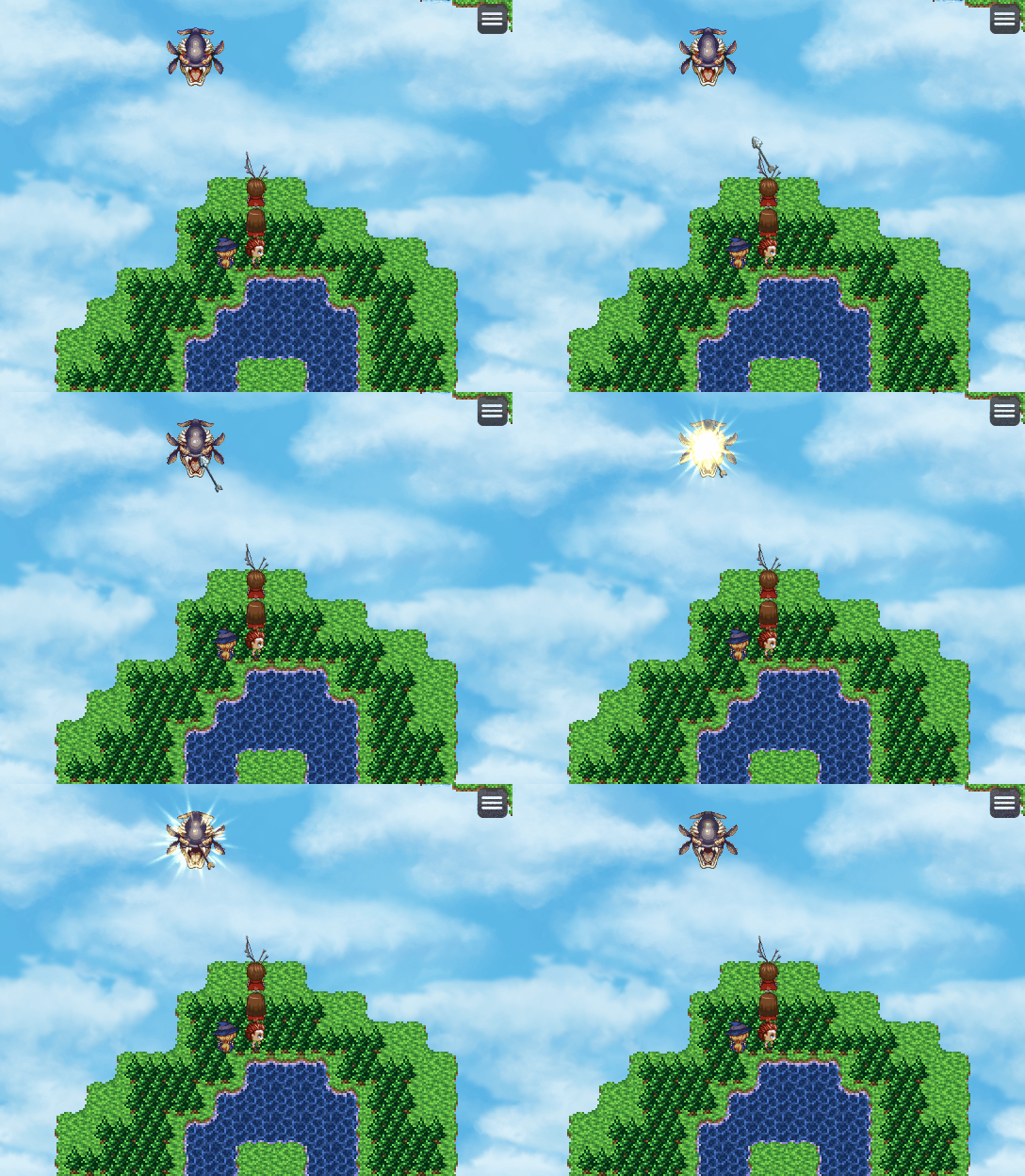
    20201002_arrow.gif
    • Integrated into custom battle systems, such as the Action Battle System, Chrono Trigger Style Battle System, Tactical Battle System, and other Battle Systems that require control over battler movements and animations
    DEMO
    In the meantime, you can use the latest demo that I provide for SRPG Engine MV. In the demo you can figure out yourself how the plugin can be integrated in any battle system (in this case is tactical battle system) due to its modular design (not bloated with unremovable feature) and how action sequence is done on the map other than being used in traditional sideview battles.​

    Source Code Repository
    GitHub - NewRPGProject/MZMV_Plugin: RPGツクールMZおよびMV用のプラグインです。
    • Author: Takeshi Sunagawa
    • Documentation Translation: Me (Ryan Bram)
    • Non-commercial use: free
    • Commercial use: free
    • Redistribution: OK
    • Editing: OK
    • Redistribution after editing: OK
    • Series: RPG Maker MV
  2. demo for it too as well?
    it looks amazing though from the video, hopefully for front view battle too :)
  3. Sorry for late reply.

    The only available Demo for now is come from SRPG Engine MV .
    But no worries, because the manual contain sample techniques that can be used by just copying and pasting to your project.

    And related with front view battle support, I think for DynamicMotion (not DynamicAnimation) it work only in sideview battle, since in the front view battle there is no actor shown on the screen. But you can also make sideview battle to looks like front view battle by positioning actor formation to the bottom of screen.

  4. the demo resulting into the RMMZ version, not the MV version I use though.
    it looks amazing otherwise, keep p the nice work for the community :)
  5. The demo is based on MV.
    I just put MZ launcher, so anyone who have MZ can still open the demo.

    But basically it is a MV based Demo since SRPG itself hasn't ported to MZ yet.
  6. I see, than I put the MV launcher in it and see if it runs without issues :)
    Now it's clear which wasn't before.
  7. Hi, i have to say that seems to be a great plugin and really easy to use.

    However, i have a problem. I can use the dinamic animation plugin and it works really well, but when i try to use the dinamic motion one, it gives me a black screen with an error when i enter in a battle.

    The error says: "cannot set property z of # which has only a getter".
  8. This is an amazing set of plugins, but sadly it won't work with Yanfly Battle Engine Core :( Does anyone have a potential solution for this?
    Edit: It seems to be working if I enable conflict mode: 1 in Dynamic Animation plugin, testing it further now.
  9. Hi Ryan,i want to thank you for everything you are doing for the community. Greetings from Argentina.
  10. is posible make a custom enter actor animation? i try all i can but i cant edit the animation of when the charater enter to battle, just skills o atack animations
  11. Hey there just wondering if it's possible to use this plugin to make a beam (Kamehameha) animation between the user and the target