Avy's MZ Stuff

● ARCHIVED · READ-ONLY
Started by Avery 2034 posts Page 6 of 102 View original ↗
  1. I love it when you can actually visit the locations from your worldmap... and so I made
    Day 10: The temple
    Temple.png

    Ancient relict or part of the actual relegion of your world? You decide!
  2. I love that you love visiting the locations on the world map, because I simply enjoy seeing you create these large scale sprite pieces to flush out the missing RTP. They are always a delight!
  3. Another great model someone can plop down easily into their maps!
    Very shiny :D
    I think, I would prefer a grey stone one.
  4. I love your work Avery :kaojoy:
  5. We had that old, ancient stone door at the beginning, but I know not all games are fantasy medieval games.
    I hope there are enough of you that have a modern or sci-fi setting that have a use for these:
    Day 11: Sci-Fi Doors
    SciFiDoorAvery.png
    I initially wnated to enlarge the normal Fantasy Doors, but it turned out @Tonbi already made that and if something is already done well, there is no need to do it a second time, right? ;) His doors are here: https://forums.rpgmakerweb.com/index.php?threads/tonbis-mz-material-factory.126160/

    I included different door sizes, so you can choose how and where to implement them. And even if you use 1 tile high chars, with the usual room walls being 2 tiles high, i personally prefer taller door even for the default sprites... they just make the map look more balanced^^
  6. More sci fi elements are sorely needed and doors are essential for that. Those are looking good! Much more natural than the standard ones.
    I always prefer the 2 tiles high doors. If a door is smaller than your closets and bookshelves, something is weird :D
  7. When I said on the 6th, that we needed the RTP stuff on the set for a reason, let me explain:
    Day 12: Summer Forest
    Outside_B_Summer_Avery.png

    And since my A4 forest matched spring, here is the summer recolor:
    ForestAverySummer.png

    And, as @Candacis had suggested, here are some recolors of the pine trees with different trunks and leaves.

    PineRecolor_AveryMZ.png

    I guess, you Sherlocks now know what is in two of the remaining days ;D

    I had some issues with the pine replacement so the sheet on day 6 was replaced with the correct alignment (the tiny pines were not right in the grid and crossed the lines to the other tiny pines)
  8. These are just so beautiful! And that silvery green pine is perfect for areas where it's cold but not necessarily snowing. And such a variety! I don't think there's enough disk drive space on my laptop for all you've given us, Avery. :kaojoy:
  9. I've been working on mapping a forest for my game, and day 12's goodies are exactly what I needed. Thank you, Avery!
  10. Best day yet!
    Thank you for making all those recolors. Very handy for that pine tree forest.
    You have a nice eye for all those usable color variations.
  11. When I dropped in the wolves, I had to move some stuff, so welcome to
    Day 13: Battlebacks+
    This was an overgrown road before, and I edited so it was just overgrown and a perfect ground for for example a jungle map
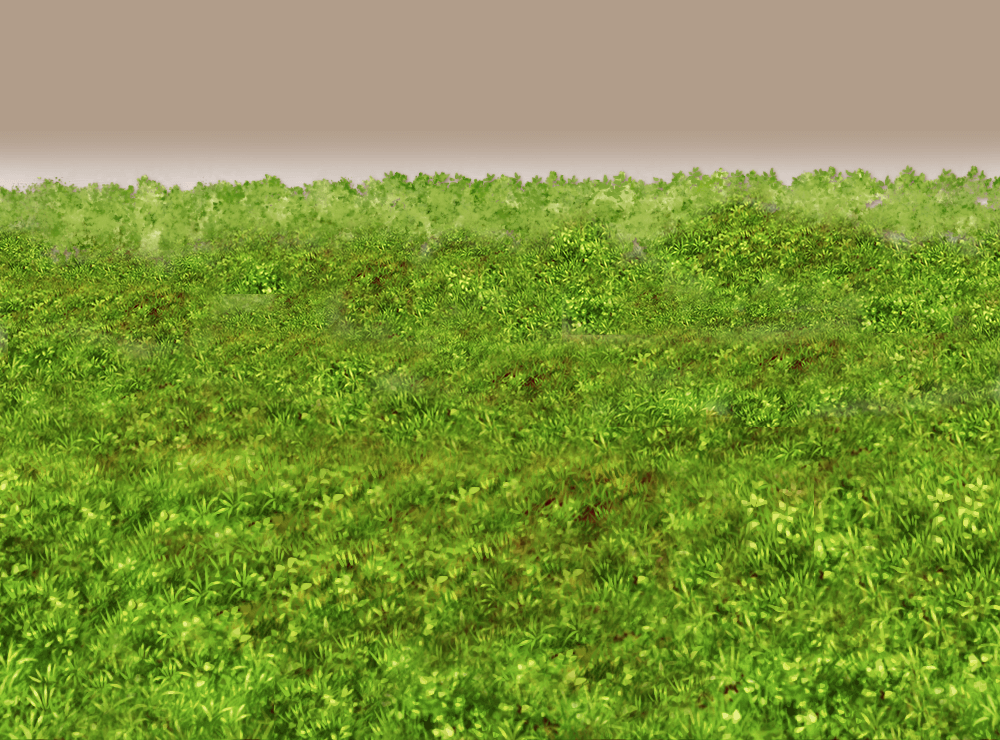
    Jungle_Avery.png


    This was a titlescreen, but it was cut and recolored to match the Sand battleback one and now you have a different desert battleback in case you need one ;3

    DesertAvery.pngAnother ex-titlescreen, the stairs had to be edited and everything had to be cut... but now we have a japanese style background and we did not have many of them :3
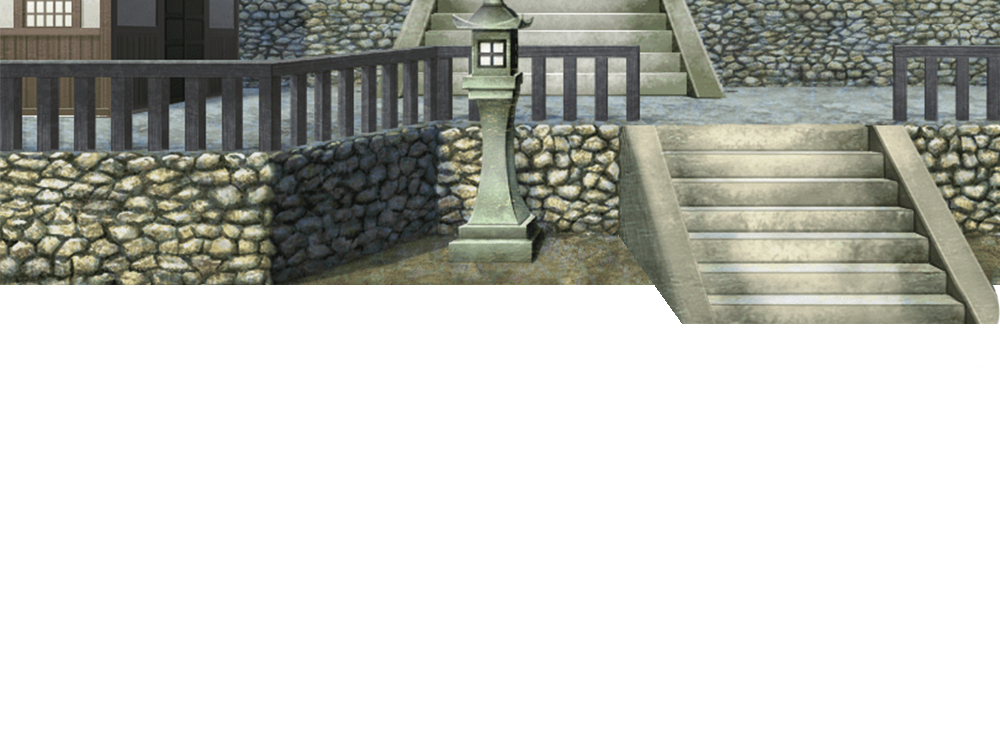
    JapanTown_Avery.pngYou guessed it, another titlescreen. Recolored and adjusted it perfectly matches my battleback1 on the
    top of the post. Jungle action!

    Jungle2_Avery.png
    Editing the titlescreens was a gold mine for desert battlebacks! Here is one for an oasis!
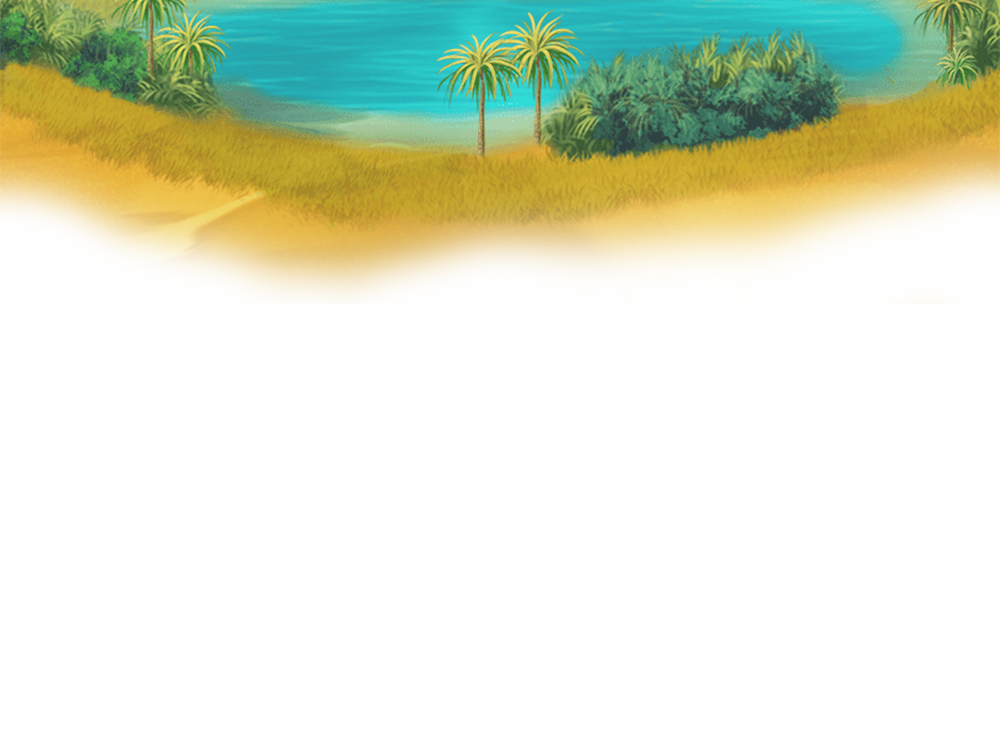
    Oasis.png
    To be used with most stone floors, this had to be massively editied in the matter of light and shadows to be usable, but I like how it turned out!
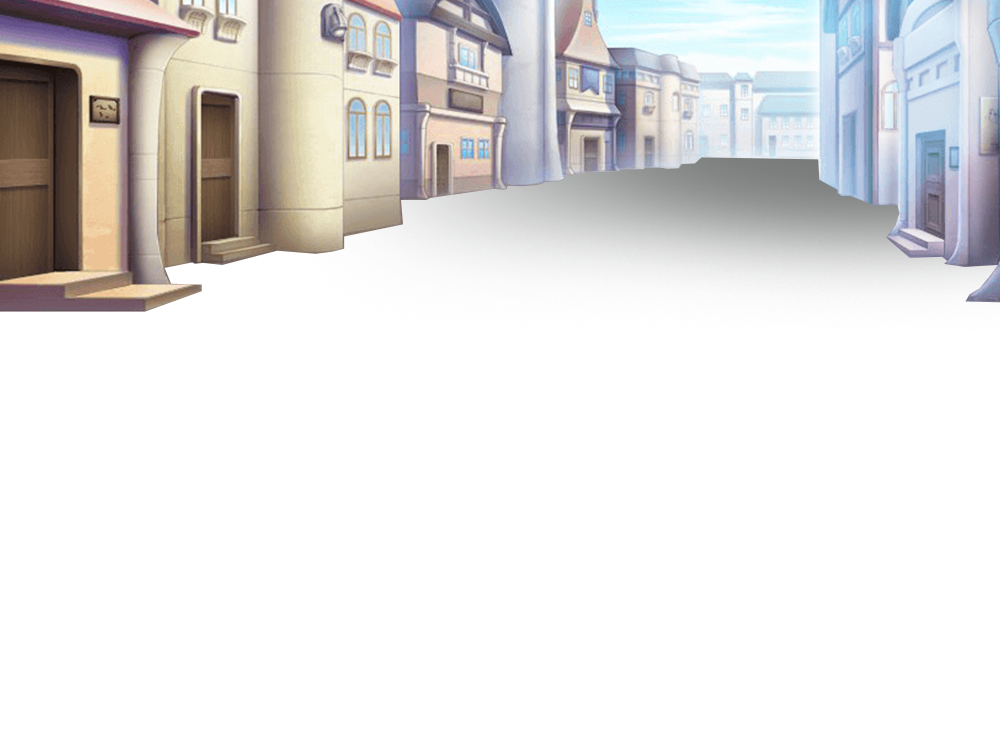
    Town_Avery.png
    To be used with the wasteland ground, another battleback2!
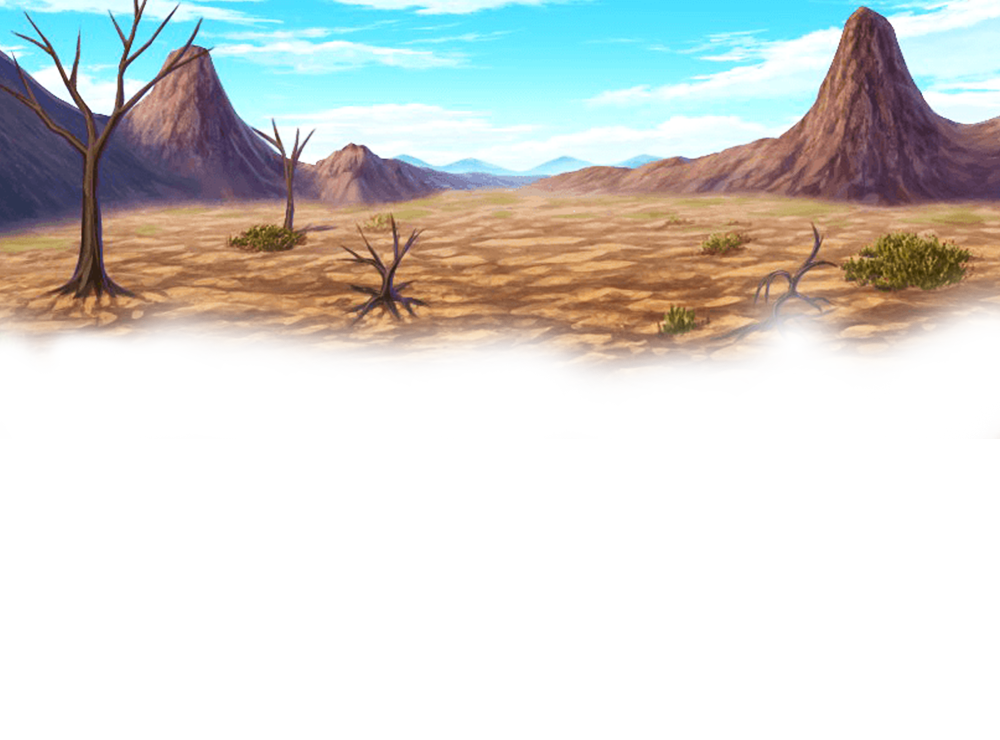
    Wasteland_Avery.png
  12. I'm not using battlebacks often since I mostly map or do combat-free games, but I can see how much effort you put in them and they are looking good!
    I like the japanese one and the wasteland one the most.
  13. There is no such thing as too many
    Day 14: Beds #2
    Beds2 AveryMZ.png
    These are made in the same way as the other beds were, just with different bases^^
    Now you have even more options to put your characters in to sleep.
    Rural peasant home or basic modern teens? There is something for everyone!
  14. More beds! Thanks for doing those bases, too. Especially the first one which fits simpler/poorer homes better.
    I also like the back of the beds. With those you could make an edit for beds which have the same header at the foot of the bed, too.
  15. If you enjoyed the mermaids on day 10, you will like
    Day 15: Mermaid busts
    Mermaid_Avery.pngMermaid2_Avery.pngMermaid3_Avery.pngMermaid4_Avery.pngMermaidskin_Avery.pngMermaidskin2_Avery.pngMermaidskin3_Avery.png
    Since the last variation ist just the basic goddess bust, us that one if you need one matching the sprite ;3
    After it took me a while to be able to draw MV faces it was not that easy to switch to MZ^^' I like how they turned out and maybe you now have a mermaid turn good and talk to you after battle in your game? Or a questgiving mermaid? Or... whatever you like :3

    As a bonus, two edits of the mermaid battlers, so now at least 3 of the 8 sprite/bust combos have a matching battler:
    Mermaidskin.pngMermaidskin2.png
  16. I always found that battler weird because her hair covered all her face. Thanks for uncovering her and I love the "fin ears". Everything fits really well.
    A sprite where she is half in the water could be useful, too.
  17. They're so lovely :LZSsmile:
  18. Love em all. The single best rpg maker event every year :ptea:
  19. Since I added several things inbetween, I had to fusion two days , so today we have
    Day 16: Wood +

    This was part of editing and recoloring a bunch of resources. I was bothered by how mixed a wooden interior looks like, assuming most trees come out of the same forest.

    woodinside.png
    The staiway rails were edited as I felt they looked pretty weird shadingwise and recolored and edited to be suitable for all different needs and the wall was edited and recolored and the floor was massively edited and so on.
    wood additions_AveryMZ.png
    And to match the wood theme, we have charirs and Tables that can be mapped to all sizes and shelves/cupboards that face backwards and sideways and so on.
  20. Sometimes it's the little things, like matching wood. ^_^