This is a short tutorial to show you how to work with RPG Maker's autotiles in Tiled to make pre-rendering mapping easier. If you do not know what Tiled is, it's a program that allows you to create maps with Tilesets (like RPG Maker) but with the added bonus of an unlimited number of layers, unlimited tilesets per map and the possibility to extract multiple PNGs from your map so that you can edit its lighting in photoshop (if you want to) among other things.
Pre-requesits:
- Softwares: a graphic editor (Photoshop, gimp or whatever); Tiled, RPG Maker XP/VX/Ace/MV.
- A basic understanding of Tiled mapping: There's an excellent guide right here in these forums! Click here to read it then come back to know more about using auto-tiles with it! :D
- A basic understanding of a graphic editor (Photoshop or gimp) : All you need to know is how to create a grid and copy/paste. If you already have the autotiles in Tiled format, there's no need to edit the images.
- And that's all!
If you have already made -compatile auto tiles, skip to part 2
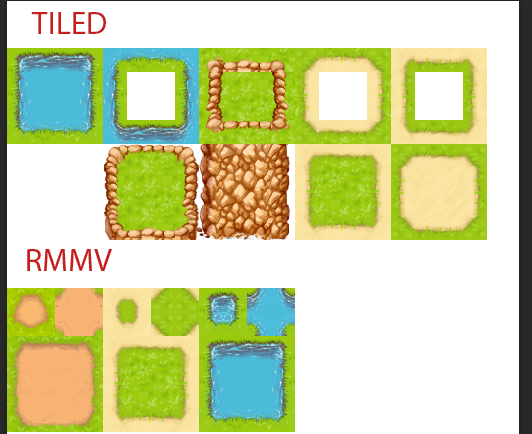
This is really easy, and once you know how to do it it will only take a few minutes to transform a VX/XP/MV autotiles to a Tiled one. The hardest part is figuring out where to put each part but I already figured out that for you :p
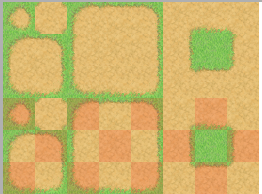
I will be working with this set of autotiles from VX Ace:
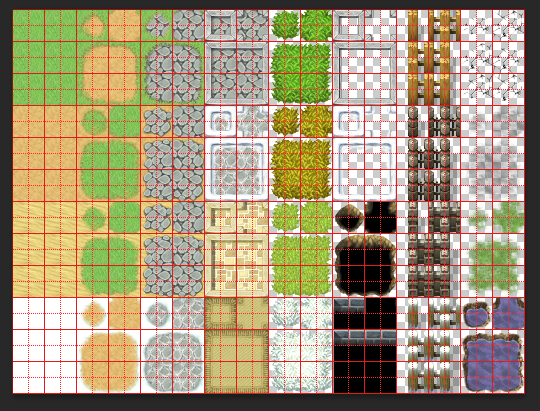
Outside A2- RPG Maker VX Ace
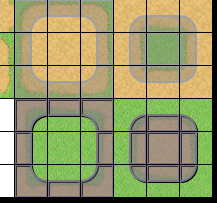
Note the Guides, I advise you to make a grid of 32px with 2 subdivisions. If you are using RMMV, that will be 48px :D
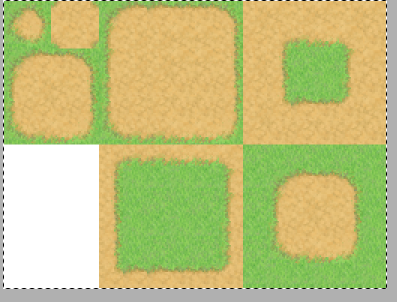
For this tutorial, we will be transforming the second autotile : The grass -> dirt one.
Here's the template I made:
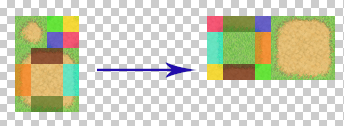
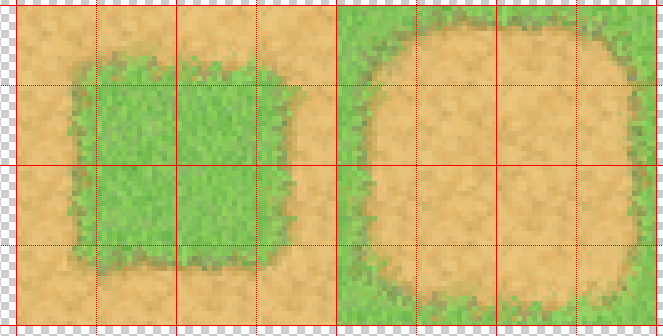
If it's still not clear, don't hesitate to ask questions. I might make a quick video to explain this even more visually.
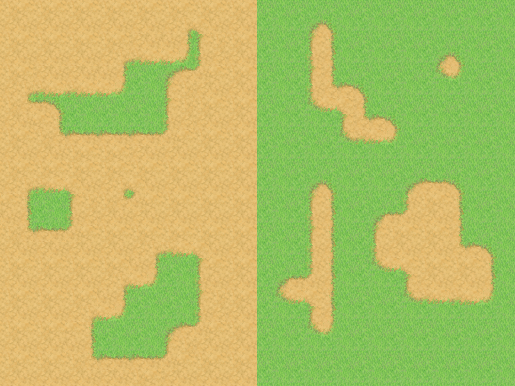
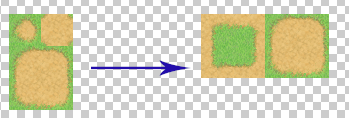
End result:
First of all, import your Tileset into Tiled. Import it as a 16x16 tileset (or 24x24px for RMMV). This is explained in the basic tutorial so you should know how to do it.
To make the autotile act like one, click on the 'terrains' icon and click on 'new terrain':
 : Terrain icon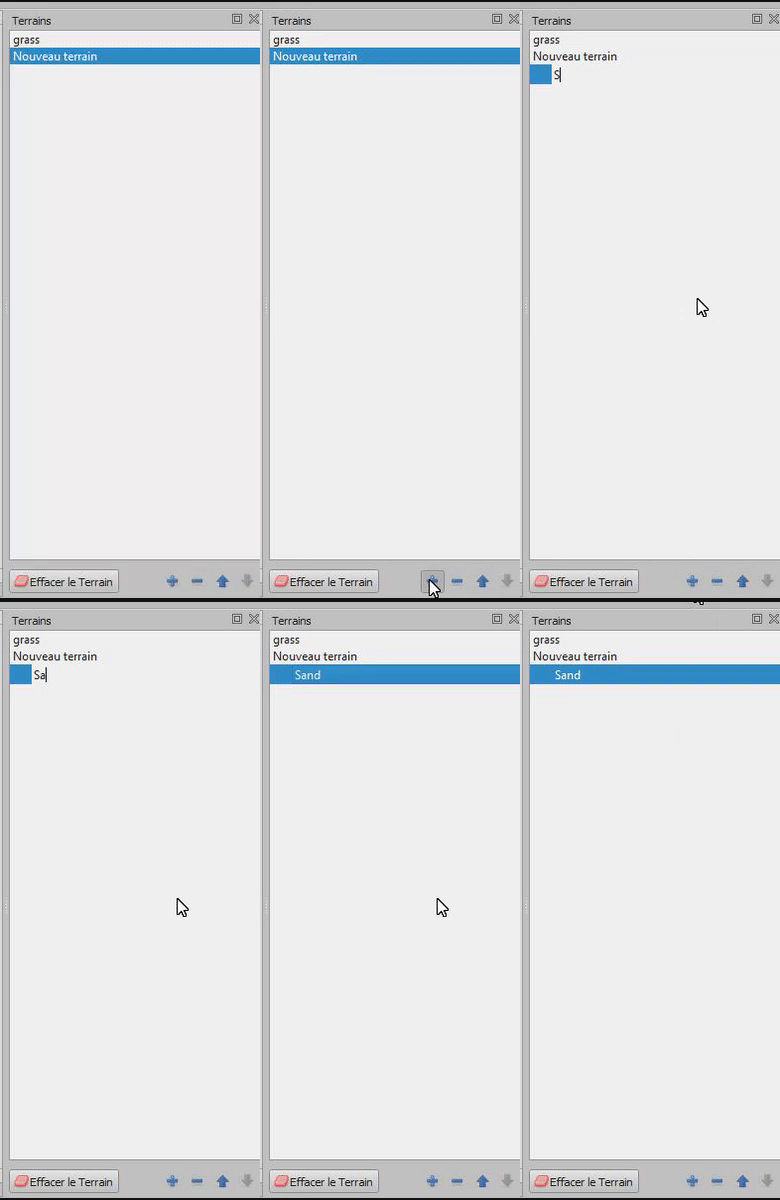
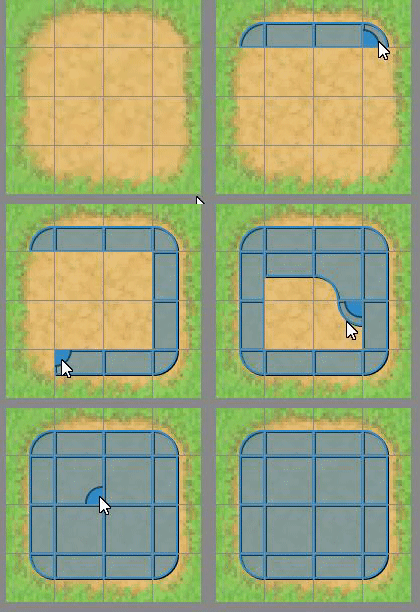
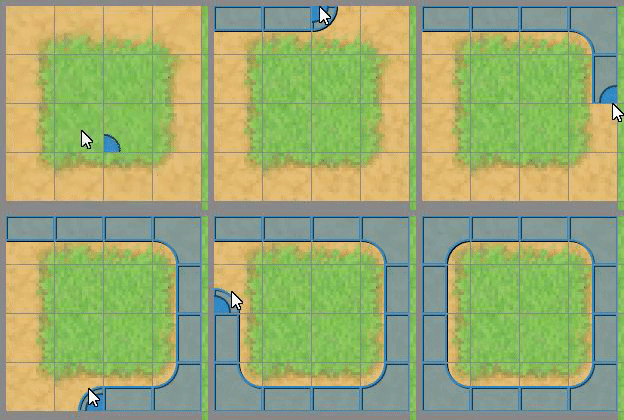
And now ... You're done! It was that easy :D
Here's how it works in real time:

Also, to avoid weird terrains collisions, follow this simple advices:
- Create a new layer when you want to use an autotile.
- Put all your autotiles in the same tileset (Like Rpg maker does), this advice is from Tiled's documentation. I did work with multiple autotiles tilesets and never had any problem, but I'm saying this anyway in case it causes a problem for you :D
DelDel