hiddenone's MZ Emporium

● ARCHIVED · READ-ONLY
Started by hiddenone 323 posts Page 1 of 17 View original ↗
  1. All my random fun MZ resources, in a single spot! :rheh:

    Terms of Use:
    Credit: hiddenone & Gotcha Gotcha Games Inc.
    Non-Commercial: Free to use
    Commercial: Free to use (but let me know so I can check it out!)
    Repost: Link to this thread
    Edits: Allowed for personal use, please contact me before sharing them
    Repost of Edits: Allowed, but please contact me first
    Maker Required: RPG Maker MZ

    Generator Parts
    How to use:
    1. Make a backup of your generator.
    2. Copy the 'Face', 'SV', 'TV', 'TVD', and 'Variation' folders from the downloaded pack into your generator. It shouldn't replace any other parts (my parts are numbered in the 600s), but if it does then you will need to renumber the 'p###' parts of generator images.
    3. The '- Generator Settings Files' folder contains saved settings to change the base body of the generator. Feel free to put those files where ever you can easily access them, and choose "Load Settings..." in MZ's generator to use these bodies.
      1. Do not touch the Ears section if you are using the orc or goblin bodies! The Ears are used to correct layering, so if you change the ears then clothing will not appear properly.
    4. Restart MZ and enjoy your updated generator!
    Spoiler
    Buff bodies, Orc bodies, & a Goblin body
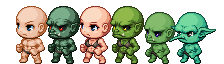
    Click the image to download the pieces! There are currently no faceset pieces, these only affect the sprites!

    Gradient Files

    grad_skin that adds greens for orcs

    grad-skin_orig.png

    Sprites
    Fantasy Sprites
    Orcs all dressed up and ready to go
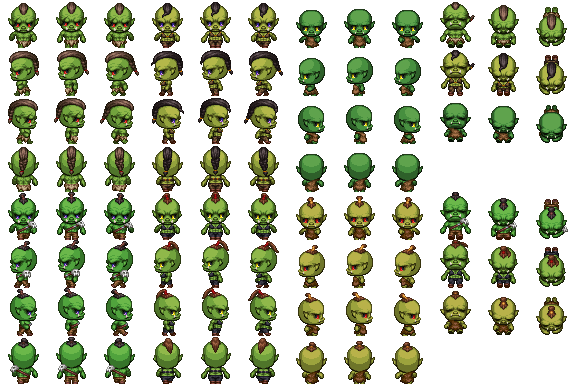
    orcs.png
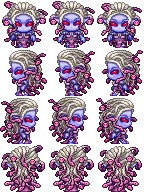
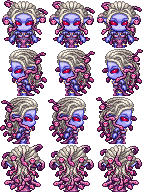
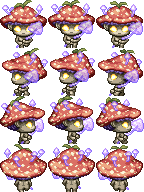
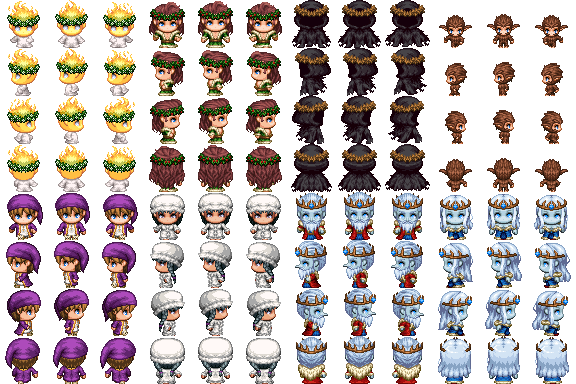
    Medusa (walking & standing still)
    mz-medusa_orig.pngmz-medusa-standing_orig.png
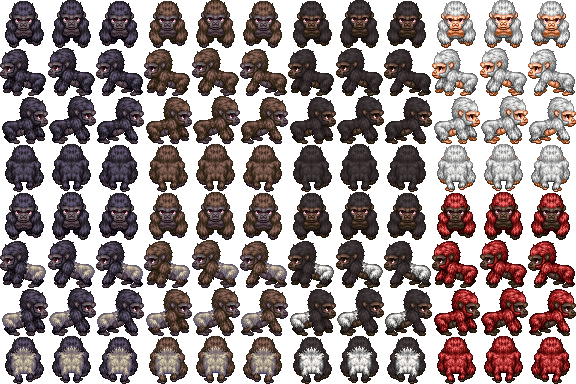
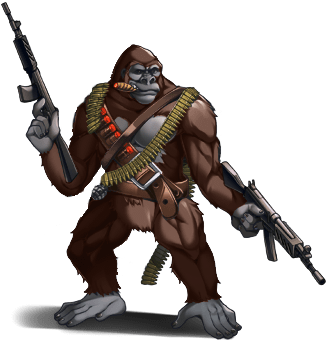
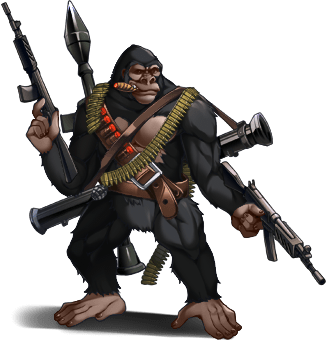
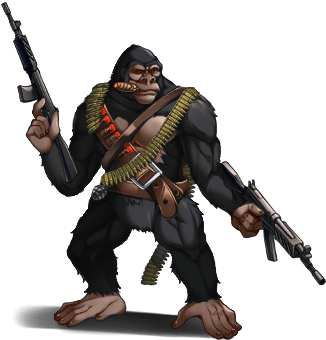
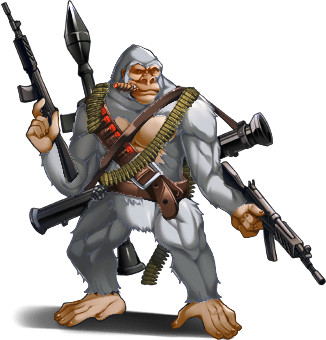
    Gorillas
    gorillas-hiddenone_orig.png
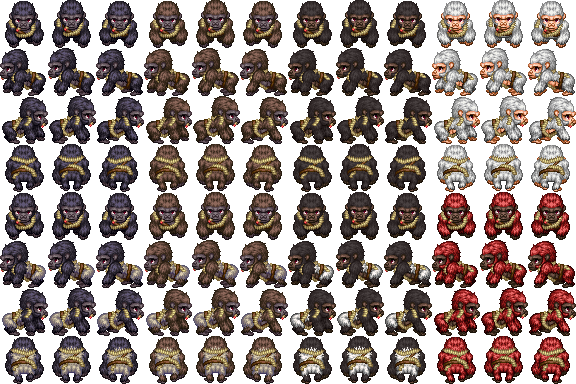
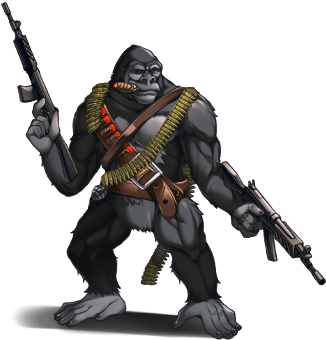
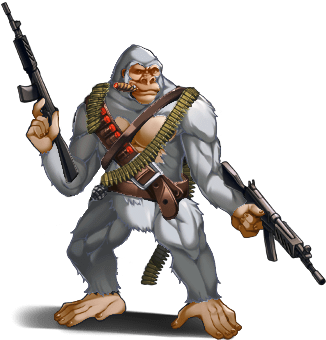
    SF Army Gorillas
    army-gorillas-hiddenone_orig.png
    Gnome (find more gnome-based goodies in Avery's Resource thread!)
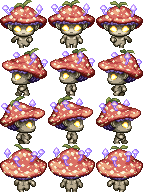
    gnome_orig.pnggnome2_orig.png
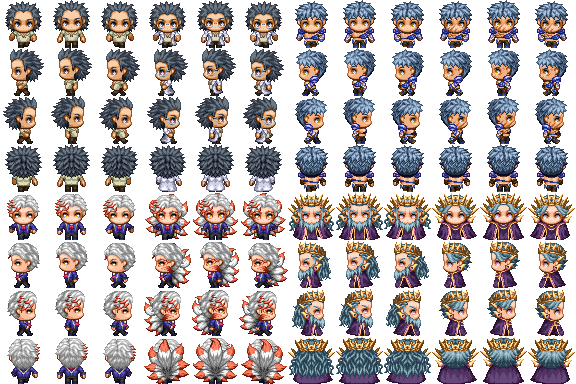
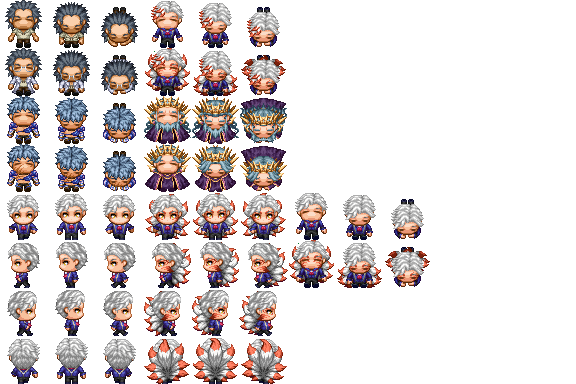
    Human versions of Monster sprites
    monsterhumans1_orig.png
    monsterhumans2_orig.png

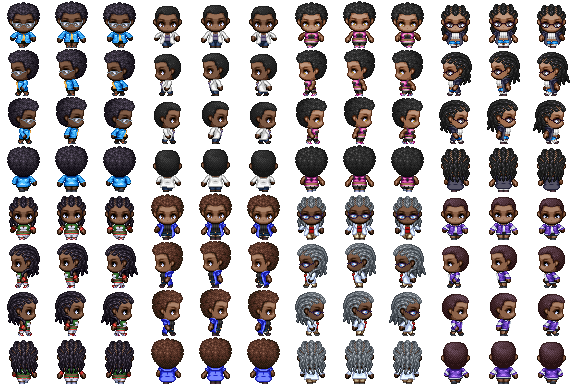
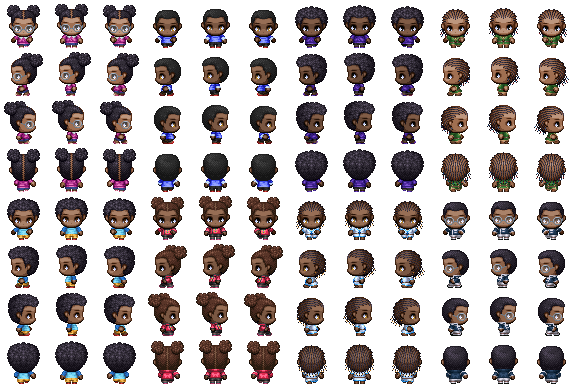
    Modern Sprites
    modern-men.png
    modern-women.png
    modern-kids.png

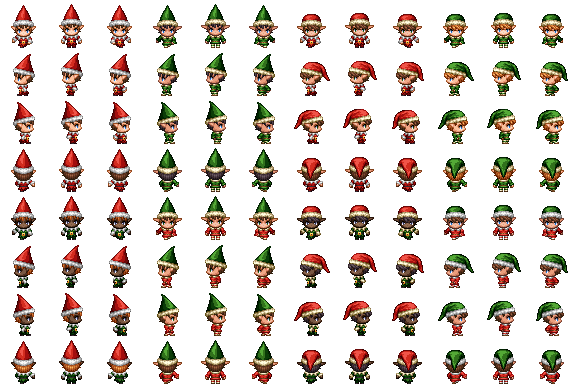
    2021 Christmas Special
    xmas-collab-sheet-hiddenone_orig.png
    Elves
    xmas-elves-hiddenone_orig.png
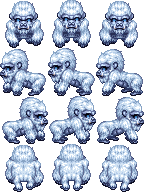
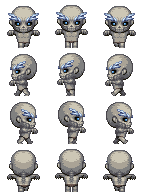
    Yeti
    yeti-hiddenone_orig.png
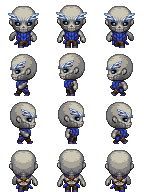
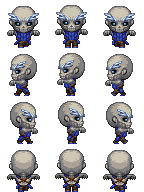
    Ice Zombies
    ice-zombie1-hiddenone_orig.pngice-zombie2-hiddenone_orig.png
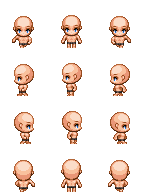
    Bases for tiny person & ice zombies
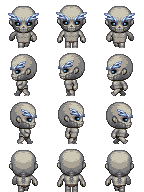
    tiny-mz-person-hiddenone_orig.pngice-zombie-base1-hiddenone_orig.pngice-zombie-base2-hiddenone_orig.png

    Battlers
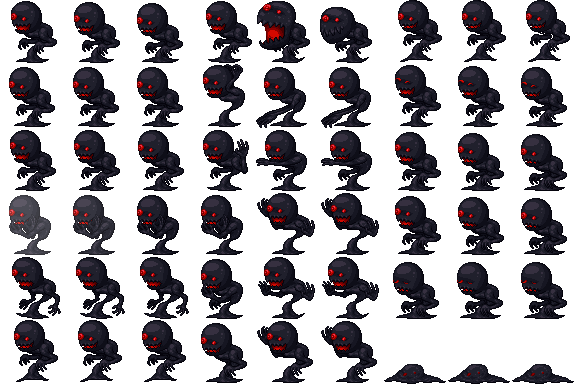
    SF Shadow
    shadow-sv_orig.png
    Static SF Army Gorilla Edit
    armygorilla-v2-hiddenone_orig.png
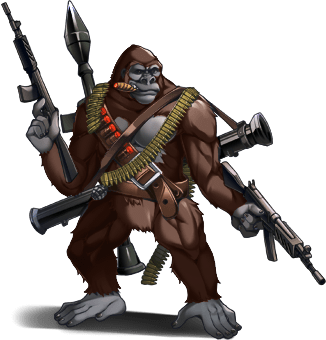
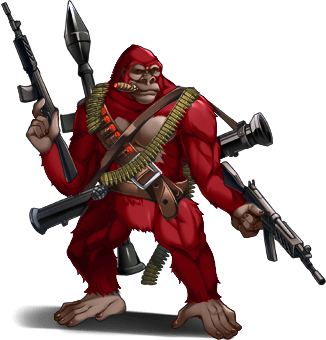
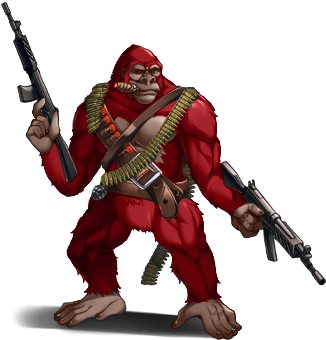
    Army Gorilla Recolors
    armygorilla-recolor1-hiddenone_orig.pngarmygorilla-recolor1-v2-hiddenone_orig.png
    armygorilla-recolor2-hiddenone_orig.pngarmygorilla-recolor2-v2-hiddenone_orig.png
    armygorilla-recolor3-hiddenone_orig.pngarmygorilla-recolor3-v2-hiddenone_orig.png
    armygorilla-recolor4-hiddenone_orig.pngarmygorilla-recolor4-v2-hiddenone_orig.png

    Images
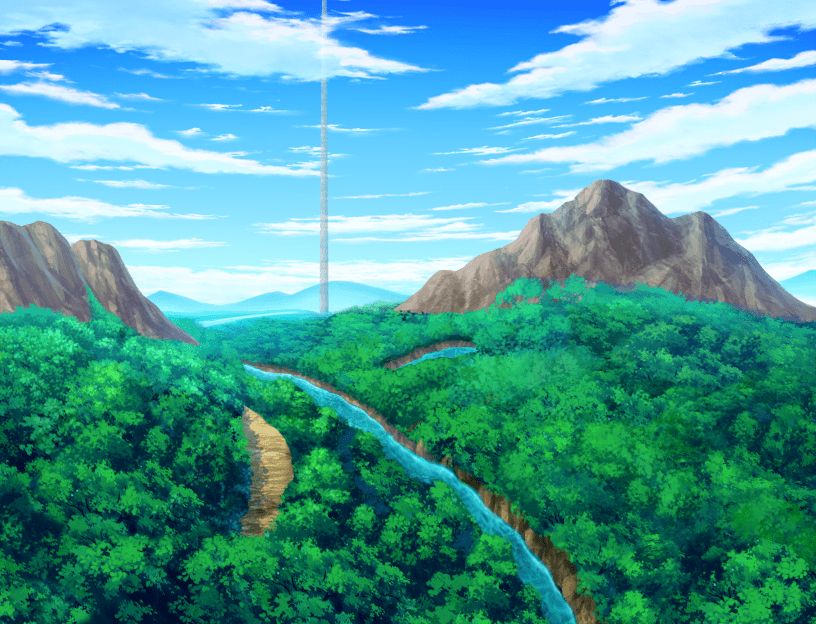
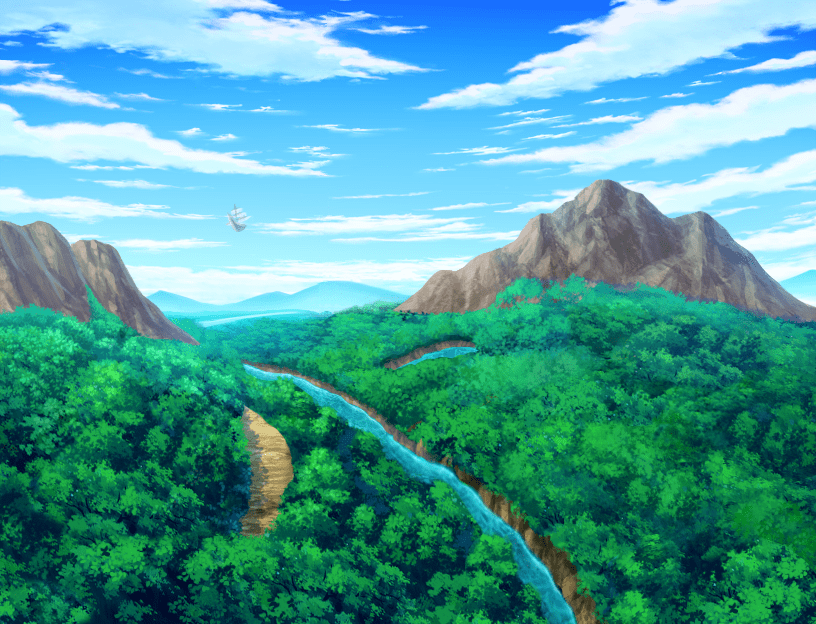
    Titles1 Canyon edits
    Now with options for flying ship only, tower only, or neither!
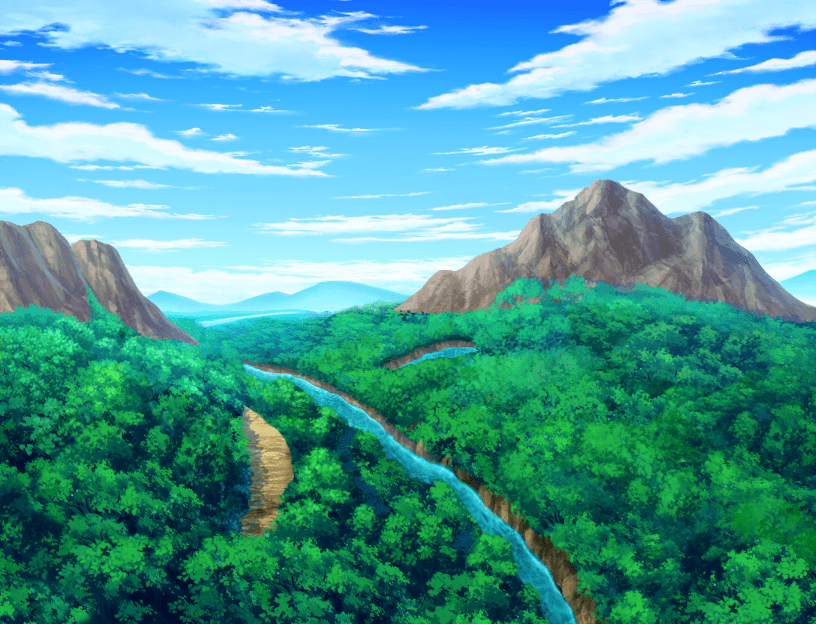
    canyon-edit1.png
    canyon-edit2.png
    canyon-edit3.png
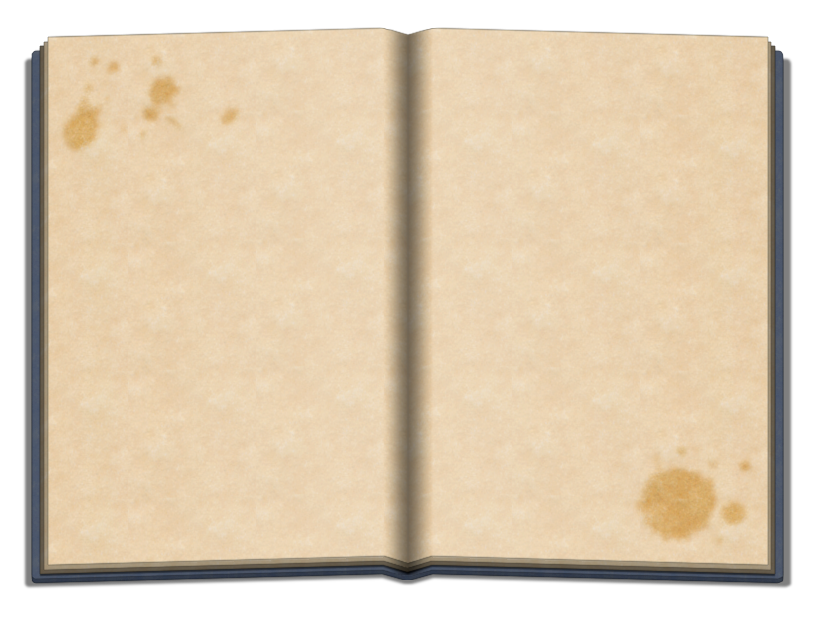
    Open book images
    Open these in your favorite art program to add in any writing or images you want!

    book-1.png
    book-2.png

    ReStaff Links
    Sometimes people don't know I've made things for ReStaffs, so here are where I'll put links to it. :)
    Spoiler
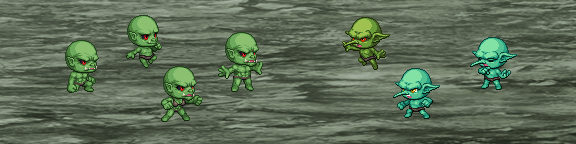
    Easy-to-edit bases for orcs & goblins!
    And that's it for now. Happy game making! :ptea:
  2. Woah, incredible.

    Now, I just have to wait a visual equipment plugin to make my customized enemy variations.

    This is superb and wholesome.

    Thank you.
  3. So happy to see you back for MZ will you be doing any samurai armor or the like for the generator?
  4. Im working on one like this as well, but im not masking. Nice work tho! :D
  5. Thank You for this!
  6. Thanks for everything so far. Eagerly awaiting the "Kitchensink" upgrade of parts. My Lizard people need their horn and spikes.
  7. Yes I need so much of what was done for MV in MZ and am awaiting it's arrival. Your work is awesome.
  8. where can I download the files?
  9. @moyu77 For the sprites, just right-click on it and Save As Image.
    For the generator parts, click on the bodies and it will start downloading.
  10. My orc generator characters are transparent aside face.

    invis.jpg
  11. @Tuomo L Thanks for pointing that out, I took a look and found I'd accidentally put the wrong number for the male orc bodies... I'd put the numbers from my tests instead of the final versions. :rswt

    These settings should work properly. :)
  12. My tutorial on making a book with pictures came out today, so here is the book background I made so y'all can use it to make your own in-game books!
    book-1.png
    Stained version
    book-2.png
    I also made some edits to the titles1 canyon image, since I didn't think a titlescreen really needed both a flying ship and a tower. So now you can have just the flying ship, just the tower, or neither.
    Canyon edits
    canyon-edit1.png
    canyon-edit2.png
    canyon-edit3.png
    Happy game making! :ptea:
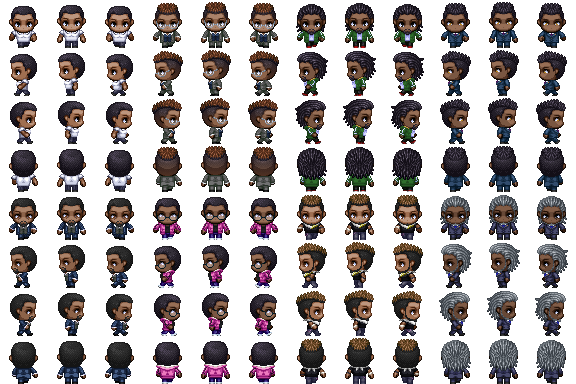
  13. modernpeople.png
    I felt like playing around with some new hairstyles, so I decided to make a few and dress up sprites in some of the modern default outfits.

    We all could use some more modern sprites, use these to make your cities feel a lot more lively! :)
    modern-men.png
    modern-women.png
    modern-kids.png
    Happy game making! :ptea:
  14. Absolutely awesome!
  15. Bravo!
  16. Looks fantastic! Big fan of your resources, and these are quite diverse which is nice to see.
  17. I love your patience and skillfull crafting character variations.
  18. First time posting here, sorry if this is in the wrong spot and I'm sure it's an ignorant question but...the gradient file for the skin, I can not get to work. I've replaced the original with the new one, put both of them in there, restarted, loaded orc and goblin settings, but I either get the standard colors or none at all. I may simply be stoopid, but any help would be great!
  19. @SiRPiGgSaLoT Do the green skin options appear in the color section? By default the orc and goblin load settings don't change the skin color since I didn't want it to cause issues if people were using a different skin gradient.