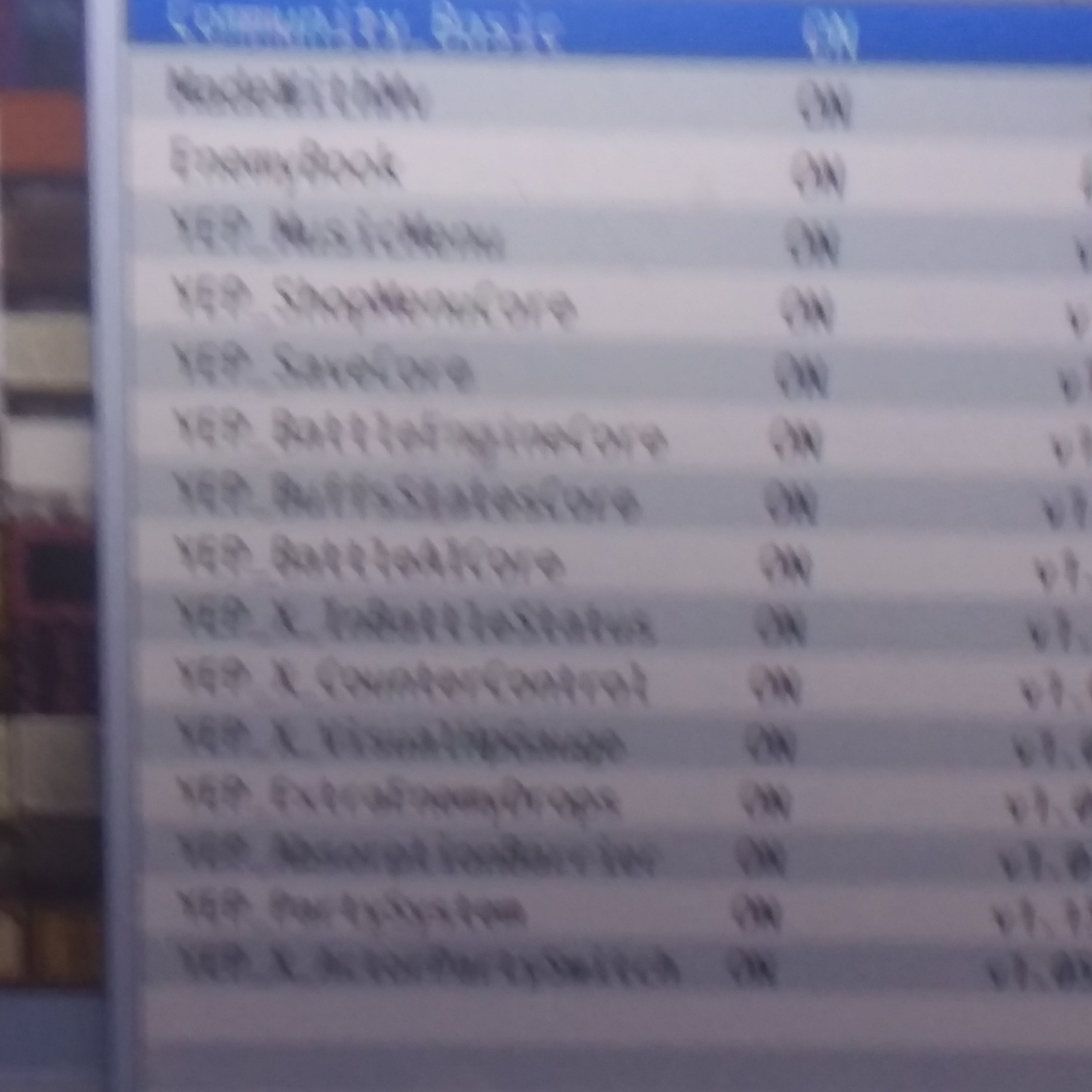
I can enter it with a plugin command but it doesn't appear in the menu. Here is where i placed the plugin
Yanfly's Musicmenu plugin not working.
● ARCHIVED · READ-ONLY
-
-
I can enter it with a plugin command but it doesn't appear in the menu. Here is where i placed the pluginView attachment 97722
-
This looks like a bug/miscommunication in the plugin. In the directions, Yanfly mentions an "Auto Add Menu" parameter, but such a parameter does not actually exist in the plugin.
You have a few options:
1.)
Report this as a bug to Yanfly's Patreon page (you must be a member to participate).
2.)
There is a workaround described in the directions to use the Yanfly Main Menu Manager. You would have to add this plugin and restructure your menu to work with that.
3.)
You can paste the following code at the bottom of the Music Menu plugin. Note there are some lines for you can change.
Paste at the bottom of Music Menu pluginCode:// Addition to Music Menu plugin to add to the main menu (function() { // You can change this. Keep it inside quotes! var COMMAND_NAME = "Music Menu"; // You can change this. It's the order it will appear in the menu. // The number 4 means it will be the 4th item in the list var ORDER = 4; // Don't change anything below this line. if (!Window_Command.prototype.addCommandAt) { Window_Command.prototype.addCommandAt = function(index, name, symbol, en, ext) { if (en === undefined) enabled = true; if (ext === undefined) ext = null; var obj = { name: name, symbol: symbol, enabled: en, ext: ext}; this._list.splice(index, 0, obj); }; } Window_MenuCommand.prototype.addMusicCommand = function() { this.addCommandAt(ORDER+1, COMMAND_NAME, 'music', true); }; var _makeCommandList = Window_MenuCommand.prototype.makeCommandList; Window_MenuCommand.prototype.makeCommandList = function() { _makeCommandList.call(this); this.addMusicCommand(); }; var _createCommandWindow = Scene_Menu.prototype.createCommandWindow; Scene_Menu.prototype.createCommandWindow = function() { _createCommandWindow.call(this); this._commandWindow.setHandler('music', this.commandMusicMenu.bind(this)); }; })();
AfterwordAccording to Yanfly's website,
Even though it's not the cause, you should rearrange all YEP plugins anyway to match the order from the website to reduce future issues. (also you can take screenshots with Alt + PrintScn so you don't have to use your phone and so it's much clearer).It is highly recommended that you place these plugins in the order shown below. -
I've moved this thread to Plug_in Support. Thank you.
-
Do you paste it in parameters or help?[move]Plug_in Support[/move]
-
So does it go in parameters? Nowhere in the plugin setting are there any code..This looks like a bug/miscommunication in the plugin. In the directions, Yanfly mentions an "Auto Add Menu" parameter, but such a parameter does not actually exist in the plugin.
You have a few options:
1.)
Report this as a bug to Yanfly's Patreon page (you must be a member to participate).
2.)
There is a workaround described in the directions to use the Yanfly Main Menu Manager. You would have to add this plugin and restructure your menu to work with that.
3.)
You can paste the following code at the bottom of the Music Menu plugin. Note there are some lines for you can change.
Paste at the bottom of Music Menu pluginCode:// Addition to Music Menu plugin to add to the main menu (function() { // You can change this. Keep it inside quotes! var COMMAND_NAME = "Music Menu"; // You can change this. It's the order it will appear in the menu. // The number 4 means it will be the 4th item in the list var ORDER = 4; // Don't change anything below this line. if (!Window_Command.prototype.addCommandAt) { Window_Command.prototype.addCommandAt = function(index, name, symbol, en, ext) { if (en === undefined) enabled = true; if (ext === undefined) ext = null; var obj = { name: name, symbol: symbol, enabled: en, ext: ext}; this._list.splice(index, 0, obj); }; } Window_MenuCommand.prototype.addMusicCommand = function() { this.addCommandAt(ORDER+1, COMMAND_NAME, 'music', true); }; var _makeCommandList = Window_MenuCommand.prototype.makeCommandList; Window_MenuCommand.prototype.makeCommandList = function() { _makeCommandList.call(this); this.addMusicCommand(); }; var _createCommandWindow = Scene_Menu.prototype.createCommandWindow; Scene_Menu.prototype.createCommandWindow = function() { _createCommandWindow.call(this); this._commandWindow.setHandler('music', this.commandMusicMenu.bind(this)); }; })();
View attachment 97743
AfterwordAccording to Yanfly's website,
Even though it's not the cause, you should rearrange all YEP plugins anyway to match the order from the website to reduce future issues. (also you can take screenshots with Alt + PrintScn so you don't have to use your phone and so it's much clearer). -
Nevermind you go to the js folder and do it.So does it go in parameters? Nowhere in the plugin setting are there any code..
-
For option #3 you can paste the code at the bottom of the Music Menu plugin. Just open up the plugin with any text editor and paste in the code at the bottom, and save the file.
-
It works! Thanks guys.For option #3 you can paste the code at the bottom of the Music Menu plugin. Just open up the plugin with any text editor and paste in the code at the bottom, and save the file.
-
GoldenGemGames, please avoid double posting, as it is against the forum rules. You can use the "Edit" function on your posts to add additional information you've forgotten or respond to multiple people. You can review our forum rules here. Thank you.
In fact you triple posted. In the future, if you want to add something to your last post, please use the 'Edit' button. You can also quote multiple users by using the Multiquote/+Quote button.
If your problem is solved, please report your post and we can close this thread for you :)