Vix RPG Maker MZ Resources (updated 11/13)

● ARCHIVED · READ-ONLY
Started by Vix80 12 posts View original ↗
  1. Hello everyone! I've never really been an active poster here but I've been around (lurking) for more than a year already. I think the community is pretty awesome, I've learnt so much from a lot of people, and I thought this is a good moment to contribute back since there aren't that many MZ resources out there yet. It's nothing too groundbreaking but there might be something that someone could use! I'll update the post with more resources later, I hope you all like them!


    Terms of Use:


    Free for both non commercial and commercial games, since these are edits, credits go to Kadokawa, and me, Vix. You need to own a legal copy of RPG Maker MZ to use them unless stated otherwise. Additionally, they can only be used on RPG Maker products.

    Link back to this post if you want to share anything, also, you are of course free to edit everything but please credit me for the originals!


    -Update 9/28/2020: Fixed quite a few mistakes. Added more chimneys, windows without reflection, a door, and a couple of autotiles (a weird looking fence and a, errr, multi purpose wood thing (?). Also, I made a few recolors, download HERE.
    -Update 10/04/2020: Outside C green roof variations added.
    -Update 10/20/2020: Fireplaces, candles and a couple of decorative things added. Batch download HERE.
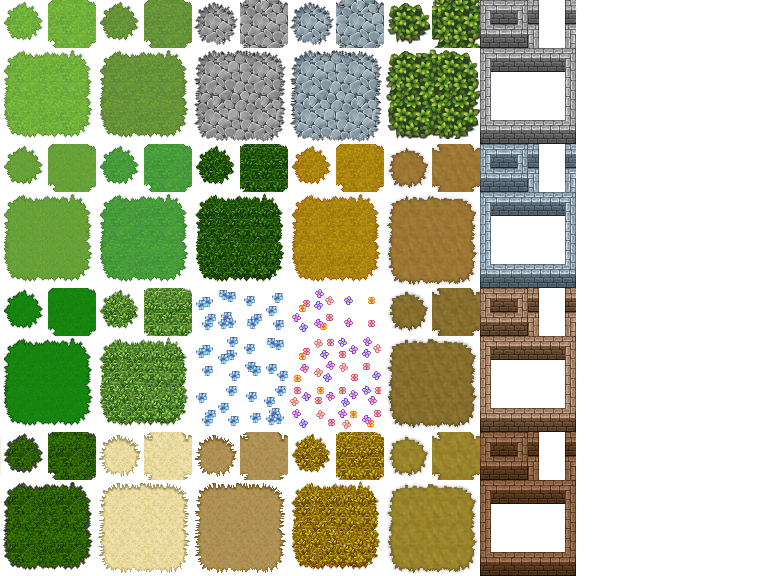
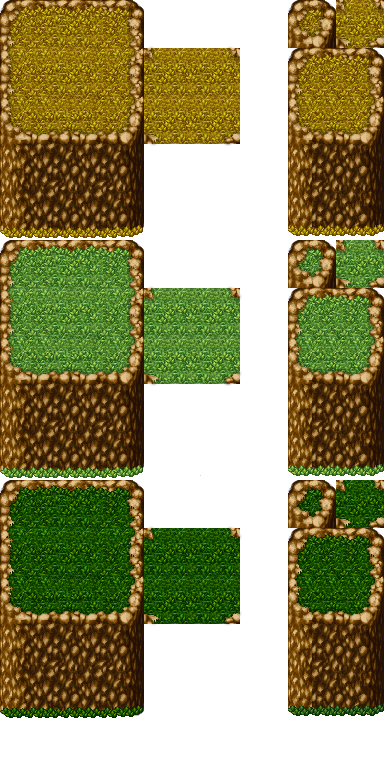
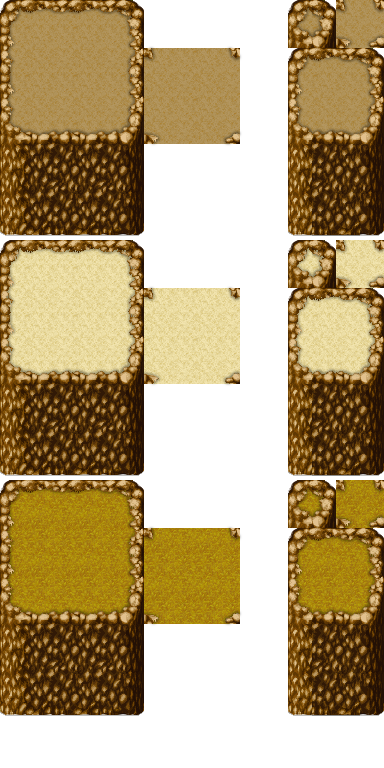
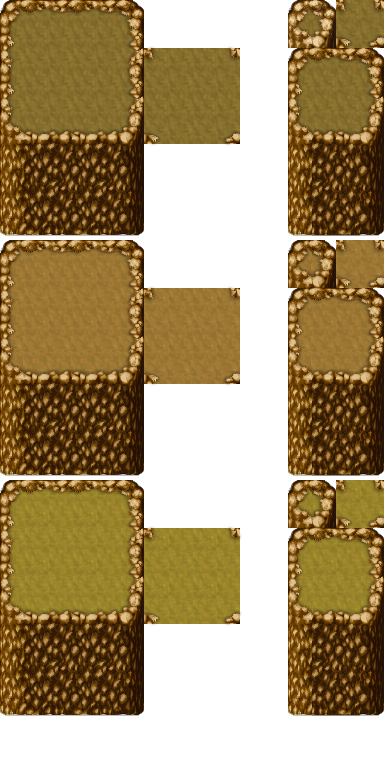
    -Update 11/13/2020: Added a bunch of outside autotiles (grass, dirt, stone road and more. Cliffs to match and water recolors (clipped to use on a layer above the autotiles). Download HERE
    Also, inside version of the windows, download HERE.


    More stuff coming in a few days, stay tuned :rheh:


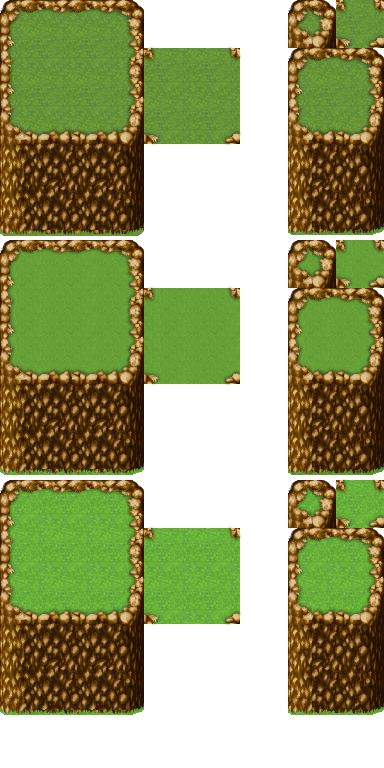
    Outside A1, A2, A4 and A5 edits
    A1
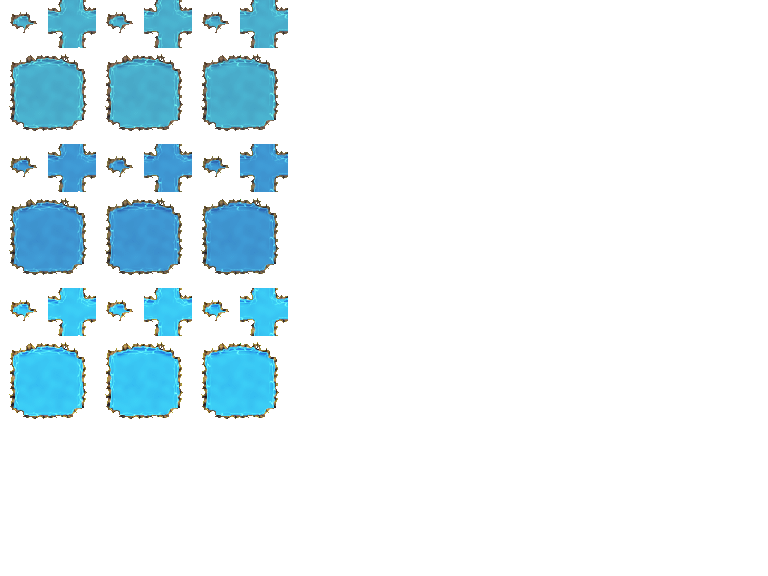
    Outside_A1_Water.pngA2

    Outside_A2_Things.png

    A4 and A5

    Outside A4 and A5 Cliffs 2.pngOutside A4 and A5 Cliffs 3.png
    Outside A4 and A5 Cliffs 4.png
    Outside A4 and A5 Cliffs.png
    Plowed dirt (is that how it's called?) to match the A2 dirt
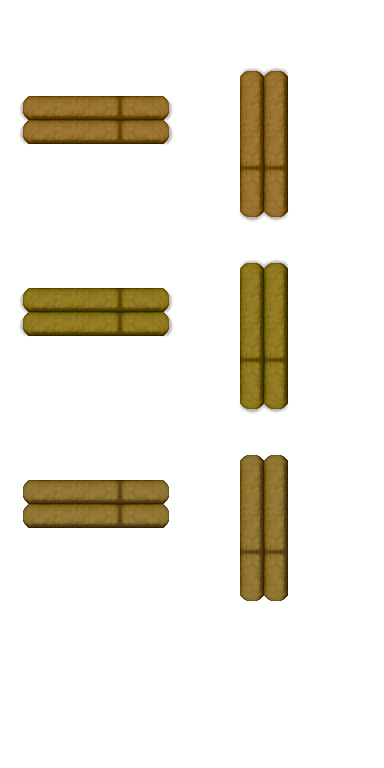
    Plowed.png


    Windows (outdoors and indoors, with curtains)
    windows.png


    windows2.png


    InsideWindows.png InsideWindows2.png

    InsideWindows3.png

    InsideWindows4.png
    insidewindows5.png


    Fireplaces
    Fireplaces.png


    Chandeliers - Fireplace fire
    !Fire.png


    These are just the same ones in different positions to use above the fireplace


    $candles.png $candles2.png

    $candles3.png $candles4.png
    Chandeliers - Fireplace fire
    $candles5.png $candles6.png
    $candles7.png $candles8.png


    $candles9.png $candles10.png

    $candles11.png $candles12.png


    Wood Floors
    Floors2.pngFloors.png


    Roof sets

    Outside C roofs:


    RoofSetOriginalColor.png


    greenroofone.png


    greenrooftwo.png


    Doors
    Ok, it is just one door for now :p
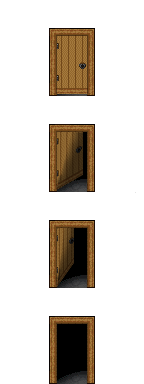

    !$door.png

    More chimneys
    chimneys.png


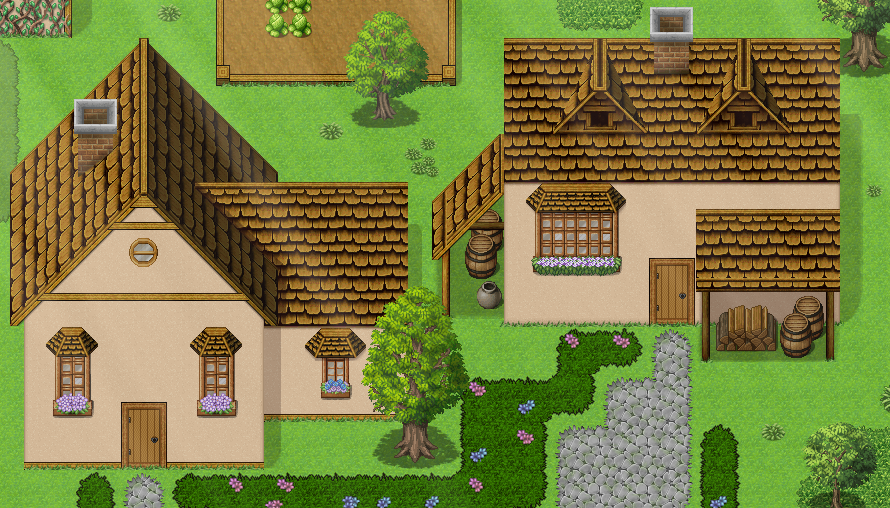
    Example Map
    (Trees are Candacis', her MZ Resources post here: https://forums.rpgmakerweb.com/index.php?threads/candacis-resources-for-mz.126137/)
    examplemap.png
  2. More roofs added!

    I somewhat felt that

    weirdroof.png
    of this roof do not look that good together so I made 2 roofs out of them :stickytongue:

    (Full set added to the main post, just wanted to bump the post a bit xd)


    roofs.png
  3. Chimneys!!! :kaoluv:
    Thank you.
  4. I love how you fixed the roof! Good work :)
  5. Quexp said:
    Chimneys!!! :kaoluv:
    Thank you.

    You’re very welcome! ^^

    Avery said:
    I love how you fixed the roof! Good work :)

    Much appreciated! ^^


    Thanks for the feedback both of you, it's really encouraging! I'm not really used to share my stuff so some things might look weird or messy, hopefully I'll be able to get better in time :eswt:


    Now for today's update:

    Fireplaces, chandeliers, some random decorative stuff and flooring
    Here are some examples of how can they look (after a bit of playing around with layers and events, for example, the first one on the second row -starting from the left- is made like this: fireplace on layer 2, picture on layer 3, flower pot on layer 4 and an event chandelier, the one next to it is a bit trickier, fireplace layer 2, pictures layer 3 and both the candle and the flower pot are events. Ok, I hope the explanation wasn't too messy haha).

    FireplaceExample.png

    Anyway, material added to the main post, there's a link to download all the files together in the update log :smile:
  6. Hello everyone! It's been a while since the last update, it seems time is getting this annoying habit of flying faster than before lately :stickytongue:

    Anyway, for today's update! Inside windows and curtains like, for example, these ones:

    InsideWindowsEx.png


    And a variety of autotiles and cliffs:

    examplemap2.png

    (I'm not the best at mapping I'm afraid heh :hswt:)

    Now, for the next update I'll revamp the post and the downloads, some of the recolors are not good anymore since I fixed some stuff after doing those. Also, I'm going to add a couple of things to the roofs, and make more recolors. And I'm making a fountain, that's proving to be a pain and probably won't look all that great!
    Eh, Enough babbling for today, see you all hopefully soon, thanks for reading/checking the post! :LZSsmile:
  7. Hi! I love these. I have been trying to combine them with RTP tilesheets so I can use them and everything was going good, but there are 3 sets of autotiles that seem to change in terms of quality and appearance. Everything else I've copied looks exactly as it should. Below is a screenshot of your tiles circled and the matching ones inside GIMP after I moved them over.

    1637957859945.png1637957974949.png

    Do you know what could be happening that is causing this? Again, all other grass/bush tiles have copied over perfectly. I've closed everything and reopened but I keep getting this. Any help is much appreciated. :)
  8. Not Vix, but I am positive I can help you ;3
    The RTP tilesets are indexed, which means the file has 256 preset colors and when added, those tiles are forced to only feature those. Use Image - Mode - RGB onto your tilset file before adding the new files and the problem should be solved.

    And since I am already here: Those edits are super cute, I love the wooden floors and the curtains!
  9. Thank you so much Avery! One more quick question I'm sure you have the answer to. On the RTP tileset below where I've drawn arrows - why is the file like this? the "Snow" in the bottom left appears halfway transparent. Then on the other half of the file it's got this darkened transparent look. When I export this as a PNG in GIMP and open the new PNG, these shades disappear (screenshot 2 around the fences and hole) except for the one auto tile I drew an arrow to where it is just entirely black. The "Snow" tile in the bottom left is just blank after exporting and opening the new PNG.

    1638044149744.png1638044272049.png
  10. This is due to the file format - I worked my way around that by opening the files in paint.net or Photoshop and export it as a PNG, that fixed the issue, after that I could open them in Gimp without an issue. Paint.net is a free program and not the same as MS Paint, that is probably your best free option for this.

    if you have more tileset related questions it's better to make a new thread just for that ;3
  11. Thanks for uploading these! They look pretty sweet. Particularly your candles, fireplaces and campfire. I'm going to give some of them a go.
  12. Wow, these look really good :) Thanks for making these!