Is there anyway to run/turn off or control plugin effects that are placed in the notetag section of events?
The issue I am having is setting up Xmas lights using Terrax Lighting (with the Moghunter TimeSystem plugin) to create Xmas lights that only come on during the winter season. I am trying to use the Terrax Lighting "Light 200 cycle #FFFFFF 50" notetag effect to create a light that will cycle through different colors but I cannot figure out how to turn off the effect since its listed in the event "notetag" rather than in the contents area where I can control it with switches.
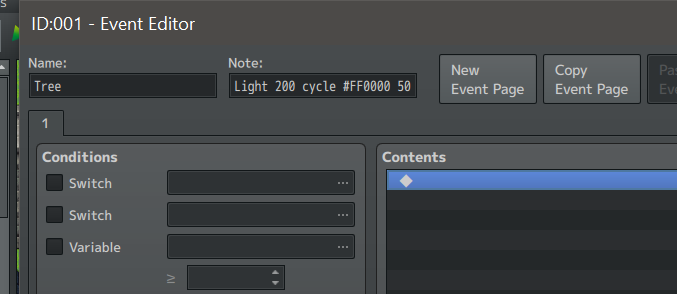
Is there anyway to run/turn off or control plugin effects that are placed in the notetag section of events?
Is there anyway to run/turn off or control plugin effects that are placed in the notetag section of events?