Hey everyone,
I'm super new to RPG maker, and am learning as I go along. I've been trying to use Shaz's Lazy Tileset Script Files. I've tried to follow this guide as best as I can (https://forums.rpgmakerweb.com/index.php?threads/lazy-tilesets.36354/), but have had no success.
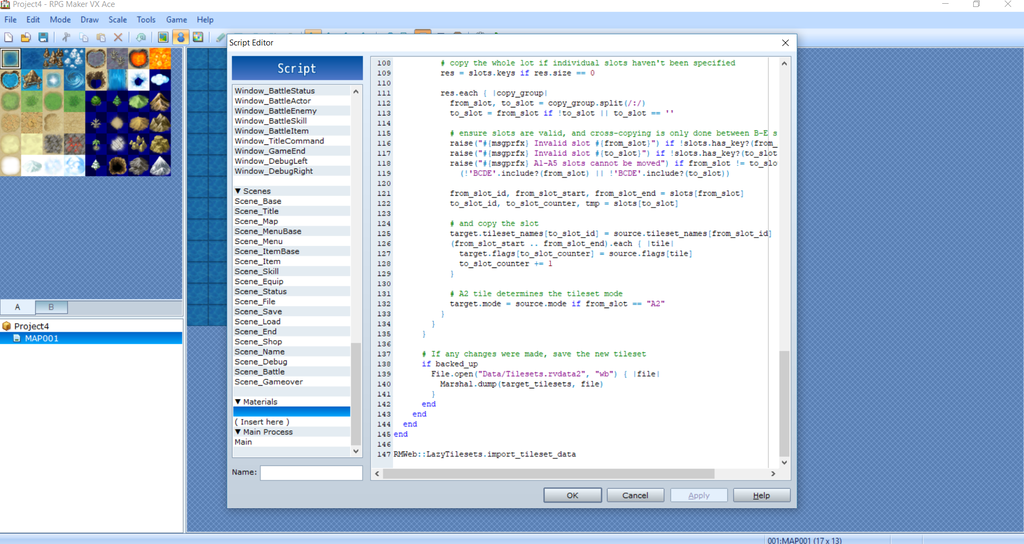
I've copied the script file into the 'materials' section. I've copied all tilesets from the dlc folder into my project tilesets folder. I've also copied Shaz's .VXA tileset files into this folder and I've inserted the 'import' code into the notes section in the database. Despite all of this...no luck.
Am I missing something?
Pop! Horror City Pop! Horror City Shaz's Lazy Tileset
● ARCHIVED · READ-ONLY
-
-
I've moved this thread to Script Support. Thank you.
-
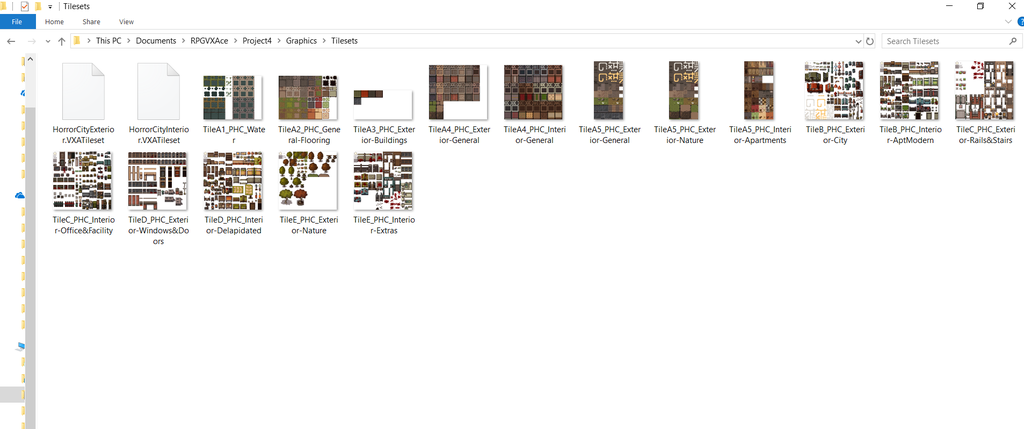
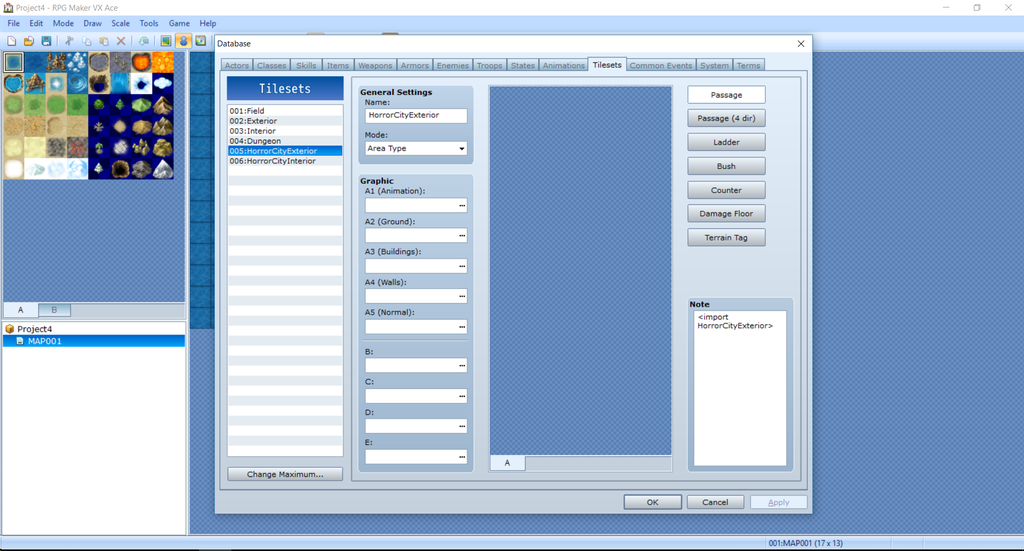
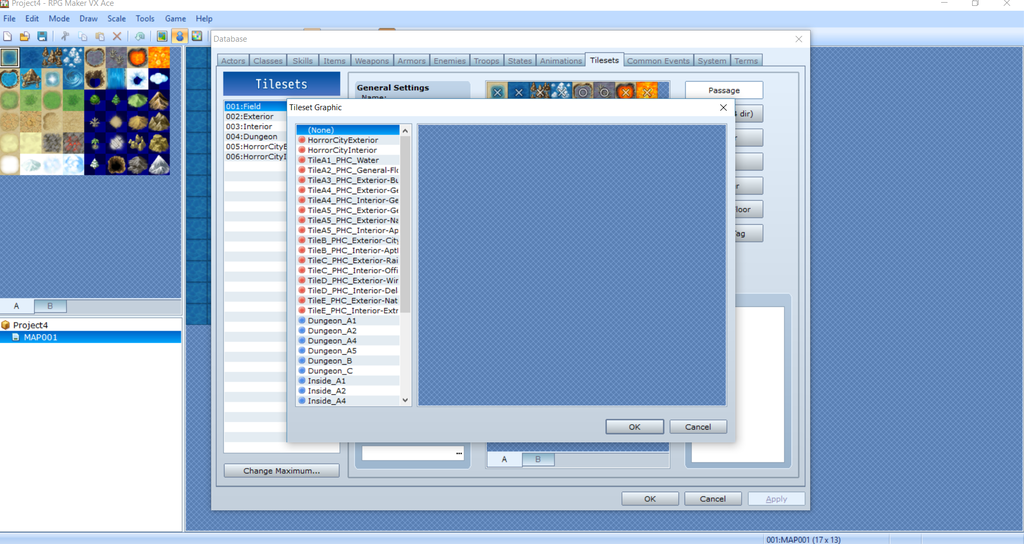
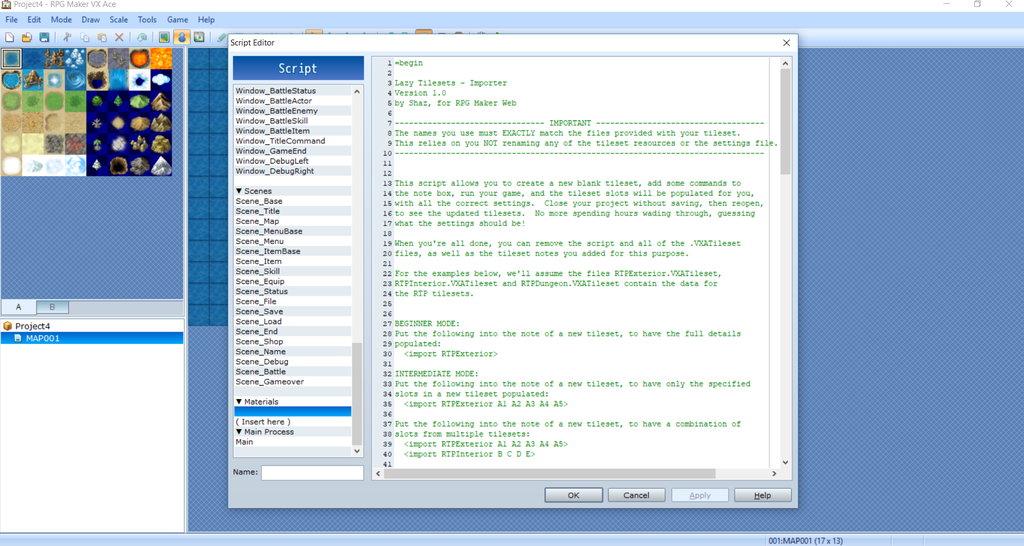
Here are a few screenshots for some context. Here is where I've added the note, my Graphics/Tilesets folder showing the tilesets and the .VXATileset files and my script editor.
-
As I said via PM when asking you to post here, I don't see anything obvious that would cause it to not work. I suggest you name your script slot, so it's obvious you've got something there and you are reminded to remove it when you're finished with it.
Here are a couple of things I'd like you to check ...
I notice in the screenshot that shows your folder in Windows Explorer, that the VXATileset files show the extension, but the images don't. They should all have .png extensions. This makes me think extensions are turned off, and maybe the VXATileset files have an extra extension that's not visible. Did you rename any of the files? Could you please go to that folder, make file extensions visible, and take another screenshot?
Your notetag looks like this:
Code:<import HorrorCityExterior>
broken onto two lines. Did you insert a line break there because it wouldn't fit? Or did you just type all the text and let it autobreak? If you put in a line break, remove it so there's only a space (it'll probably still look the same). I don't think the script will pick up the note tag if there's a deliberate line break.
The other one is a kind of dumb question, but I'm grasping at straws. Did you actually save, then run the game, then exit out of the editor and open it up again? Because it's a script, it'll only do its stuff when you play the game. And because it's changing stuff in the editor, you need to play, then close the editor - without saving - then open it again to see the changes. -
So everything checks out. I followed your guide to a tee. Oddly enough, I discovered that my antivirus/firewall was blocking changes from the player to the editor. Thanks for your help.
-
that's weird.
So you got it working?