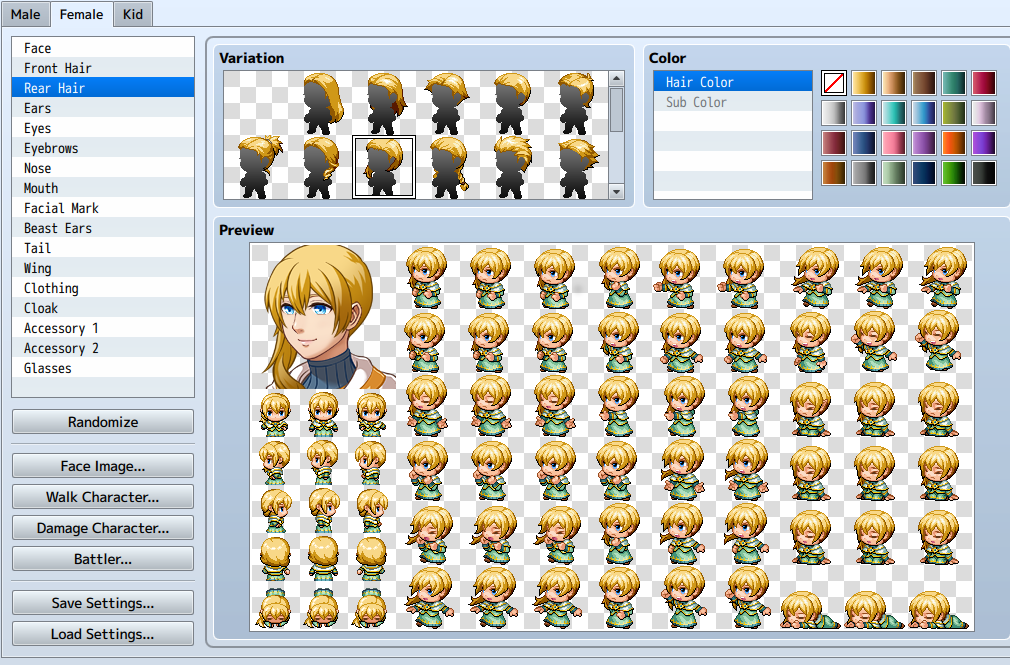
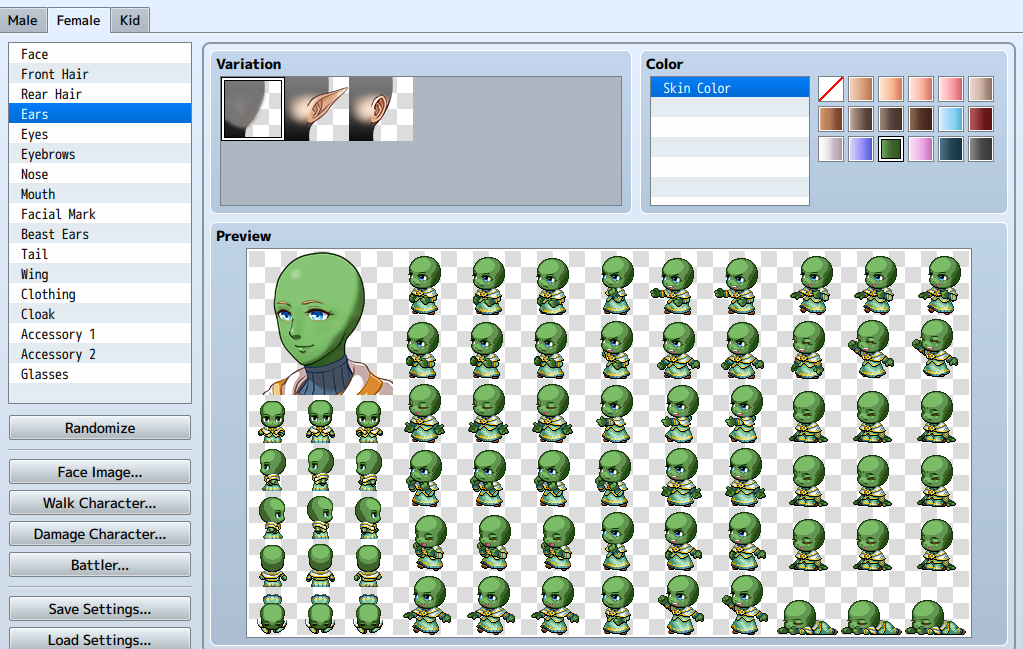
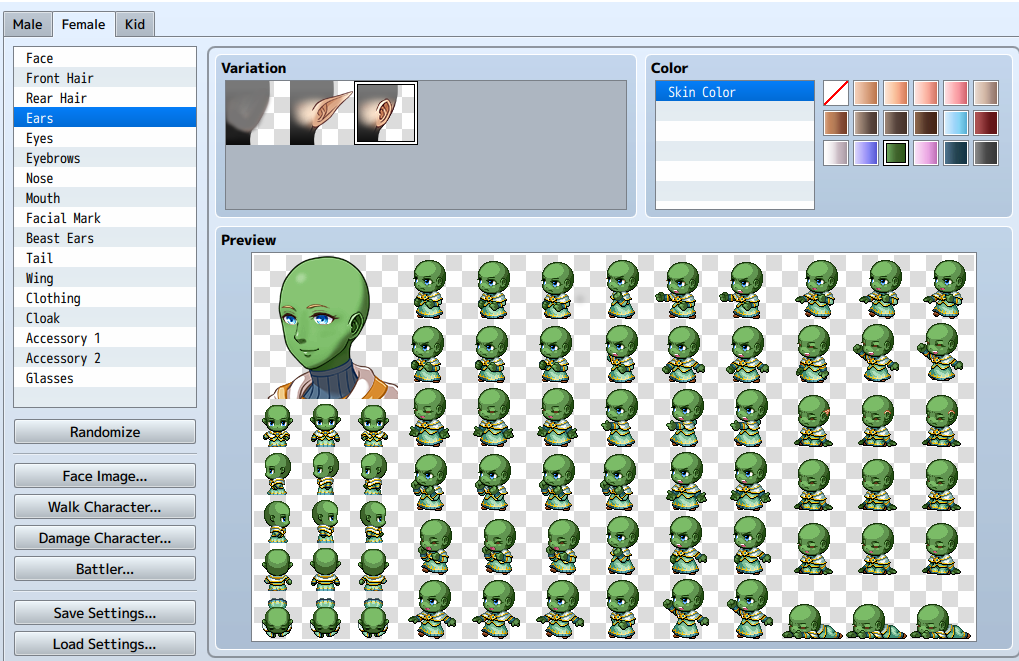
No human ear

● ARCHIVED · READ-ONLY
Started by M43usch3n 6 posts View original ↗
  1. Hello everyone

    I need some quick help but I want to share what I did with you as well :)

    So there are multiple threads in the forum about removal op human ears for animal ears.
    I took what "Enterbrain" once did and Baka-Chan posted:
    https://forums.rpgmakerweb.com/inde...for-earless-characters-for-animal-ears.46552/

    However this messed up my ears because it replaces the default sprite of the body (with ears) with another (without ears) - which basically means that you can no longer have human ears on your characters at all unless you rollback to default

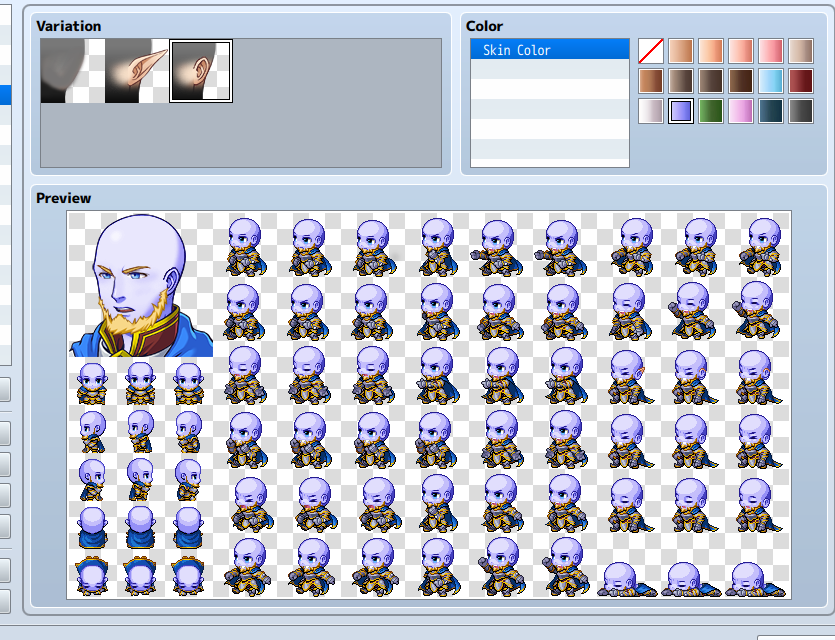
    As you can see here, no ears is the default now, and adding human ears is optional
    Spoiler
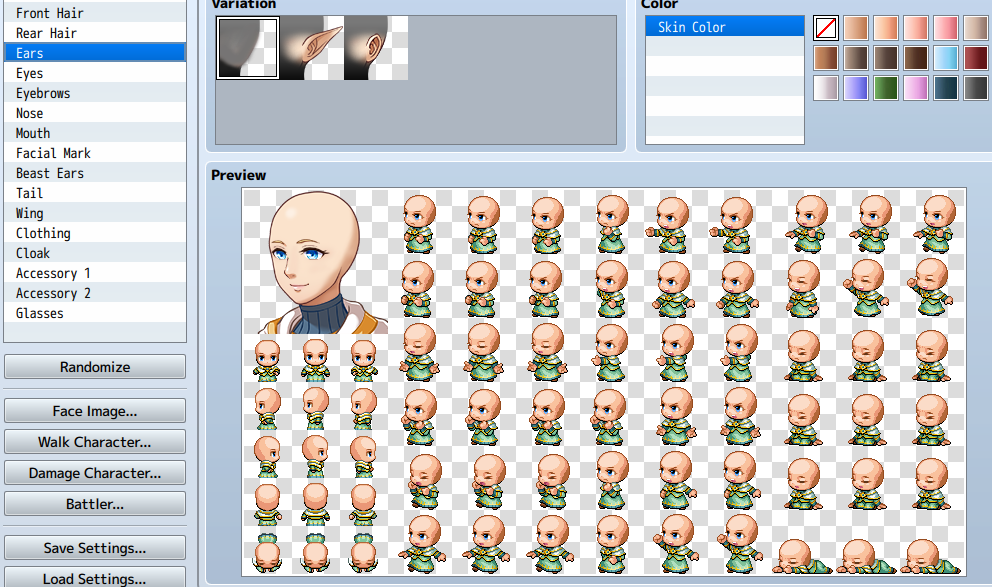
    63fddd0eb45d2ee63025570e4151b51f.png
    Spoiler
    63fddd0eb45d2ee63025570e4151b51f.png
    Spoiler
    8df59ce274f2a6f60119411119742e98.png
    Spoiler
    74ca34d7b919250c1163beeb8c67a5af.png
    Spoiler
    42a7c6071b522a99ff2c0b8b47ff9b44.png


    so I can no upload stuff to the forums, so you have to use that google drive link...
    [embedded media]


    HOWEVER, and this is where is need some help:
    It's not working for male characters

    It would be great if someone could test if it works properly for them :)

    DISCLAIMER:
    There is default folder in the *.rar file which should rollback your settings to default (human ears on body), however I am not super sure if it does, so I dont take responsibilities for your messed up generator: Make a save-file before installing :-D

    Credits:
    Enterbrain for the Body-Sprite and earless faces
    M43usch3n for the Human Ears
    Name or shame!
  2. We are currently having troubles with images uploading directly to the site.
  3. Yeah, I noticed when I wanted to change the default Avatar :-D
    Any idea on my problem? Do I have to use a different naming-setting for male than for female sprites?
  4. Probably. It’s been a while since I looked at the generator pieces and I’m on my phone now, so I can’t. But there are separate folders for male and female pieces, and I would assume a different naming convention.

    All I can recommend right now to check it is to open the files where the generator pieces are stored, and see what they are named. I do know that in general, the generator pieces need to be numbered sequentially in order to show properly. If you look at the names of individual types, they should - f I remember correctly - have the same file name but for the ending number.
  5. I dont know
    I tried to use replace the human ears by the elf ears (increased the number by one to 3) but those are also not working...

    ok, no idea what i did
    but now it's working
    65fd237829d8370ca982bbfacabd8fc0.png
  6. Any chance of you updating this to apply to children characters too?