Navash Sketchpad

● ARCHIVED · READ-ONLY
Started by Naveed 20 posts View original ↗
  1. Navash Sketchpad
    Latest Version: v1.00
    Introduction and Features:

    This plugin introduces a new Sketchpad scene. This scene allows the player to freely draw on the screen using touch controls.
    As the expected use is with a touch interface, the entire scene uses only touch controls to operate.

    The sketchpad saves whatever the player has drawn, so the sketches are restored when the player opens the sketchpad
    again. The sketchpad also supports multiple pages that the player can shift to.

    You can customize different pens for the player to use. Each pen can have its own line color and size. It also includes an
    eraser to erase any unwanted lines.

    Features list:
    • Creates a sketchpad scene where the player can freely draw using touch controls.
    • Full interface is touch controlled.
    • Multiple page support.
    • Multiple customizable pen support.
    • Eraser support
    • Custom background for scene

    Usage:

    Players can draw freely on the sketchpad window. The tools window holds all the available pens, as well as the eraser and clear/accept buttons.
    Interaction with the tools window is purely touch based.

    Shifting between pages of the sketchpad can be done by touching the page number window at the left or right end.

    All the pens can be made in the plugin parameters. You can customize the pen's line color and size. The default parameters include some premade pens for reference.

    All of the usage instructions are included in the plugin help file.


    Download:

    Get the plugin here (or get the raw here).


    Plugin Commands:

    The sketchpad scene can be opened using the plugin command
    Sketchpad

    The sketchpad will open on the last used page.

    Screenshots:

    Spoiler
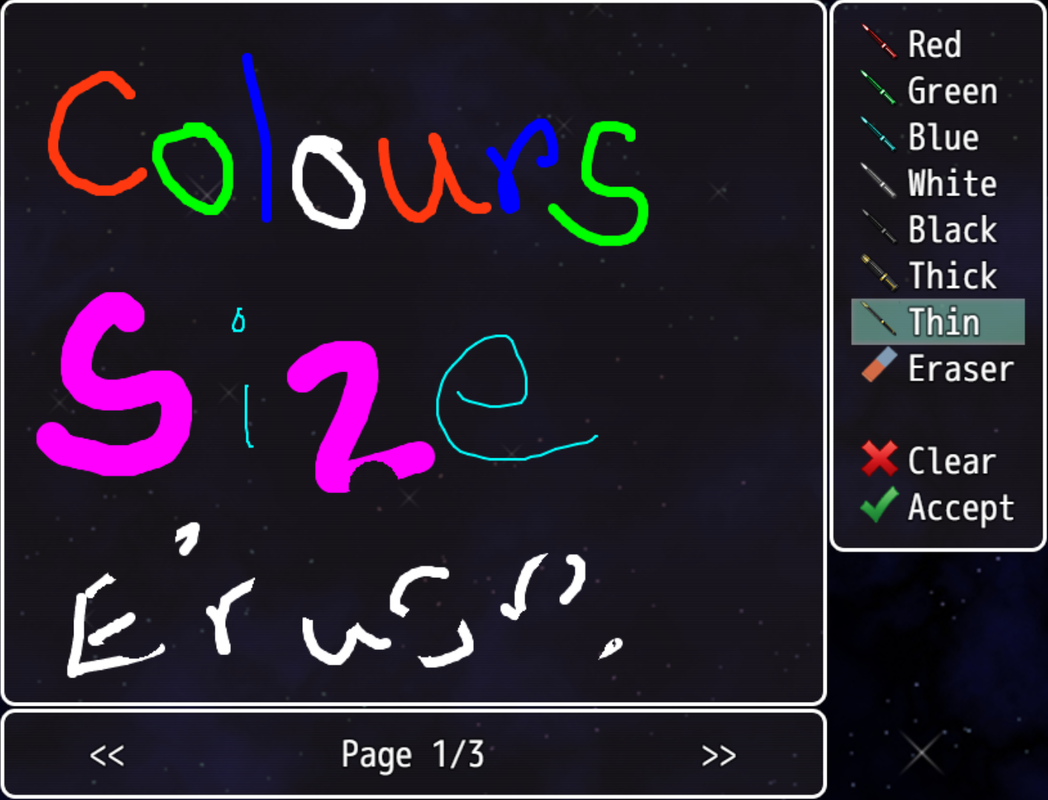
    Image_01.png
    Multiple colors and sizes for pens.

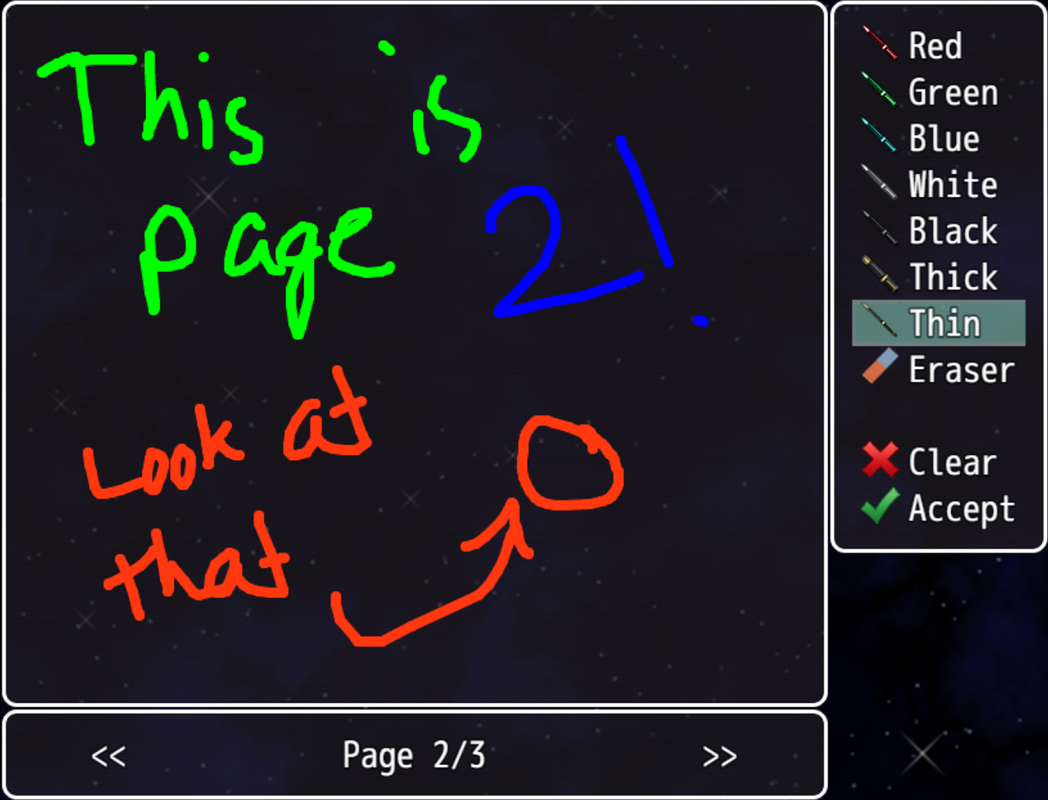
    Image_02.png
    Multiple page support

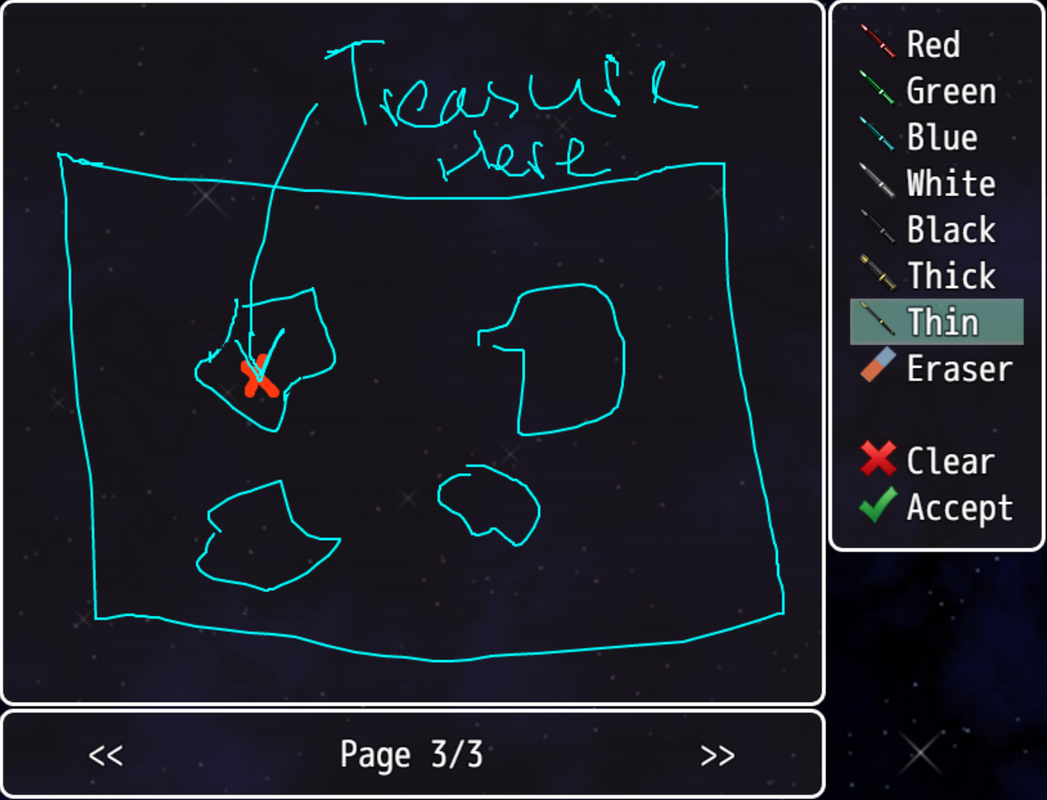
    Image_03.png
    Just taking some notes...

    Requirements:

    - Requires RPG Maker MV version 1.5.0 or above.

    Terms of Use:

    - Free to use in non-commercial and commercial projects as long as credit is given
    - Credit me as "Navash".
    - Edits/Extension plugins are allowed to be shared publicly as long as I'm notified.


    Changelog:

    Spoiler
    Version 1.00 - Initial Release!
  2. Wow thats pretty cool, I can see where this can be pretty useful. Keep up the good work!
  3. Great, now I can give players ability to draw dicks everywhere, anytime.
  4. Tuomo L said:
    Great, now I can give players ability to draw dicks everywhere, anytime.

    That is not the intended use, sir.
    But hey, guess my plugin is more versatile than I imagined.
  5. Great plugin! If possible can you also put a mirror link aside from dropbox? They can be pretty bad about public links. I had to reupload a lot of them... :rswt2:
  6. @Archeia never really had issues with dropbox, but hey no biggie. I added a link to the raw file if that helps. Glad you liked the plugin :D
  7. This would be nice if you have something note wise that the player needs to remember in game.
  8. Pretty slick! When you say "only supports touch", does that mean that you can't draw with a mouse?
  9. Frogboy said:
    Pretty slick! When you say "only supports touch", does that mean that you can't draw with a mouse?
    By touch I'm referring to both touchscreen and mouse input. MV doesn't differentiate between the two, so they're essentially the same thing.
  10. Sweet!
  11. Would be cool, if it was possible to post the pictures you have up, in the game on the walls or something
  12. Hey @Naveed great plugin but seems to stop you from being able to save.

    I reallywant to use your plugin in my game and have made some edits to your plugin so if you do find a solution if you could say what you changed that would be great as I won't be able to just use your updated file.

    Cheers
  13. This seems like it would be awesome to use as like a in-game memo pad to leave reminders for yourself. Gonna try this out for sure, so thanks!
  14. @Flanxei tell me if you can save when you use it?
  15. Indsh said:
    @Flanxei tell me if you can save when you use it?
    Okay so, I tested this on a fresh project with no plugins, and then I tested it on a project of mine that has multiple plugins. With a new project, I had no problems saving. On my personal project, I got about 6 or 7 errors trying to save. It would seem Yanfly's core engine, and Save core conflict with the sketchpad plugin.
  16. @Flanxei Nice one for the check, What version of MV are you using. I'm on 5.1
  17. @Indsh I'm running on 1.6.2. Are you running any plugins that alter how the game handles saving? Thats my only guess as to why its happening, since on a fresh project no issues occur.
  18. Nice plugin!
  19. @Flanxei I'm using it on my project with multiple plugins including Yanfly's save core and autosave. I have no problem saving my game.

    @Naveed It's a great plugin! thanks for your effort. It would be nice if the player can freely choose pen's thickness for each premade pen color.
  20. @Erviyo What version are you using?

    @Flanxei many, many plugins are use ;)