MV3D - 3D rendering for RMMV with Babylon.js

● ARCHIVED · READ-ONLY
Started by Cutievirus 1560 posts Page 70 of 78 View original ↗
  1. Virage_Detoldev said:
    Hello, Dread_Nyanak.
    I want to buy your premium plugin, but I wanna know if I will have to pay for the updates later on.
    Thank you.
    Why don't you even read the description? Check itch.io page. No, you just pay once.
    "But you will have access to all future updates as well. "
  2. fizzly said:
    Why don't you even read the description? Check itch.io page. No, you just pay once.
    "But you will have access to all future updates as well. "

    Hello. No need to be rude, my dear. I asked because when I posted I had only read what was in this topic. After entering on itch.io to buy, I saw the phrase you quoted above. I didn’t erased my post because I couldn’t find a delete button, only the edit button.

    Anyway, thank you for the answer.
  3. @Virage_Detoldev, Sorry if that sounded rude, I didn't mean to...
  4. fizzly said:
    @Virage_Detoldev, Sorry if that sounded rude, I didn't mean to...

    No problem. :)
    Sorry for the delay in answering, I was solving a problem at work. I admit that lacked a little more attention from my part, I believe I was so delighted with the plugin that my brain died.
    Anyway, have a great week.
  5. I have a question, you can import 3d enemies for battles? This would be perfect for my game. Is like etrian odyssey:

    I want something like this
  6. Is there a way to increase event sprite resolution? If I use !$ image, the sprite itself is just bigger than one tile, and if I reduce scale, I get the same 48x48 resolution in one tile.
  7. STARFALL said:
    I have a question, you can import 3d enemies for battles? This would be perfect for my game. Is like etrian odyssey:

    I want something like this


    I guess that is not possible since no one answered.
  8. Can I make a Chinese version based on the English plugin instructions on Mv3d.cutievirus.com? On the original site, on another jump page of the site (similar to the wiki's multilingual page). I like this plug-in, but I'm not very comfortable using it due to language issues, so I'm going to translate the instructions. It is much more convenient to translate the original document format, and easier to maintain if there are subsequent updates.
  9. So I've noticed that some people have posted examples of 3D model swapping in order to animate an event. However, I can't find the plugin command in MV3D's documentation to swap out an event's assigned .obj model. I'm trying to make an opening chest, I just need to know how to change the event's closed model into the open model. Does anyone who still follows this thread know the answer?

    Edit: I figured out how to swap the model, so that's been solved, but it led to a follow-up problem: when I change maps and return, the chest is the closed model again due to it being the default model int he note box. Any solutions on how to get the model swap to stay permanent?
  10. SefirosuKuraodo said:
    So I've noticed that some people have posted examples of 3D model swapping in order to animate an event. However, I can't find the plugin command in MV3D's documentation to swap out an event's assigned .obj model. I'm trying to make an opening chest, I just need to know how to change the event's closed model into the open model. Does anyone who still follows this thread know the answer?

    Edit: I figured out how to swap the model, so that's been solved, but it led to a follow-up problem: when I change maps and return, the chest is the closed model again due to it being the default model int he note box. Any solutions on how to get the model swap to stay permanent?

    Your easiest solution here would probably be to trigger a self-switch that activates a second event page, autoruns the model switch and then ends event processing... that should change the model from its default over the the open chest variant.
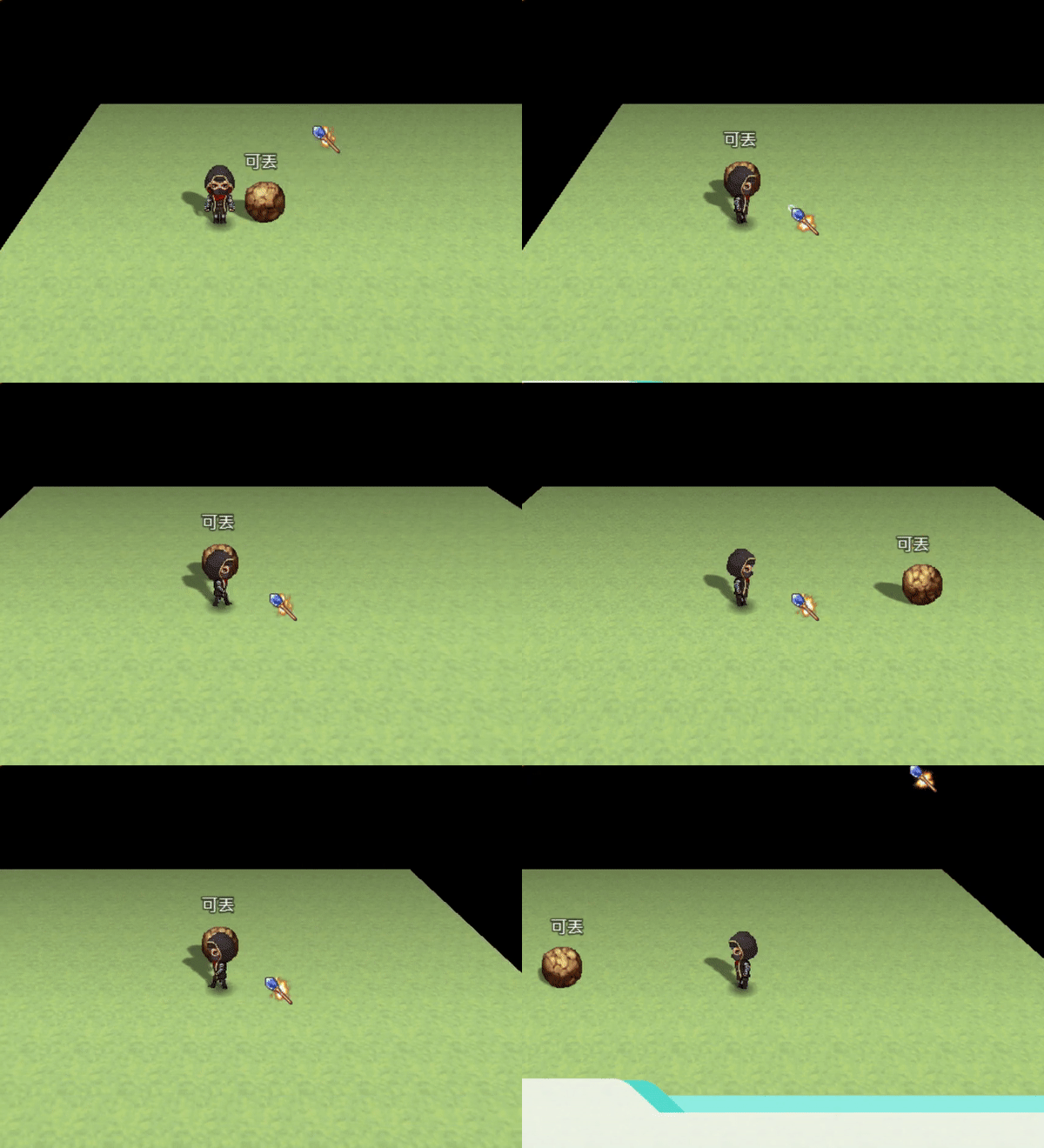
  11. Is it possible to set a movement route via script so that the event moves in straight line but will start at z 4 and will end at z 0? Edit: added picture.

    Untitled.png
  12. STARFALL said:
    I guess that is not possible since no one answered.
    Not possible at the moment.
  13. @piksalh, if it's going down, then you can just change the X,Y, and it should automatically go won from cliffs if the option is checked in configuration tab. If no, just use go through.

    Edit: @Dread_Nyanak , I noticed that there is still problem while changing event graphic. It shows weirds things for a while while changing graphic to the one from another char-sheet. Can you guys fix that?
  14. C.pngpassage.pngcorner.png
    Can I make this shapes by using one single event?
    This shapes are using 2-3 events.
    If someone make it , please teach me how to do.
  15. We know how hard it is to create all the necessary assets for a character of your game.

    Thinking about it, we decided to collaborate with the community creating the Full Character Pack, including all the necessary assets for a character, made with high quality.

    Take a look!

  16. SefirosuKuraodo said:
    So I've noticed that some people have posted examples of 3D model swapping in order to animate an event. However, I can't find the plugin command in MV3D's documentation to swap out an event's assigned .obj model. I'm trying to make an opening chest, I just need to know how to change the event's closed model into the open model. Does anyone who still follows this thread know the answer?

    Edit: I figured out how to swap the model, so that's been solved, but it led to a follow-up problem: when I change maps and return, the chest is the closed model again due to it being the default model int he note box. Any solutions on how to get the model swap to stay permanent?

    How do you swap the model? What's the command?
  17. Now that development of my game is coming along well, i'm also testing on other computers. And on lower end computers, i am getting lag on big maps. What options can edited to improve how it runs? Render distance doesn't actually seem to influence this a lot, while mipmapping and "Update all events in render distance" did improve the lag (but i'm not sure at what costs that might be?). Any insight on this would be very helpful!