Wow, thanks @Jordan_Winslow , I never would have thought of this on my own, but even if not wanting to use this kind of stuff for the entire game, certain segments could incorporate it to add a little more depth and immersion to the overall experience. I guess what I mean is, thanks for the cool tip.
Wow, thanks @Jordan_Winslow , I never would have thought of this on my own, but even if not wanting to use this kind of stuff for the entire game, certain segments could incorporate it to add a little more depth and immersion to the overall experience. I guess what I mean is, thanks for the cool tip.
No problem, I'm glad I could inspire a couple people!
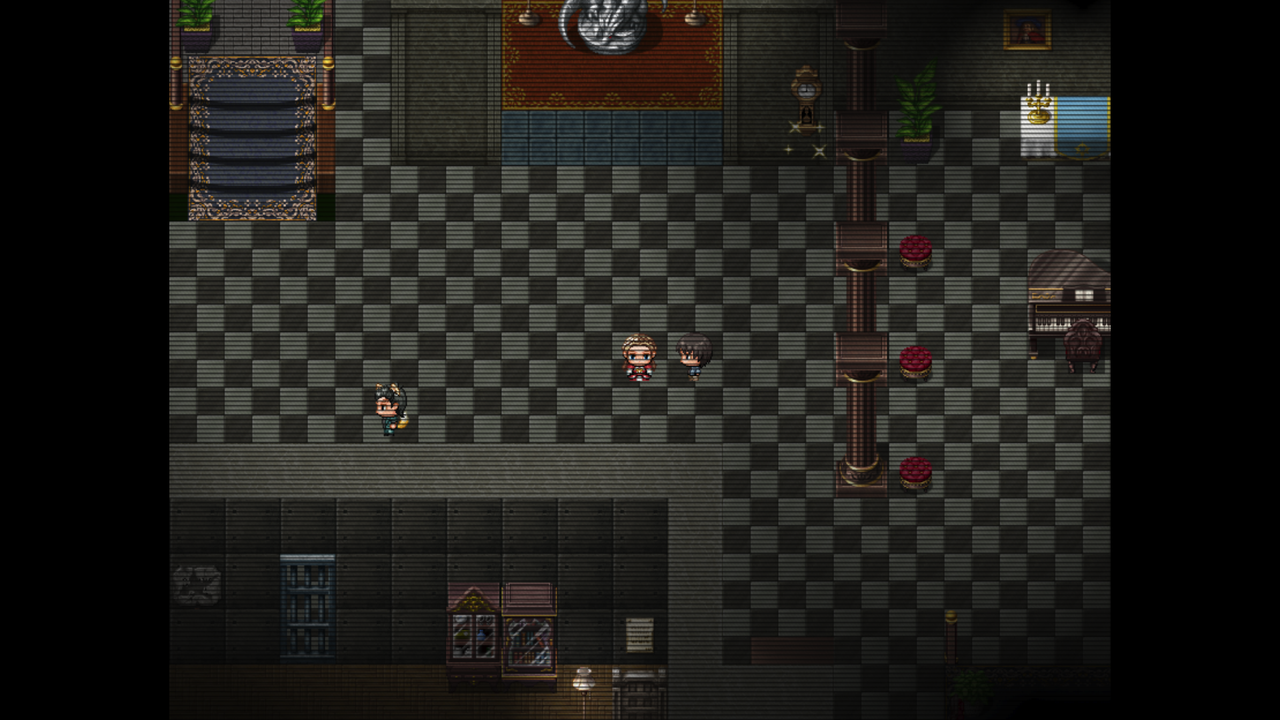
You're right, most people probably wouldn't want to use it for their entire game so turning on and off the image is a good idea to enhance different moments in the game such as dream sequences, etc.
This effect can also be used for fog if you create a semi-transparent background and set the image to parallax and move it horizontally or vertically.