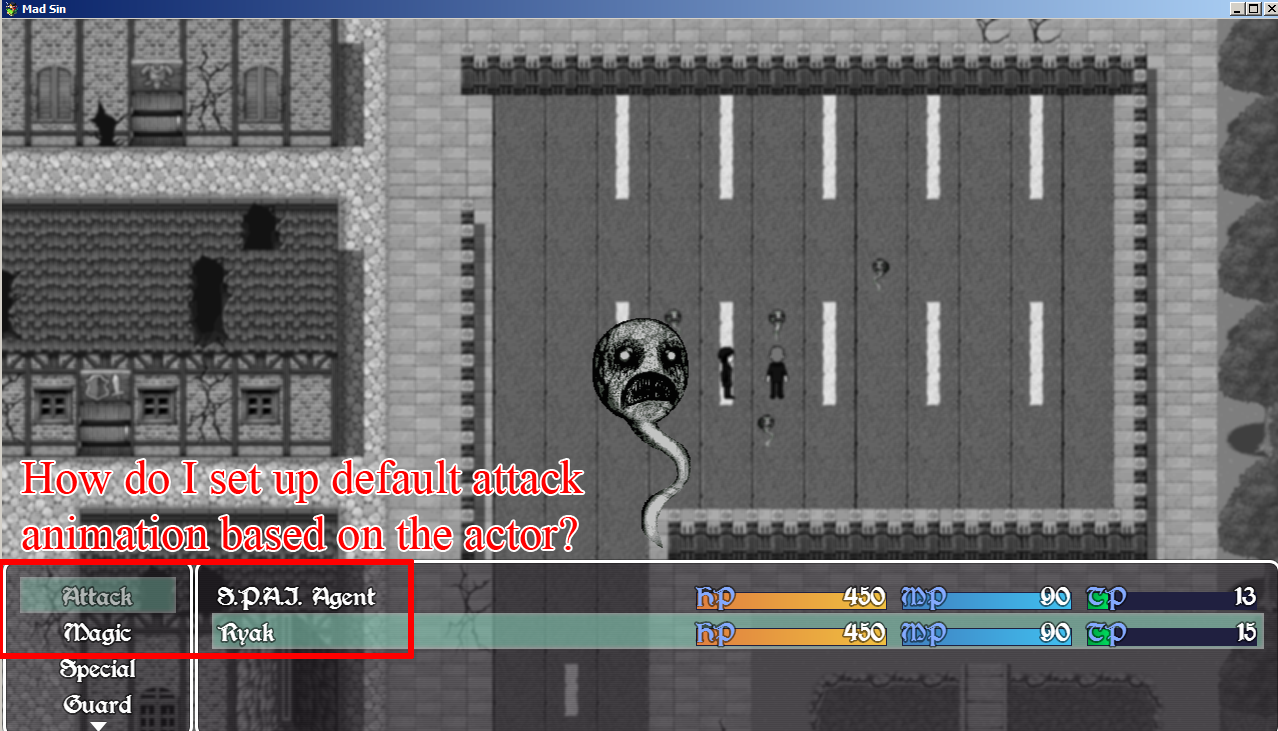
I'm having a hard time understanding how I can use Yanfly's (YEP_WeaponUnleash) plugin to make actor specific default attacks. I watch this video on how the plugin is used, but I'm not really looking to do some fancy stuff...I just want it where if the character uses guns, the default attack animation is gunshots. If a character uses blades, the default attack animation is a slash attack.
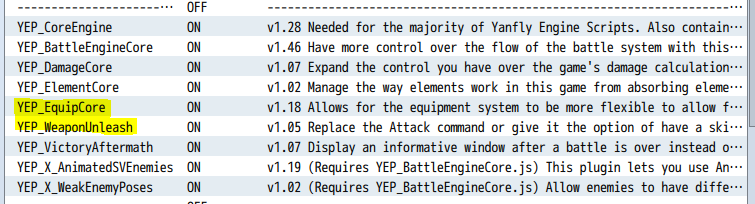
So I set up the plugin in this order. In the video, for best effect and compatibility settings, it should be placed underneath the EquipCore plugin.
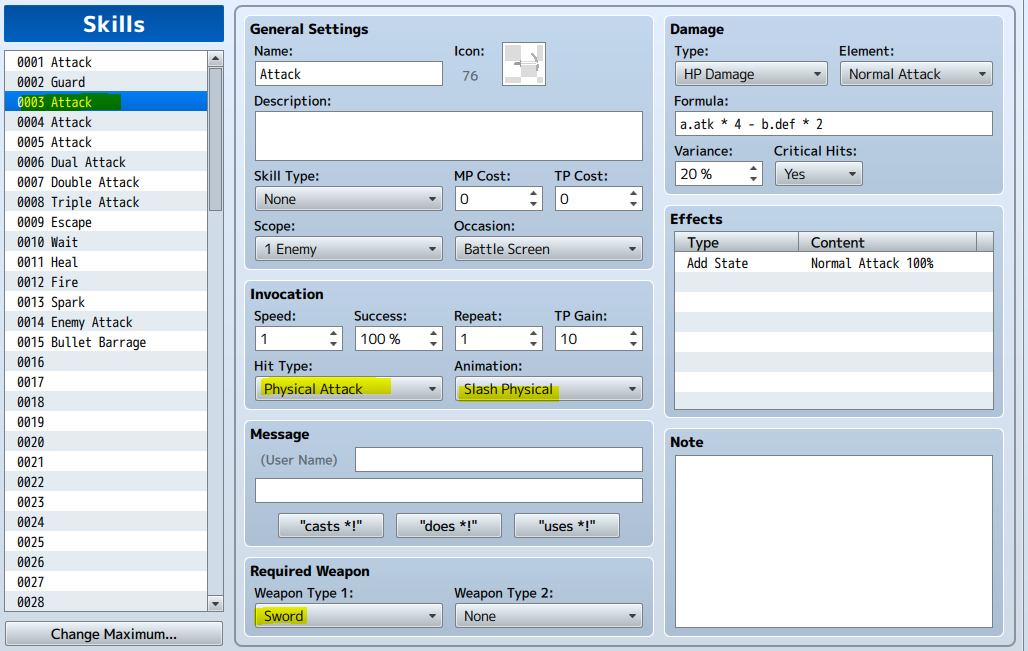
And this is my attempt of defining the default attacks based on weapons....
Screenshots on how to achieve what I need would be nice, but either way I'll try to follow along. I'm not developer savvy, but I try...
i think your going about this all wrong after seeing you say "character uses guns have shoot animation."
the attack skill should have animation set to Normal Attack
then the weapons define the animation that is used for Normal Attack
weapon unleash is something you would use if the attacks damage formula, scoop, hit type, or note tags would be different
it is used by putting <Replace Attack: x> in the weapon Note section n replacing x with the number the skill is
i think your going about this all wrong after seeing you say "character uses guns have shoot animation."
the attack skill should have animation set to Normal Attack
then the weapons define the animation that is used for Normal Attack
The normal attack keeps on setting to the same animation I assign to it (gunshot animation), and it looks like it doesn't matter what weapons the character equips, so it looks like all the playable characters have the same normal attack.
I took another try to understand what you mean, but I pretty much am lost and just guessing...
the skill "Attack" should have the animation set to "Normal Attack"
then when making weapons each weapon is able to set "Animation" this is what the skill's "normal attack animation" will play.
u changed the animation on your skill 1 "Attack" and thats why different weapons r all showing the same animation
this is your screenshot. change that back to "normal attack" animation
Alright, I literally just did this exact same thing for my game, so I'll try to help you through it.
You're going to need another plugin. This might be possible with Weapon Unleash, but Bobstah's Battle Commands plugin is what you're really looking for.
Install Bobstah's Battle Command plugin.
Go to database, types, create a new skill type.
Create a new skill called Attack or whatever you want it to be, with the attack animation you're looking for.
In the classes tab, go to each character's notes and type in:
<Battle Commands>
Skill:x
</Battle Commands>
x is the skill ID of the basic attack you want that character to use.
If I understand what you're asking, this should solve your problem. You'll probably need to add all the other commands you want your characters to have as well, like magic, skills, guard, items etc., and you'll need to create a different skill with the specific animation you want per actor.
This is how mine looks like:
I replaced the basic attack with the skill "Dia," so the idea here is that you can have a bunch of different "Attack" skills, but each with their own animation you set for every actor.