I made a small city map that only appears in game for this brief cutscene (you can't move around it) so it isn't large at all, just what appears on screen. It looks weird to me though
(I am using Modern Day Tiles DLC)
City In Editor
City in Game
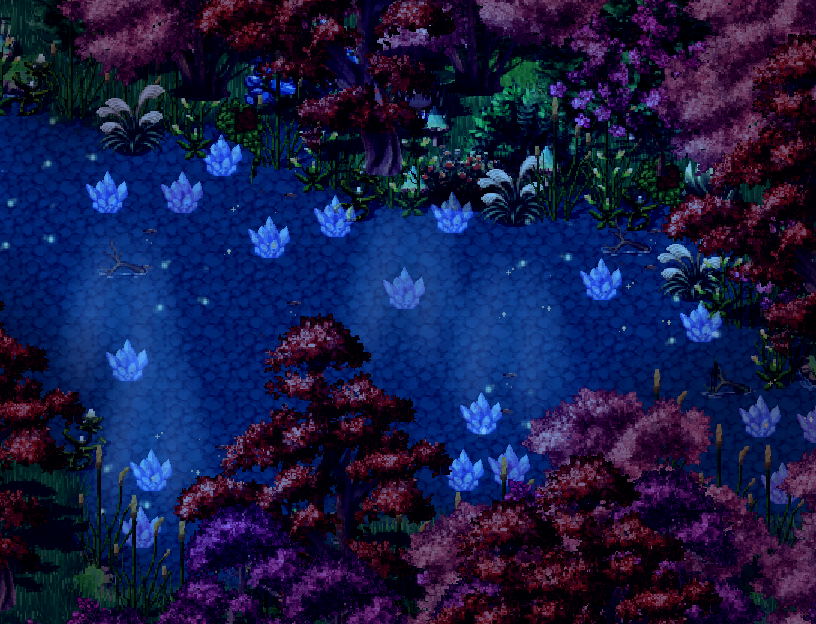
Also for the same game I wanted an entrance to a mansion that looks like a garden.
Garden In Editor
Garden In Game
Again this one only appears for a brief cutscene though I might make it possible to walk around it freely later.
Feedback?
@Nightblade50
What is that gray surface they're standing on outside the town? Is it pavement? It seems like the trees in the city should be either against the edge of the pavement, or else you should be able to walk all the way around them. Right now it looks like you'd have to step off the curb to get around the tree at one corner. I'd move the two bottom trees up a tile and that big one at the top I'd move down a square so the base is hidden behind the house. I think that layering would make it feel more 3D. Also maybe scooch that tree over to the left so there's room for people to walk between it and the house? Just my opinion! ^_^
I bought it there. International release will come at a later date because of translation stuff.
Dear forum admins, do we know if this latest DLC of FSM is to be translated then released on the English RPGM website one day, or not?
The FSM DLC has been great ressource packs for MV, I guess I won't be the only one interested in getting it as soon as translated.
@Selhan This thread is for posting screenshots etc for feedback on work created by Members. It is not for discussing whether or not particular dlc will be released. Please do not hijack a thread to ask an unrelated question.
Check out the Product Discussion and Support section, as I'm fairly sure this has been asked recently.
@DJK1NG_Gaming There is something odd about that bridge which I am having trouble identifying. Maybe it's the angle - it looks like you've rotated the tiles slightly and then just placed it down, but that slightly knocks the perspective out. It doesn't look like it's resting on the ground, but floating slightly above it.
So what has been accomplished until now? No maps again ... Hey, don't look at me like that!
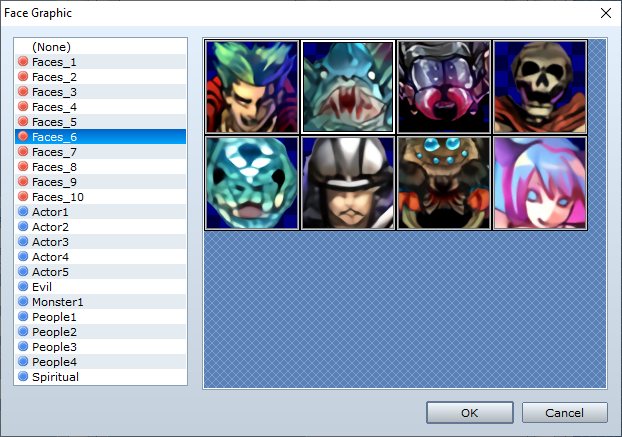
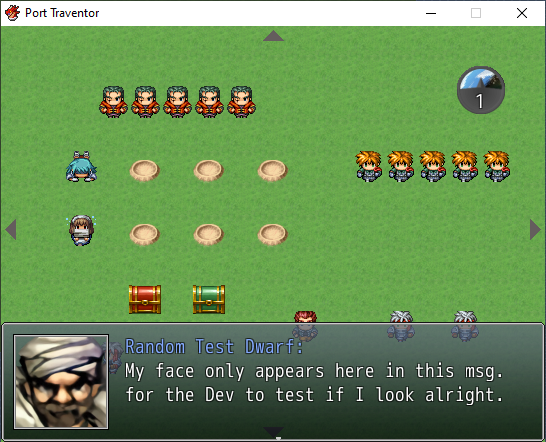
I finally managed to insert the faces and I tested most of them.
On the second screen you can see how the whole thing finally looks inside a messagebox. Of course, everything is displayed on a beautiful testmap that couldn't be any more aesthetic. I'm quite satisfied with the result. You can see the GUI for the day- and night-system on the top right. Thanks to Boros, I now have a counter that shows the number of elapsed days as well. In short, this is an animated clock that displays the different stages of the day. Time only passes when the player moves.
@DJK1NG_Gaming There is something odd about that bridge which I am having trouble identifying. Maybe it's the angle - it looks like you've rotated the tiles slightly and then just placed it down, but that slightly knocks the perspective out. It doesn't look like it's resting on the ground, but floating slightly above it.
It is indeed what you say. The bridge angle is off. I can always go back and fix it or remove it and add some rocks. I tried to have it curve but couldn't so I left it as it is. I might fix it or change it later.