Cintronic's Resources Update 1.4.7 (6 Animations / 8 Windowskins)

● ARCHIVED · READ-ONLY
Started by Guardcraft Games 20 posts View original ↗

  1. Resource%20title_zpskrj61duz.png


    Terms:


    (Animations are free for Non-Commercial use in MV or VXACE, with credit --- Contact me via PM for information about Commercial use)


    (Windowskins Labled *All* are free for Non-Commercial or Commercial use in MV, with credit)


    (Windowskins Labled *NC* are free for Non-Commercial use in MV, with credit--- Contact me via PM for information about Commercial use)


    Credit Cintronics 


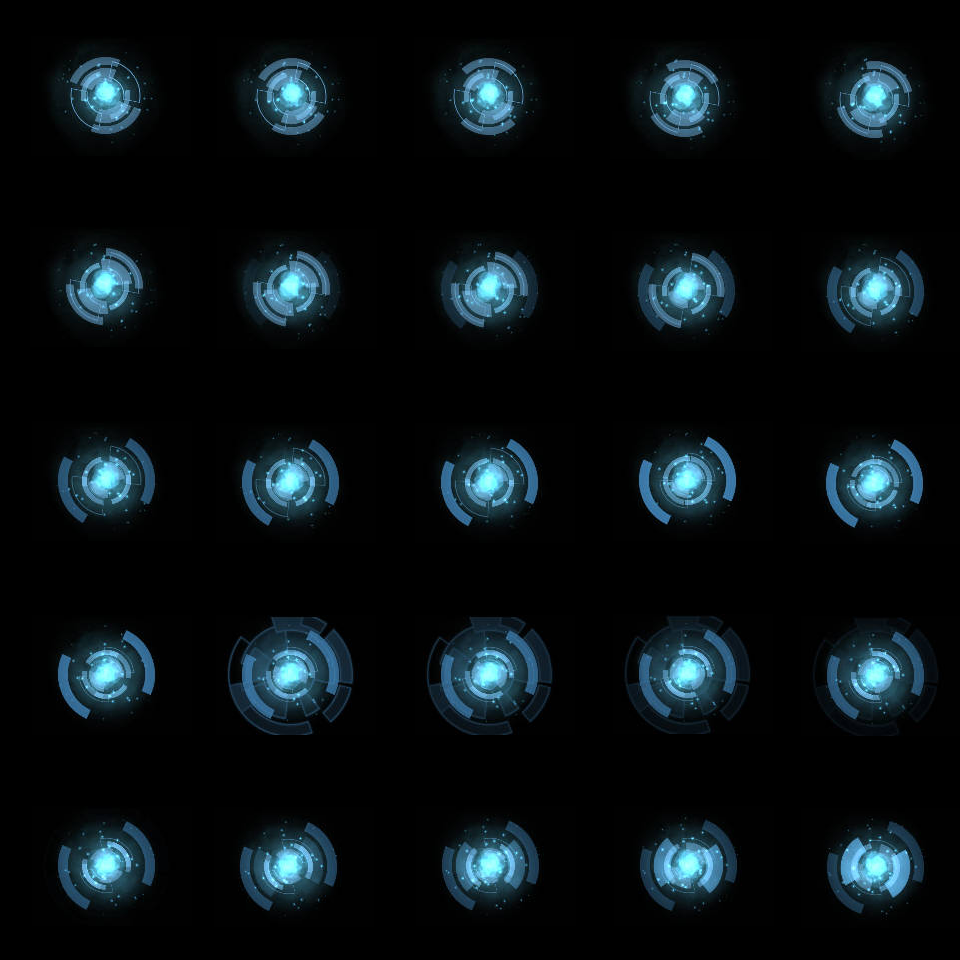
    Animations_zpsuit7iqyy.png(Best used with Sideview Battle System)


    Animation 1

    Spoiler
    Spoiler


    PAGE ONE


    PAGE TWO
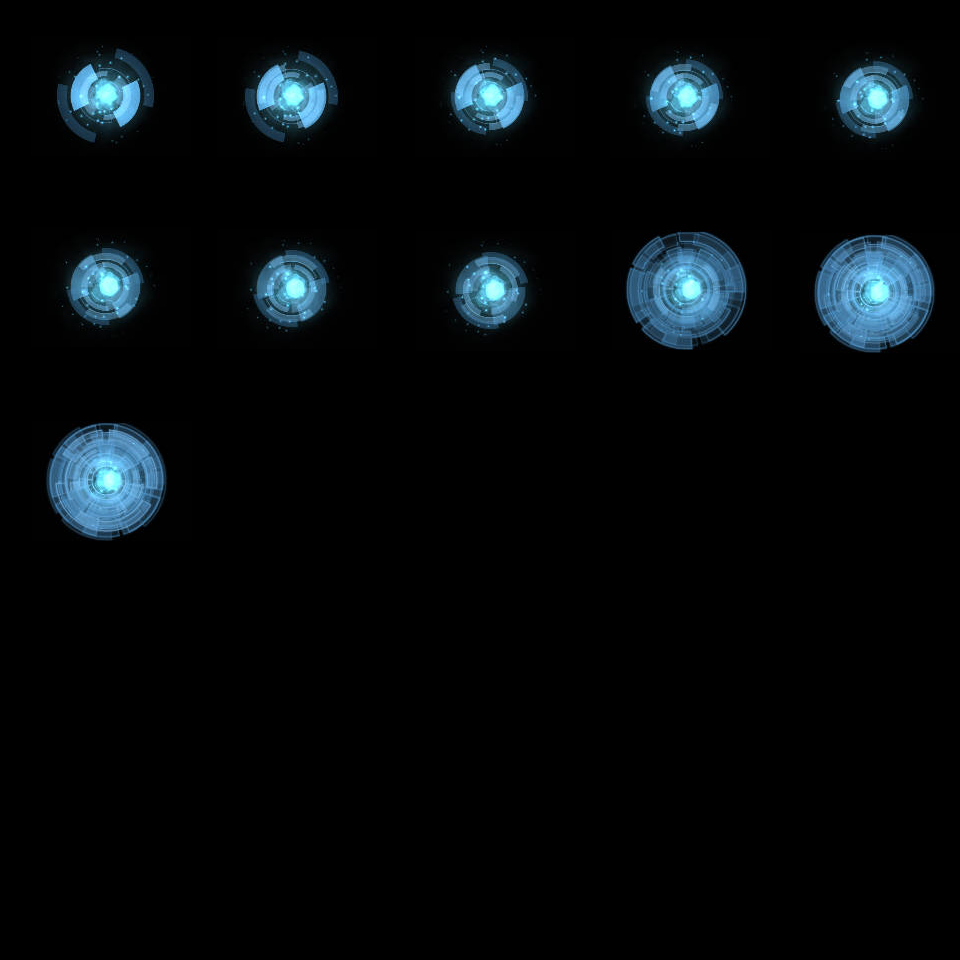


    Animation 2

    Spoiler
    Spoiler


    PAGE ONE
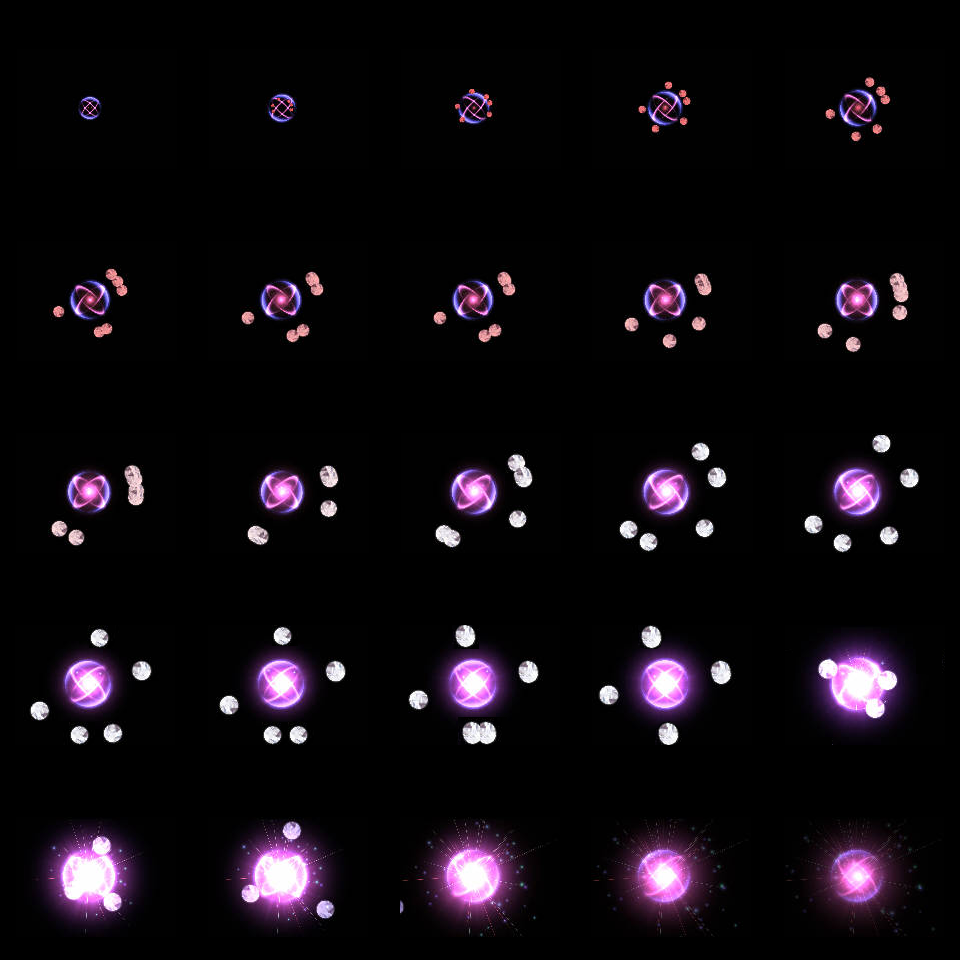


    PAGE TWO
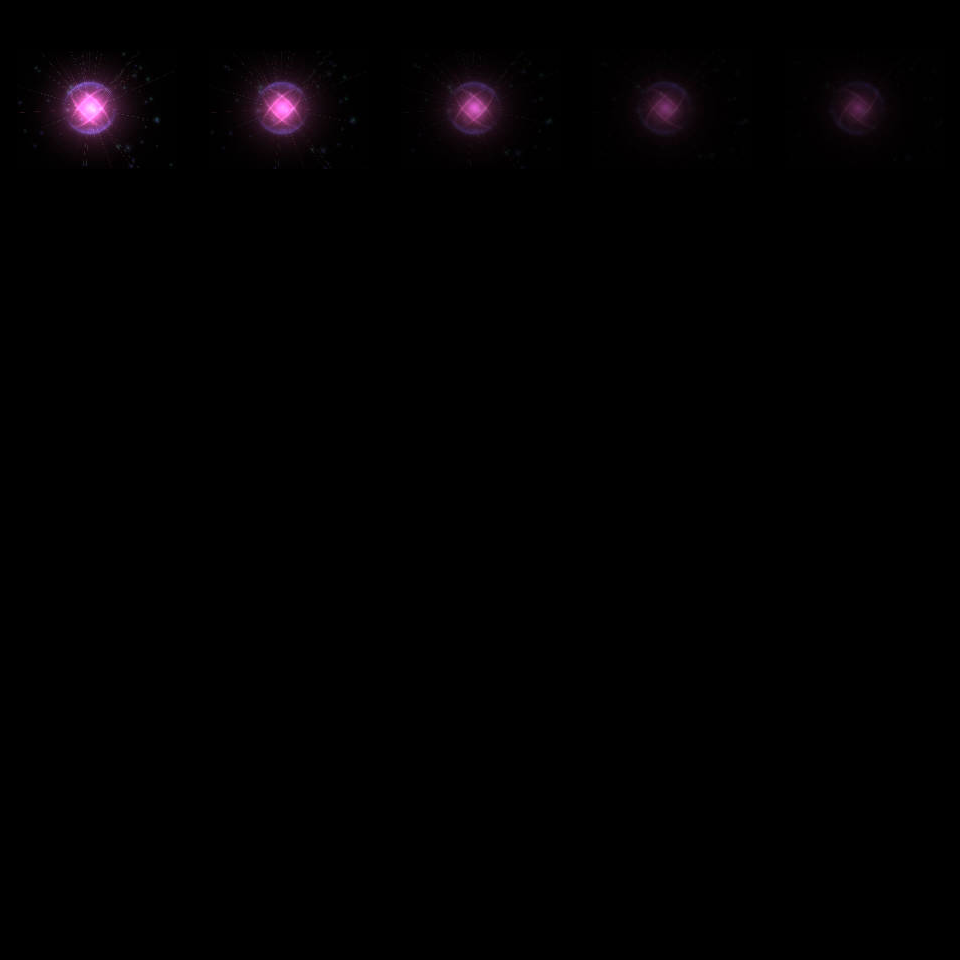


    Animation 3

    Spoiler
    Spoiler


    Page One
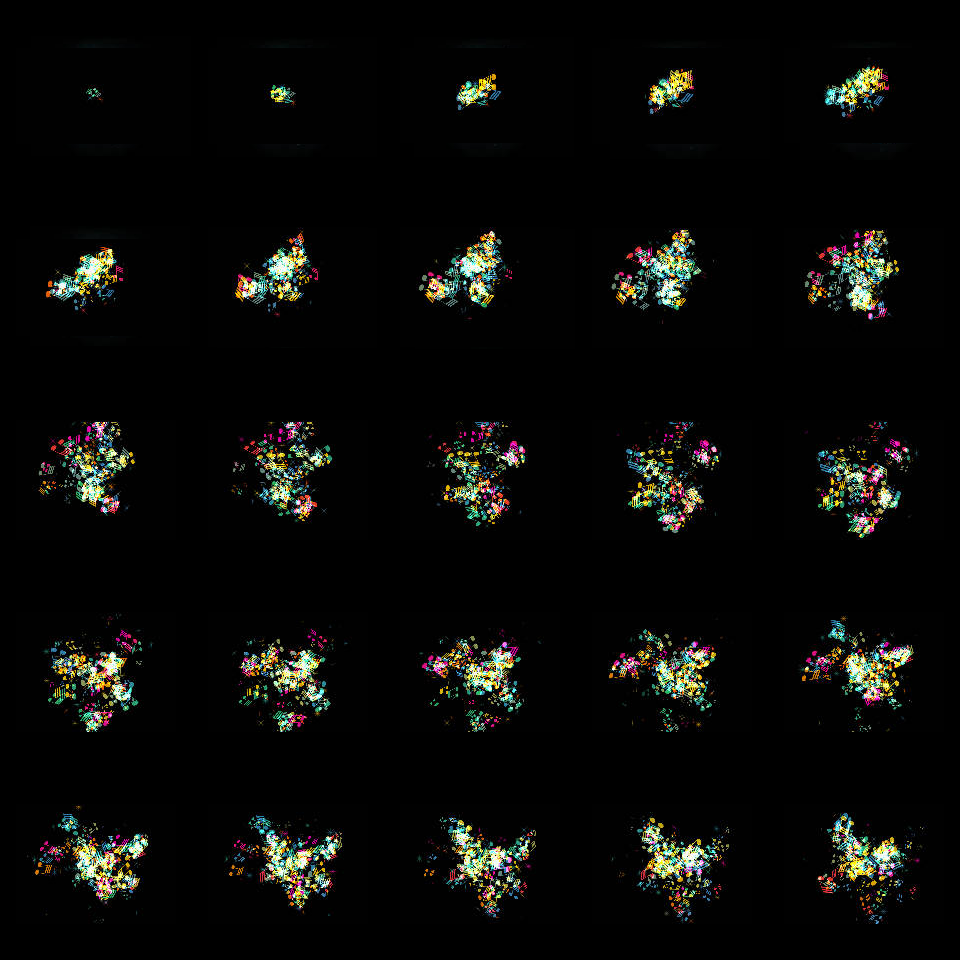


    Page Two
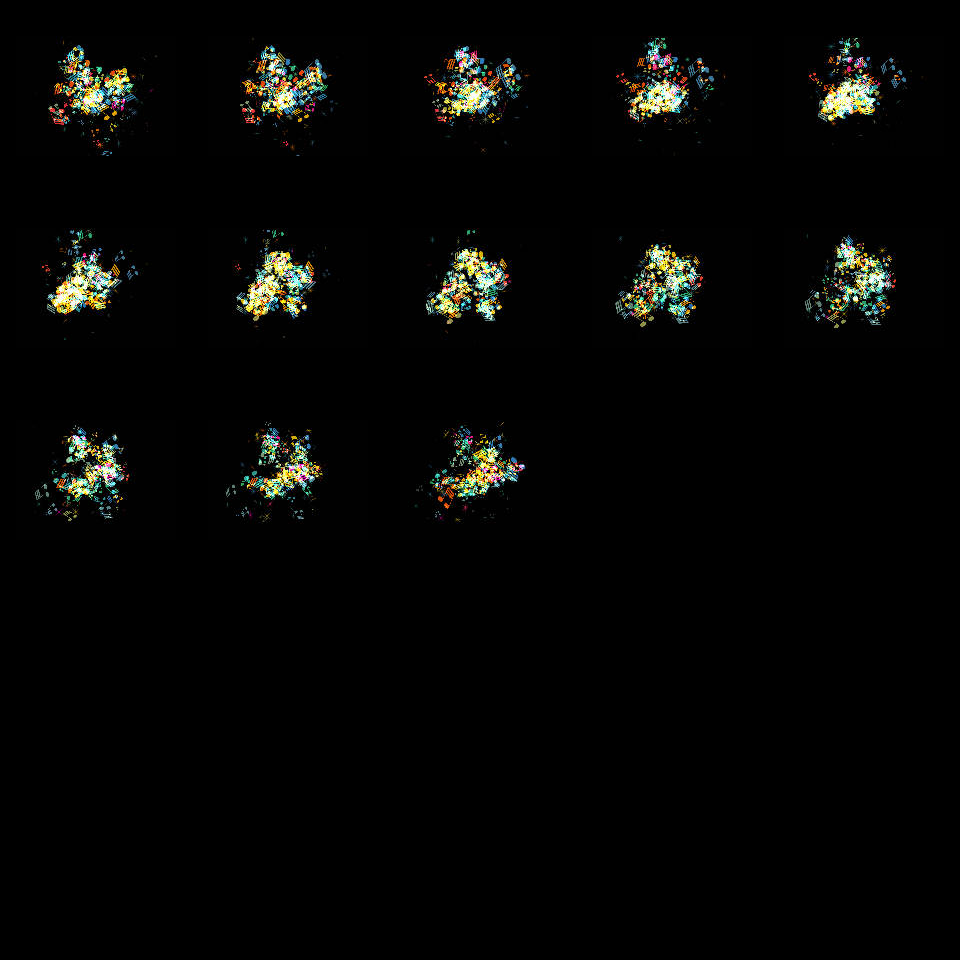


    Animation 4

    Spoiler
    Spoiler


    Page One
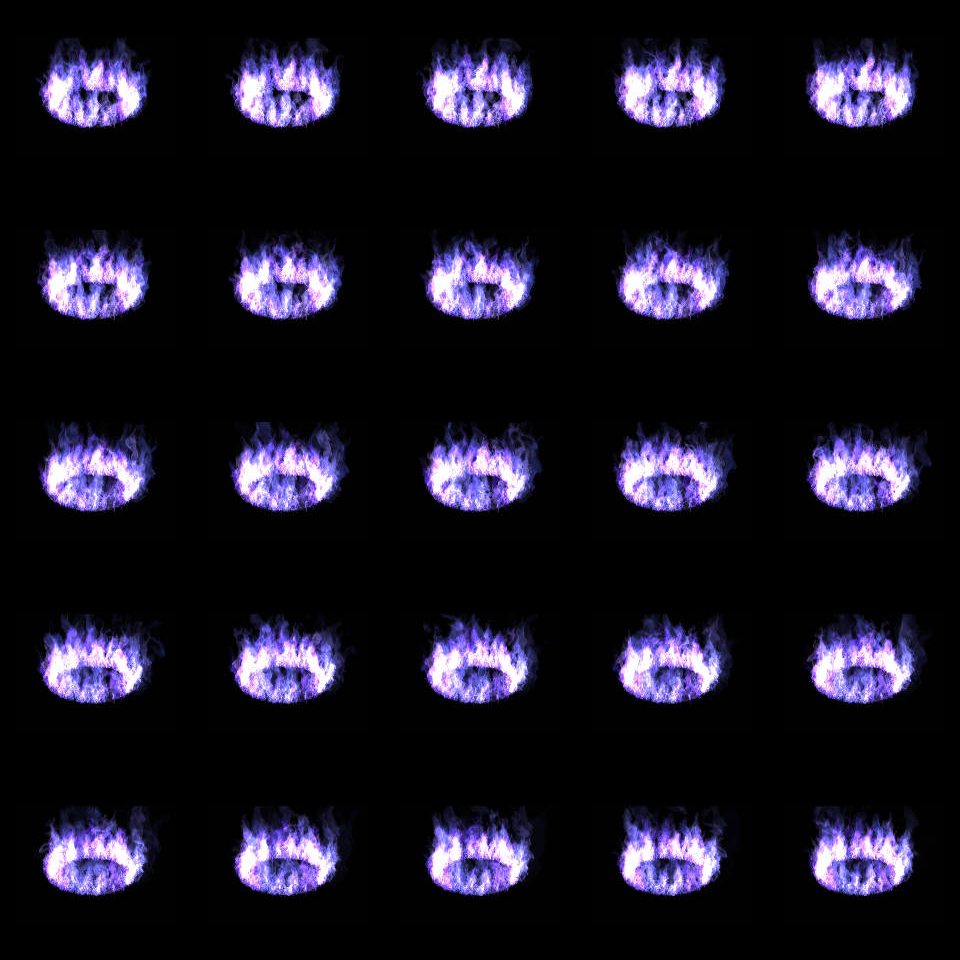


    Page Two
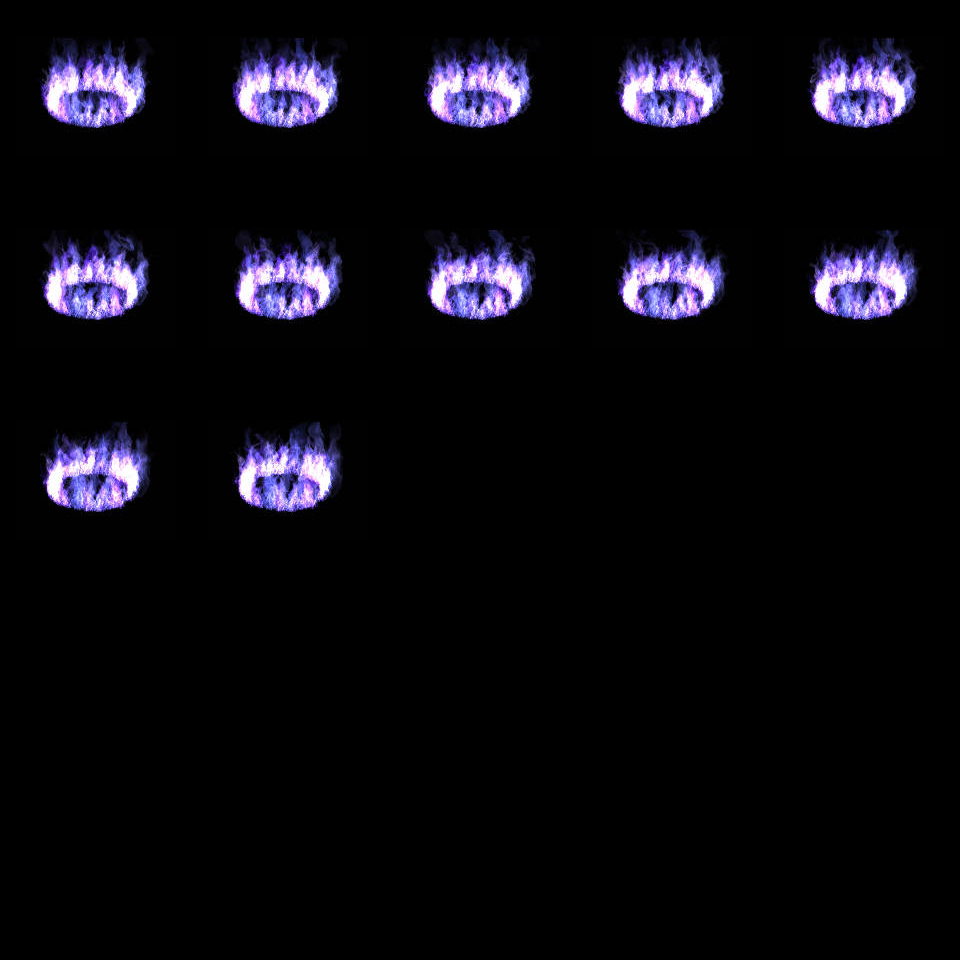


    Animation 5

    Spoiler
    Spoiler


    Page One
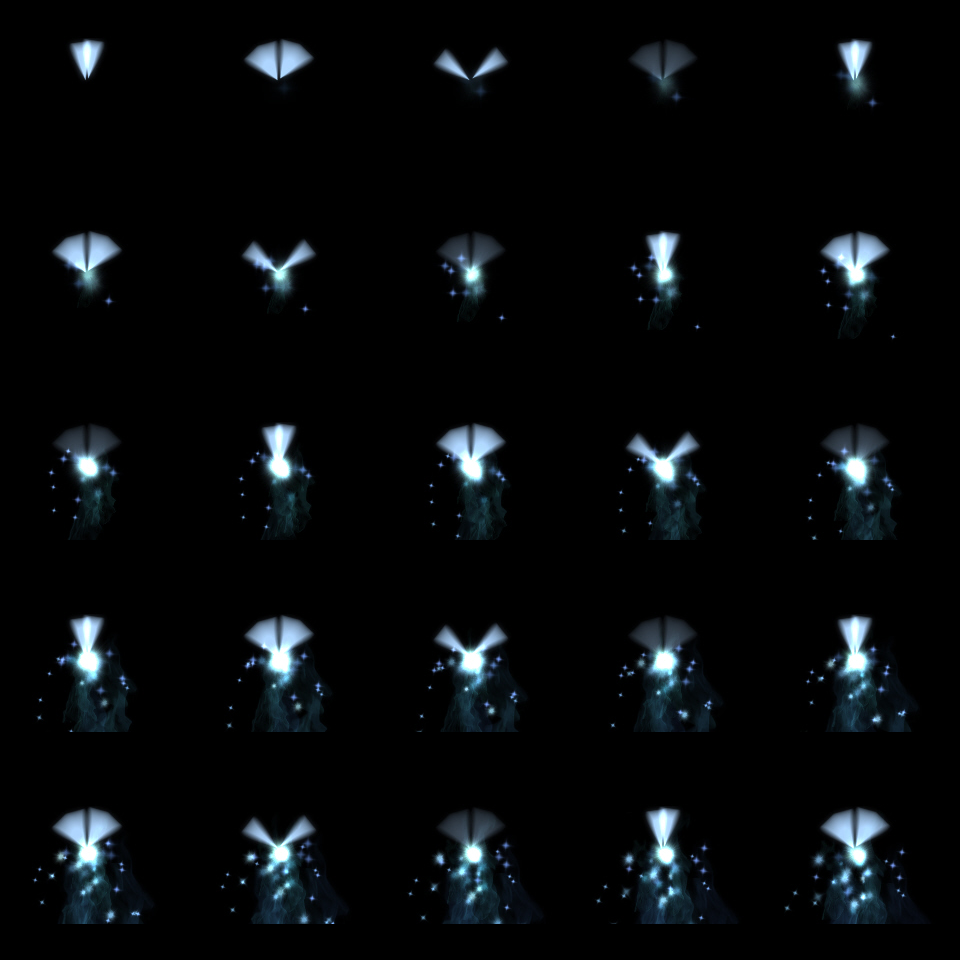


    Page Two
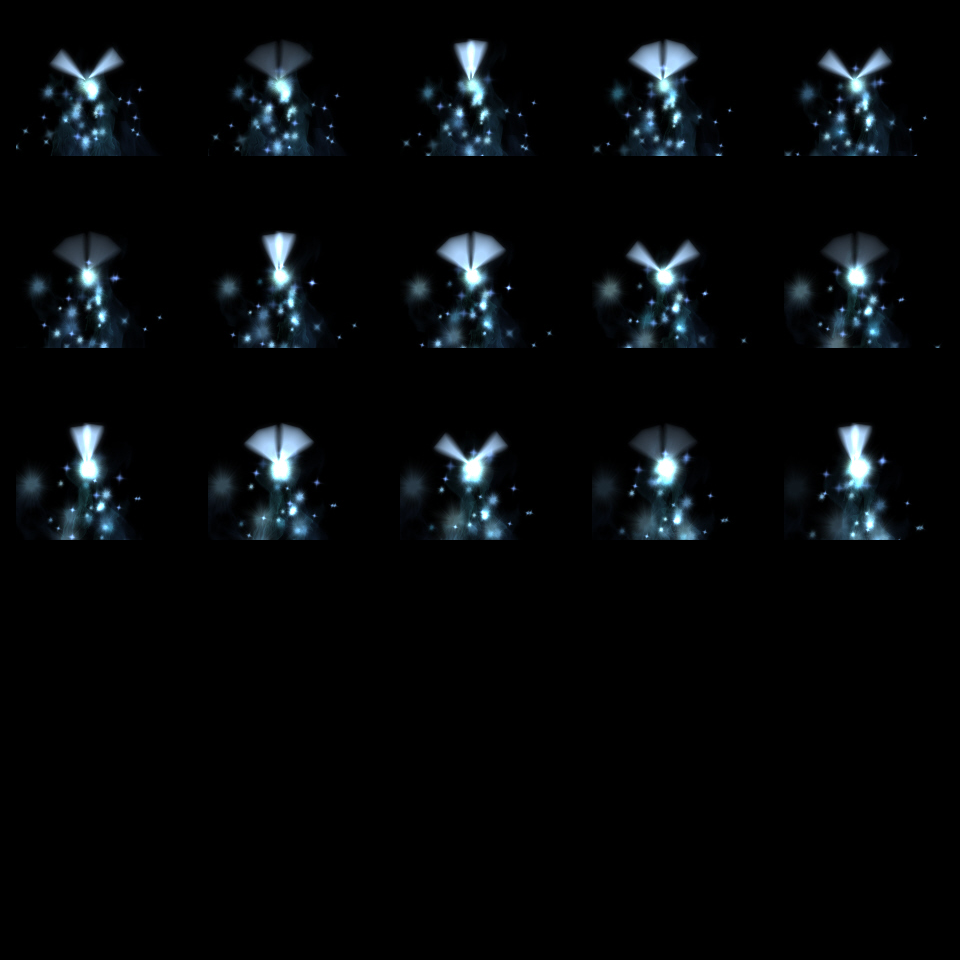


    Animation 6

    Spoiler
    Spoiler


    Page One
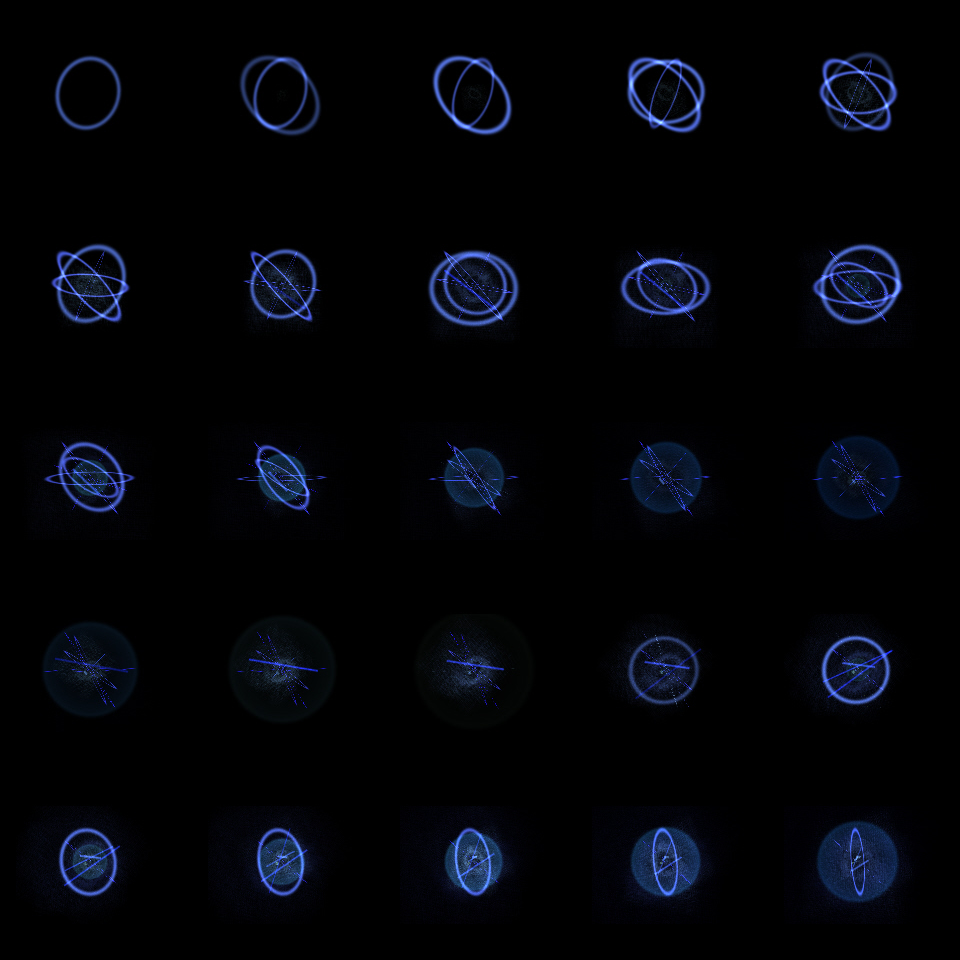


    Page Two
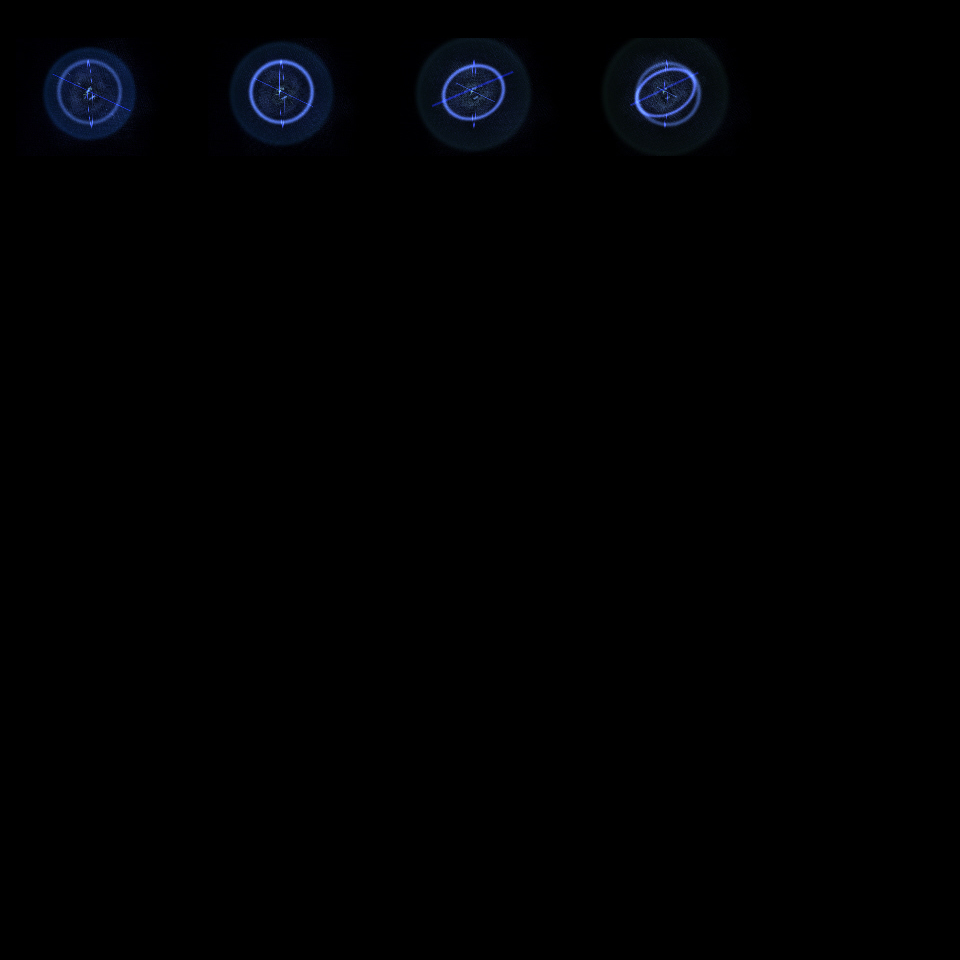


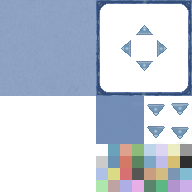
    Random Windowskins (For MV)(ALL)

    Spoiler
    Spoiler
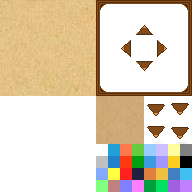


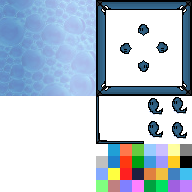
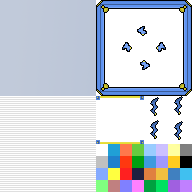
    Random Windowskins (For MV) (NC)

    Spoiler
    Spoiler
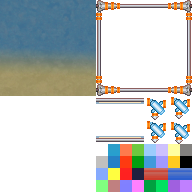


    Windowcin1_zpshqoaisxx.png


    Credit Cintronics and Shewolf for top one
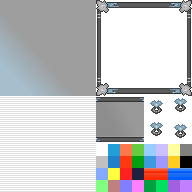

    Windowcin2_zps0pklzusx.png


    WindowOrange.png


    WindowRed.png


    WindowDRB.png


    WindowLB.png
  2. That looks great! :) Are you sure you can't have more than 5 lines on an animation sheet? I think you don't need to make 2 pages.
  3. Not really sure, these are just some old ones I made for Ace and they ported over easy enough. I'll check it out for future animations for sure though!
  4. Liak said:
    That looks great! :) Are you sure you can't have more than 5 lines on an animation sheet? I think you don't need to make 2 pages.
    From what I was told, they didn't change the animation requirements. Same as ACE. I haven't tested to disprove it though (I tried to deviate in ace and it didn't work, so I assume it's the same here)

    @The OP, they look nice.
  5. Thanks for the parchment! Much better than the one I made off some tutorial.
  6. These are awesome!!
  7. Bravo, it's rare for me to find animation resources. They look good ^^;
  8. @Master100000 Glad to hear! Will definitely be more to come!
  9. These are so awesome! :thumbsup-right:  
  10. What do I need to do if I want to use Animation 4 for commercial use?
  11. Very best!
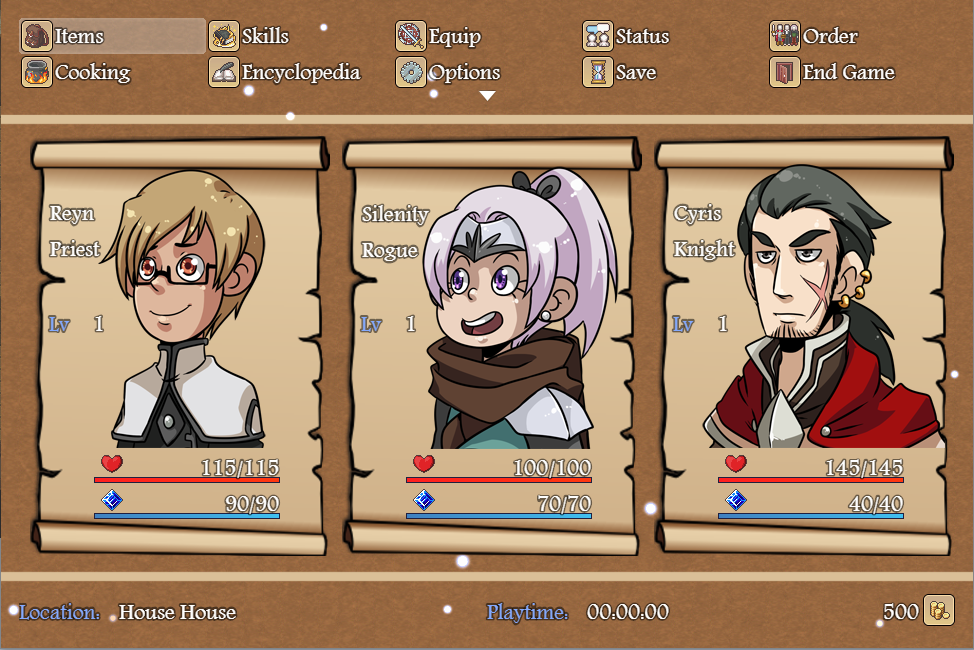
  12. Fantastic! Your windowskin was perfect for my game!


    I edited it very slightly if that's ok.


    Now my menu and window skin look similar. Was using the default window skin colored yellow. Looked awful.


    Preview:

    Spoiler
    Window screen


    e73557a58207755af50d94dbc133ef2d.png


    Menu Screen


    ffba68c41989d4baf601780f737b5c7a.png
  13. @Silenity Looks good, no problem at all that you edited it. Loving the Menu as well, great job!
  14. @Guardcraft Games is it possible to get the animations in a transparent layer? removing the black is difficult >.<
  15. Goldschuss said:
    @Guardcraft Games é possível obter as animações em uma camada transparente? removendo a preto é difícil>. <

    I am not sure about that as well
  16. Goldschuss said:
    @Guardcraft Games is it possible to get the animations in a transparent layer? removing the black is difficult >.<

    I agree. MV does not want to use the images on a black background =(
  17. @Guardcraft Games @Cvrtis @Maycon Gama Ribeiro You can use the Greenfish Icon Editor. It's freeware and it can remove black background with two clicks ("Remove Matte" or ctrl+M), much easier and cleaner than Photoshop. I generally got really good results with animations, or any picture where the background is really just one color. If there is a gradient or noise, you will get ugly artifacts, thou, which you will have to remove manually. 


    Hope it works out for you!


    Have a great day!


    ~QT 
  18. Quite.Toxick said:
    @Guardcraft Games @Cvrtis @Maycon Gama Ribeiro You can use the Greenfish Icon Editor. It's freeware and it can remove black background with two clicks ("Remove Matte" or ctrl+M), much easier and cleaner than Photoshop. I generally got really good results with animations, or any picture where the background is really just one color. If there is a gradient or noise, you will get ugly artifacts, thou, which you will have to remove manually.


    Hope it works out for you!


    Have a great day!


    ~QT

    Thank You ) I certainly try!


    We can also remove background with Alfa (and not only in PH :) ) I think in GIE the same method).


    Here is developer's page: http://greenfishsoftware.blogspot.ru/2012/07/greenfish-icon-editor-pro.html


    If it possible, I prefer the original. I don't know, how to make these pictures for animations, but I hope the background is just a lower layer.


    But if we can not get an (or like an) original pictures with transparent background, It will be sad =( I think for me better to find something for MV.


    UPD. Woah! It's working just great! The picture with transparent background looks the same as original! Pixel to pixel.

    Spoiler
    RemovedBackground.1470825555.png

    Thank You again wery much!
  19. These are great, what program did you make them in?
  20. The animations are really good. Thanks for sharing!