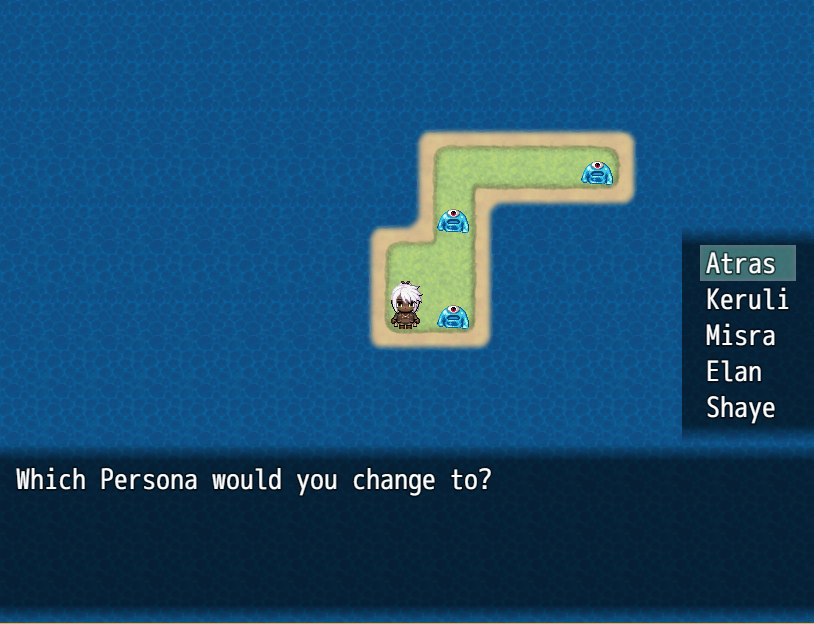
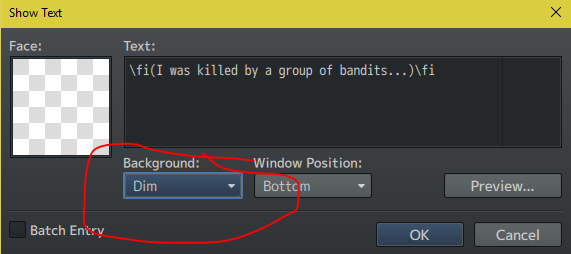
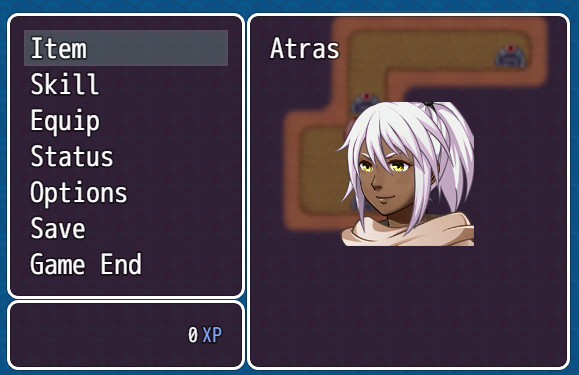
So, I know how in text boxes, you can change the text background from the default "Window" to either "Dim" or "Transparent". However, as I have been unable to find out how, I was wondering if it is possible to make all windows look that way? I really don't like the default boxed look...
Changing Background of all Windows?
● ARCHIVED · READ-ONLY
-
-
You would have to remove the frame from your Window graphic. You can find that image in Graphics/System in your game. In the top right quadrant you have the frame and the cursors that your game is using. These can be changed in any graphics program e.g. GIMP (free) or Photoshop or similar.
EDIT
Ooops, you're using MV so you will find it in the folder img/system -
Made something for you, click here to download.
Just set the default type you want to use on the plugin parameter. -
Made something for you, click here to download.
Just set the default type you want to use on the plugin parameter.
That is totally awesome! Thanks so much, Lantiz!
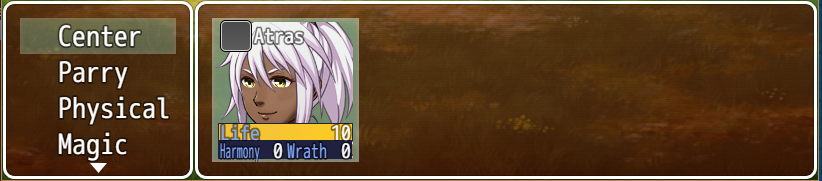
However, there are a couple problems. In battle, the dim is covering part of the actual screen, and the "x emerged!" window is still showing up as a window :(
-
Fixed, you can download again.
-
And now it's all working :D
Thanks so much, Lantiz!