Candacis' Resources for MV

● ARCHIVED · READ-ONLY
Started by Candacis 32 posts Page 1 of 2 View original ↗

  1. Candacis' Resources for MV

    Terms of Use: You can only use those edits in an RPG Maker product and you have to have RPG Maker MV. Free for commercial and non-commercial alike unless otherwise stated. But credits needed. Do not repost my originals without my permission.
    My resources can be used in NSFW and R rated games.

    A4 Inside:

    I just wanted to post a quick 'an dirty edit I did for the Inside A4 top parts. I prefer to map with those top parts instead of the originals and thought I share.

    Spoiler
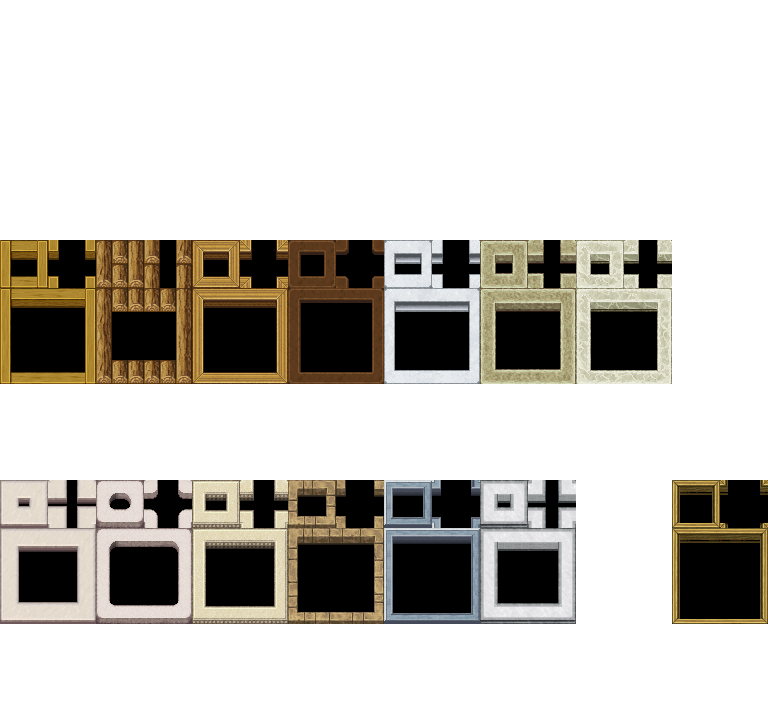
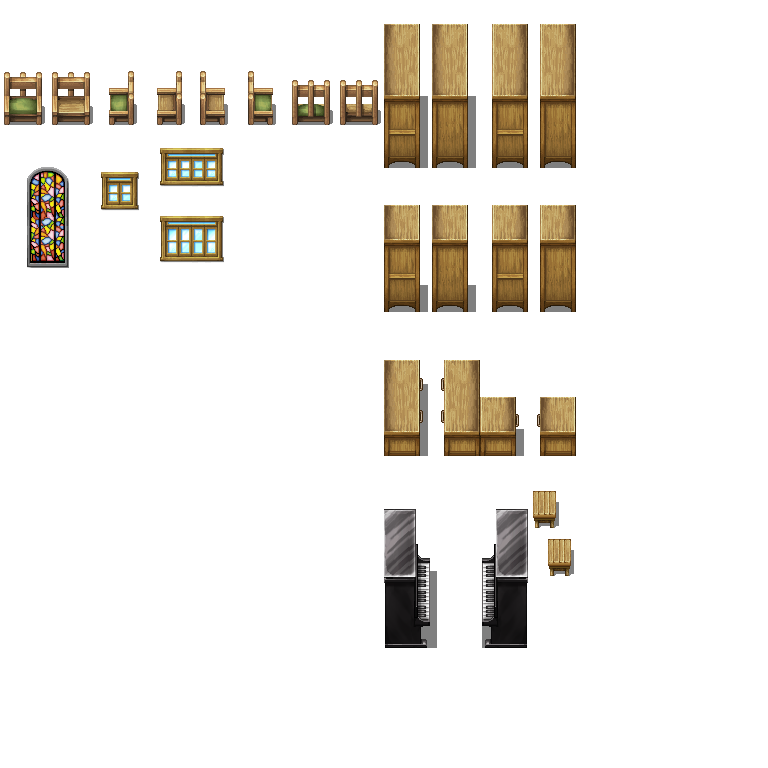
    Inside_A4_tops_Candacis.png

    Country Side:

    Some resources I did for the last ReStaff, useful for country sides or any other peaceful village.

    Spoiler
    1
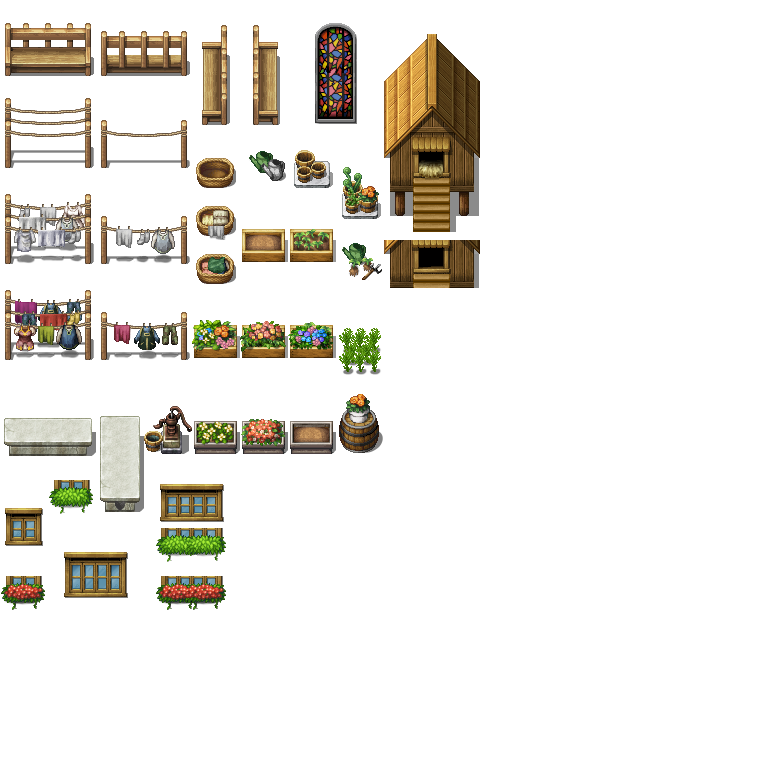
    Outside_Country_Candacis.png
    2
    Inside_Country_Candacis.png

    Breakroom:

    Just some minor edits, sometimes I only moved the pieces from the SF_Inside B and C tab up half a tile, because that's how I prefer it. This was mostly done for myself and one particular map, but I thought maybe it's useful for others, too.

    Spoiler
    1
    SF_Janitors_E.png
    2
    SF_Inside_A2_edit.png
    3
    SF_Inside_A4_edit.png

    4
    %21%24Broadcast.png
    5
    %21%24Ceilinglight.png
    6
    %21%24Storagegate.png
    7
    %21%24Securitygate.png
    8
    %21Shellgame.png

    This last one is for a minigame. If you want to find out how it works, head on over to the MV School!

    janitorbreakroom.png

    Digsite:

    Here are some cliffs and autotiles, if you want to make a pit, hole or digside inside a desert. Perfect for your explorers, treasure hunters and archeologists. I recommend using OcRam Passages for MV, if you have passability issues and bigger sprites.

    Spoiler
    1
    Digsite_A2_by_Candacis.png
    2
    Digsite_A5_by_Candacis.png
    3
    Digsite_B_by_Candacis.png

    Example:
    Digsite_Example.png

    Beach:

    Not much here, but some palmtree edits and a pier for a beach.

    Spoiler
    1
    Palmtrees_by_Candacis.png
    2
    Pier_by_Candacis.png

    Trees:

    Some tree variations in the same style Avery has made one.

    Spoiler
    1
    trees_autumn_by_Candacis.png
    2
    trees_by_Candacis.png

    Roofs:

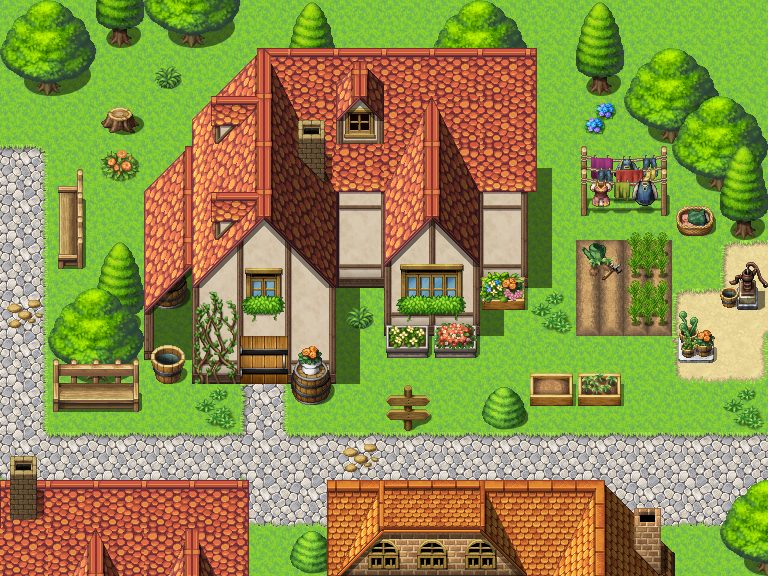
    Back in the days I started my VX Ace edits with pitched roofs and now I did the same thing for MV. Since I did so many Roof recolors and versions, It would be too big to post them all here, so I just added the zip file below. Here is a sample screenshot of one of the roofs:

    Spoiler
    Generator Parts:

    I worked on some small parts for the generator as well as a rework of the gradients with new, more realistic, hair-, skin and eyetones. About 3-4 of my favorite default colors are still in the hair and skinsection. I only did minor changes with the clothes colors.
    NOT included are pieces for SV-Battlers and please don't ask me, if I can make them. I never use SV-Battlers myself.

    Spoiler
    « « « DOWNLOAD THE GENERATOR ZIP FILE » » »​

    Preview Generator Parts:

    preview_scares.pngpreviews_sicklyeyes.pngpreview_overall.pngpreview_hoodie.png
    Scars above the eye - Sickly eyes - Overall - Robe

    About the Robe: This is a two part piece, one Clothing and one Accessory 2, to hide part of the front hair. You might still have to delete some hair manually. And if you want to have a strand of front hair looking out of the hoodie, you could manually edit that, too.

    Preview Gradients:

    preview_gradient1.pngpreview_gradient2.pngpreview_gradient3.png
    preview_gradient4.pngpreview_gradient5.pngpreview_gradient6.png
  2. Very useful! :)
  3. Yes! You're brining them over to MV!
  4. Glad to see you move the resources to MV.
  5. the black void is much better! thanks XD
  6. Just a question which mapping style you prefer. But I'm a big fan of the A4 black void and thought I'd offer this variant for all fellow voiders :D


    I will neither rescale nor re-do everything I did for VX Ace. But I will also not make edits for VX Ace again. This is over. It only took me a while to warm up to MV (and find the time to make edits in this bigger format..).


    MV is a new chapter and there are still so many essentials missing that I wanted to concentrate on that. Or rather, essentials I want to have ;) Which means: roofs. Because I love gabled roofs.


    I also added some bigger church windows.
  7. Nothing new really, but I added now the Roofs and Country Side tilesets I did for the last ReStaff. Maybe someone hasn't seen them yet.
  8. Thank you so much for these!! :D The rooves are especially handy, nice job!! I was just wondering if it'd be at all possible for you to make some rooves that are snow covered if you have time? ^.^ 
  9. Cuteeee *-*. Thank you  I love village´s
  10. How do I install those roofs? Where do I have to save them?
  11. You would need to either manually put them into your projects Tileset folder or use the import option from inside the editor. Then, most of the files, you would set as one of the B-E sheets.
  12. how do you import them so that they are all part of the same tileset .png, rather than having them individual so they take up A-E on a new tileset?
  13. You go to an image editor program and copy and paste what you need into a tileset. Make sure to follow the formatting rules for A - E tiles (easiest way is to take a current A, B, C, D or E tileset, and use that as a base).
  14. @bgillisp sweet thank you!
  15. Nice work, thank you for sharing!!!
  16. @bgillisp what image editor program do you recommend?
  17. I use GIMP myself.
  18. @bgillisp alright thanks for your help I will check it out!
  19. The Water Pump is Adorable! :kaoswt:
  20. I got some new stuff for you!

    janitorbreakroom.png

    You can find it under "Breakroom".

    I also did some generator parts and reworked the gradients, you can find it under "Generator Parts"