Avy's Icon Workshop

● ARCHIVED · READ-ONLY
Started by Avery 1711 posts Page 71 of 86 View original ↗
  1. Those modular icons are awesome.
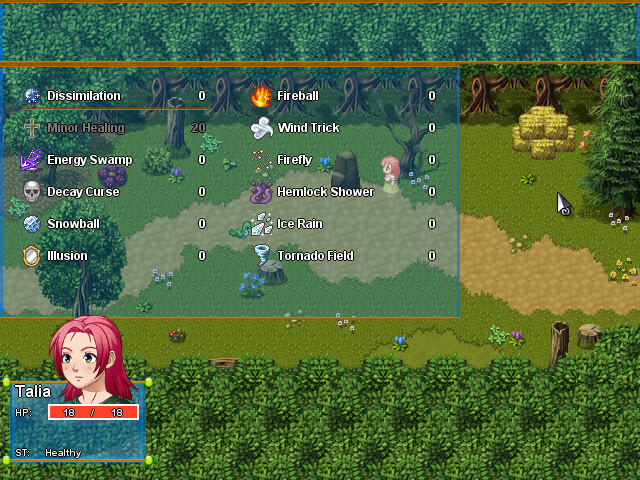
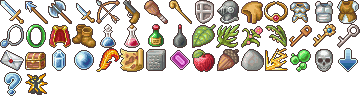
    For the I'm using lots of your icons in my project, but most of them are 24x24 icons.
    Screenshots
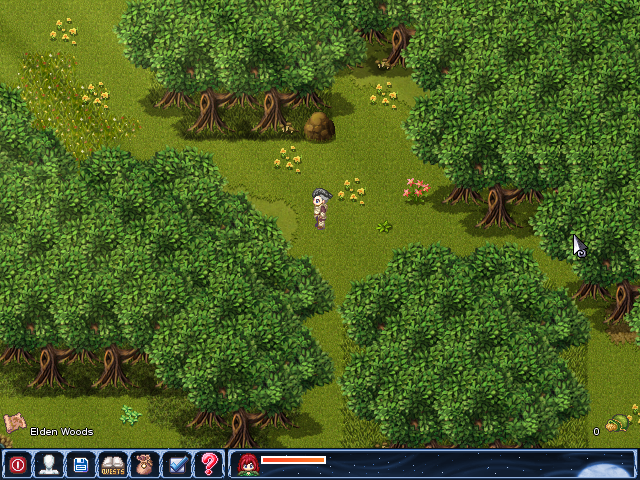
    I use them for the hud and most for the skills, equipments and items :kaoswt:
    Game_2018-02-15_08-43-15.png Game_2018-02-15_08-44-04.png
  2. @GameFire Wow, they look even greater in game!
    @callmedan Yours too!
  3. There are so many pages, so I'm sorry if this question has been asked and answered already ...

    Are these icons available for everyone to use - ie, may I use an icon in my game that someone else requested for their own?

    Lots of lovely things in here, and I don't want to step on anyone's toes.
  4. Late reply, sorry, there is a lot going on in real life at the moment.
    @Shaz Sure, go ahead and use them there! I am always happy to see that they are used, it was a lot of work and I like to see that it has a use for someone^^

    Thanks for the screens! They look so awesome!
  5. As for upscaling does that mean "Use as Is"?
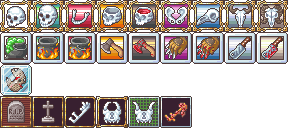
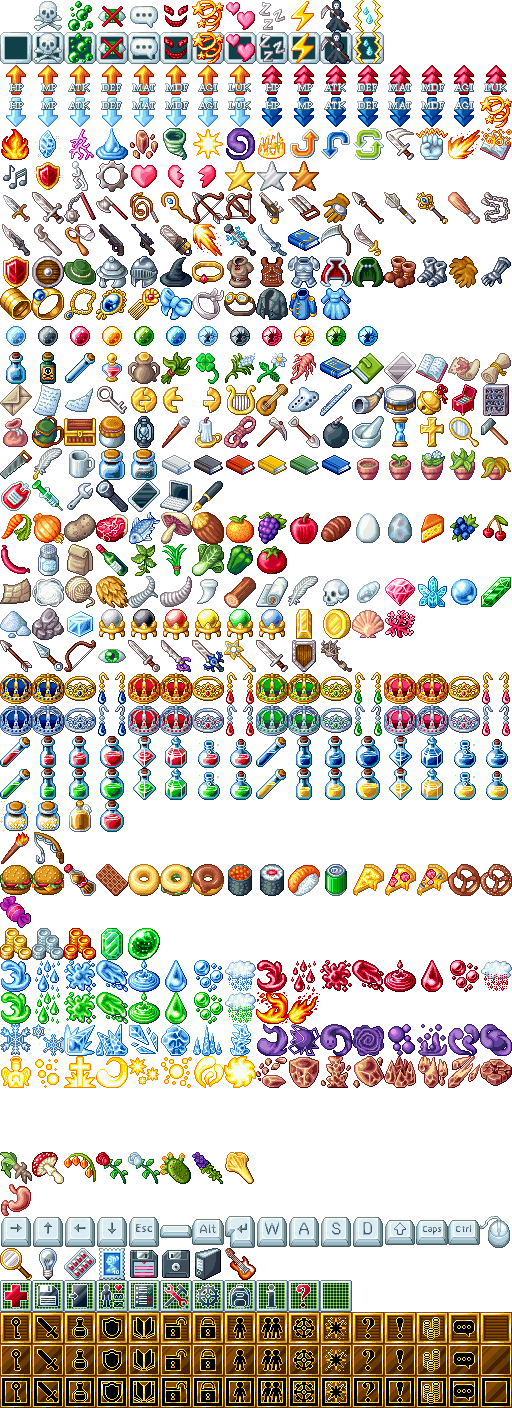
  6. Some random icons that happened from time to time:

    8zq6al63.png
    At first, how did we call them? A heart shaped container icon? Anyways, you want to spice uo your menu, need a magical heart shaped relict or something to display your life points, here you go! Bonus, you can use it as relict you need to fill up during a quest.
    Second, more hearts. Mostly for skills, but also for menus or anywhere else where they could fit it.
    Third, there are still gaps in the elemental icons, and I try to add the missing ones. Mostly because I am not really good at skills, but I guess that is what people need? It is hard to tell what the set lacks, and that kind of blocks me from time to time^^;
    Last, a mp3-player. It was the only modern thing I could think of when I tried to expand that part of the set. Welp, I am not at my heigth.

    The upscaling rule means anything that blurries out the pixels, especially upscaling the Ace icons for MV. You can manually upcale them, Or you can upscale them with crisp pixels as for example the Time Fantasy or Pop Tiles are upscaled. You cannot upscale them like Yanfly did with the Ace icons. Why? Because I really dislike the result of that upscaling, I don't spend hundreds of hours on pixel art to have it blurried out in the end.
  7. Oh makes very much sense. Also very nice work on all your pixels art! I love them all! Hope much good happens to you.
  8. The new icons look stunning against a dark background. I didn't think there was room for it, but you're improving. Really fantastic!
  9. If someday I make a Zelda fan game, I will obviously use you heart icons, they look amazing !
  10. Avery said:
    Some random icons that happened from time to time:
    8zq6al63.png
    So cute! Thank you @Avery
  11. Most of you might already know this, but I though I should add this workaround to the startpost and bring back the attention to it:
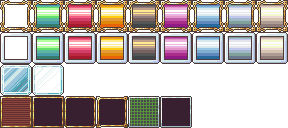
    I added three borders, one modern, one very simple and one medium fancy, so there should be something for all types of games?
    rpyxbppb.png->oaxxcwun.png
    I know, it might be a bit of work, but the results are just so much better than upscaling. I will also add this to the original post so it can be found easier.

    Here a repost of the tutorial, if you missed it:
    Tutorial
    Let's take for example this little piece of my icons:
    yj55jew7.png

    At first we need to enlage the canvas by 133,33% in both directions:
    njgpz4ry.png

    Then we add an 8x8 grid, best a magnetic one:
    w4m4zxtz.png

    And now we cut the rows and move them down - the first by 8, the other by 16 pixels. We do the same for the colums, first row is moved by 8, rest by 16 pixels. Now every icon is placed like this in the grid:
    2eszqyoc.png

    Now just change the grid to 32*32 magnetic grid and choose your favourite tweak. Add a layer behind the icons and fill in the tweaks you like where you want them by simple choose and fill. For the glassy ones add the second part of the tweak on a layer above the icons:
    5zownfna.png
  12. Thanks @Avery I might use that tutorial :D
  13. Thank you for sharing your work! Those icons are really great))
    I wanted to ask something. Can I use those icons in the tileset? For example copy an apple from the icon set and past it into tileset B? Or it only can be used as icons for items/skills?
  14. Yulia said:
    Can I use those icons in the tileset?

    There are edits of these icons into character-sheets by Fizzly (page 69 or so), so I'm quite sure you can use them in tile sets too...
  15. I just spent some time following your tutorial and thus resizing all of your XP/VX/VX Ace Icons for MV without adding the borders.
    If you allow it, I can uplode the file here, so others won't have to do the same.
  16. Hey Avery~
    Your icons are really great!!!!
    Could you.... maybe.... make a few more crystals in different shapes? That would be so awesome~♥

    Thank you!
  17. yumi1803 said:
    Hey Avery~
    Your icons are really great!!!!
    Could you.... maybe.... make a few more crystals in different shapes? That would be so awesome~♥

    Thank you!
    Like the title says
    atm no more requests please
    (atm means at the moment I think.)
  18. Avery said:
    MV 32*32

    Spoiler
    uiylug8j.png

    8zq6al63.png
    Would I be allowed to use this icon set without a VX Ace license?
    I'm only asking since a lot of them seem to be based on the VX Ace icon set, but not taken or edited directly from it.
  19. It would be nice if you could work on some different types of key icons for MV.
  20. MattNJ89 said:
    It would be nice if you could work on some different types of key icons for MV.
    Just check the very first post and scroll down until you see Modular icons MV. I don't remember how many key combinations you can make, but it's a lot.