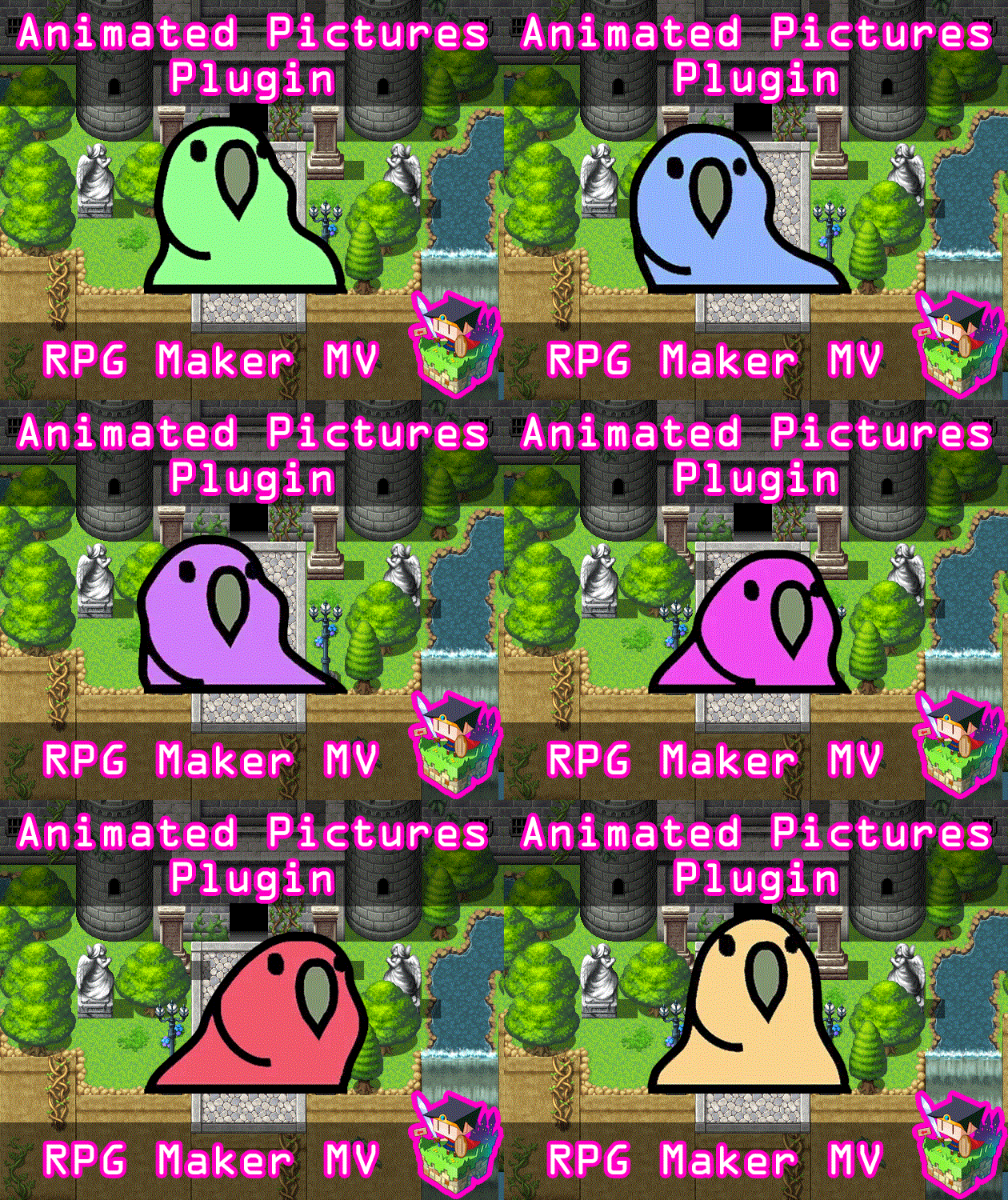
Plugin Parameters
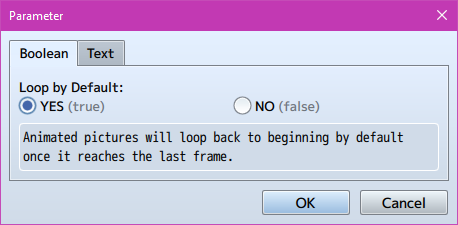
Loop by Default: Animated pictures will loop back to beginning by default once it reaches the last frame.

Wait Frames Default: Default number of frames to wait before moving to next picture cell. The lower the number, the faster it goes (1 is the fastest). The higher the number, the slower it goes.
Instructions
Save your animated picture into your game project's img/pictures folder. The filename must be named with the following format:
filename[HxV]
Replace H in the filename with the number of horizontal cells it has. Replace Vin the filename with the number of vertical cells it has. The number of total cells it has available is equal the multiplicative product of the horizontal and vertical cells.
For example:
"Parrot[3x2]" will have 3 horizontal cells and 2 vertical cells. This means
there are a total of 6 cells that will be used for this animated picture.
Animations will be played from left to right, then up to down so please arrange them as such. For example, 4x5 will play like this:
1 2 3 4
5 6 7 8
9 10 11 12
13 14 15 16
17 18 19 20
Keep this in mind as you format your animated pictures.
For a sample picture to try out, use this:
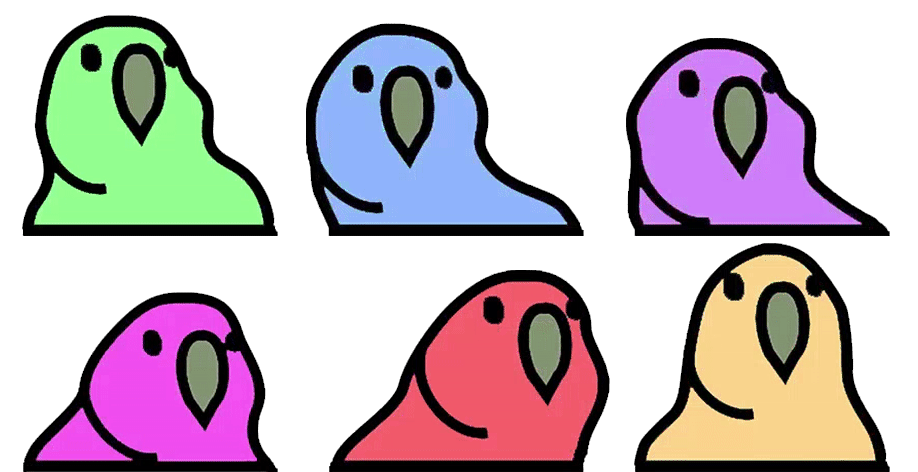
Save it as Parrot[3x2].png in your img/pictures folder and use a Show Picture to display it in-game.
Plugin Commands
If you want to change the settings of specific pictures like loop or speed, please use these plugin commands to change them:
AnimatedPicture id NoLoop
- Replace id with the ID of the selected picture. The selected picture will not loop after this plugin command takes effect.
AnimatedPicture id Loop
- Replace id with the ID of the selected picture. The selected picture will loop after this plugin command takes effect.
AnimatedPicture id Speed x
- Replace id with the ID of the selected picture. Replace x with the number of frames to wait in between animated cells. The higher the number, the faster the picture will animate. The lower the number, the slower the picture will animate. The lowest the speed can go is 1.
AnimatedPicture id Reset
- Replace id with the ID of the selected picture. This will reset the loop and speed settings for that picture to whatever the value is in the plugin parameters set for default.
Good Practices
The plugin will perform at near 60 FPS if you follow the 5 practices below:
- Use animated pictures sparingly if possible. RPG Maker MV's cache has a limited size to it, which means the more animated pictures you use, the faster it will fill up. And the faster it fills up, the more it needs to be emptied to allow other assets in your game to load at all.
- If you do use animated pictures, trim down as much empty space as possible and keep picture cells to a minimum size to reduce bloating the cache.
- If it is practical, make your sprite sheet cells work towards a power of 2 (ie: sizes of 32x32, 64x64, 128x128, 256x256, etc). Bitmaps render best when it works in this cell range. This is not necessary, but it is a thing to keep in mind.
- Limit the amount of colors used in the animated picture to reduce the filesize of the image and reduce the strain on the cache. Use more flat colors instead of gradients. These work better for the engine.
- When you are done using the animated picture, use the Erase Picture command to clear the picture from use. This will stop the animation frame calculating and reduce strain on your game.
This plugin is made for RPG Maker MV versions 1.6.1 and below. If you update RPG Maker MV past that and this plugin breaks, I am NOT responsible for it.
Terms of Use
1. These plugins may be used in free or commercial games.
2. 'Fallen Angel Olivia' must be given credit in your games.
3. You are allowed to edit the code.
4. Do NOT change the filename, parameters, and information of the plugin.
5. You are NOT allowed to redistribute these Plugins.
6. You may NOT take code for your own released Plugins without credit.